1. پیژندنه
This manual provides instructions for the proper setup, operation, and maintenance of your SUBSONIC Dual Charging Station for PlayStation 4 controllers. This charging station is designed to charge and store two DualShock 4 controllers simultaneously, compatible with PlayStation 4, PS4 Slim, and PS4 Pro consoles.
2. د بسته محتويات
- SUBSONIC Dual Charging Station
- د USB چارج کیبل
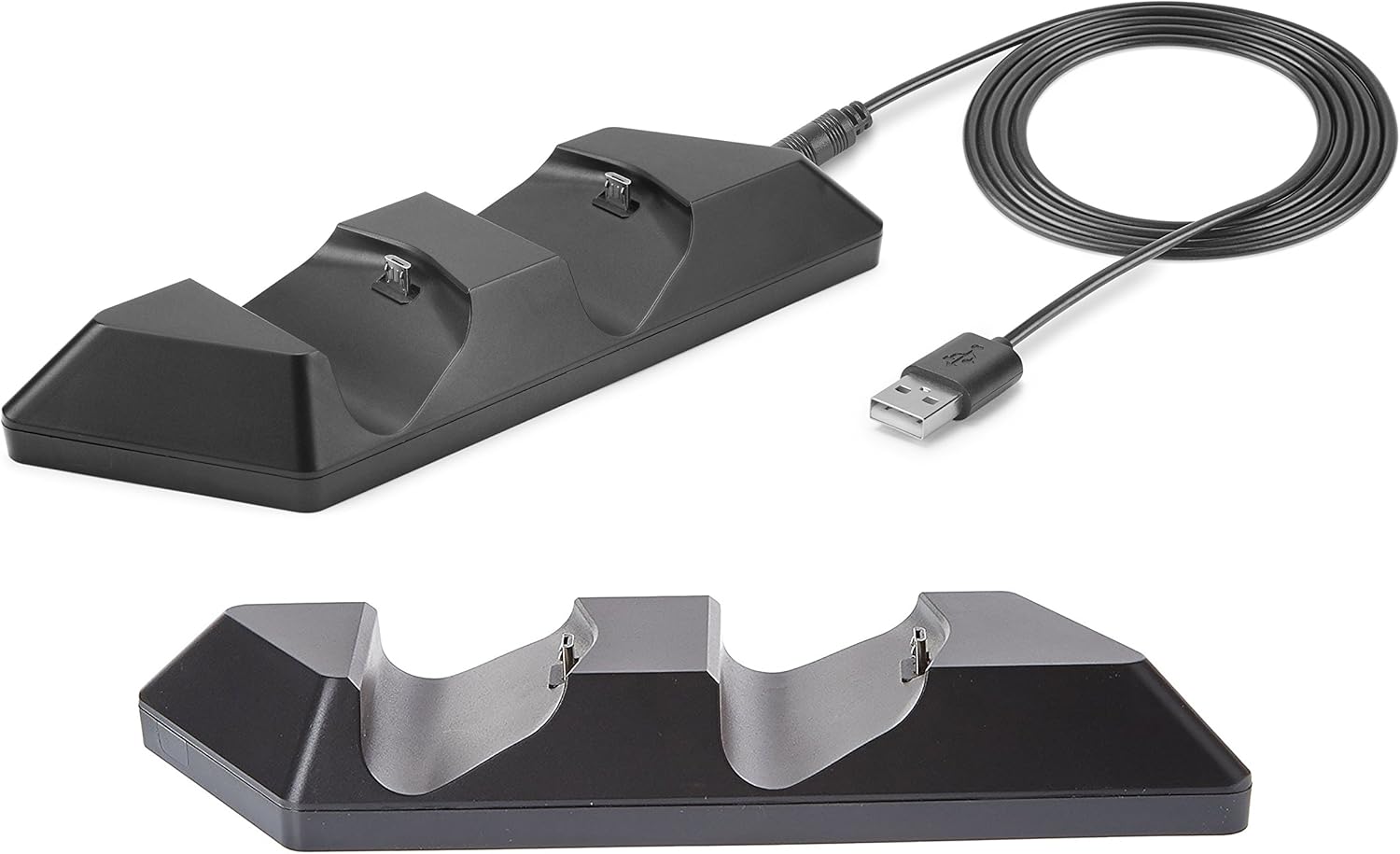
Image: The SUBSONIC Dual Charging Station and its included USB cable. The station features two controller slots and a USB port for connection.
۴. د تنظیم لارښوونې
- Connect the small end of the included USB charging cable to the USB port located on the back of the SUBSONIC Dual Charging Station.
- Connect the standard USB-A end of the cable to an available USB port on your PlayStation 4 console (PS4, PS4 Slim, or PS4 Pro). The charging station will power on.
- Carefully align your DualShock 4 controllers with the charging ports on the station and gently place them into the slots. Ensure a secure connection.

Image: The SUBSONIC Dual Charging Station connected to a PlayStation 4 console via USB, with two DualShock 4 controllers placed in the charging slots. The image highlights the 'FAST CHARGING' capability.
4. عملیاتي لارښوونې
4.1 Charging Controllers
- Once controllers are placed correctly in the charging station and the station is connected to the console, charging will begin automatically.
- The light bar on your DualShock 4 controller will illuminate orange to indicate that it is currently charging.
- When the controller is fully charged, the orange light bar will turn off.
- The charging station provides ultra-fast charging directly from the console's USB port.
4.2 د ذخیره کولو فعالیت
The charging station also serves as a convenient storage base for your DualShock 4 controllers when not in use, keeping them organized and ready for gameplay.
5. ساتنه
- To clean the charging station, disconnect it from the power source and wipe it with a soft, dry cloth.
- د کثافاتو پاکوونکي یا محلول مه کاروئ.
- Ensure the charging ports are free from dust and debris for optimal connection.
6. ستونزه حل کول
- کنټرولر چارج نه کوي:
- Ensure the USB cable is securely connected to both the charging station and the PS4 console.
- Verify that the controller is properly seated in the charging slot.
- Try connecting the charging station to a different USB port on the console.
- Test the USB cable with another device to confirm it is functional.
- ورو چارج کول:
- Ensure the PS4 console is powered on or in rest mode with USB power supply enabled.
- Avoid using USB hubs or extension cables that may reduce power delivery.
7. مشخصات
| د ماډل شمیره | SA5356 |
| د محصول ابعاد | 20 x 15 x 4 سانتي متره |
| وزن | 120 ګرامه |
| مطابقت | PlayStation 4, PS4 Slim, PS4 Pro DualShock 4 controllers |
8. تضمین او ملاتړ
For warranty information or technical support, please refer to the documentation provided with your purchase or contact SUBSONIC customer service through their official webسایټ. د تضمین ادعاوو لپاره د پیرود ثبوت وساتئ.


