1. پیژندنه
This manual provides essential information for the installation, operation, and maintenance of your AMD Radeon Pro WX 9100 Graphics Card. Please read this manual thoroughly before installing and using the product to ensure optimal performance and safety.
The AMD Radeon Pro WX 9100 is a high-performance graphics card designed for professional workstations, offering 16 GB of HBM2 memory and advanced features for demanding visual computing tasks, including VR and multi-display setups.
2. د خوندیتوب معلومات
د محصول د زیان یا ځان ته د زیان رسولو مخنیوي لپاره لاندې خوندیتوب احتیاطي تدابیر په پام کې ونیسئ:
- تل د هر ډول اجزاو نصبولو یا لرې کولو دمخه له خپل کمپیوټر څخه بریښنا قطع کړئ.
- حساسو برخو ته د الکتروسټاتیک خارجیدو (ESD) زیان مخنیوي لپاره د جامد ضد لاس پټه واغوندئ.
- Handle the graphics card by its edges to avoid touching the gold connectors or components.
- د ډیر تودوخې مخنیوي لپاره د خپل کمپیوټر په بکس کې مناسب هوا ورکول ډاډمن کړئ.
- د ګرافیک کارت رطوبت یا سختې تودوخې ته مه ښکاره کوئ.
3. د بسته محتويات
ډاډ ترلاسه کړئ چې ټول توکي په کڅوړه کې شتون لري:
- AMD Radeon Pro WX 9100 Graphics Card
- 4 Mini-DisplayPort to DisplayPort adapters
- 1 Mini-DisplayPort to HDMI 1.4 passive adapter
- 1 Mini-DisplayPort to DVI passive adapter
- 1 "flat" board retention bracket for OEM chassis
- 1 "Bent" board retention bracket for OEM chassis
- 1 3D stereo sync cable
4. محصول ختم شوview
The AMD Radeon Pro WX 9100 is engineered for professional applications requiring high graphical fidelity and computational power. Key features include:
- 16GB HBM2 Memory: Provides high bandwidth for large datasets and complex models.
- PCIe 3.0 x16 Interface: Ensures high-speed data transfer with the motherboard.
- Designed for VR: Optimized for virtual reality content creation and experiences.
- د څو نندارې ملاتړ: Capable of driving up to six high-resolution displays.

شکل 1: مخکی view of the AMD Radeon Pro WX 9100 Graphics Card, showing the blue shroud and fan.
5. ترتیب او نصب کول
5.1 د سیسټم اړتیاوې
- Available PCIe 3.0 x16 slot.
- Sufficient power supply with required PCIe power connectors. Refer to your system's power supply documentation for compatibility.
- Compatible operating system (Windows, macOS, Linux).
5.2 فزیکي نصب کول
- خپل سیسټم چمتو کړئ: خپل کمپیوټر بند کړئ او ټول کیبلونه جلا کړئ. د کمپیوټر کیس خلاص کړئ.
- د PCIe سلاټ ومومئ: په خپل مور بورډ کې د PCIe 3.0 x16 شته سلاټ وپیژنئ.
- Remove slot cover: Remove the metal slot cover(s) from the back of your computer case corresponding to the PCIe slot.
- Insert graphics card: د ګرافیک کارت په احتیاط سره د PCIe سلاټ سره تنظیم کړئ او په کلکه فشار ورکړئ تر هغه چې په خوندي ډول ځای په ځای شي. ډاډ ترلاسه کړئ چې د ساتلو کلپ په خپل ځای کې لاک شوی دی.
- کارت خوندي کړئ: Fasten the graphics card to the computer case using the screw or retention mechanism.
- د بریښنا نښلول: Connect the necessary PCIe power cables from your power supply to the graphics card. The Radeon Pro WX 9100 typically requires external power connectors.
- قضیه وتړئ او بیا وصل شئ: خپل کمپیوټر قضیه بنده کړئ او ټول کیبلونه بیا وصل کړئ.
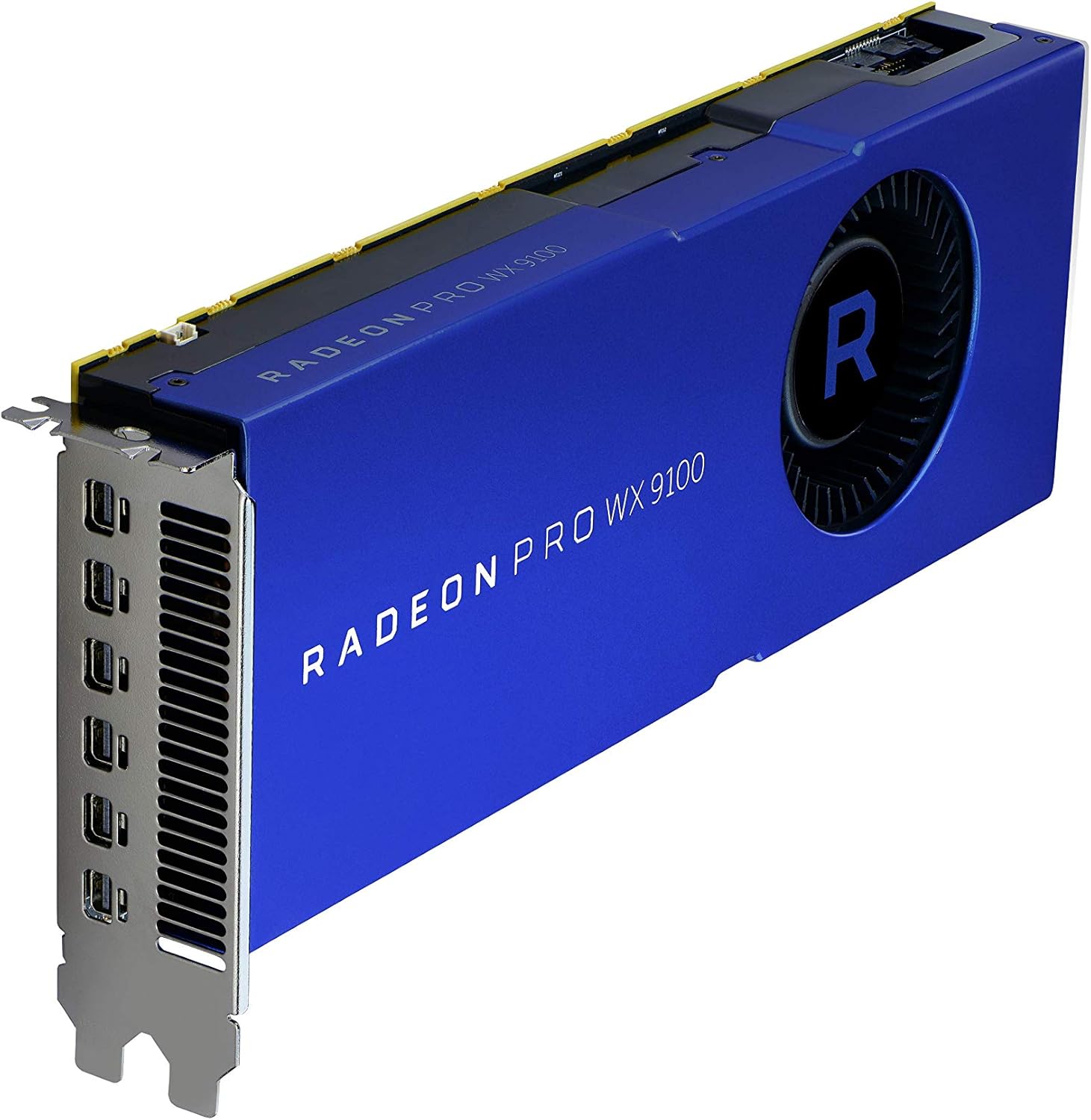
شکل ۳: زاویه لرونکی view of the graphics card, highlighting the multiple Mini-DisplayPort outputs.
5.3 د ډرایور نصب کول
After physical installation, power on your computer. The operating system may automatically detect the new hardware. For optimal performance and full functionality, install the latest drivers:
- رسمي AMD څخه لیدنه وکړئ webسایټ: www.amd.com/support
- Navigate to the "Drivers & Support" section.
- Select "Graphics" and then locate the "Radeon Pro WX 9100" model.
- Download the appropriate driver package for your operating system.
- انسټالر چل کړئ او په سکرین کې لارښوونې تعقیب کړئ. ممکن د سیسټم بیا پیلولو ته اړتیا وي.
۵. د ګرافیک کارت چلول
۳.۱ د نښلولو ښودنې
The AMD Radeon Pro WX 9100 features multiple Mini-DisplayPort outputs. Use the provided adapters to connect your monitors. It supports resolutions up to 7680x4320.
- Connect Mini-DisplayPort to DisplayPort, HDMI, or DVI using the included adapters.
- For optimal performance with high-resolution displays (e.g., 4K, 5K, 8K), ensure you use high-quality, certified cables and adapters.
- The card can drive up to six displays simultaneously. Configure display settings through your operating system's display settings or the AMD Radeon Pro Software.
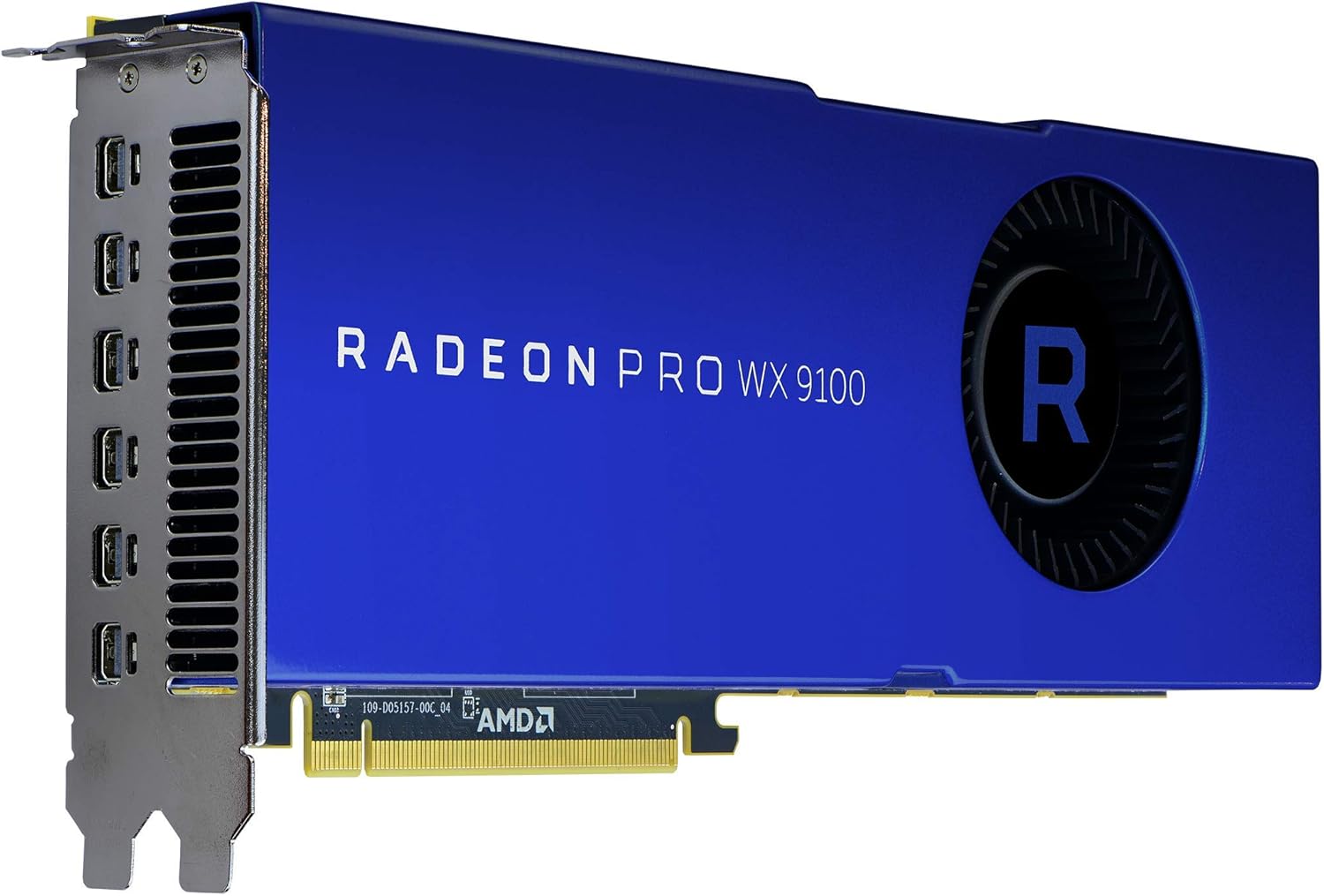
شکل 3: شاته view of the graphics card, showing the cooling fan and power input connectors.
6.2 AMD Radeon Pro Software
The AMD Radeon Pro Software suite provides advanced controls for your graphics card, including:
- د موټر چلوونکي تازه معلومات: Keep your drivers current for performance and stability.
- د ښودنې تشکیلات: Manage multi-display setups, resolutions, and refresh rates.
- غوښتنلیک پروfiles: Optimize settings for specific professional applications.
- د فعالیت څارنه: Monitor GPU usage, temperature, and fan speed.
7. ساتنه
Regular maintenance helps ensure the longevity and performance of your graphics card:
- د دوړو لرې کول: په دوره یي ډول د کمپریس شوي هوا په کارولو سره د فین او هیټسینک څخه دوړې پاکې کړئ. ډاډ ترلاسه کړئ چې کمپیوټر بند دی او د پاکولو دمخه یې پلګ خلاص دی.
- د موټر چلوونکي تازه معلومات: خپل ګرافیک ډرایورونه تازه وساتئ ترڅو د فعالیت ښه والي او د بګ اصلاحاتو څخه ګټه پورته کړئ.
- د سیسټم هوا جریان: Ensure your computer case has good airflow to prevent heat buildup, which can affect card performance and lifespan.
8. ستونزه حل کول
که تاسو له ستونزو سره مخ شئ، نو لاندې عام د ستونزو حل کولو مرحلو ته مراجعه وکړئ:
| ستونزه | احتمالي لامل | د حل لاره |
|---|---|---|
| د ښودلو محصول نشته | Incorrect cable connection, card not seated properly, power cables not connected. | Check all display and power cable connections. Reseat the graphics card in its PCIe slot. Ensure monitor input is set correctly. |
| د سیسټم بې ثباتي یا ټکرونه | Outdated drivers, insufficient power supply, overheating. | Update graphics drivers. Verify your power supply meets the card's requirements. Check system temperatures and ensure adequate cooling. |
| Overheating during heavy load | Poor case airflow, dust buildup on heatsink/fan, aggressive overclocking (if applicable). | Improve case ventilation. Clean dust from the card's fan and heatsink. Ensure fan profiles are set appropriately via AMD Radeon Pro Software. |
| Display issues (flickering, artifacts) | Faulty display cable, driver issues, monitor incompatibility. | Try a different display cable. Reinstall or update graphics drivers. Test with a different monitor if possible. |
9. مشخصات
| فیچر | تفصیل |
|---|---|
| د ماډل شمیره | 100-505957 |
| د ګرافیک کاپروسیسر | AMD Radeon Pro WX 9100 |
| د ګرافیک کارت د RAM اندازه | 16 GB HBM2 |
| د حافظې سرعت | 945 MHz |
| د اعظمي سکرین ریزولوشن | 7680x4320 |
| د ویډیو تولید انٹرفیس | DisplayPort (via Mini-DisplayPort) |
| د توکي وزن | 12.3 اونس (نږدې 348 ګرامه) |
| د محصول ابعاد (LxWxH) | 2.87 x 11.5 x 9.49 انچه |
| جوړونکی | AMD |
| نیټه لومړی شتون لري | د اکتوبر ۲۹، ۲۰۲۳ |
10. تضمین او ملاتړ
The AMD Radeon Pro WX 9100 Graphics Card is backed by AMD's 3-year manufacturer's warranty. For warranty claims or technical support, please contact AMD directly.
د AMD ملاتړ Webسایټ: For the latest drivers, FAQs, and support resources, visit www.amd.com/support.
Please have your product model number (100-505957) and purchase information ready when contacting support.


