1. محصول ختم شوview
The SONICAKE Twiggy Blues is a compact multi-effect pedal designed for guitarists seeking essential blues and retro rock tones. It integrates four core effects: Compressor, Overdrive, Delay, and Reverb, along with a built-in cabinet simulator for direct connection options. This pedal offers a streamlined solution for various playing environments.
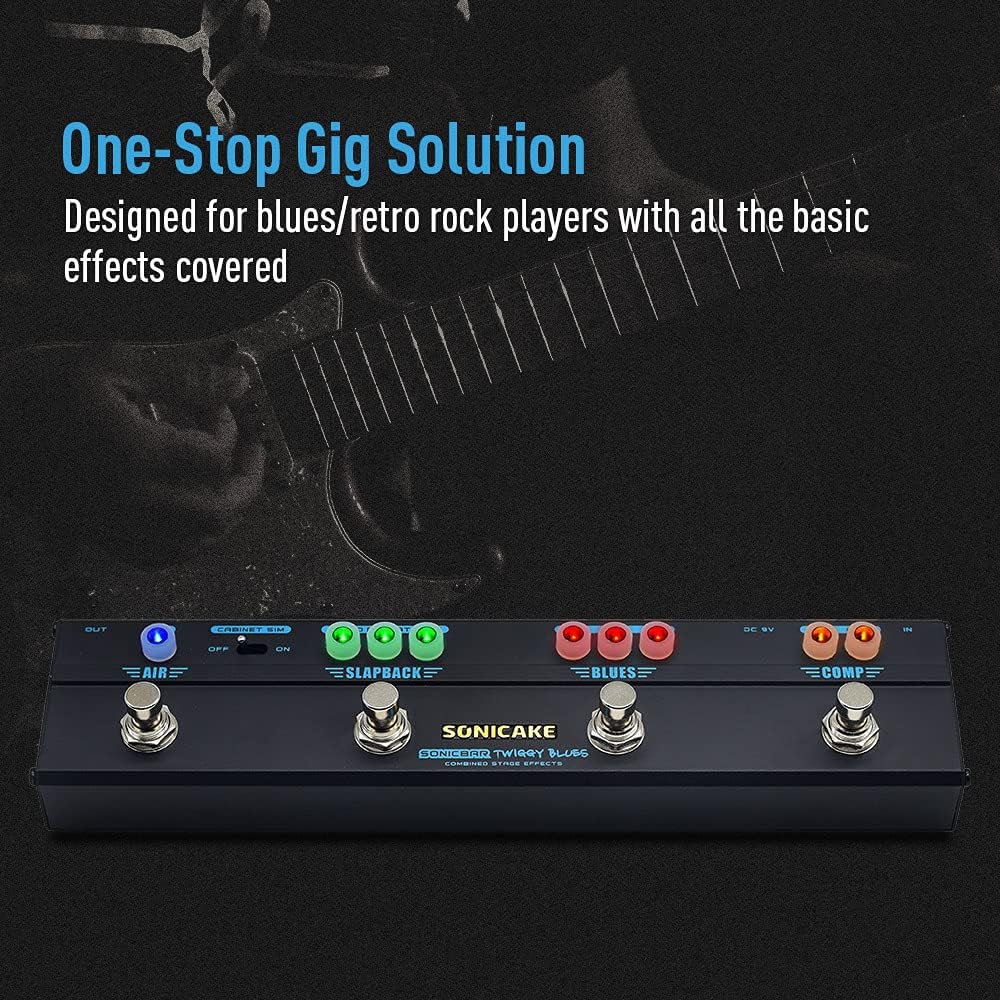
Image 1.1: The SONICAKE Twiggy Blues pedal, showcasing its compact design and integrated effects.
2. ترتیب کول
Follow these steps to set up your Twiggy Blues pedal:
- د بریښنا پیوستون: Connect a standard 9V DC power adapter (center negative) to the "DC 9V" input jack on the pedal. Ensure the power source provides stable and clean power to prevent noise.
- د وسیلې داخلول: Connect your guitar to the "IN" jack on the right side of the pedal using a standard 1/4-inch instrument cable.
- د محصول پیوستون: Connect the "OUT" jack on the left side of the pedal to your amplifier's input or an audio interface/mixer using a standard 1/4-inch instrument cable.
- د کابینې سمول: If connecting directly to a PA system, mixer, or audio interface, ensure the "CABINET SIM" switch is set to "ON". If connecting to a guitar amplifier, set the switch to "OFF" to bypass the cabinet simulation.

Image 2.1: Proper connection of the Twiggy Blues pedal to a guitar and an ampلايف
3. عملیاتي لارښوونې
The Twiggy Blues pedal features four footswitches, each activating a specific effect module. Each module has dedicated control knobs with LED indicators to show the active status.

Image 3.1: Labeled components of the Twiggy Blues pedal.
3.1. د اجزاو پیژندنه
- DC 9V داخلول: د بریښنا اډاپټر پیوستون.
- په جیک کې: د ګیتار ننوتنه.
- Cabinet Simulation Switch: Toggles cabinet simulation ON/OFF.
- بهر جیک: تولید ته ampلایفیر یا آډیو سیسټم.
- COMP Footswitch & Knobs: Activates/deactivates Compressor effect. Knobs control Volume and Compression level.
- BLUES Footswitch & Knobs: Activates/deactivates Overdrive effect. Knobs control Volume, Tone, and Gain.
- SLAPBACK Footswitch & Knobs: Activates/deactivates Delay effect. Knobs control Blend, Repeat, and Time.
- AIR Footswitch & Knob: Activates/deactivates Reverb effect. Knob controls Mix level.
۵. د اغیز ماډلونه
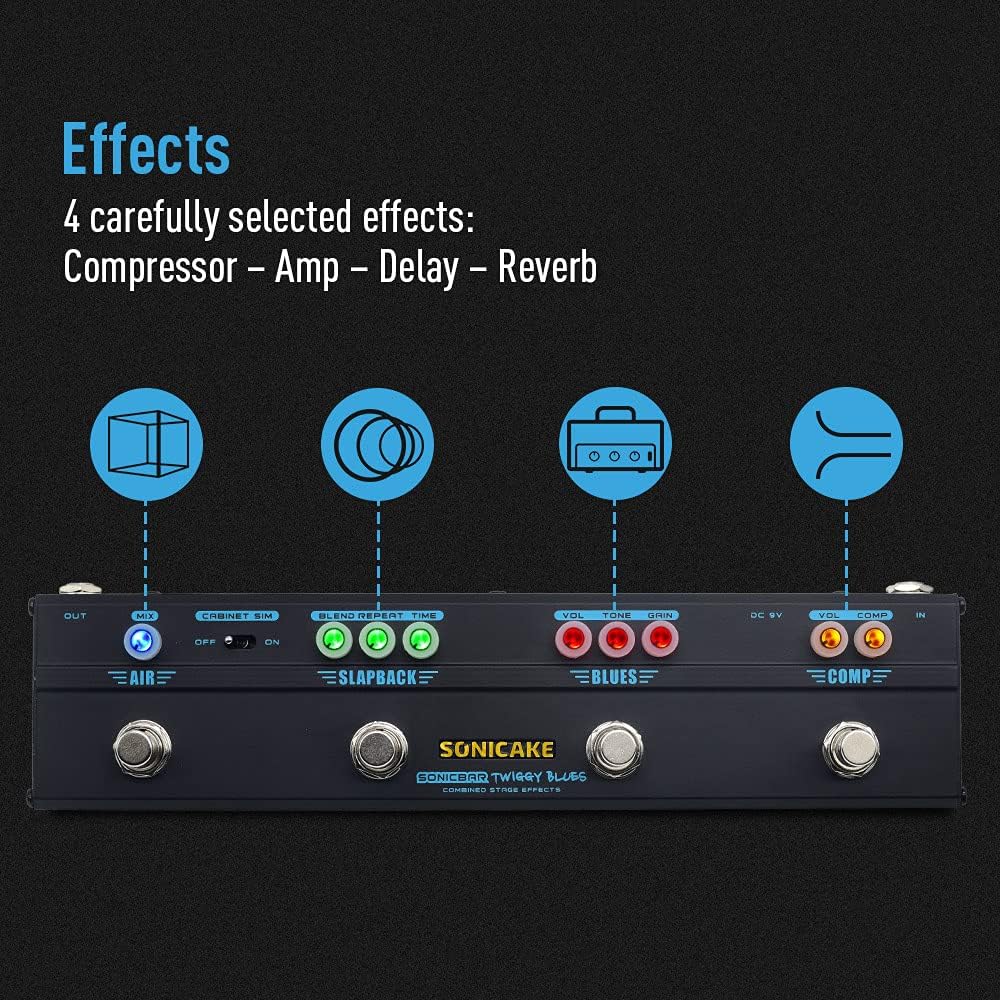
انځور 3.2: اوورview of the four integrated effects.
3.2.1. Compressor (COMP)
The Compressor module provides a smooth and sustained tone. Use the footswitch to engage or bypass the effect.
- حجم: Adjusts the overall output volume of the compressor.
- COMP: Controls the amount of compression applied to the signal. Higher settings result in more sustain and a more even dynamic range.
3.2.2. Overdrive (BLUES)
The BLUES module simulates a vintage Dumble-style tube amplifier, offering a range of overdrive tones suitable for blues and classic rock. Engage with its dedicated footswitch.
- حجم: Sets the output volume of the overdrive effect.
- ټون: Adjusts the tonal character, from darker to brighter.
- ګټه: Controls the amount of distortion or saturation. Lower settings provide a subtle breakup, while higher settings yield more aggressive overdrive.
3.2.3. Delay (SLAPBACK)
The SLAPBACK module provides an analog-voiced delay effect, ideal for adding depth and rhythmic repeats. Activate using its footswitch.
- مخلوط: Controls the mix between the dry signal and the delayed signal.
- تکرار: د ځنډ تکرار شمیر تنظیموي.
- وخت: Sets the delay time, from short slapback echoes to longer repeats (up to 500ms).
3.2.4. Reverb (AIR)
The AIR module offers a high-quality reverb effect to add spaciousness to your sound. Engage with its footswitch.
- مخلوط: Controls the amount of reverb mixed with the dry signal.
3.3. Cabinet Simulation
The built-in cabinet simulation allows for direct connection to a PA system, mixer, or audio interface, providing a guitar cabinet-like sound without needing an amplifier. Use the toggle switch to activate or deactivate this feature.

Image 3.3: The Cabinet Simulation switch for direct output.
3.4. د LED شاخصونه
Each effect module features LED indicators around its control knobs. These LEDs illuminate when the corresponding effect is active, providing clear visual feedback on the pedal's status during use.
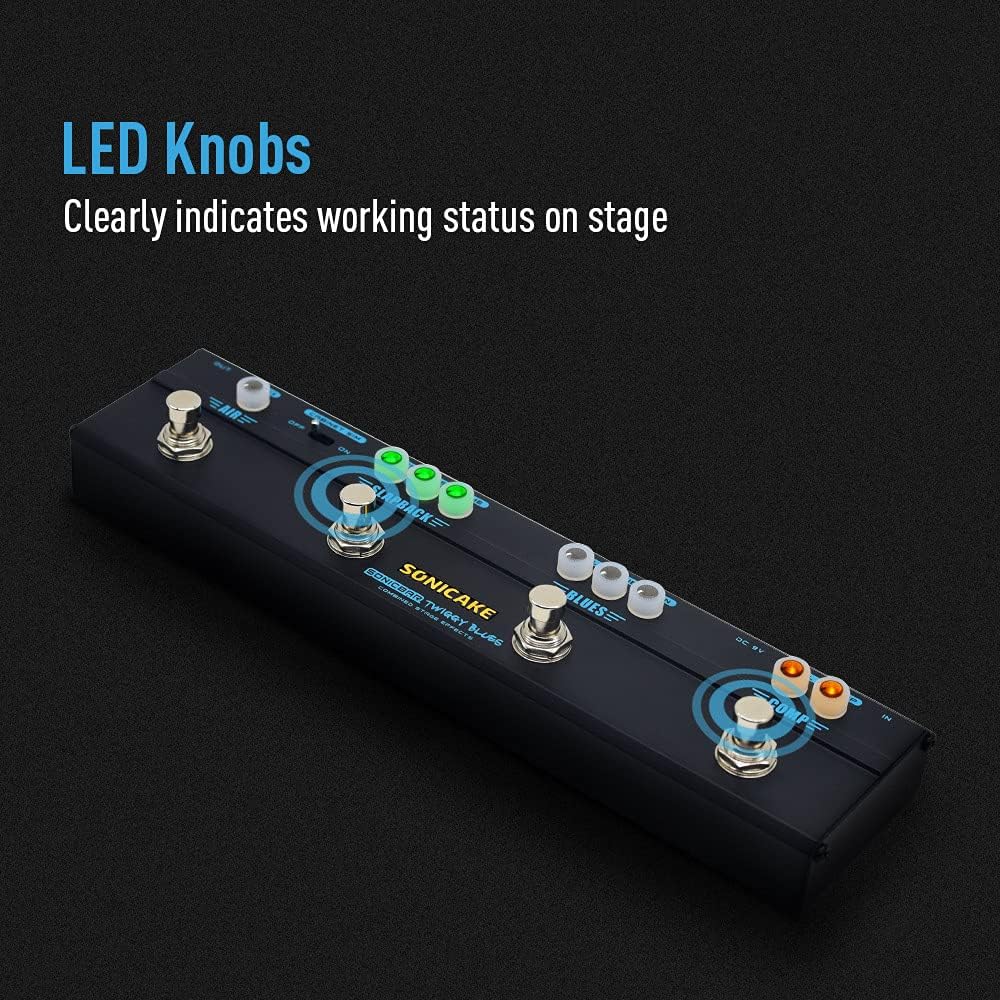
Image 3.4: LED knobs indicating active effects.
4. ساتنه
Proper maintenance ensures the longevity and optimal performance of your Twiggy Blues pedal.
- پاکول: Use a soft, dry cloth to clean the pedal's surface. Avoid abrasive cleaners or solvents, which can damage the finish or internal components.
- ذخیره کول: Store the pedal in a dry environment, away from extreme temperatures, humidity, and direct sunlight. When not in use for extended periods, disconnect the power adapter.
- اړیکې: په دوره یي ډول د کیبل ټولې اړیکې د خرابوالي لپاره وګورئ. ډاډ ترلاسه کړئ چې جیکونه له دوړو او کثافاتو څخه پاک دي.
5. ستونزه حل کول
If you encounter issues with your Twiggy Blues pedal, refer to the following common troubleshooting steps:
- غږ نشته:
- Ensure all cables (input, output, power) are securely connected.
- Verify the power adapter is functioning correctly and providing 9V DC (center negative).
- Check if your guitar and amplifier are working independently.
- Ensure the volume knobs on the pedal and your amplifier are not set to zero.
- ناغوښتل شوی شور/غوغا:
- Use a high-quality, regulated 9V DC power supply specifically designed for guitar pedals.
- ډاډ ترلاسه کړئ چې ټول کیبلونه خوندي او په ښه حالت کې دي.
- Try isolating the pedal from other electronic devices that might cause interference.
- اغېز نه ښکېلول:
- Press the footswitch firmly to ensure it engages. The LED indicator should light up.
- Check the knob settings for the specific effect; some effects may be subtle at low settings.
If problems persist, contact SONICAKE customer support for further assistance.
6. مشخصات
| فیچر | مشخصات |
|---|---|
| د ماډل شمیره | QCE-10-40 |
| د توکي وزن | 0.48 کیلوګرامه (1.06 پونډه) |
| د محصول ابعاد | ۹.۷۴"L x ۵.۹۱"W x ۰.۲۶"H (۲۴.۷۴ سانتي متره x ۱۵.۰۱ سانتي متره x ۰.۶۶ سانتي متره) |
| د بدن مواد | فلزي |
| د بریښنا سرچینه | د بریښنا تار شوی |
| والیtage | 9 ولټه DC |
| د سیګنال بڼه | انلاګ |
| هډوتري برسیر | 3.5mm Audio (likely referring to internal components or specific connections, standard guitar jacks are 1/4 inch) |
| د نښلونکي ډول | 3.5 mm audio (likely referring to internal components or specific connections, standard guitar jacks are 1/4 inch) |
7. تضمین او ملاتړ
For warranty information, product registration, or technical support, please visit the official SONICAKE webسایټ ته مراجعه وکړئ یا مستقیم د دوی د پیرودونکو خدماتو سره اړیکه ونیسئ. د پیرود ثبوت په توګه د پیرود رسید وساتئ.
SONICAKE Official Webسایټ: په ایمیزون کې د سونیکیک پلورنځي څخه لیدنه وکړئ