1. پیژندنه
The MARATHON 100 Hour Direct Entry Digital Tabletop Timer is designed to assist with precise time management for various tasks. Featuring a large, easy-to-read LCD display and a direct entry keypad, this timer offers both countdown and count-up functionalities, a clock mode, and memory presets for repetitive events. Its robust design includes a magnetic back and an integrated kickstand for versatile placement.
2. محصول ختم شوview
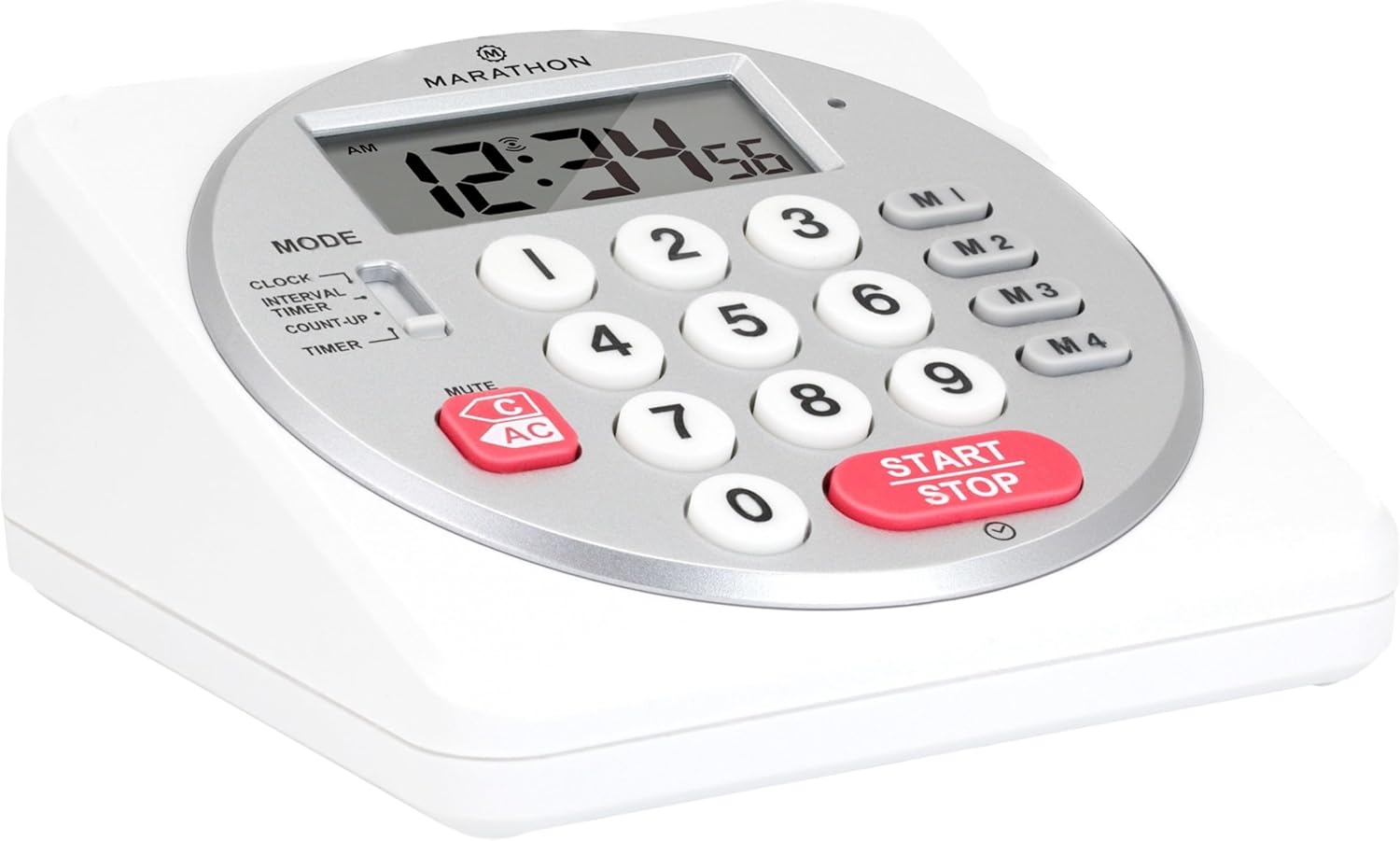
شکل 1: مخکی view of the Marathon Digital Timer.
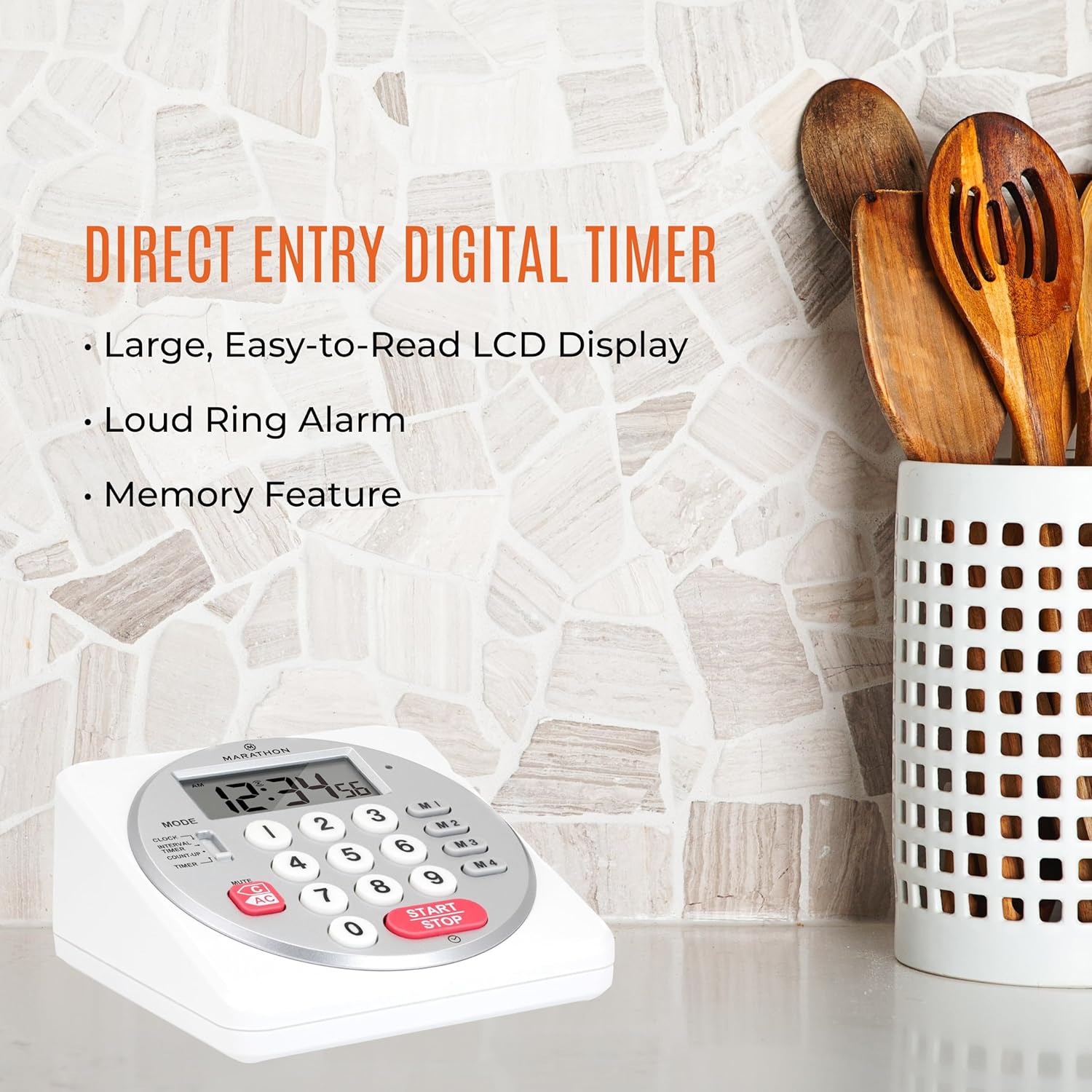
Figure 2: Timer on a kitchen counter, highlighting large display and loud alarm.

Figure 3: Timer showcasing dual function, included batteries, and versatile memory.
کلیدي ځانګړتیاوې:
- Direct Entry Keypad: For quick and precise time setting.
- لوی LCD نندارې: Easy-to-read numbers for clear visibility.
- Dual Function Alarm: Supports both countdown and count-up timing up to 99 hours, 59 minutes, and 59 seconds.
- Loud Ring Alarm: Audible across a room.
- د LED شاخص: Flashing light for silent alarm or hearing impairment assistance.
- Clock Feature: Displays time in 12-hour or 24-hour format when not in timer mode.
- Built-in Memory Function: Stores up to four consecutive times for interval timing and four memory presets for repetitive events.
- څو اړخیز ځای پرځای کول: Integrated kickstand for tabletop use and magnetic back for attachment to metal surfaces.
- بیټرۍ شاملې دي: د 2 AA بیټرۍ سره راځي.
3. ترتیب کول
3.1. د بیټرۍ نصب کول
- Locate the battery compartment cover on the back of the timer.
- پوښ خلاص کړئ.
- Insert two (2) AA batteries, ensuring correct polarity (+/-) as indicated inside the compartment. The timer comes with batteries included.
- د بیټرۍ کمپارټ پوښ په خوندي ډول بدل کړئ.

شکل 4: شاته view with battery compartment and kickstand.
4. عملیاتي لارښوونې
4.1. حالت انتخاب
د کارولو موډ switch located on the side of the timer to select between different functions:
- ساعت: اوسنی وخت څرګندوي.
- INTERVAL TIMER: For setting multiple consecutive timers.
- COUNT-UP: Functions as a stopwatch.
- ټایمر: For setting a single countdown timer.

Figure 5: MODE switch for function selection.
4.2. د ساعت تنظیم کول
- سلایډ کړئ موډ ته واړوئ ساعت.
- فشار ورکړئ او ونیسئ SET تڼۍ تر هغه وخته پورې چې د وخت عددونه فلش پیل شي.
- Use the number keypad (0-9) to enter the desired time (HH:MM).
- مطبوعاتي SET again to confirm and exit clock setting mode.
- د ۱۲ ساعته او ۲۴ ساعته بڼې ترمنځ د بدلولو لپاره، فشار ورکړئ 12/24H button (if available, or refer to specific model instructions).
4.3. Setting a Countdown Timer (TIMER Mode)
- سلایډ کړئ موډ ته واړوئ ټیمر.
- Use the number keypad (0-9) to directly enter the desired countdown time (HH:MM:SS). The timer supports up to 99 hours, 59 minutes, 59 seconds.
- فشار ورکړئ پیل / ودرول د شمېرنې پیل کولو لپاره تڼۍ.
- To pause the timer, press پیل / ودرول again. Press it once more to resume.
- When the countdown reaches zero, the alarm will sound, and the LED indicator will flash. The timer will then automatically begin counting up to show elapsed time since the alarm.
- To stop the alarm and clear the display, press the روښانه تڼۍ
4.4. Using the Count-Up Timer (COUNT-UP Mode)
- سلایډ کړئ موډ ته واړوئ COUNT-UP.
- Ensure the display shows 00:00:00. If not, press روښانه.
- فشار ورکړئ پیل / ودرول د شمېرنې پیل کولو لپاره تڼۍ.
- د شمېرنې د بندولو لپاره، فشار ورکړئ پیل / ودرول again. Press it once more to resume.
- To reset the count-up timer to zero, press روښانه.
4.5. Using Memory Functions (M1-M4 Presets)
The timer features four memory buttons (M1, M2, M3, M4) for storing and recalling frequently used times or for interval timing.
- In ټیمر mode, enter the desired time using the number keypad.
- Press and hold one of the memory buttons (M1-M4) until the display confirms the time has been saved.
- To recall a saved time, simply press the corresponding memory button (M1-M4). The saved time will appear on the display, ready to start.
- For interval timing, set the first interval, save it to M1. Then set the second interval, save it to M2, and so on. You can then cycle through these presets as needed.
۵. د الارم حجم تنظیم کول
The timer features a volume switch, typically located on the side or back, allowing you to select between different alarm levels (e.g., High, Low, Mute) or a flashing LED indicator for silent operation.
5. ساتنه
- ټایمر په نرم سره پاک کړئ، دamp ټوکر. د کثافاتو پاکوونکي مه کاروئ او نه هم واحد په اوبو کې ډوب کړئ.
- Avoid exposing the timer to extreme temperatures or direct sunlight for prolonged periods.
- If the display becomes dim or the alarm weakens, replace the batteries promptly.
6. ستونزه حل کول
| ستونزه | احتمالي لامل | د حل لاره |
|---|---|---|
| ټایمر نه چالانېږي. | بیټرۍ مړه شوي یا په غلط ډول نصب شوي. | د بیټرۍ قطبي والی وګورئ یا د نوي AA بیټرۍ سره بدل کړئ. |
| ښودنه تیاره ده. | د بیټرۍ ټیټ ځواک. | بیټرۍ بدل کړئ. |
| الارم نه غږېږي. | Alarm volume is set to mute or low. | Check the alarm volume switch and adjust as needed. |
| ټایمر د تڼۍ فشارونو ته ځواب نه ورکوي. | Unit may be in a locked state (if applicable) or requires a reset. | Remove and reinsert batteries to perform a hard reset. Check for any lock switches. |
7. مشخصات
- ماډل: TI030018WH
- نښه: ماراتون
- مواد: پلاستیک
- ابعاد: 4.45 x 2.64 x 4.45 انچه
- د توکي وزن: 7.1 اونس
- د بریښنا سرچینه: 2 x AA بیټرۍ (شامل دي)
- Max Timer Duration: ۹ ساعته، ۵۹ دقیقې، ۵۹ ثانیې
- ځانګړتیاوې: Direct Entry, Dual Function (Count-up/Count-down), Clock, Memory Presets, LED Indicator, Magnetic Back, Kickstand
- UPC: 063442000342

شکل ۵: د محصول ابعاد.
8. تضمین او ملاتړ
د تضمین معلوماتو یا تخنیکي ملاتړ لپاره، مهرباني وکړئ د تولید کونکي چارواکي ته مراجعه وکړئ webسایټ ته مراجعه وکړئ یا د دوی د پیرودونکو خدماتو څانګې سره اړیکه ونیسئ. د پیرود ثبوت په توګه د پیرود رسید وساتئ.


