پیژندنه
This manual provides essential information for the installation, operation, and maintenance of your Intel Core i7-8700 processor. The Intel Core i7-8700 is a high-performance desktop processor featuring 6 cores and 12 threads, designed for the LGA 1151 socket. It supports a 64-bit instruction set with extensions including Intel SSE4.1, Intel SSE4.2, and Intel AVX2, and incorporates Intel Hyper-Threading Technology.
مهرباني وکړئ دا لارښود په دقت سره ولولئ مخکې له دې چې نصب کول پیل کړئ ترڅو مناسب تنظیم او غوره فعالیت ډاډمن شي.
1. ترتیب او نصب کول
Proper installation of your Intel Core i7-8700 processor is crucial for system stability and performance. This processor is compatible only with motherboards based on Intel 300 Series Chipsets.
1.1 مخکې له دې چې تاسو پیل کړئ
- Ensure your motherboard supports the LGA 1151 socket and is based on an Intel 300 Series Chipset.
- Gather necessary tools: thermal paste, CPU cooler, screwdriver, anti-static wrist strap (recommended).
- Power off and unplug your computer from the wall outlet.
- د ځمکې لاندې فلزي شی سره په لمس کولو سره هر ډول جامد بریښنا خارج کړئ.
۴.۲ د پروسیسر نصبولو مرحلې
- د مور بورډ چمتو کول: Locate the CPU socket on your motherboard. Lift the load plate lever to open the socket.
- پروسیسر سم کړئ: Carefully remove the processor from its packaging. Note the two alignment notches on the processor and the corresponding keys on the socket. Do not force the processor into the socket.
- پروسیسر دننه کړئ: Gently place the processor into the socket, ensuring the notches align perfectly with the keys. The processor should drop into place without resistance.
- پروسیسر خوندي کړئ: Lower the load plate and then push down the load plate lever until it clicks into place, securing the processor.
- حرارتي پیسټ تطبیق کړئ: د پروسسر د مدغم تودوخې خپریدونکي (IHS) په مرکز کې د لوړ کیفیت حرارتي پیسټ یوه کوچنۍ اندازه د نخود د دانې په اندازه واچوئ.
- د CPU کولر نصب کړئ: Carefully place your CPU cooler onto the processor, ensuring even pressure distribution. Secure the cooler according to its manufacturer's instructions. Connect the CPU cooler fan cable to the designated header on the motherboard.
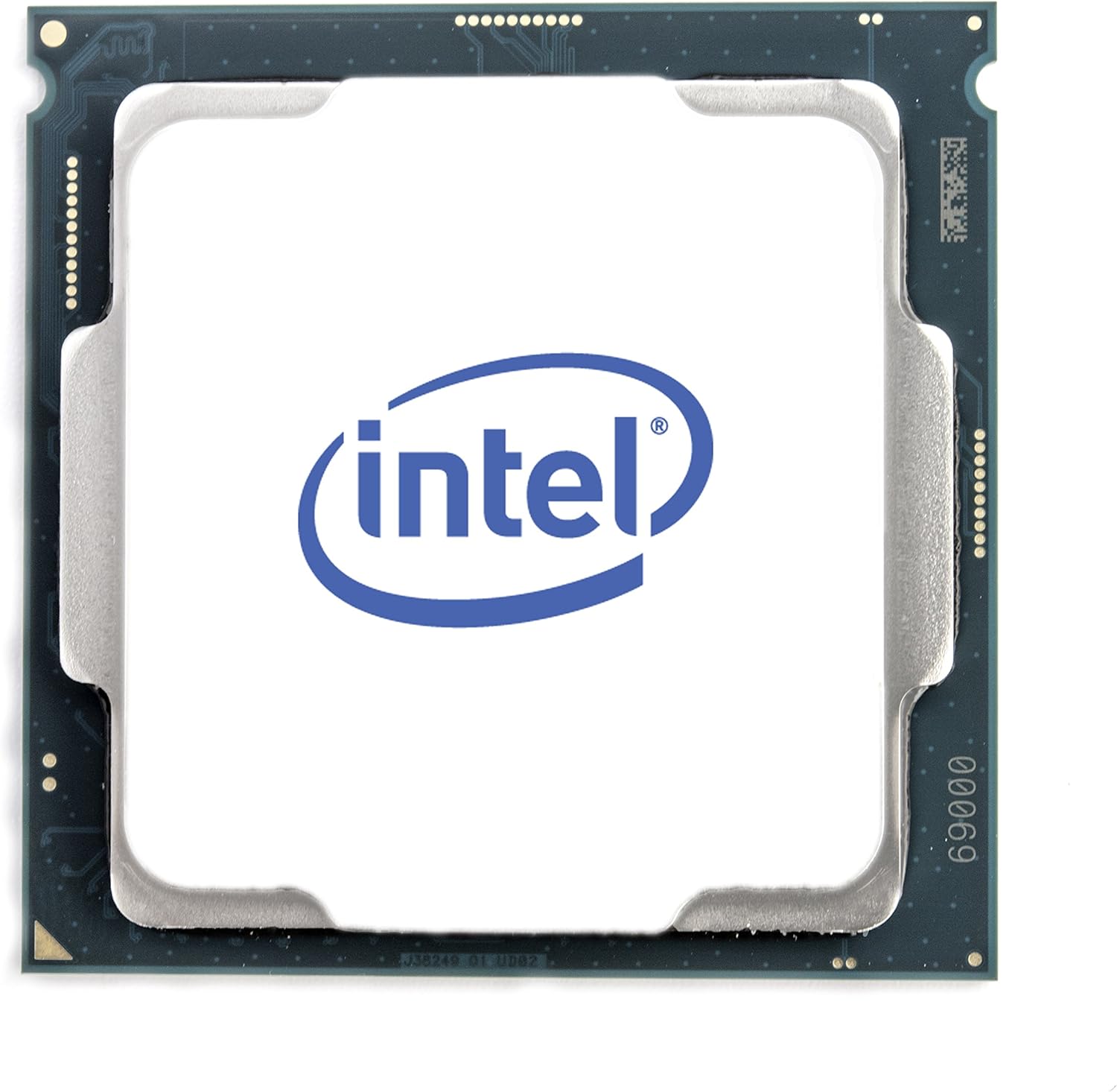
شکل 1: پورته view of the Intel Core i7-8700 processor. This image displays the processor's integrated heat spreader with the Intel logo, indicating the orientation for installation.

شکل 2: لاندې view of the Intel Core i7-8700 processor. This image illustrates the contact pads on the underside of the processor, which connect to the motherboard's LGA 1151 socket.
۱۳. عملیاتي معلومات
The Intel Core i7-8700 processor is designed for general computing tasks, including gaming, content creation, and everyday productivity. It features Intel UHD Graphics 630, allowing for basic display output without a dedicated graphics card, though a discrete GPU is recommended for demanding graphical applications.
2.1 د سیسټم اړتیاوې
- موربورډ: Intel 300 Series Chipset with LGA 1151 socket.
- رام: DDR4 memory (specific speeds and capacities depend on motherboard support).
- د بریښنا رسول: Adequate wattage to support the CPU and other system components.
- عملیاتي سیسټم: Compatible with Windows 10 (64-bit), Linux distributions, etc.
2.2 د فعالیت ځانګړتیاوې
- د Intel Hyper-threading ټیکنالوژي: Allows each physical core to run two threads simultaneously, improving multitasking performance.
- د انټیل ټربو بوسټ ټیکنالوژي: Dynamically increases the processor's frequency up to 4.60 GHz when needed, optimizing performance for demanding workloads.
- د انټیل آپټین حافظه ملاتړ شوې: Enhances system responsiveness by accelerating frequently accessed data.
3. ساتنه
While processors generally require minimal maintenance, ensuring proper cooling and a clean environment can extend their lifespan and maintain optimal performance.
- حرارتي پیسټ: Over time, thermal paste can dry out. If you notice increased CPU temperatures, consider reapplying fresh thermal paste.
- CPU Cooler Cleaning: Regularly clean dust from your CPU cooler's heatsink and fan. Accumulated dust can impede airflow and lead to overheating. Use compressed air for this purpose.
- د قضیې هوا جریان: ډاډ ترلاسه کړئ چې ستاسو د کمپیوټر کیس په کافي اندازه هوا جریان لري ترڅو تودوخه په مؤثره توګه خپره کړي. د انټیک او ایستګ وینټونه له خنډونو څخه پاک وساتئ.
- د BIOS/UEFI تازه معلومات: Keep your motherboard's BIOS/UEFI firmware updated. These updates often include performance improvements, bug fixes, and enhanced compatibility.
4. ستونزه حل کول
دا برخه هغه عامې ستونزې په ګوته کوي چې تاسو یې د خپل پروسیسر سره مخ کیدی شئ.
| ستونزه | احتمالي لامل | د حل لاره |
|---|---|---|
| System does not boot / No display. | Improper CPU installation, bent pins (unlikely for LGA), incompatible motherboard, insufficient power. |
|
| High CPU temperatures. | Insufficient thermal paste, improperly seated CPU cooler, poor case airflow, faulty cooler fan. |
|
| System instability / Crashes. | Overheating, unstable overclock (if applied), faulty RAM, driver issues. |
|
5. مشخصات
Detailed technical specifications for the Intel Core i7-8700 processor (SR3QS).
- Cores / Threads: ۶ کورونه / ۱۲ تارونه
- د ساعت د اساسي سرعت: 3.20 GHz
- د ټربو اعظمي فریکونسي: تر 4.60 GHz پورې
- زیرمه: ۸ ایم بي انټل سمارټ کیچ
- د بس سرعت: ۵ GT/s DMI3
- TDP: 65W
- ساکټ: LGA 1151
- لیتوګرافي: 14 nm
- مربوط ګرافیک: د انټل UHD ګرافیک 630
- لارښود سیټ: 64-بټ
- Instruction Set Extensions: Intel SSE4.1, Intel SSE4.2, Intel AVX2
- ملاتړ شوي ټیکنالوژي: Intel Hyper-Threading Technology, Intel Turbo Boost Technology, Intel Optane Memory Supported
- د محصول ابعاد: 4.7 x 4.2 x 4.7 انچه
- د توکي وزن: 0.811 اونس
6. تضمین او ملاتړ
This Intel Core i7-8700 processor is a renewed product. Renewed products typically come with a limited warranty provided by the seller or refurbisher, not directly by the original manufacturer (Intel) for the renewed status. Please refer to the specific warranty information provided at the point of purchase or by the seller, "Maestro Tech Reconditioned".
For technical support related to installation or troubleshooting, it is recommended to consult your motherboard's manual, the seller's support channels, or Intel's official support resources for general processor information.
پلورونکی: Maestro Tech Reconditioned
د بیرته راستنیدو عادي پالیسي: 90-day refund/replacement (as per product listing information).
د نورو مرستو لپاره، تاسو کولی شئ لیدنه وکړئ د ایمیزون نوي شوي پلورنځی یا مستقیم له پلورونکي سره اړیکه ونیسئ.


