1. پیژندنه
Thank you for choosing the Cshidworld G33Pro-W Wireless Earbuds. This manual provides detailed instructions on how to set up, operate, and maintain your earbuds to ensure optimal performance and longevity. Please read this manual carefully before using the product and keep it for future reference.
2. د بسته محتويات
- Cshidworld G33Pro-W Wireless Earbuds (Left and Right)
- د پورټ ایبل چارج کولو قضیه
- د USB چارج کیبل
- د کارن لارښود
3. محصول ختم شوview

Image: The Cshidworld G33Pro-W Wireless Earbuds resting inside their open charging case, showcasinد دوی کمپیکٹ ډیزاین او سپین پای.
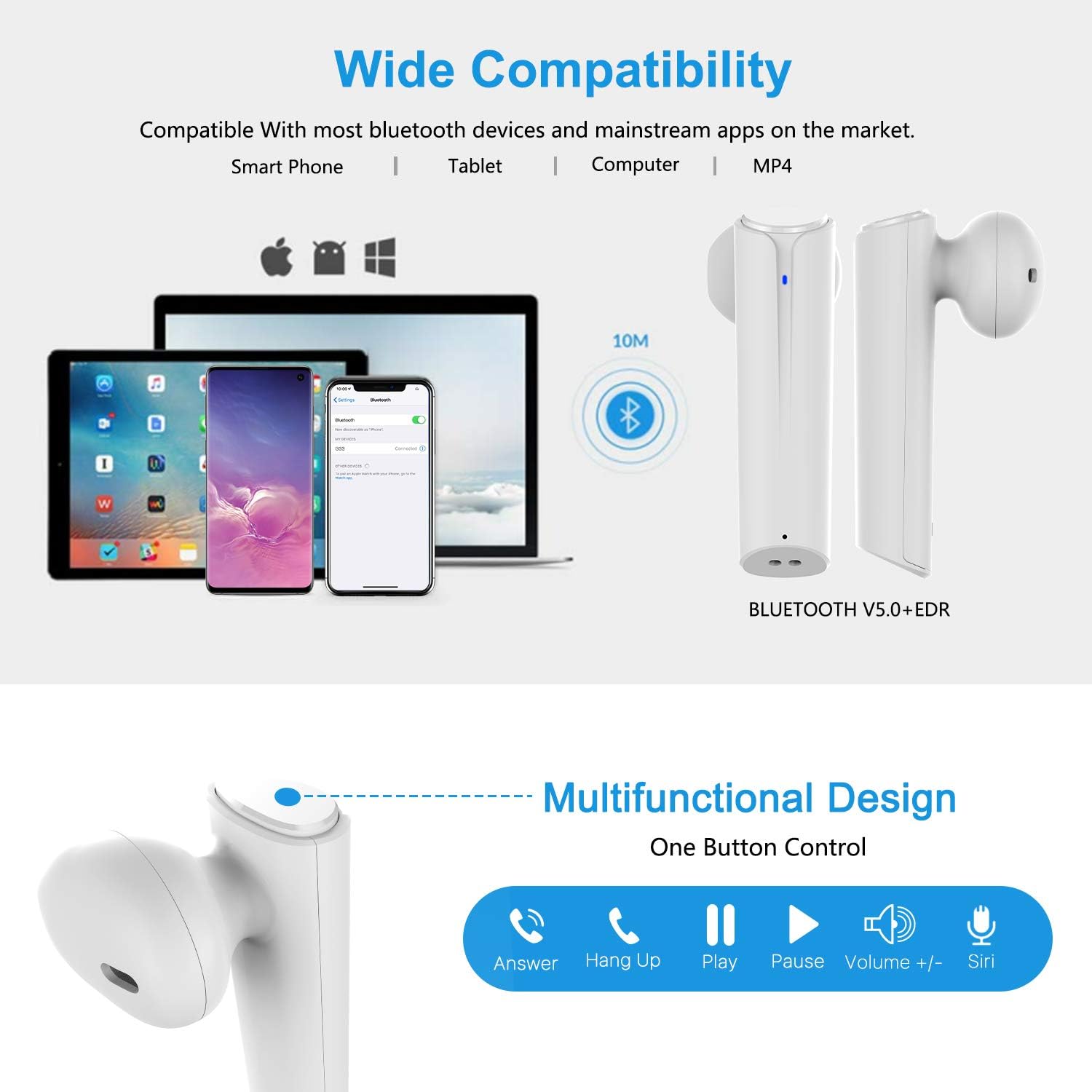
Image: A visual representation of the multi-function button on the earbud, detailing its various controls for answering calls, playing music, and activating voice assistants.
د غوږ بډ اجزا:
- ملټي فنکشن بټن: پلے بیک، زنګونه، او غږ معاون کنټرولوي.
- د LED شاخص: د جوړې حالت او د بیټرۍ کچه ښیي.
- مایکروفون: د لاسي وړیا تلیفونونو لپاره.
د چارج کولو قضیې اجزا:
- د چارج کولو بندرونه: For charging the case and earbuds.
- د LED شاخصونه: Show charging status of the case.
4. ترتیب کول
۴.۱ د ایربډز او کیس چارج کول
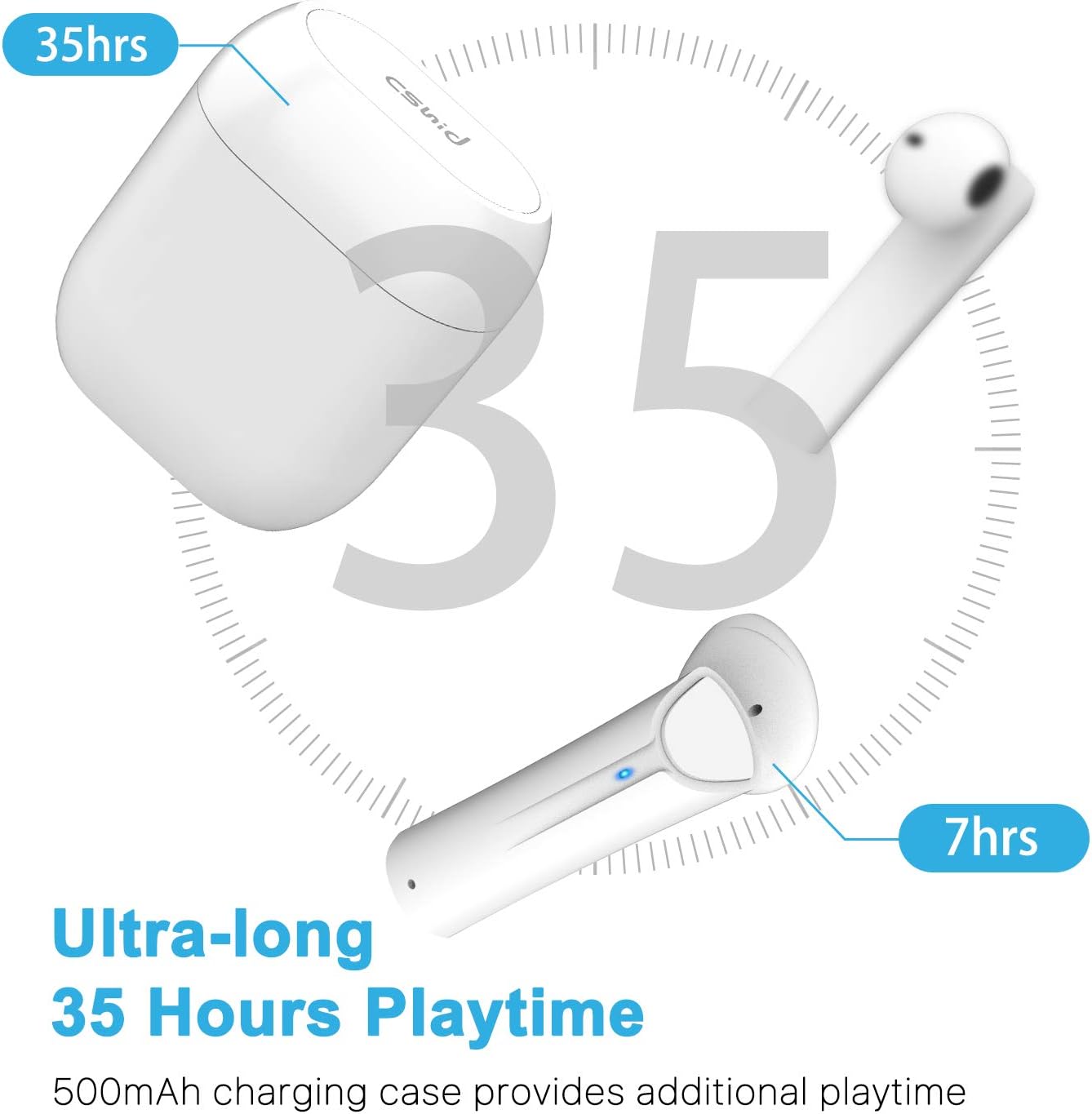
Image: An illustration highlighting the ultra-long 35 hours of total playtime, with 7 hours from a single earbud charge and additional charges from the case.
Before first use, ensure both the earbuds and the charging case are fully charged. The earbuds provide up to 7 hours of playtime on a single charge, and the charging case can provide an additional 5 full charges, extending the total playtime to up to 35 hours.
- د غوږ بډونه د چارج کولو په بکس کې واچوئ. ډاډ ترلاسه کړئ چې په سمه توګه ځای پر ځای شوي دي.
- د USB چارج کولو کیبل د قضیې د چارج کولو پورټ او د بریښنا سرچینې سره وصل کړئ.
- په کیس کې د LED شاخصونه به د چارج کولو حالت وښيي. یوځل چې په بشپړ ډول چارج شي، شاخصونه به بدل شي یا بند شي.
4.2 Initial Pairing (One-Step Pairing)

Image: A step-by-step guide showing how to pair the earbuds: simply take them out of the case and select 'G33' on your device's Bluetooth settings.
The G33Pro-W earbuds feature one-step pairing technology for quick and easy connection.
- Take both earbuds out of the charging case. They will automatically power on and enter pairing mode. The LED indicator on one earbud will flash, indicating it's ready to pair.
- په خپل وسیله (سمارټ فون، ټابلیټ، او نور) کې، بلوتوث فعال کړئ.
- لټون "G33" in the list of available Bluetooth devices and select it to connect.
- Once connected, the LED indicators on both earbuds will stop flashing. You are now ready to use your earbuds.
۵.۴ د یو ځلي ایربډ کارول
You can use either the left or right earbud independently. Simply take one earbud out of the charging case, and it will automatically enter pairing mode. Connect to "G33" on your device. To use both again, take the second earbud out, and they will automatically reconnect.
5. عملیاتي لارښوونې
The G33Pro-W earbuds are controlled via a multi-function button on each earbud.
| فعالیت | عمل |
|---|---|
| پاور آن | Take earbuds out of charging case (automatic) |
| بریښنا بنده | Place earbuds back into charging case (automatic) |
| میوزیک پلی کړئ / بند کړئ | Press the multi-function button once on either earbud |
| بله لار | Double-press the multi-function button on the Right earbud |
| مخکینی ټریک | Double-press the multi-function button on the Left earbud |
| ځواب / پای کال | Press the multi-function button once on either earbud |
| زنګ رد کړئ | Press and hold the multi-function button for 2 seconds on either earbud |
| د غږ معاون فعال کړئ (سري/ګوګل معاون) | په هر ایربډ کې د ملټي فنکشن تڼۍ درې ځله فشار ورکړئ |
| حجم پورته | Press and hold the multi-function button on the Right earbud |
| حجم ښکته | Press and hold the multi-function button on the Left earbud |
6. ساتنه

Image: Two scenarios demonstrating earbud use: one person driving safely with hands-free calling, and another person working out, highlighting the sweat-proof and cable-free design.
6.1 پاکول
منظم پاکول د غږ کیفیت او حفظ الصحې ساتلو کې مرسته کوي.
- د غوږ بډونو او چارج کولو کیس پاکولو لپاره نرم، وچ، له لینټ څخه پاک ټوکر وکاروئ.
- د سختې خاورې لپاره، لږ څهampپه ټوکر کې د اوبو سره یا یو نرم، غیر خړوبونکی کلینر.
- د سختو کیمیاوي موادو او خړوبولو موادو څخه کار مه اخلئ.
- ډاډ ترلاسه کړئ چې د غوږونو او کیس دواړو چارج کولو تماسونه پاک او وچ دي.
6.2 ذخیره کول
کله چې په کارولو کې نه وي، د غوږ غوږوالۍ د چارج کولو په قضیه کې وساتئ ترڅو دوی خوندي کړي او چارج یې وساتي. په یخ او وچ ځای کې د سخت تودوخې څخه لرې وساتئ.
۲.۷ د اوبو مقاومت
The earbuds are designed to be waterproof, making them suitable for workouts and light rain. However, they are not intended for swimming or submersion in water. Ensure earbuds are dry before placing them back into the charging case to prevent damage.
7. ستونزه حل کول
که تاسو د خپلو غوږونو سره ستونزې سره مخ شئ، مهرباني وکړئ لاندې عامې ستونزې او حل لارې وګورئ:
- ایربډونه د وسیلې سره نه جوړیږي:
Ensure Bluetooth is enabled on your device. Place earbuds back in the case, then take them out again to re-enter pairing mode. Try forgetting "G33" from your device's Bluetooth list and re-pairing. - یوازې یو غوږۍ کار کوي:
Place both earbuds back into the charging case. Close the lid for a few seconds, then open it and take both earbuds out simultaneously. They should automatically connect to each other. - غږ نشته:
Check the volume level on both your device and the earbuds. Ensure the earbuds are properly connected to your device. Try playing different audio sources. - د غوږۍ نه چارج کېدل:
ډاډ ترلاسه کړئ چې د چارج کولو کیبل په خوندي ډول د قضیې او د بریښنا سرچینې دواړو سره وصل دی. وګورئ چې ایا د غوږونو او قضیې دننه د چارج کولو تماسونه پاک او له کثافاتو څخه پاک دي. - د غږ خراب کیفیت:
Ensure the earbuds are properly seated in your ears. Check for any obstructions in the earbud speakers. Move closer to your connected device to avoid signal interference.
8. مشخصات
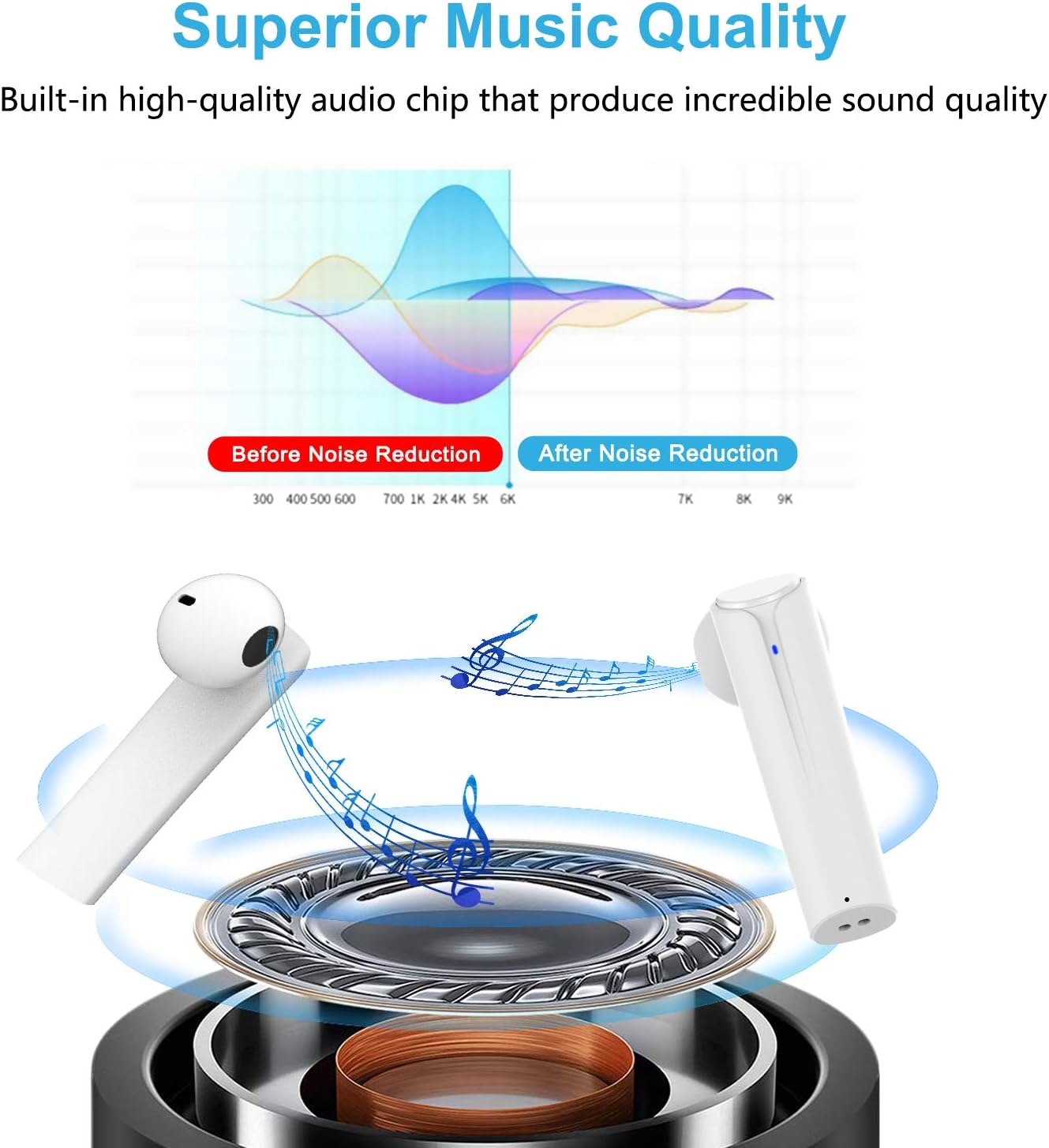
Image: A graph illustrating the effect of noise reduction on sound quality, accompanied by a detailed diagram of the earbud's internal audio components.
- ماډل: G33Pro-W
- ارتباط: بلوتوث 5.0
- Playtime (Earbuds): په هر چارج کې تر 7 ساعتونو پورې
- د لوبې ټول وخت (د چارج کولو کیس سره): تر 35 ساعتونو پورې
- مایکروفون: جوړ شوي دوه ګوني مایکروفونونه
- د کنټرول ډول: ملټي فنکشن تڼۍ
- مواد: پلاستیک
- د اوبو مقاومت: پنروک
- رنګ: سپین
9. د خوندیتوب معلومات
Please observe the following safety guidelines for safe and proper use of your earbuds:
- د غوږ بډونه یا د چارج کولو قضیه د سختې تودوخې، مستقیم لمر وړانګو، یا لوړې رطوبت سره مه مخ کوئ.
- Avoid dropping, hitting, or disassembling the product.
- Do not use the earbuds at excessively high volumes for prolonged periods, as this may cause hearing damage.
- محصول د ماشومانو او څارویو څخه لرې وساتئ.
- محصول او د هغې اجزا په مسؤلیت سره د ځایی مقرراتو سره سم تصفیه کړئ.
10. تضمین او ملاتړ
Cshidworld provides a 30-day hassle-free return policy او a یو کلن تضمین for the G33Pro-W Wireless Earbuds. For any product-related inquiries, technical support, or warranty claims, please contact Cshidworld customer service through the platform where you purchased the product or refer to the contact information provided with your purchase.


