پیژندنه
The UGREEN DisplayPort to HDMI Cable (Model 15773) is designed to connect devices with a DisplayPort output to displays with an HDMI input. This active, uni-directional cable supports high-resolution video up to 4K@60Hz, High Dynamic Range (HDR), and multi-screen configurations, providing a stable and high-quality audio and video transmission experience.
چمتو کول
Follow these steps to connect your DisplayPort device to an HDMI display:
- د بندرونو پیژندنه: Locate the DisplayPort output on your source device (e.g., computer, graphics card) and the HDMI input on your display (e.g., monitor, TV, projector).
- Connect DisplayPort: Insert the DisplayPort end of the UGREEN cable into the DisplayPort output of your source device.
- HDMI وصل کړئ: Insert the HDMI end of the UGREEN cable into the HDMI input of your display.
- پاور آن: Ensure both your source device and display are powered on. The display should automatically detect the signal. If not, manually select the correct HDMI input on your display.
ویډیو: This video demonstrates the correct connection procedure for the UGREEN DisplayPort to HDMI Cable, showing how to connect the DisplayPort end to a computer host and the HDMI end to a display.
انځور: This diagram illustrates the uni-directional nature of the cable, transmitting signals only from a DisplayPort source to an HDMI display.
انځور: This image highlights the wide compatibility of the cable, connecting DisplayPort sources like laptops, desktops, and graphics cards to HDMI displays such as monitors, HDTVs, and projectors.
عملیاتي لارښوونې
The UGREEN DisplayPort to HDMI Cable supports various operating modes and resolutions:
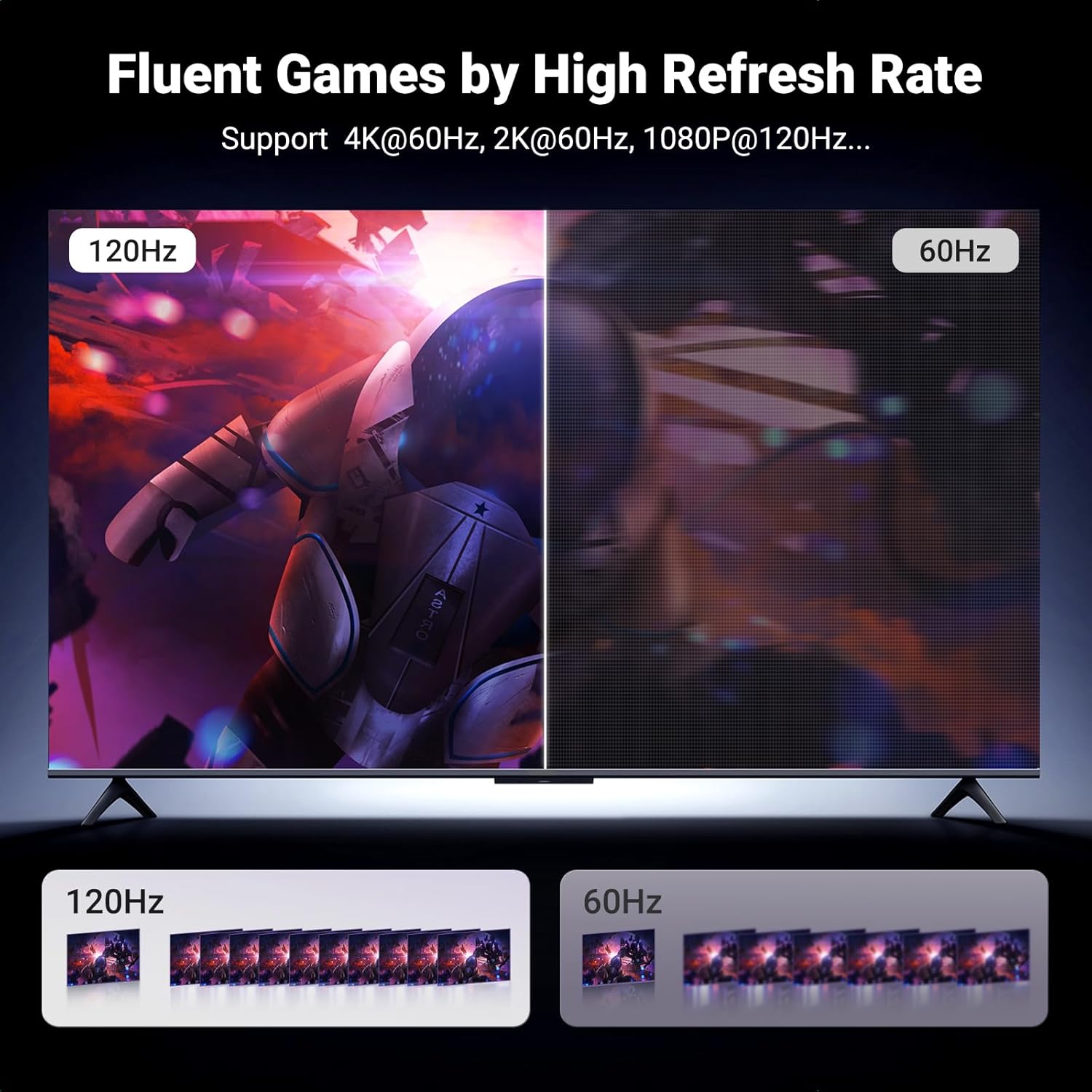
- لوړ ریزولوشن: Enjoy resolutions up to 4K@60Hz, with backward compatibility for 2K@60Hz and 1080P@120Hz. This provides a clear and detailed visual experience, including support for HDR for enhanced color and contrast.
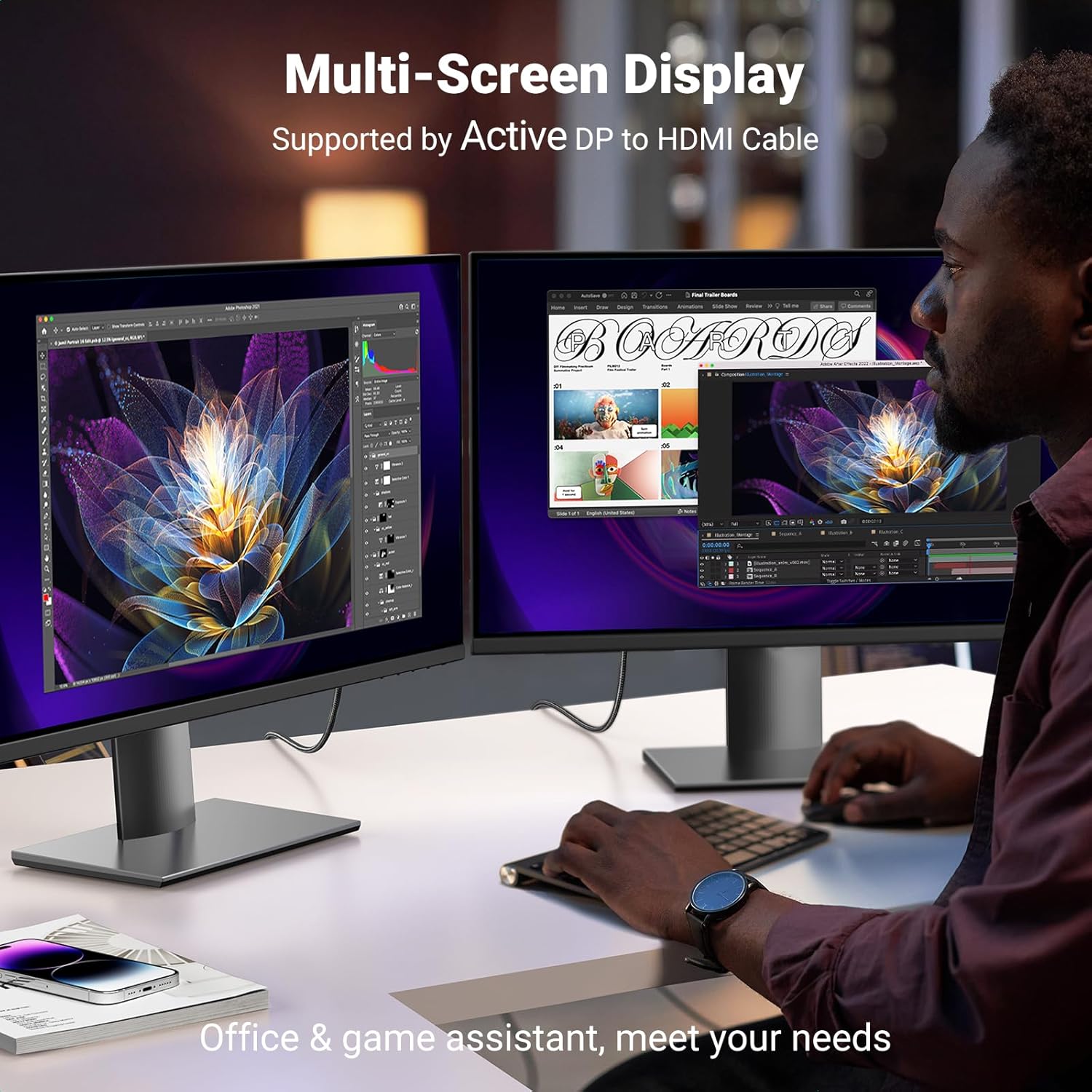
- Multi-Screen Modes: The cable supports mirrored mode (displaying the same content on multiple screens), extended mode (extending your desktop across multiple screens), and Eyefinity Multiple Screen SLS mode for advanced multi-display setups.
- د آډیو لیږد: The cable supports flawless audio pass-through for uncompressed digital 7.1, 5.1, or 2 channels, ensuring a complete multimedia experience.

انځور: یو روښانه view of the UGREEN DisplayPort to HDMI Cable, showcasing its robust design and distinct DisplayPort and HDMI connectors.

انځور: This image demonstrates a multi-screen display setup, illustrating how the UGREEN cable facilitates an extended desktop environment for increased productivity or immersive gaming.
ساتنه
To ensure the longevity and optimal performance of your UGREEN DisplayPort to HDMI Cable, consider the following maintenance tips:
- سمه درملنه: Avoid sharp bends or excessive pulling on the cable, especially near the connectors. The braided nylon exterior provides durability, but extreme stress can still cause damage.
- پاک نښلونکي: Periodically inspect the connectors for dust or debris. Use a soft, dry cloth or compressed air to gently clean them if necessary.
- ذخیره کول: When not in use, coil the cable loosely and secure it with the included Velcro tie. Store it in a cool, dry place away from direct sunlight and extreme temperatures.
- د مایع تماس څخه ډډه وکړئ: Keep the cable away from liquids to prevent damage to the internal components.

انځور: This diagram details the internal construction of the UGREEN cable, highlighting features like the pure copper core, nickel-plated connectors, aluminum alloy shell, and braided wire for enhanced durability and signal integrity.
د ستونزو حل کول
If you encounter issues with your UGREEN DisplayPort to HDMI Cable, consider the following:
- هیڅ سیګنال/ټپکتیا نشته:
- ډاډ ترلاسه کړئ چې د کیبل دواړه پایونه په خوندي ډول د دوی اړوند بندرونو سره وصل دي.
- ډاډ ترلاسه کړئ چې ستاسو ښودنه د سم HDMI ان پټ سرچینې سره تنظیم شوې ده.
- د خپل کمپیوټر د ښودنې ترتیبات وګورئ ترڅو ډاډ ترلاسه کړئ چې سم ریزولوشن او ریفریش نرخ غوره شوی.
- خپل د سرچینې وسیله بیا پیل کړئ او ښکاره کړئ.
- Uni-Directional Operation: This cable transmits signals only from DisplayPort to HDMI. It is not reversible. Ensure your source device has a DisplayPort output and your display has an HDMI input.
- Compatibility Limitations: دا کیبل دی not compatible with HDMI source devices such as MacBook, PlayStation, Switch, and Xbox. It is designed for DisplayPort source devices like desktop towers (HP, Dell, Lenovo), graphics cards (AMD, NVIDIA), and laptops (HP ProBook EliteBook, Lenovo, ThinkPad).
- د غږیز مسلې: If there is no audio, ensure your computer's sound output is set to the HDMI display.
مشخصات
| فیچر | مشخصات |
|---|---|
| برانډ | UGREEN |
| د ماډل شمیره | 15773 |
| د نښلونکي ډول | HDMI ته ډیسپلی پورټ |
| د کیبل ډول | HDMI |
| د معلوماتو د لیږد کچه | 18 ګیګابایټ په ثانیه کې |
| د اعظمي پریکړه | 4K@60Hz (backward compatible with 2K@60Hz, 1080P@120Hz) |
| ځانګړي ځانګړتیاوې | Digital Display, Data Transfer, High Speed, Aluminum Braided, HDR Support, Active Multi-Screen Expansion |
| نښلونکی جندر | له نارینه څخه نارینه |
| بهرنی مواد | نایلان |
| د توکي وزن | 0.07 کیلوګرامه (2.46 اونس) |
| د کیبل اوږدوالی | 3.3FT (1 meter) |
تضمین او ملاتړ
UGREEN products are manufactured to high-quality standards and undergo rigorous testing. For specific warranty information regarding your UGREEN DisplayPort to HDMI Cable (Model 15773), please refer to the packaging or the official UGREEN webسایټ
For technical support, product inquiries, or to explore other UGREEN products, please visit the official UGREEN store: