1. پیژندنه
This manual provides comprehensive instructions for the installation, operation, and maintenance of the Vaddio RoboSHOT IW Smart Glass PTZ Camera. Please read this manual thoroughly before using the product to ensure proper functionality and to prevent damage.
The RoboSHOT IW Smart Glass PTZ Camera is designed for professional video conferencing and surveillance applications, offering advanced PTZ capabilities with the unique feature of a smart glass panel for privacy and aesthetics.
2. د بسته محتويات
ډاډ ترلاسه کړئ چې ټول توکي په کڅوړه کې شتون لري:
- RoboSHOT IW Smart Glass PTZ Camera Unit
- د نصبولو هارډویر (پیچونه، لنگرونه)
- د چټک پیل لارښود
- دا کارن لارښود
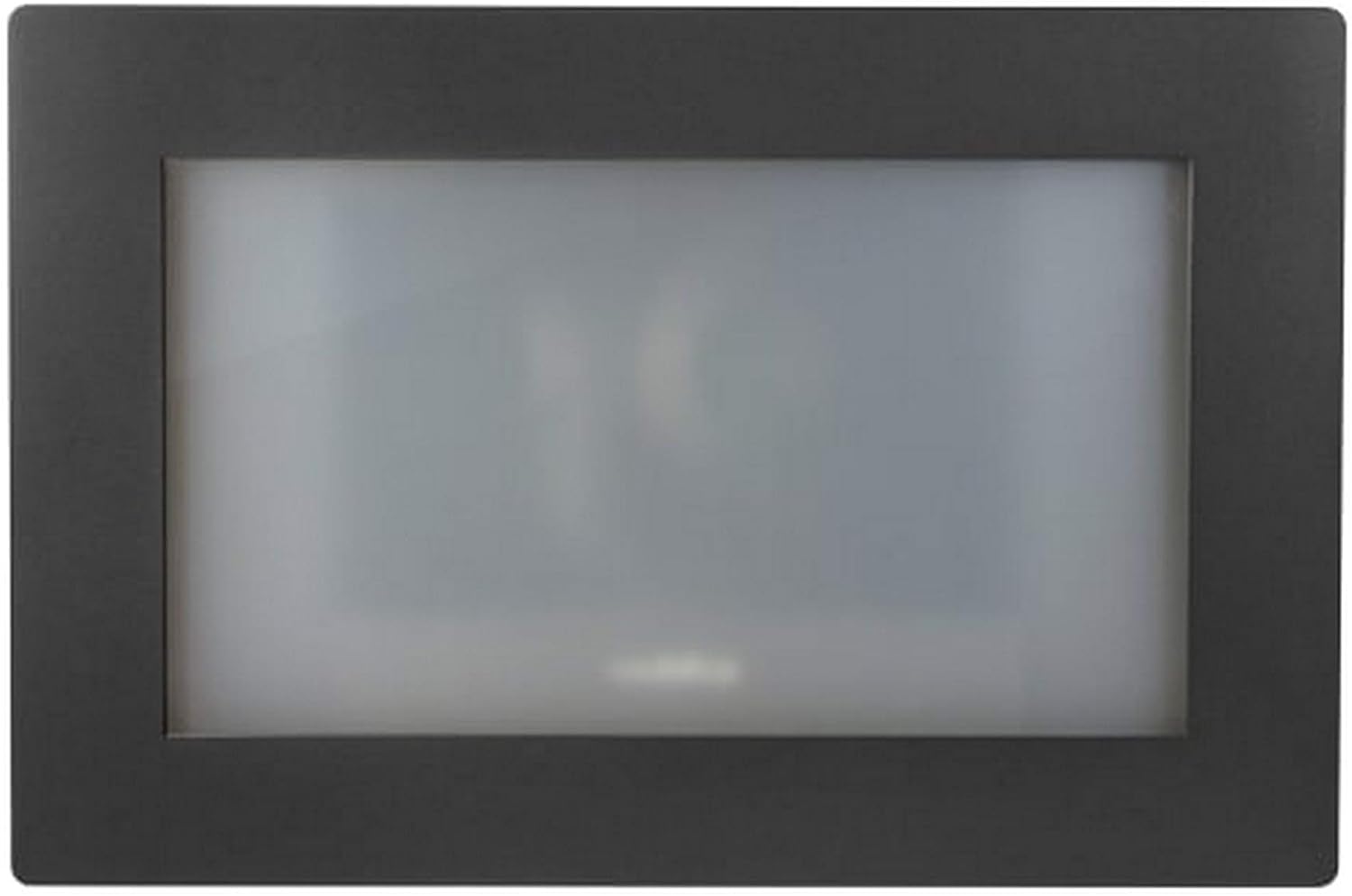
شکل 1: مخکی view of the RoboSHOT IW Smart Glass PTZ Camera, showcasing its sleek black frame and the opaque smart glass panel.
3. د خوندیتوب معلومات
Always adhere to the following safety guidelines to ensure safe operation and prevent damage to the device or injury to personnel:
- وسیله د لندبل، باران، یا ډیرې تودوخې سره مه مخ کوئ.
- د ډیر تودوخې مخنیوي لپاره د کیمرې شاوخوا مناسب هوا ورکول ډاډمن کړئ.
- Only use power sources and cables specified by Vaddio.
- Do not attempt to disassemble, modify, or repair the device. Refer all servicing to qualified service personnel.
- کیمره د قوي مقناطیسي ساحو څخه لرې وساتئ.
4. ترتیب کول
4.1 د کیمرې پورته کول
The RoboSHOT IW Smart Glass PTZ Camera is designed for indoor wall mounting. Select a location that provides the desired field of view and is structurally sound to support the camera's weight.
- Carefully unpack the camera and inspect for any shipping damage.
- Using the provided mounting template (if applicable), mark the drilling points on the wall.
- په نښه شوي ځایونو کې پیلوټ سوراخونه ډرل کړئ.
- Secure the camera's mounting plate or the camera directly to the wall using the supplied screws and anchors. Ensure it is level and firmly attached.
شکل 2: شاته view of the RoboSHOT IW Smart Glass PTZ Camera, illustrating the HDBaseT port and other potential connections.
4.2 د کیمرې نښلول
The camera utilizes HDBaseT for connectivity, allowing for flexible power and video transmission options.
- PoE+ Connection: For IP streaming and power, connect a standard Ethernet cable from a PoE+ enabled network switch or a Midspan Power Injector to the camera's HDBaseT port. This single cable provides both power and network data.
- HDBaseT Video Switch / OneLINK System: If using an HDBaseT video switch or a Vaddio OneLINK extension system for alternative video outputs (e.g., HD-SDI, HDMI, USB 3.0), connect the camera's HDBaseT port to the corresponding input on the switch or OneLINK receiver. Refer to the specific switch or OneLINK system's manual for detailed connection instructions.
- Ensure all cables are securely connected and routed to prevent strain or damage.
5. عملیاتي لارښوونې
5.1 Initial Power-On and Smart Glass Activation
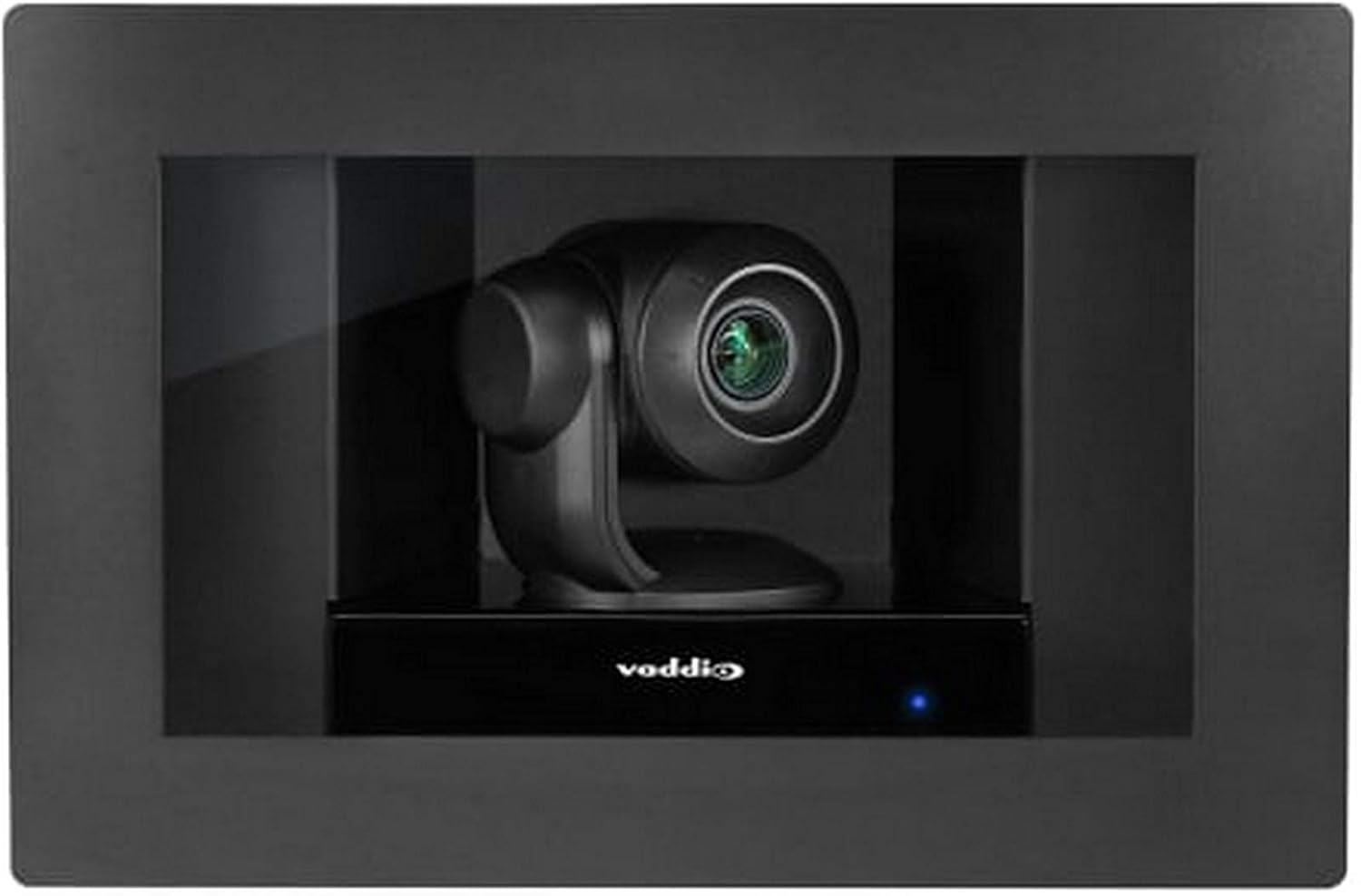
Once the camera receives power, it will initiate its startup sequence. The smart glass panel, which is opaque when off, will become transparent, revealing the PTZ camera lens.
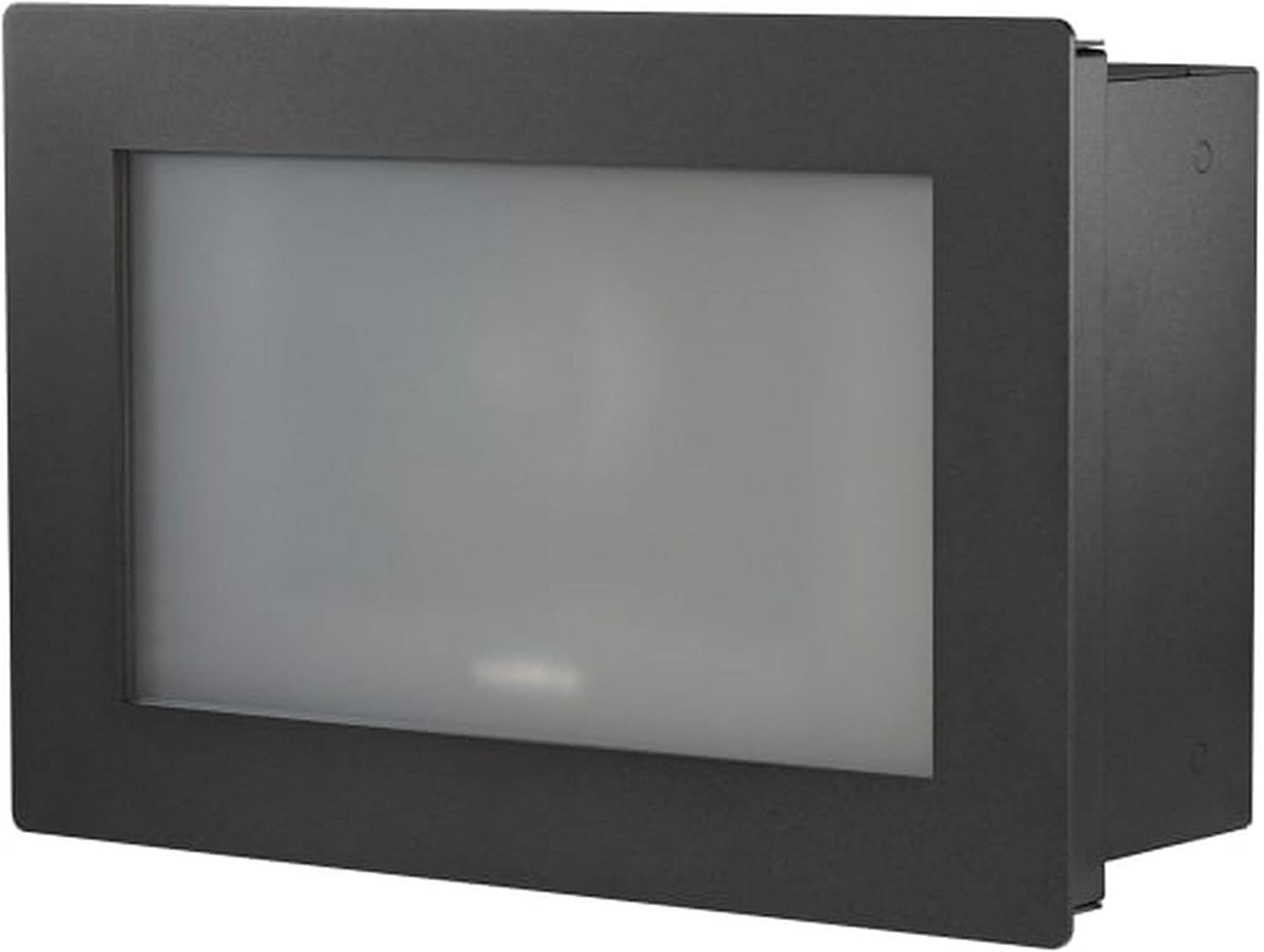
Figure 3: The RoboSHOT IW Smart Glass PTZ Camera with its smart glass panel activated, showcasing the integrated PTZ camera ready for operation.
5.2 د کیمرې کنټرول
The camera supports control via Wi-Fi using a compatible controller (such as an Iris controller) or a remote control. It features full PTZ (Pan-Tilt-Zoom) functionality and optical zoom.
- پین/ټیټ: Use the directional controls on your chosen controller or software interface to adjust the camera's horizontal (pan) and vertical (tilt) orientation to frame your desired view.
- زوم: Utilize the zoom controls to optically zoom in or out. The camera supports high-definition video capture at 1080p and 720p resolutions.
- Smart Glass Control: The smart glass panel can be toggled between opaque and transparent states, providing privacy when the camera is not actively in use. Refer to your control system's documentation for specific smart glass control commands.
5.3 Video Streaming and Recording
For IP streaming, the camera can be configured via its web interface or compatible control software. It supports MPEG-4 video capture format.
- Access the camera's IP address through your network to reach its web انٹرفیس
- Log in to configure streaming parameters, including resolution, frame rates, and network settings.
- Integrate the camera with your preferred video management systems (VMS) or recording software for live monitoring and archival.
6. ساتنه
Regular maintenance helps ensure the longevity and optimal performance of your RoboSHOT IW Smart Glass PTZ Camera.
- پاکول: Use a soft, dry, lint-free cloth to gently clean the exterior of the camera and the smart glass panel. Do not use abrasive cleaners, solvents, or harsh chemicals, as these can damage the finish or the smart glass.
- د فرم ویئر تازه معلومات: Periodically check the official Vaddio webسایټ (www.vaddio.com) for available firmware updates. Keeping the firmware up-to-date can provide performance enhancements, new features, and bug fixes. Follow the instructions provided with the firmware update carefully.
- د چاپیریال شرایط: Ensure the camera continues to operate within its specified temperature and humidity ranges to prevent internal damage.
7. ستونزه حل کول
| ستونزه | احتمالي لامل | د حل لاره |
|---|---|---|
| بریښنا نشته / کیمره نه چالانیږي | Loose power connection; PoE+ not active; faulty cable. | Check all cable connections. Verify PoE+ switch/injector is providing power. Try a different Ethernet cable. |
| نه د ویډیو وتنه | Incorrect HDBaseT connection; network configuration issue (for IP streaming); display problem. | Ensure HDBaseT cable is correctly connected. Verify network settings and IP address. Test with a different display or input. |
| کیمره کنټرولونو ته ځواب نه ورکوي | Controller not paired; Wi-Fi interference; camera frozen. | Ensure controller is properly paired and within range. Reduce Wi-Fi interference. Power cycle the camera. |
| Smart Glass Not Clearing / Remaining Opaque | Power issue; control signal issue; internal fault. | Verify stable power supply. Check control commands. If problem persists, contact Vaddio support. |
| د ویډیو خراب کیفیت | Insufficient lighting; incorrect resolution settings; dirty lens. | Ensure adequate lighting. Adjust resolution settings. Clean the camera lens and smart glass. |
8. مشخصات
| فیچر | تفصیل |
|---|---|
| ماډل | RoboSHOT IW Smart Glass PTZ Camera |
| د ارتباط پروتوکول | Wi-Fi, Wired (HDBaseT) |
| د کنټرولر ډول | Iris, Remote |
| د نصب کولو ډول | دیوال غر |
| د ویډیو نیول حل | 1080p, 720p |
| رنګ | تور |
| د بې سیمه مخابراتو ټیکنالوژي | وای فای |
| د فارم فکتور | گنبد |
| مواد | شیشه |
| د توکي وزن | 0.96 اونس (تقریبا 0.06 پونډه) |
| د ټیټ رڼا ټیکنالوژي | د شپې رنګ |
| د زوم ډول | نظری زوم |
| د خبرتیا ډول | یوازې حرکت |
| د ویډیو نیول بڼه | MPEG-4 |
| د عکس سینسر ټیکنالوژي | CMOS |
| د نړیوال خوندیتوب درجه بندي | IP54، IP67 |
| د بریښنا سرچینه | AC/DC, PoE+ |
| د کور دننه / بهر کارول | دننه |
| ځانګړی ځانګړنه | PTZ Technology, Smart Glass |
| UPC | 840077504601 |
9. تضمین او ملاتړ
Vaddio products are designed for reliability and performance. For specific warranty terms and conditions applicable to your RoboSHOT IW Smart Glass PTZ Camera, please refer to the official Vaddio webسایټ یا د تضمین کارت چې ستاسو محصول سره شامل دی.
For technical assistance, troubleshooting, or service inquiries, please contact Vaddio Customer Support. When contacting support, please have your product model number (RoboSHOT IW Smart Glass PTZ Camera) and serial number readily available.
- Vaddio Official Webسایټ: www.vaddio.com
- د ملاتړ اړیکه: Visit the Vaddio website's support section for regional phone numbers, email contacts, and online resources.


