پیژندنه
The Lexon City USB Key is a compact and portable 32 GB flash drive designed for convenient data storage and transfer. This manual provides essential information for the proper use and care of your device.
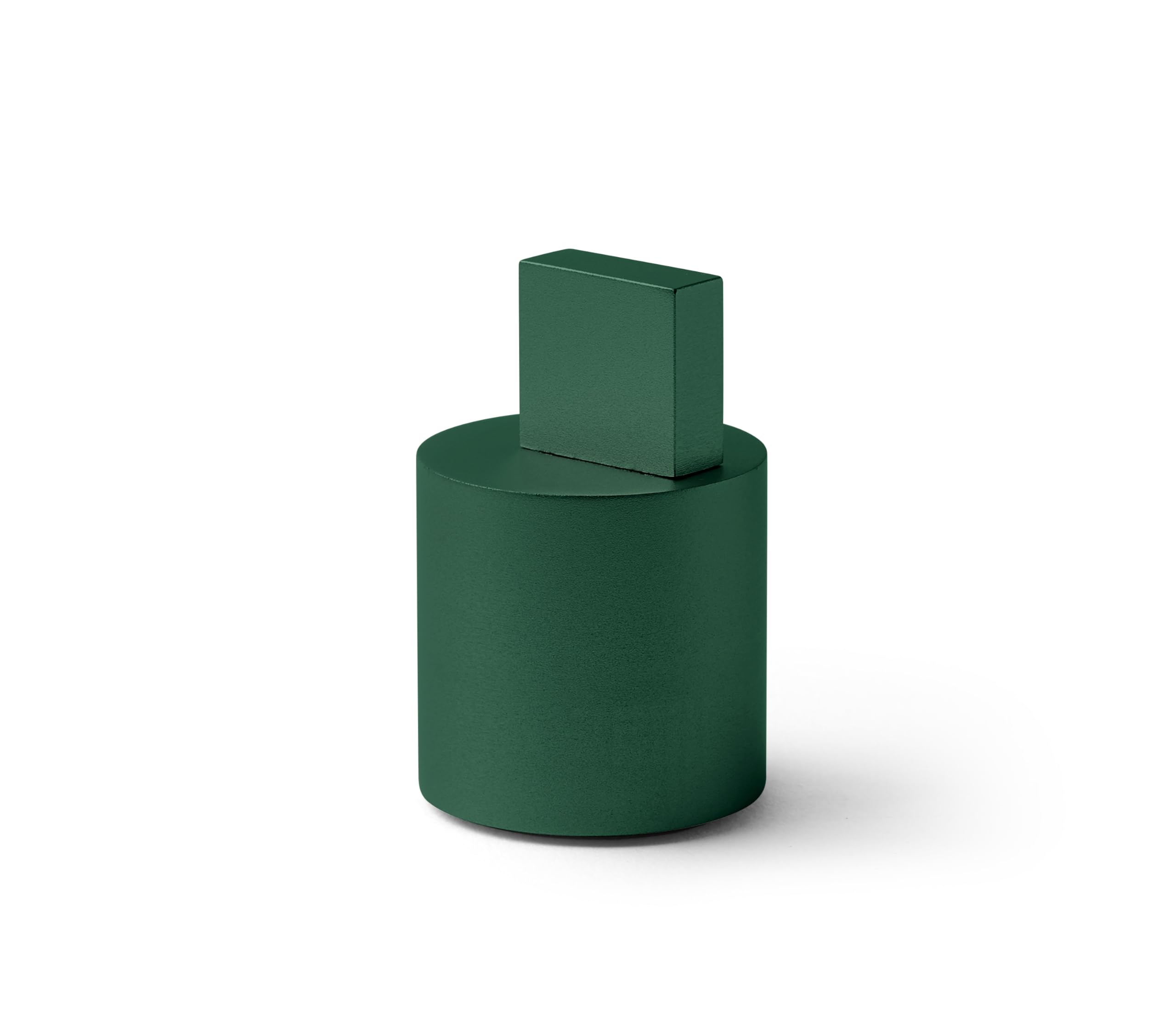
Image: The Lexon City USB Key in Soft Green, showing its compact design.
محصول پای ته ورسیدview
The Lexon City USB Key consists of two main parts: the USB flash drive and its protective cap. The cap is designed to protect the USB connector when not in use.
- د USB نښلونکی: Standard USB Type-A for connecting to computers and other devices.
- فلش حافظه: 32 GB capacity for storing digital files.
- محافظتي خولۍ: Covers the USB connector to prevent damage and dust accumulation.

Image: The Lexon City USB Key with its cap removed, inserted into a laptop's USB port. The cap rests beside it.
چمتو کول
- کیپ لرې کړئ: Gently pull the protective cap off the USB key to expose the USB connector.
- په USB پورټ کې دننه کړئ: Insert the USB key into an available USB Type-A port on your computer or compatible device. Ensure the connector is oriented correctly to avoid damage.
- وسیله پیژندنه: Your operating system should automatically detect the USB key. A new drive letter or device icon will appear in your file سپړونکی یا ډیسټاپ.

انځور: نږدې انځور view of the Lexon City USB Key, in green, fully inserted into the USB port of a silver laptop. The cylindrical cap is placed next to the laptop.
عملیاتي لارښوونې
Once the USB key is recognized by your device, you can begin transferring files.
لېږدول Files to the USB Key:
- خپل کمپیوټر خلاص کړئ file explorer (e.g., Windows Explorer, Finder).
- موندل files or folders you wish to transfer.
- ټاکل شوی ډریګ او ډراپ کړئ files/folders to the Lexon City USB Key drive icon, or copy and paste them into the drive.
- Wait for the transfer process to complete. Do not remove the USB key during file لیږدول.
لېږدول Files from the USB Key:
- Open the Lexon City USB Key drive in your file سپړونکی
- موندل files or folders you wish to transfer.
- ټاکل شوی ډریګ او ډراپ کړئ files/folders to your desired location on your computer, or copy and paste them.
- د لیږد پروسې بشپړیدو ته انتظار وکړئ.
Safely Removing the USB Key:
Always safely eject the USB key before physically removing it to prevent data corruption.
- وینډوز: Click the "Safely Remove Hardware and Eject Media" icon in the system tray, then select the USB key.
- macOS: Drag the USB key icon from your desktop or Finder sidebar to the Trash, or right-click (Control-click) the icon and select "Eject."
ساتنه
- ساتنه: Always keep the protective cap on the USB key when not in use to shield the connector from dust, dirt, and physical damage.
- پاکول: If necessary, gently wipe the exterior of the USB key with a soft, dry, lint-free cloth. Do not use liquid cleaners or solvents.
- ذخیره کول: Store the USB key in a cool, dry place, away from extreme temperatures, direct sunlight, and strong magnetic fields.
- له فزیکي فشار څخه ډډه وکړئ: Do not bend, drop, or apply excessive force to the USB key.
د ستونزو حل کول
| ستونزه | احتمالي لامل | د حل لاره |
|---|---|---|
| USB key not recognized. | Incorrect insertion, faulty USB port, driver issue. |
|
| انتقال نشي کولی files. | Insufficient space, file system limitations, write protection. |
|
| د "په خوندي ډول هارډویر لرې کړئ" اختیار شتون نلري. | Files are still in use by an application. |
|
مشخصات
| برانډ | لیکسن |
| د ماډل نوم | CITY USB KEY |
| د توکي ماډل شمیره | LD136V9 |
| د حافظې د ذخیره کولو ظرفیت | 32 جي بي |
| د فلش حافظې ډول | CompactFlash (Note: This is likely a generic category, actual internal memory type is NAND Flash) |
| هډوتري برسیر | USB |
| د هارډویر اتصال ټیکنالوژي | د USB ډول A |
| د محصول ابعاد | ۱۶"د x ۲۶"وچ x ۴۷"ح |
| د توکي وزن | 2.46 اونس |
| رنګ | شین |
| ځانګړی ځانګړنه | د رڼا وزن |
تضمین او ملاتړ
The Lexon City USB Key typically comes with a 1-year international warranty. For specific warranty details and to register your product, please refer to the documentation included with your purchase or visit the official Lexon webسایټ
For technical support or further assistance, please contact Lexon customer service through their official webسایټ: lexon-design.com.

Image: The back of the Lexon City USB Key packaging, displaying regulatory compliance symbols (CE, FC, recycling) and the official website address: lexon-design.com.


