پیژندنه
This manual provides comprehensive instructions for the HyperX Alloy Origins Mechanical Gaming Keyboard. It covers product features, setup procedures, operational guidelines, maintenance tips, troubleshooting solutions, and detailed specifications. Please read this manual thoroughly to ensure optimal performance and longevity of your keyboard.

Image: The HyperX Alloy Origins Mechanical Gaming Keyboard, showcasinد دې بشپړ ترتیب او متحرک RGB بیک لایټینګ سره.
د بسته محتويات
ډاډ ترلاسه کړئ چې ټول توکي ستاسو د محصول په کڅوړه کې شتون لري:
- د هایپر ایکس اللو اوریجینز میخانیکي لوبو کی بورډ
- د جلا کېدو وړ USB ډول-C څخه تر ډول-A کیبل پورې
- د چټک پیل لارښود
- د تضمین کارت
- Welcome Card from HyperX
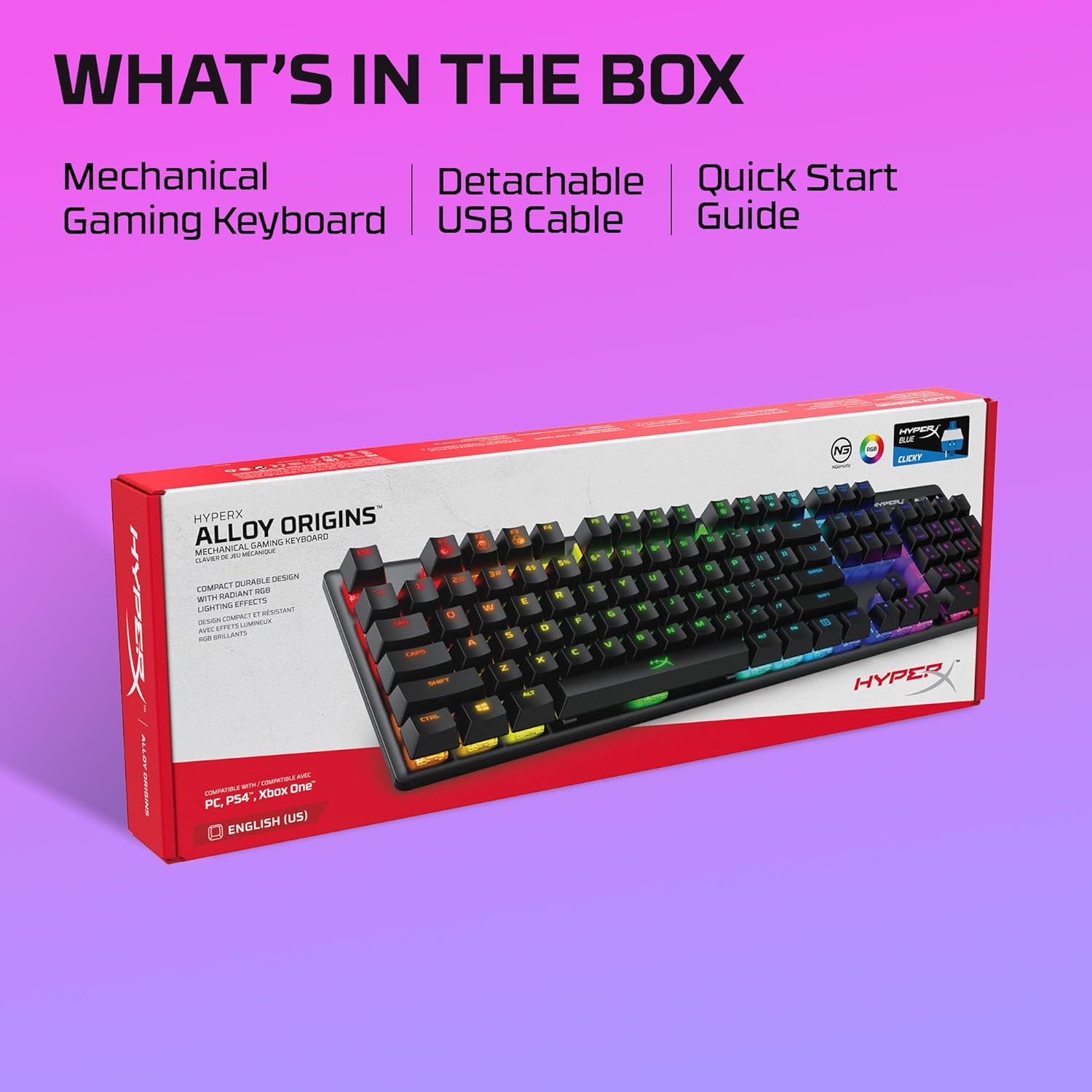
Image: The retail box for the HyperX Alloy Origins keyboard, indicating the included mechanical gaming keyboard, detachable USB cable, and quick start guide.
چمتو کول
- کیبورډ وصل کړئ: Connect the detachable USB Type-C end of the provided cable to the keyboard and the USB Type-A end to an available USB port on your computer or compatible gaming console.
- د ډرایور نصب کول: The keyboard is plug-and-play. For advanced customization, download the HyperX NGENUITY Software from the official HyperX webسایټ
- مطابقت: The keyboard is compatible with Windows® 10, 8.1, 8, 7; PS4; and Xbox One.

انځور: نږدې انځور view of the HyperX Alloy Origins keyboard's USB Type-C port and the detachable braided cable, highlighting its easy connectivity.
عملیاتي لارښوونې
کلیدي دندې او ځانګړتیاوې
- HyperX Mechanical Switches: The keyboard features custom-designed HyperX Blue mechanical switches, known for their clicky tactile feedback and durability, rated for 80 million keypresses.
- د RGB شاته رڼا: Enjoy per-key RGB lighting with radiant effects. The exposed LED design of the switches enhances brightness. There are 5 adjustable brightness levels.
- آن بورډ حافظه: تر دریو پورې دودیز پرو خوندي کړئfiles directly to the keyboard's onboard memory, allowing you to carry your personalized settings wherever you go.
- Adjustable Tilt Angles: Customize your typing or gaming posture with three adjustable keyboard tilt angles (3°, 7°, or 11°) using the two-step keyboard feet.
- د لوبې حالت: Activate Game Mode to prevent accidental interruptions during gameplay, such as minimizing the game by pressing the Windows key.
- 100% Anti-Ghosting and N-Key Rollover: These features ensure that every keypress is registered accurately, even during rapid, simultaneous inputs.

Image: The HyperX Alloy Origins keyboard displaying its vibrant RGB lighting effects, alongside a screenshot of the HyperX NGENUITY software interface for customization.
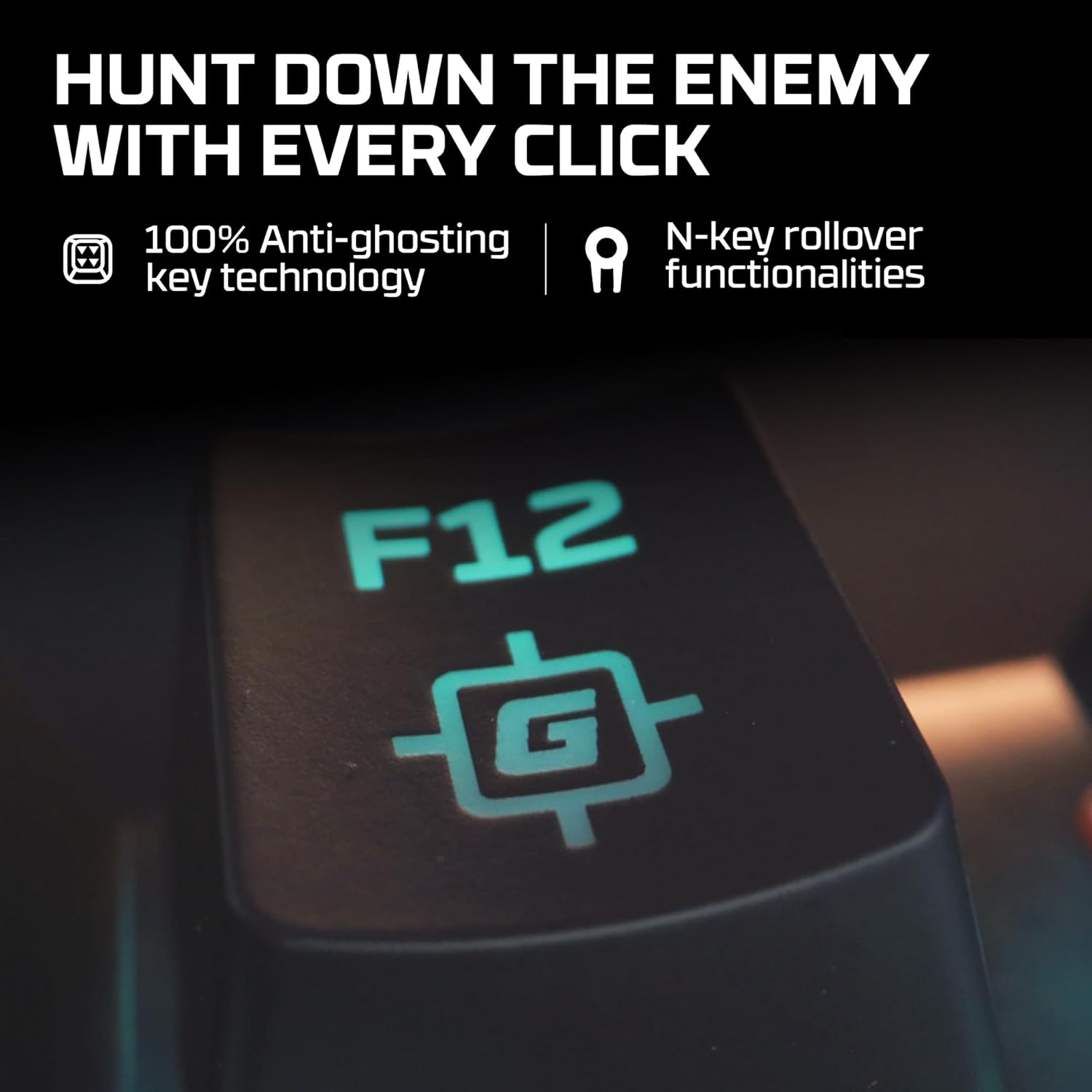
Image: A close-up of the F12 key on the HyperX Alloy Origins keyboard, featuring a gaming icon, symbolizing the 100% anti-ghosting and N-key rollover technologies.

Image: The HyperX Alloy Origins keyboard in use, demonstrating its compatibility with PlayStation and Xbox consoles, as well as Windows PC.
Customization with HyperX NGENUITY Software
The HyperX NGENUITY software provides advanced customization options for your keyboard:
- د رڼا اغیزې: Create and apply custom RGB lighting patterns and effects for individual keys or zones.
- د میکرو جوړول: Program complex key sequences and assign them to single keys for quick execution.
- Game Mode Settings: Configure which keys are disabled in Game Mode to prevent accidental presses.
- پروfile مدیریت: Manage and save your custom settings as profiles, which can be stored on the keyboard's onboard memory.
Download the latest version of HyperX NGENUITY from the official HyperX website for the full range of customization features.
ساتنه
To maintain the performance and appearance of your HyperX Alloy Origins keyboard, follow these guidelines:
- پاکول: Use a soft, lint-free cloth to wipe the keyboard surface. For deeper cleaning, use compressed air to remove dust and debris from between the keycaps. Avoid using harsh chemicals or abrasive materials.
- د کیلي کیپ لرې کول: If necessary, keycaps can be carefully removed using a keycap puller for thorough cleaning. Exercise caution to avoid damaging the switches.
- د کیبل پاملرنه: Ensure the detachable USB cable is not bent sharply or subjected to excessive strain to prevent damage.
د ستونزو حل کول
If you encounter issues with your HyperX Alloy Origins keyboard, refer to the following common solutions:
- کیبورډ ځواب نه ورکوي:
- ډاډ ترلاسه کړئ چې USB کیبل په خوندي ډول د کیبورډ او کمپیوټر/کنسول دواړو سره وصل دی.
- هڅه وکړئ چې کیبورډ له بل USB پورټ سره وصل کړئ.
- د سیسټم پورې اړوند ستونزو د له منځه وړلو لپاره په بل کمپیوټر یا کنسول کې کیبورډ ازموینه وکړئ.
- د RGB رڼا کار نه کوي/غلط:
- Check the brightness settings on the keyboard (usually via function keys).
- Ensure the HyperX NGENUITY software is updated to the latest version.
- Reset the keyboard to factory defaults (refer to the Quick Start Guide for specific instructions).
- هغه کیلي چې راجستر نه کیږي:
- د اغیزمن شوي کیلي شاوخوا پاک کړئ ترڅو ډاډ ترلاسه کړئ چې هیڅ کثافات د سویچ خنډ نه ګرځي.
- If using NGENUITY, ensure no macros or key reassignments are interfering with the key's function.
- د سافټویر مسلې:
- Reinstall the HyperX NGENUITY software.
- ډاډ ترلاسه کړئ چې ستاسو عملیاتي سیسټم تازه دی.
For further assistance, visit the official HyperX support webسایټ یا د پیرودونکي خدمت سره اړیکه ونیسئ.
مشخصات
| برانډ | HyperX |
| د ماډل نوم | HyperX Alloy Origins |
| د ماډل شمیره | HX-KB6BLX-US (4P5P0AA#ABA) |
| د کیبورډ ډول | د میخانیکي لوبو کی بورډ |
| د سویچ ډول | HyperX Blue Mechanical Switches (Clicky) |
| ارتباط | USB Type-C to Type-A (Detachable Cable) |
| مواد | Full Aircraft-Grade Aluminum Body |
| ابعاد (LxWxH) | 44.2 x 13.2 x 3.8 سانتي متره (17.4 x 5.2 x 1.5 انچه) |
| وزن | ۷.۰ کیلو ګرامه (۱۵.۵ پونډه) |
| شاته رڼا کول | Per-key RGB LED |
| د تختې حافظه | 3 پروfiles |
| ځانګړي ځانګړتیاوې | Ergonomic design, Game Mode, 100% Anti-Ghosting, N-Key Rollover, Adjustable Tilt Angles |
| مطابقت لرونکې وسیلې | Windows® 10, 8.1, 8, 7; PS4; Xbox One |

Image: A diagram illustrating the dimensions (width, depth, height) and weight of the HyperX Alloy Origins keyboard.

انځور: یو مفصل view of a HyperX Blue mechanical switch, highlighting its click-style mechanism and design.
تضمین او ملاتړ
The HyperX Alloy Origins Mechanical Gaming Keyboard comes with a 2 کلن تضمین. This warranty covers manufacturing defects and ensures free technical support during the warranty period.
For warranty claims, technical assistance, or additional product information, please visit the official HyperX support webسایټ ته مراجعه وکړئ یا د دوی د پیرودونکو خدماتو څانګې سره اړیکه ونیسئ. د تضمین تصدیق لپاره د پیرود ثبوت وساتئ.


