پیژندنه
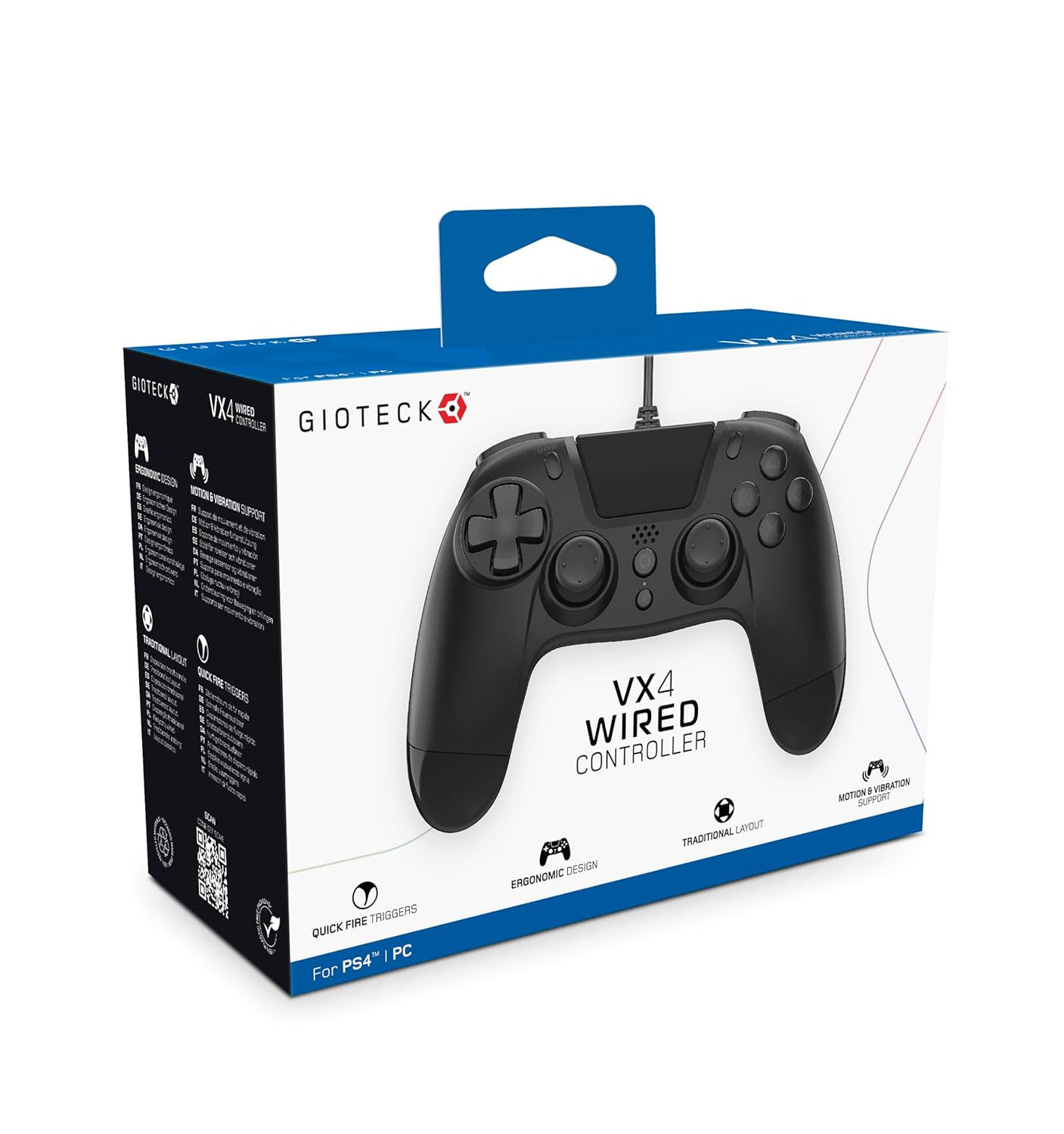
The Gioteck VX-4 Wired Controller is designed for PlayStation 4 and PC, offering a comfortable and responsive gaming experience. It features quick-fire triggers, a precision D-pad, and anti-slip rubber thumb sticks for enhanced performance, providing a next-level immersive gaming experience.
کلیدي ځانګړتیاوې:
- Quick Fire triggers
- ارګونومیک ډیزاین
- Traditional PlayStation layout
د بسته محتويات:
- Gioteck VX-4 Wired Controller
- د کارونکي لارښود (دا لاسوند)
محصول پای ته ورسیدview:
چمتو کول
د پلې سټیشن ۲ سره نښلول:
- ډاډ ترلاسه کړئ چې ستاسو د PlayStation 4 کنسول فعال دی.
- Insert the USB connector of the VX-4 Wired Controller into an available USB port on your PlayStation 4 console.
- کنټرولر باید په اتوماتيک ډول وپیژندل شي او د کارولو لپاره چمتو وي.
د کمپیوټر سره نښلول:
- ډاډ ترلاسه کړئ چې ستاسو کمپیوټر فعال دی.
- Insert the USB connector of the VX-4 Wired Controller into an available USB port on your PC.
- The PC operating system should automatically install the necessary drivers. If prompted, allow the driver installation to complete.
- The controller will be ready for use with compatible PC games.

عملیاتي لارښوونې
د تڼۍ ترتیب:
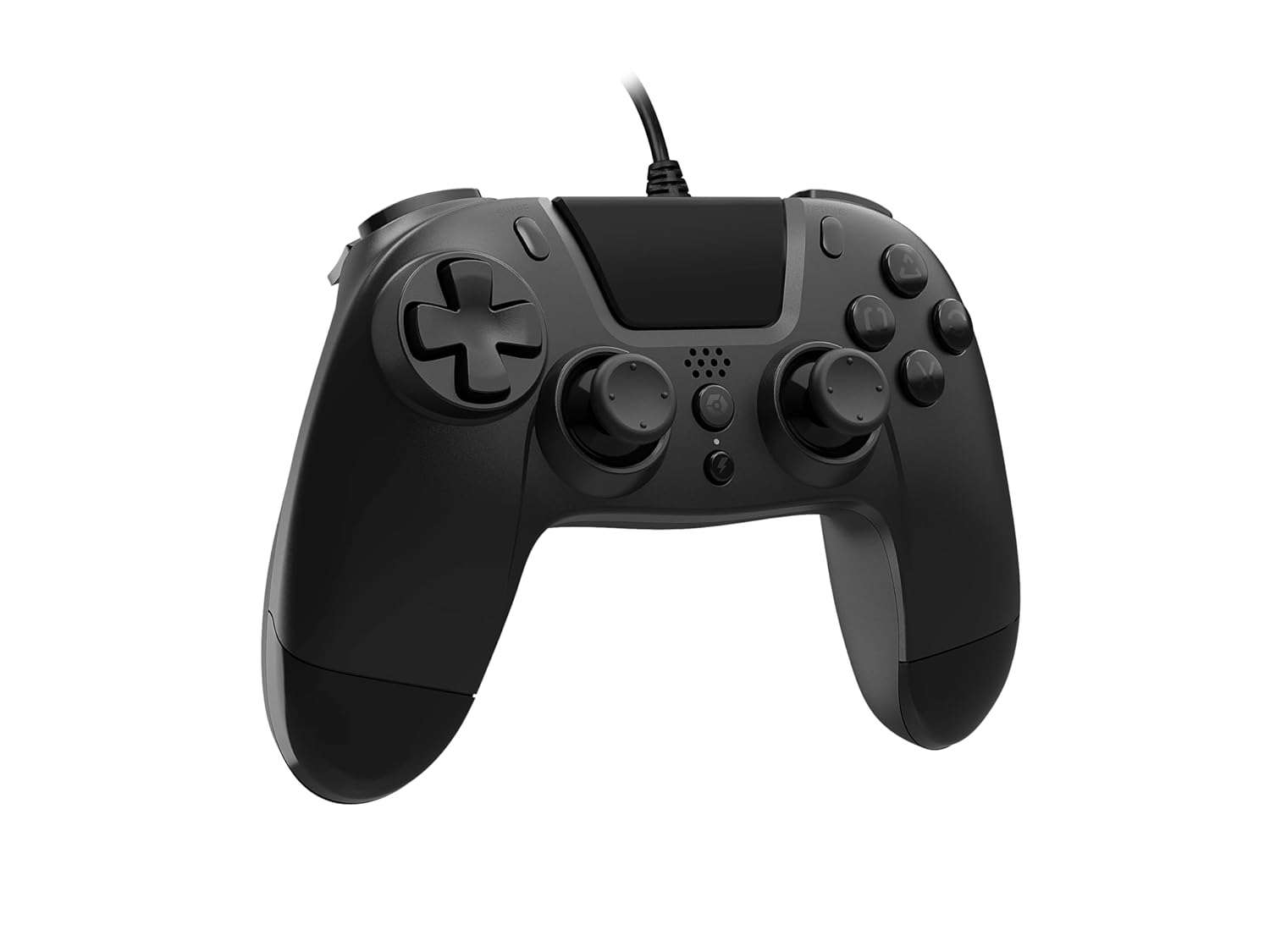
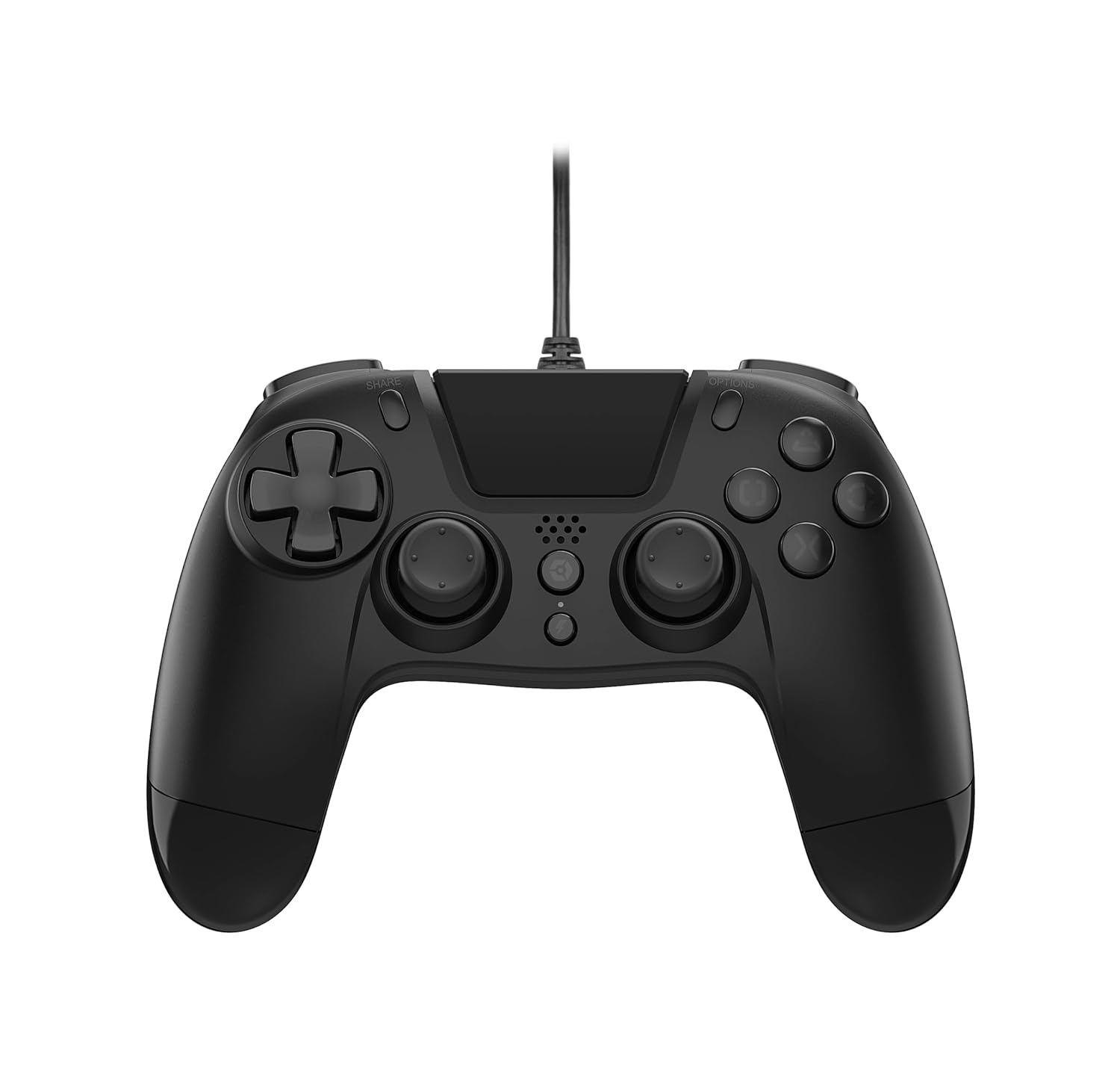
The VX-4 Wired Controller features a traditional PlayStation layout:
- لارښود پیډ (ډي-پیډ): د دقیق سمتي ان پټ لپاره.
- کیڼ انالوګ سټیک: د حرکت لومړني کنټرول.
- ښي انلاګ سټیک: د کیمرې یا هدف کنټرول.
- د عمل تڼۍ (مثلث، دایره، صلیب، مربع): Context-sensitive actions in games.
- د شریکولو تڼۍ: Share gameplay moments (PS4 only).
- د اختیارونو تڼۍ: Access in-game menus or pause (PS4 only).
- د PS تڼۍ: Access the PlayStation Home screen or power on/off the console (PS4 only).
- L1/R1 تڼۍ: Shoulder buttons, typically for quick actions.
- L2/R2 محرکونه: Analog triggers for precise input, such as acceleration or firing.
د کنټرولر کارول:
Once connected, the controller functions similarly to a standard PlayStation 4 controller for compatible games. For PC, ensure the game supports XInput or DirectInput controllers for optimal performance.
ساتنه
پاکول:
د کنټرولر پاکولو لپاره، یو نرم، وچ ټوکر وکاروئ. د سختې خاورې لپاره، یو څه damp cloth can be used, but ensure no moisture enters the controller's internal components. Do not use harsh chemicals or abrasive cleaners, as these may damage the finish or internal electronics.
ذخیره کول:
Store the controller in a cool, dry place away from direct sunlight and extreme temperatures. Avoid placing heavy objects on the controller to prevent damage to the cable or buttons.
د کیبل پاملرنه:
Do not sharply bend, twist, or pull on the controller cable. Always grasp the plug, not the cable, when connecting or disconnecting it from your console or PC to prevent internal wire damage.
د ستونزو حل کول
کنټرولر ځواب نه ورکوي:
- Ensure the USB cable is securely plugged into both the controller and the console/PC.
- Try plugging the controller into a different USB port on your console/PC.
- خپل کنسول یا کمپیوټر بیا پیل کړئ.
- If on PC, check Device Manager to ensure the controller is recognized and drivers are installed correctly.
تڼۍ یا لرګي په سمه توګه کار نه کوي:
- Check for any physical obstructions or debris around the buttons or analog sticks.
- Ensure the controller is clean (refer to Maintenance section).
- Test the controller with another game or application to determine if the issue is specific to one program.
وایبریشن کار نه کوي:
- Verify that the game or application you are playing supports vibration feedback.
- د لوبې دننه ترتیبات وګورئ ترڅو ډاډ ترلاسه کړئ چې وایبریشن فعال شوی دی.
مشخصات
| فیچر | تفصیل |
|---|---|
| د ماډل شمیره | SWIAGJC |
| ارتباط | وائرډ USB |
| مطابقت | پلې سټېشن ۴، کمپیوټر |
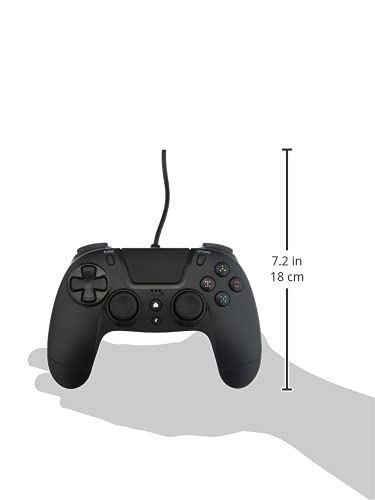
| Product Dimensions (Controller) | Approximately 7.2 inches (18 cm) in height |
| د توکي وزن | 7.41 اونس (210 ګرامه) |
| جوړونکی | Gioteck |
تضمین او ملاتړ
For warranty information and technical support regarding your Gioteck VX-4 Wired Controller, please refer to the official Gioteck webسایټ ته مراجعه وکړئ یا مستقیم د دوی د پیرودونکي خدماتو سره اړیکه ونیسئ. سپارښتنه کیږي چې د هر ډول تضمین ادعا لپاره د پیرود ثبوت وساتئ.
Manufacturer: Gioteck
د لومړي ځل لپاره د شتون نیټه: د سپتمبر ۲، ۲۰۲۴


