1. پیژندنه
This manual provides detailed instructions for the installation, operation, and maintenance of your Mars Gaming MC500 ATX PC Case. Please read this guide thoroughly before beginning assembly or use to ensure proper functionality and safety. The MC500 is designed for high-performance computing, featuring exceptional cooling capabilities and a stylish FRGB lighting system.

Figure 1: Mars Gaming MC500 PC Case with tempered glass design.
2. د بسته محتويات
ډاډ ترلاسه کړئ چې ټولې برخې په بسته کې شتون لري:
- Mars Gaming MC500 ATX PC Case
- د لوازمو بکس (پیچونه، سټینډ آفونه، کیبل اړیکې)
- د کارونکي لارښود (دا لاسوند)
3. ترتیب او نصب کول
Follow these steps for proper assembly of your PC components within the MC500 case.
۳.۱ د قضیې چمتو کول
- په احتیاط سره قضیه د هغې له بسته بندۍ څخه لرې کړئ.
- قضیه په یوه مستحکم او فلیټ سطحه کې کیږدئ.
- Remove the tempered glass side panel by unscrewing the thumb screws at the rear of the case.
3.2 د مادر بورډ نصب کول
- Install the I/O shield into the motherboard tray opening.
- Align the motherboard with the pre-installed standoffs. Ensure the standoffs match your motherboard's form factor (ATX, Micro-ATX, Mini-ITX).
- د چمتو شوي پیچونو سره مور بورډ خوندي کړئ.
۴.۴ د ذخیره کولو ډرایو نصب کول
The MC500 supports up to 4 x 2.5" SSDs or 2 x 3.5" HDDs.
- For 2.5" SSDs: Locate the dedicated mounting points on the motherboard tray or drive cages. Secure the SSDs with screws.
- For 3.5" HDDs: Utilize the drive cages located in the dual chamber design. Slide the HDDs into the trays and secure them.

Figure 2: Internal layout showing storage drive mounting locations.
3.4 د بریښنا رسولو واحد (PSU) نصب کول
- Install the PSU into the dedicated compartment at the bottom rear of the case.
- د قضیې له شا څخه د پیچونو سره PSU خوندي کړئ.
۳.۴ د ګرافیک کارت او توسیع کارت نصب کول
- د قضیې له شا څخه اړین PCIe سلاټ پوښونه لرې کړئ.
- خپل ګرافیک کارت یا نور توسیع کارتونه په مدر بورډ کې مناسب PCIe سلاټونو کې دننه کړئ.
- کارتونه د پیچونو سره خوندي کړئ.
3.6 د کیبل مدیریت
د کیبلونو د مدیریت لپاره د مدر بورډ ټری شاته د کیبل روټینګ کټ آوټونو او ټای ډاون نقطو څخه کار واخلئ. دا د هوا جریان او جمالیات ښه کوي.
4. عملیاتي لارښوونې
4.1 فعالول
After all components are installed and connected, close the side panel. Connect your monitor, keyboard, mouse, and power cable. Press the power button on the top I/O panel to start your system.
4.2 د فین عملیات
The MC500 comes with two pre-installed 18cm XXL FRGB fans at the front, providing excellent airflow. These fans operate automatically once the system is powered on, drawing cool air into the case.
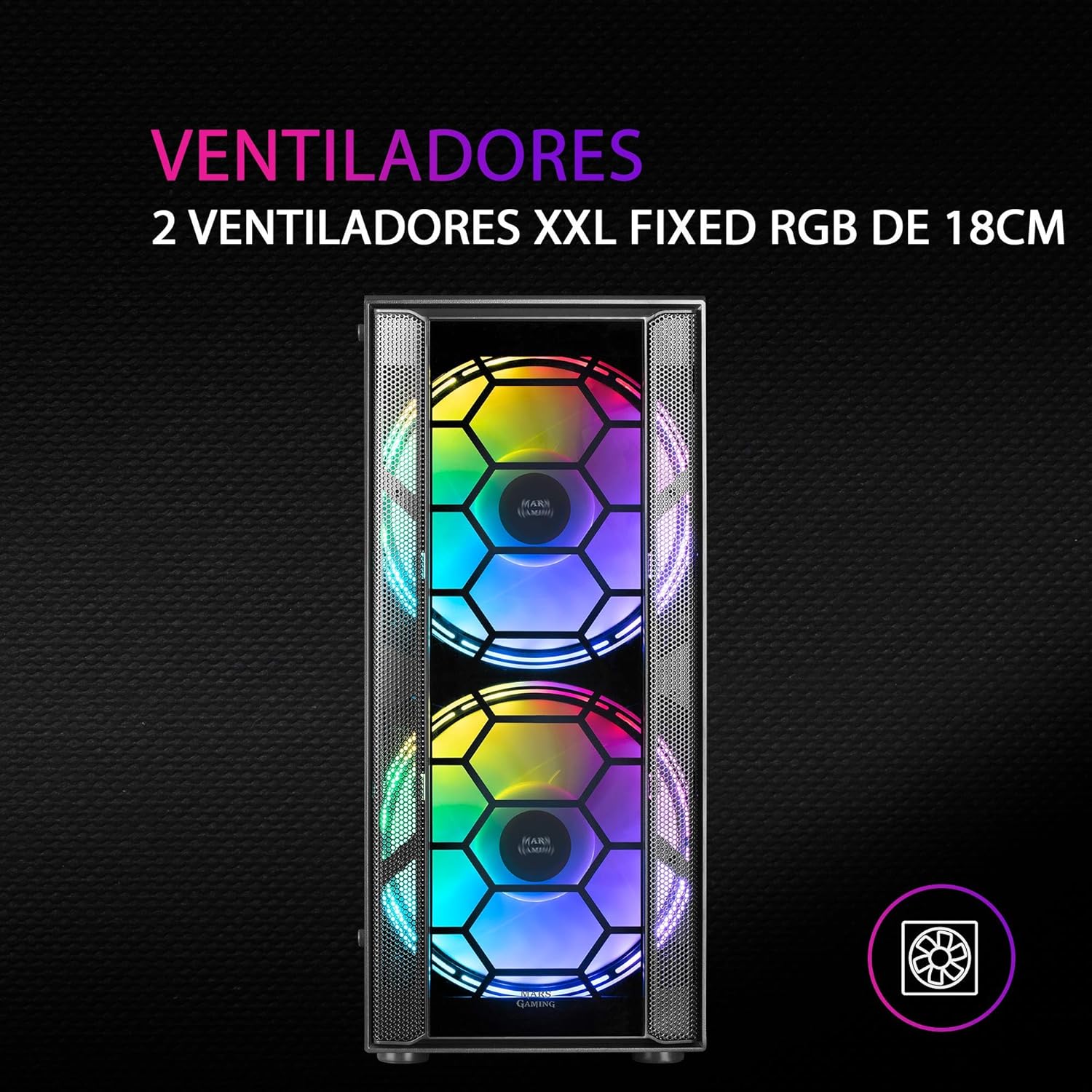
شکل 3: مخکی view highlighting the two 18cm XXL FRGB fans.
4.3 FRGB Lighting
The front fans feature Fixed RGB (FRGB) lighting. This lighting system provides a constant stream of colors and activates automatically when the fans receive power. No additional software or controller is required for its operation.
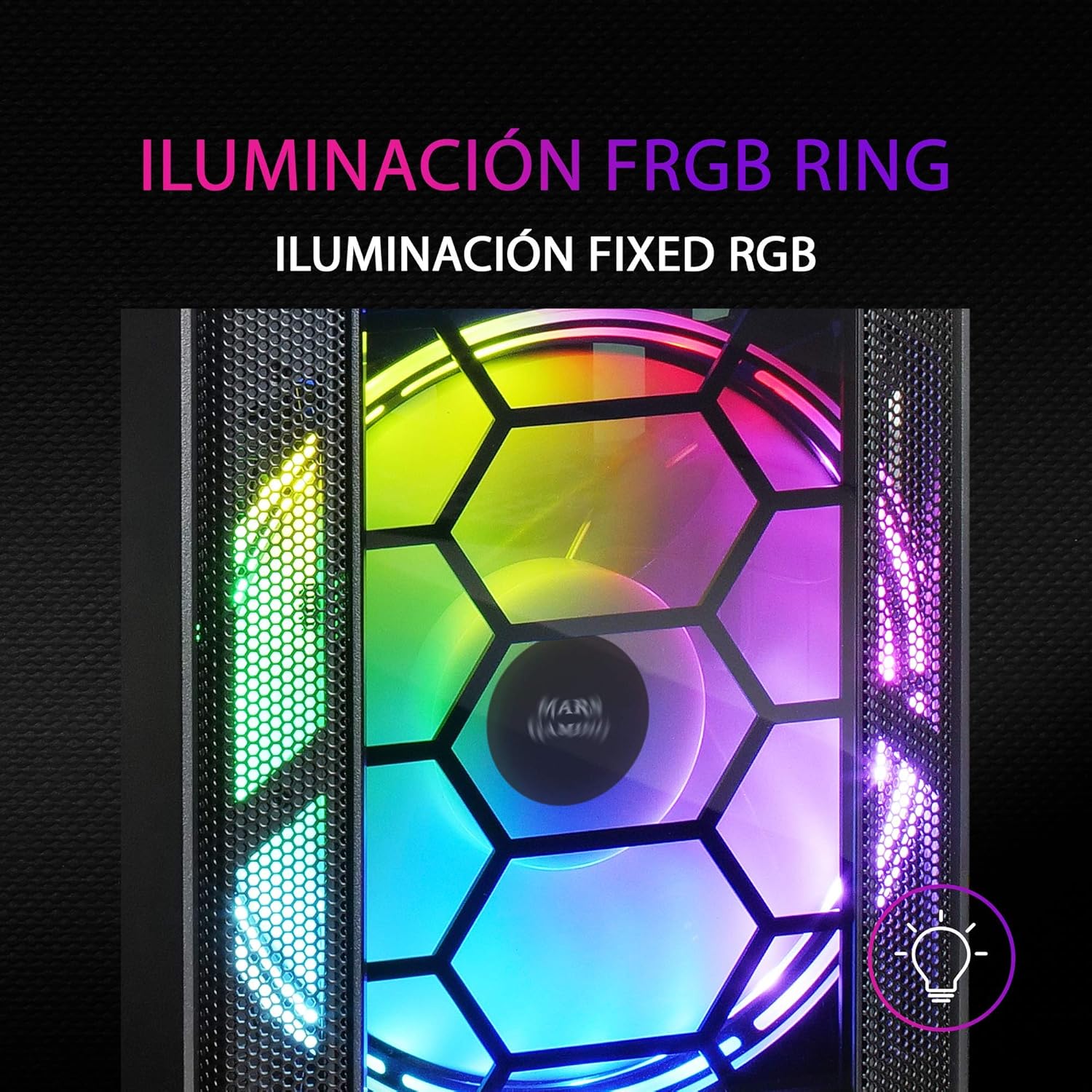
Figure 4: Detail of the FRGB ring lighting on the fans.
5. ساتنه
منظم ساتنه ستاسو د کمپیوټر قضیې غوره فعالیت او اوږد عمر تضمینوي.
۵.۱ د دوړو فلټر پاکول
The MC500 is equipped with two removable dust filters to prevent dust buildup inside the case. It is recommended to clean these filters periodically (e.g., monthly) depending on your environment.
- Power off your computer and disconnect the power cable.
- Gently remove the dust filters (typically located on the top and bottom/front of the case).
- Clean the filters using compressed air or by rinsing them with water. If using water, ensure they are completely dry before re-installing.
- Re-install the dust filters.

Figure 5: Removable dust filter for easy cleaning.
5.2 عمومي پاکول
د کیس بهرنۍ برخه په نرم، دamp cloth. Avoid using harsh chemicals or abrasive materials that could damage the finish or tempered glass.
6. ستونزه حل کول
If you encounter issues with your MC500 PC case, consider the following common solutions:
- سیسټم نه فعالیږي: Ensure all power cables (24-pin ATX, 8-pin CPU, GPU power) are securely connected to the motherboard and components. Verify the PSU switch is in the 'ON' position. Check front panel header connections to the motherboard.
- مينه وال چې نه ګرځېږي: Confirm that the fan power cables are correctly connected to the motherboard fan headers or a fan controller. Check BIOS settings for fan speed control.
- FRGB Lighting Not Working: Since the FRGB lighting is fixed and powered by the fans, ensure the fans are spinning and receiving power.
- Poor Airflow/Overheating: Ensure all case fans are oriented correctly (intake/exhaust). Clean dust filters regularly. Verify no cables are obstructing airflow.
- لوند اجزا: If you hear rattling, check that all screws for the motherboard, drives, and expansion cards are tightened.
For persistent issues, consult the documentation for your individual PC components (motherboard, PSU, etc.) or contact Mars Gaming support.
7. مشخصات
| فیچر | مشخصات |
|---|---|
| برانډ | د مریخ لوبو |
| ماډل | MC500 |
| د محصول ابعاد | 37.5 x 44.8 x 20.2 سانتي متره |
| د توکي وزن | 5.1 کیلو ګرامه |
| د فارم فکتور | ATX |
| د مور بورډ مطابقت | ATX، Micro-ATX، Mini-ITX |
| د قضیې ډول | ټاور |
| مواد | شیشه |
| شامل شوي مینه وال | 2 x 18cm XXL FRGB Fans (Front) |
| د مایع کول کول | 240/120mm (Top), 120mm (Rear) |
| د ذخیره کولو خونې | Up to 4 x 2.5" SSDs or 2 x 3.5" HDDs |
| د دوړو فلټرونه | ۱ (د لرې کولو وړ) |
| رنګ | تور |
8. تضمین او ملاتړ
8.1 د تضمین معلومات
For detailed warranty information regarding your Mars Gaming MC500 PC Case, please refer to the official Mars Gaming webسایټ یا د تضمین کارت چې ستاسو د پیرود سره شامل دی. د تضمین شرایط او مقررات ممکن د سیمې له مخې توپیر ولري.
8.2 تخنیکي ملاتړ
If you require technical assistance or have questions not covered in this manual, please visit the official Mars Gaming support page or contact their customer service directly. Contact information can typically be found on their webسایټ