1. پیژندنه
د پیرودلو لپاره مننهasing the AUKEY PC-LM3 Webcam. This manual provides detailed instructions for setting up, operating, and maintaining your webcam. Please read this manual thoroughly before use and retain it for future reference.
2. د خوندیتوب معلومات
- ساتل webcam away from water, moisture, and extreme temperatures.
- هڅه مه کوئ چې وسیله پخپله جلا کړئ یا ترمیم کړئ. ټولې خدمتونه وړ پرسونل ته راجع کړئ.
- د غورځولو یا تابع کولو څخه ډډه وکړئ webقوي اغیزو ته کیم.
- Clean the lens with a soft, dry cloth. Do not use liquid cleaners.
3. د بسته محتويات
مهرباني وکړئ وګورئ چې ټول توکي ستاسو په کڅوړه کې شتون لري:
- AUKEY PC-LM3 Webکمره
- د کارن لارښود
- د USB کیبل (مدغم شوی)
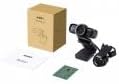
Image 1: Contents of the AUKEY PC-LM3 Webcam package, showing the webcam, manual, and packaging.
4. محصول ختم شوview
The AUKEY PC-LM3 is a 1080p USB 2.0 webcam designed for high-quality video communication and recording. It features a CMOS sensor and 5x optical zoom capability, providing clear and detailed visuals.
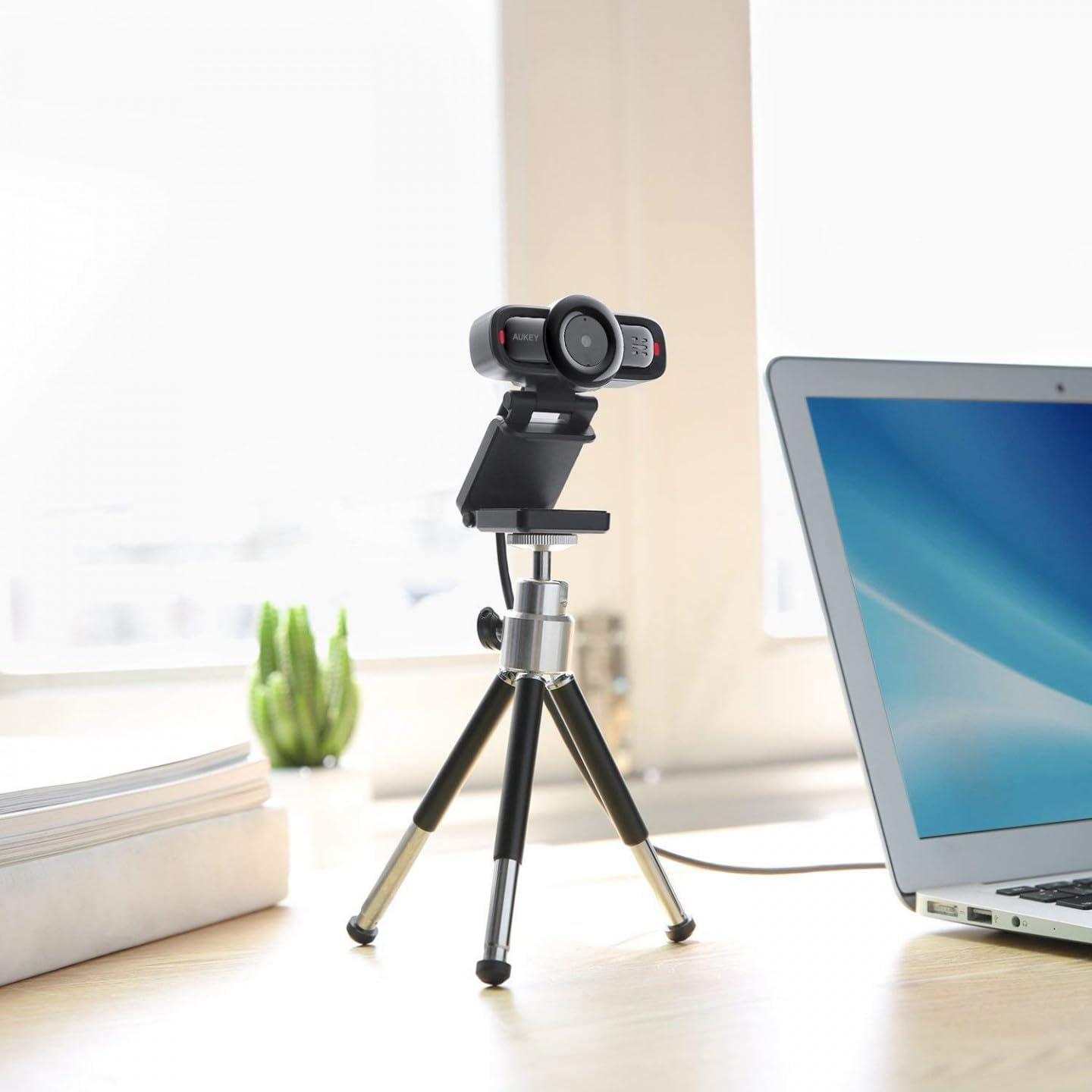
Image 2: AUKEY PC-LM3 Webcam in use, demonstrating its compact design and mounting flexibility on a tripod.
کلیدي ځانګړتیاوې:
- Full HD 1080p video recording
- CMOS sensor for clear images
- USB 2.0 connectivity for universal compatibility
- 5x optical zoom for detailed framing
- Integrated microphone for audio capture
- Adjustable clip for versatile mounting options
5. ترتیب کول
5.1 Placing the Webکمره
- په مانیټر کې: Unfold the clip and place the webکیمره د خپل مانیټر یا لیپ ټاپ سکرین په سر کې کیږدئ. کلپ په کلکه سره تنظیم کړئ ترڅو دا خوندي شي.
- په ټرایپوډ کې: د webcam features a standard tripod thread. Mount it onto a compatible tripod for more flexible positioning.
- په فلیټ سطحه: کلپ د یو مستحکم سټینډ جوړولو لپاره تاو کړئ او ځای په ځای کړئ webکیمره په میز یا بل فلیټ سطح کې.
۴.۱ ستاسو کمپیوټر سره نښلول
- د USB نښلونکی وصل کړئ webcam into an available USB 2.0 or 3.0 port on your computer.
- ستاسو کمپیوټر باید په اتوماتيک ډول اړین چلوونکي کشف او نصب کړي. دا پروسه ممکن څو دقیقې وخت ونیسي.
- یوځل نصب شو ، webcam will be ready for use with video conferencing software or recording applications.
یادونه: No additional software or drivers are typically required for Windows, macOS, or Linux operating systems.
۲. د چلولو Webکمره
6.1 Using with Video Conferencing Software
To use the AUKEY PC-LM3 webcam with applications like Zoom, Skype, Microsoft Teams, or Google Meet:
- خپل د خوښې ویډیو کنفرانس غوښتنلیک خلاص کړئ.
- Navigate to the application's settings or preferences (usually found under "Audio & Video" or "Devices").
- Select "AUKEY PC-LM3" as your video input device.
- Select "AUKEY PC-LM3 Microphone" (or similar) as your audio input device, if applicable.
- Adjust any video settings such as resolution or brightness within the application if available.
6.2 د ویډیو ثبتول
To record video using the webcam, use your computer's built-in camera application (e.g., Camera app on Windows, Photo Booth on macOS) or third-party recording software. Ensure the AUKEY PC-LM3 is selected as the video source.
۶.۴ آپټیکل زوم
د webcam features 5x optical zoom. This function is typically controlled via software. Check your video conferencing or recording application for zoom controls. If not available, third-party webcam control software may offer this functionality.
7. ساتنه
7.1 پاکول Webکمره
- ډاډ ترلاسه کړئ webکیم ستاسو د کمپیوټر څخه د پاکولو دمخه منقطع شوی دی.
- Use a soft, lint-free cloth to gently wipe the lens and body of the webکیم
- For stubborn smudges on the lens, slightly dampen the cloth with water or a lens cleaning solution, then wipe gently. Avoid excessive moisture.
- سخت کیمیاوي مواد، د کثافاتو پاکوونکي، یا محلولونه مه کاروئ.
7.2 ذخیره کول
کله چې کارول نه وي، ذخیره کړئ webcam in a cool, dry place, away from direct sunlight and dust. Consider using a privacy cover (if included or purchased separately) to protect the lens and ensure privacy.
8. ستونزه حل کول
| ستونزه | د حل لاره |
|---|---|
| Webکیمره د کمپیوټر لخوا ونه موندل شوه. |
|
| د ویډیو محصول نشته. |
|
| د ویډیو خراب کیفیت. |
|
9. مشخصات
| فیچر | تفصیل |
|---|---|
| ماډل | د PC-LM3 |
| د ویډیو حل | 1920 x 1080 پکسلز (1080p) |
| د سینسر ټیکنالوژي | CMOS |
| ارتباط | USB 2.0 |
| نظری زوم | 5x |
| د ویډیو نیول بڼه | MP4, AVI |
| ملاتړ شوی آډیو بڼه | AAC، MP3 |
| ابعاد (L x W x H) | 7.7 x 7.2 x 4.6 سانتي متره |
| وزن | 130 ګرامه |
| رنګ | تور |
۷. تضمین او د پیرودونکو ملاتړ
AUKEY products are covered by a limited warranty from the date of purchase. For specific warranty terms and conditions, please refer to the warranty card included with your product or visit the official AUKEY webسایټ
If you encounter any issues or have questions regarding your AUKEY PC-LM3 Webcam, please contact AUKEY customer support for assistance. Contact information can typically be found on the official AUKEY webپه سایټ یا د تضمین کارت کې.