1. پیژندنه
This manual provides essential information for setting up, operating, maintaining, and troubleshooting your Google Pixel 6 Pro smartphone. The Pixel 6 Pro is a powerful 5G Android device featuring the custom Google Tensor processor, an advanced camera system, and enhanced security features, designed to deliver a smart and fast mobile experience.
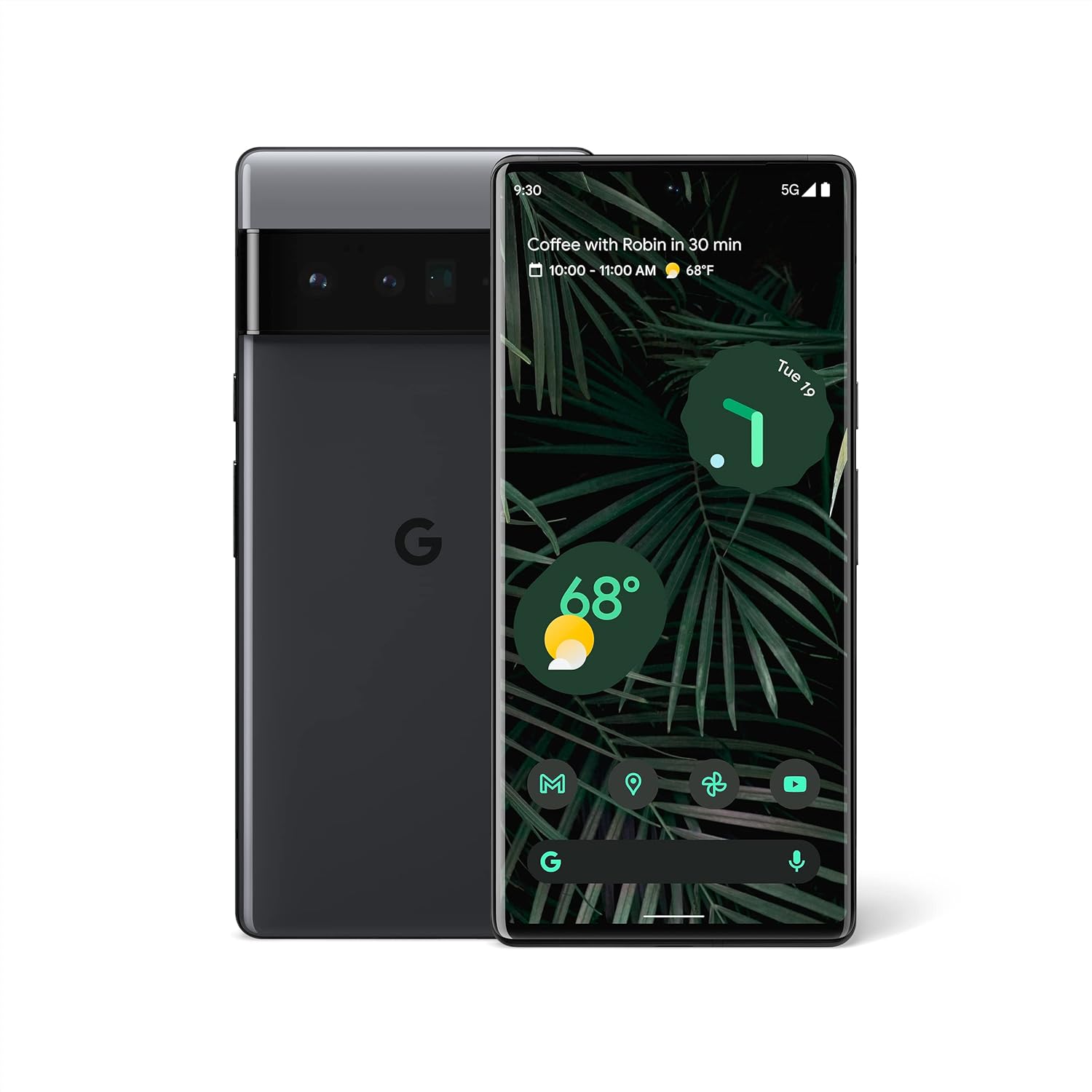
شکل ۱: مخ او شا view of the Google Pixel 6 Pro in Stormy Black. The front displays the home screen with time, weather, and app icons, while the back shows the distinctive camera bar and Google logo.
2. د تنظیم کولو لارښود
۲.۱ د بکس خلاصول او لومړنۍ تفتیش
د بسته بندۍ پرانستلو سره، ډاډ ترلاسه کړئ چې ټولې برخې شتون لري:
- د ګوګل پکسل ۶ پرو ګرځنده تلیفون
- USB-C ته USB-C کیبل
مخکې له دې چې کار پیل کړئ، وسیله د هر ډول فزیکي زیان لپاره معاینه کړئ.
۳.۱ د سیم کارت داخلول
- د خپل پکسل ۹ پرو په څنګ کې د سیم کارت ټری ومومئ.
- Insert the SIM ejector tool (or a small paperclip) into the small hole on the tray and push gently until the tray pops out.
- خپل نانو سیم کارت په ټری کې ځای په ځای کړئ چې د سرو زرو اړیکې ښکته وي او کونج یې په ترتیب سره وي.
- ټری په احتیاط سره بیرته په سلاټ کې فشار ورکړئ تر هغه چې دا په خپل ځای کې کلیک وکړي.
۱.۱ د بریښنا فعالول او ابتدايي ترتیب
- Press and hold the Power button (located on the right side) until the Google logo appears on the screen.
- Follow the on-screen prompts to select your language, connect to a Wi-Fi network, and sign in with your Google Account.
- تاسو به د امنیتي ځانګړتیاو لکه د ګوتو نښې خلاصول او د سکرین لاک تنظیم کولو له لارې لارښوونه وکړئ.
2.4 Transferring Data from Your Old Phone
The Pixel 6 Pro offers a seamless way to transfer your messages, contacts, photos, and other data from your previous device during the initial setup process. Use the provided USB-C cable and follow the on-screen instructions.

Figure 2.1: A Google Pixel 6 Pro connected via USB-C cable to another smartphone, illustrating the data transfer process. The Pixel's screen shows options to copy messages, contacts, photos, and other data.
3. Operating Your Pixel 6 Pro
3.1 ځانګړتیاوې ښکاره کول
The Pixel 6 Pro features a 6.7-inch LTPO QHD+ Smooth Display with a resolution of 1080 x 2340 pixels and a 120Hz refresh rate for fluid scrolling and responsiveness. The display is protected by Corning Gorilla Glass Victus for enhanced durability.
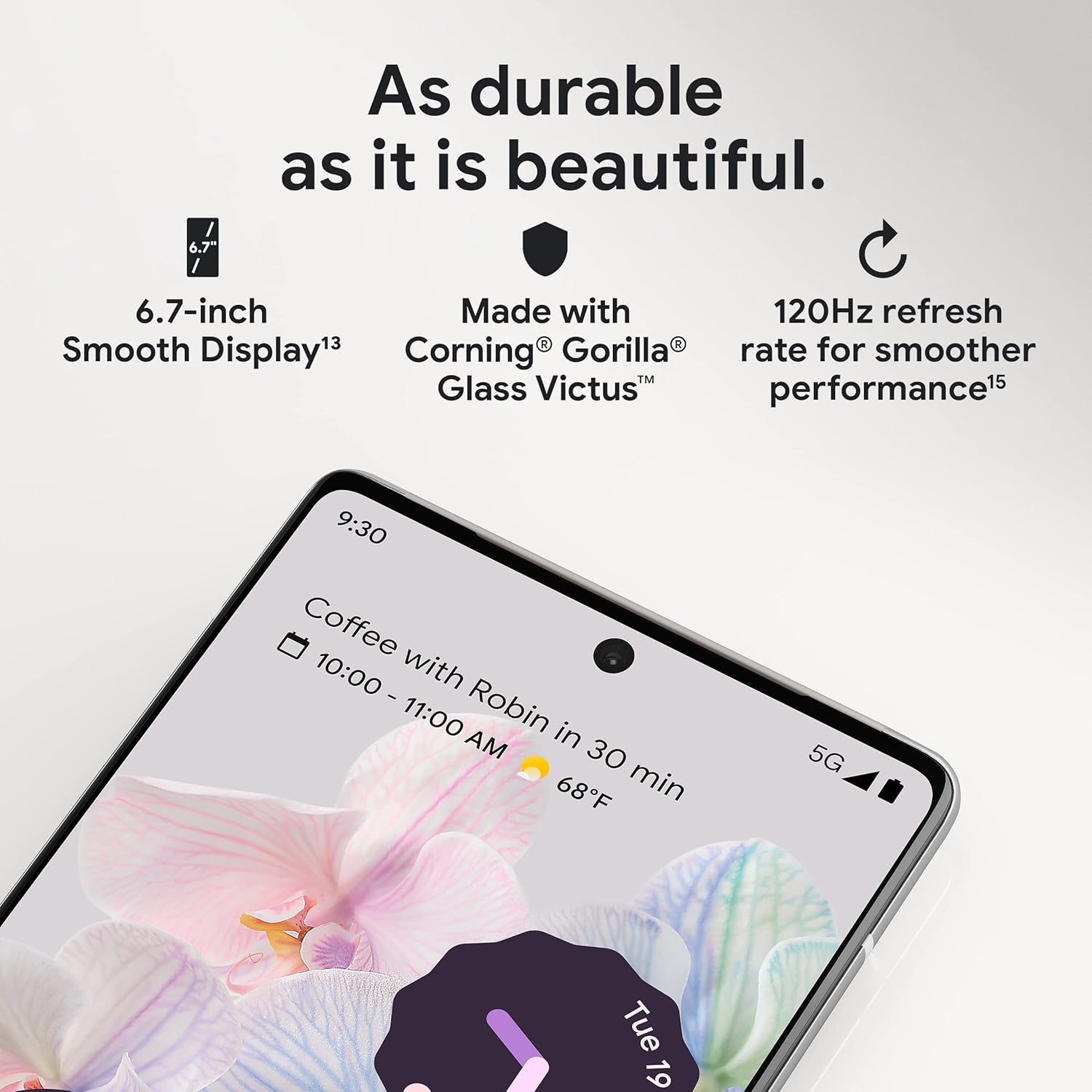
شکل ۶.۲: یوه نږدې کتنه view of the Pixel 6 Pro's display, highlighting its durability with Corning Gorilla Glass Victus and the smooth performance enabled by its 120Hz refresh rate.
د کیمرې سیسټم
The Pixel 6 Pro is equipped with an advanced camera system:
- 50 MP Wide Camera: Captures 150% more light for detailed photos.
- 48 MP Telephoto Camera: Offers 4x optical zoom for distant subjects.
- 12 MP Ultrawide Camera: For expansive landscape and group shots.
- مخکینۍ کیمره: د لوړ کیفیت سیلفي او ویډیو زنګونو لپاره.
د کیمرې مهمې ځانګړتیاوې عبارت دي له:
- جادويي پاکونکی: Removes unwanted objects or people from your photos.
- د حرکت حالت: Creates dynamic long-exposure shots.
- د انځور حالت: Artfully blurs backgrounds for professional-looking portraits.

شکل ۴: یو داخلي view of the Pixel 6 Pro's camera array, detailing the 50 MP wide camera, 48 MP telephoto camera with 4x optical zoom, and 12 MP ultrawide camera.

Figure 3.3: Visual demonstrations of the Pixel 6 Pro's advanced camera tools: Magic Eraser removing background elements, Motion Mode capturing light trails, and Portrait Mode creating a blurred background effect.
3.3 فعالیت
The Pixel 6 Pro is powered by the custom-built Google Tensor processor, which provides a significant boost in performance compared to previous Pixel models. This chip enables advanced on-device AI capabilities and contributes to maximum battery efficiency.
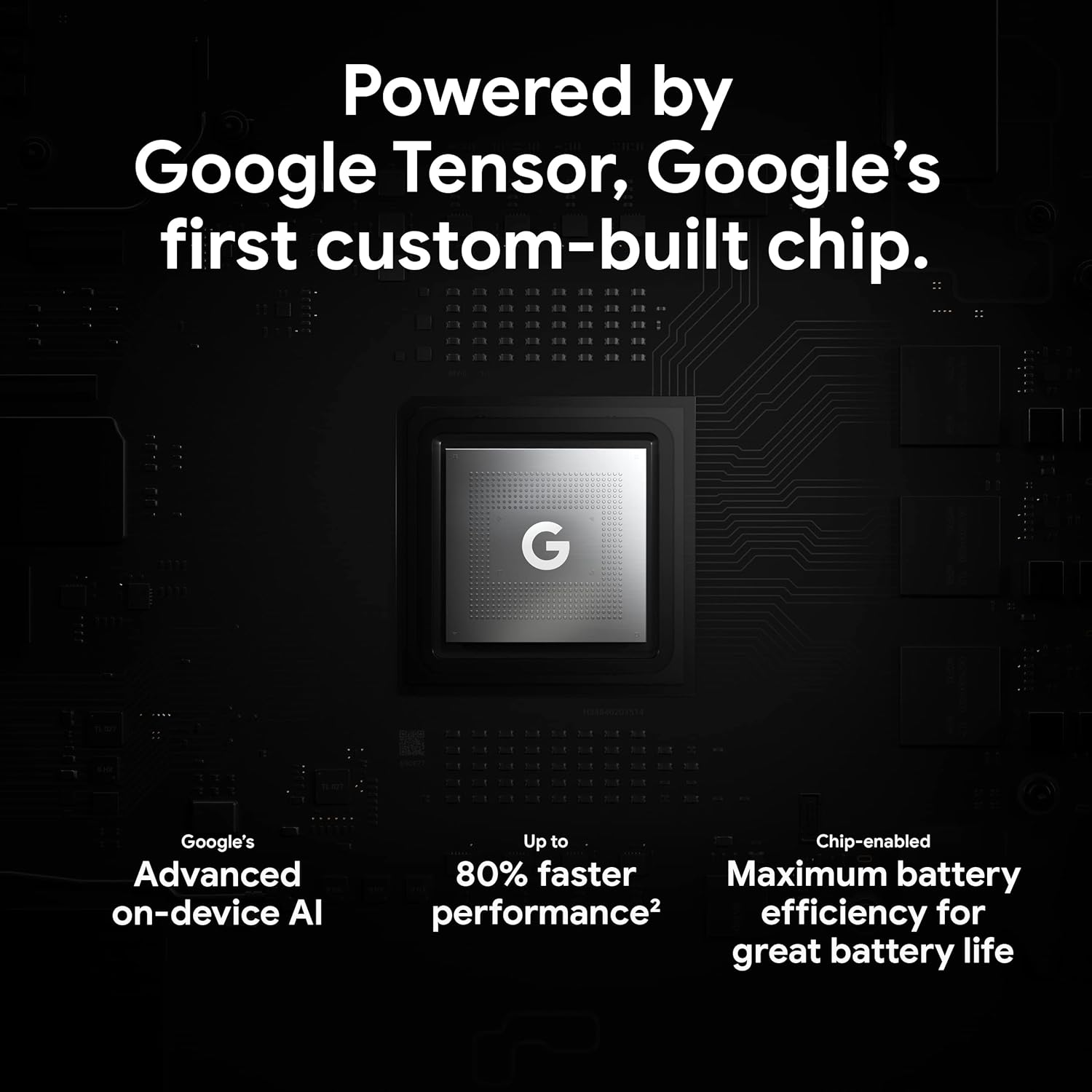
Figure 3.4: An illustration of the Google Tensor chip, highlighting its role in providing advanced on-device AI and up to 80% faster performance for improved battery efficiency.
3.4 امنیت ب Featuresې
Your Pixel 6 Pro is built with robust security:
- Titan M2™ chip: Provides next-generation hardware security.
- امنیتي تازه معلومات: Guaranteed 5 years of security updates to protect against threats.
- د IP68 اوبو او دوړو ساتنه: Offers resistance against water and dust ingress.
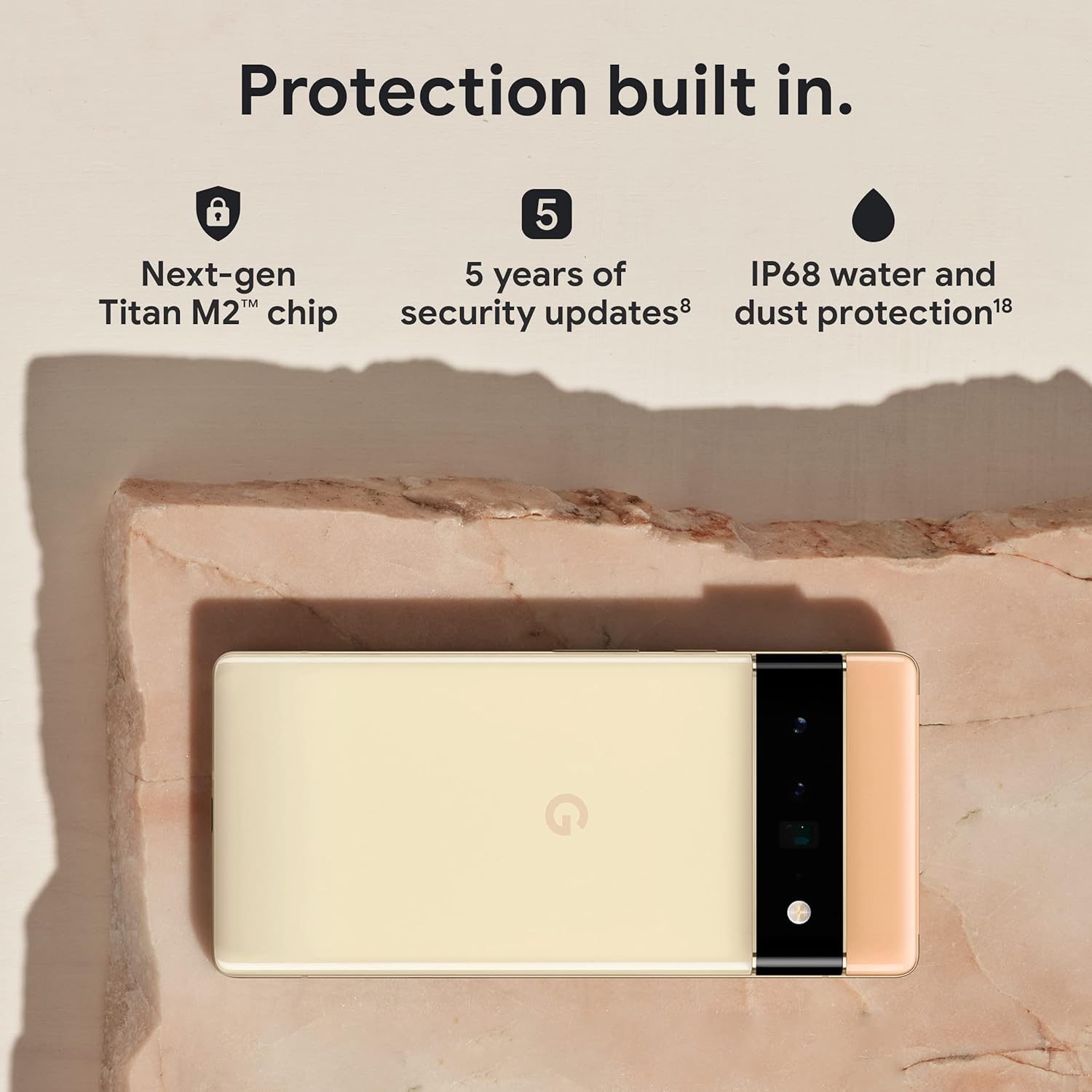
Figure 3.5: The Pixel 6 Pro shown alongside icons representing its built-in security features: the Titan M2 chip, 5 years of security updates, and IP68 water and dust protection.
3.5 بیټرۍ او چارج کول
The device is equipped with a large 5003 mAh battery. It supports fast wired charging (with a compatible 30W USB-C charger, sold separately) and adapts to your usage patterns to save power for frequently used applications, extending battery life beyond 24 hours.

شکل ۲: یو اضافي لګښت view of a person using the Pixel 6 Pro, with icons illustrating the phone's battery capabilities: super-fast charging, power saving for frequently used apps, and extended battery life.
۳.۳ سافټویر او کارن انٹرفیس
The Pixel 6 Pro runs on the Android 12 operating system, offering a modern and intuitive user interface. It includes features like Material You for personalized themes and enhanced privacy controls.
3.7 Translation Capabilities
The device comes with Google Translate pre-installed, allowing you to translate private chats, messages, and live video captions in up to 55 languages directly on your phone.
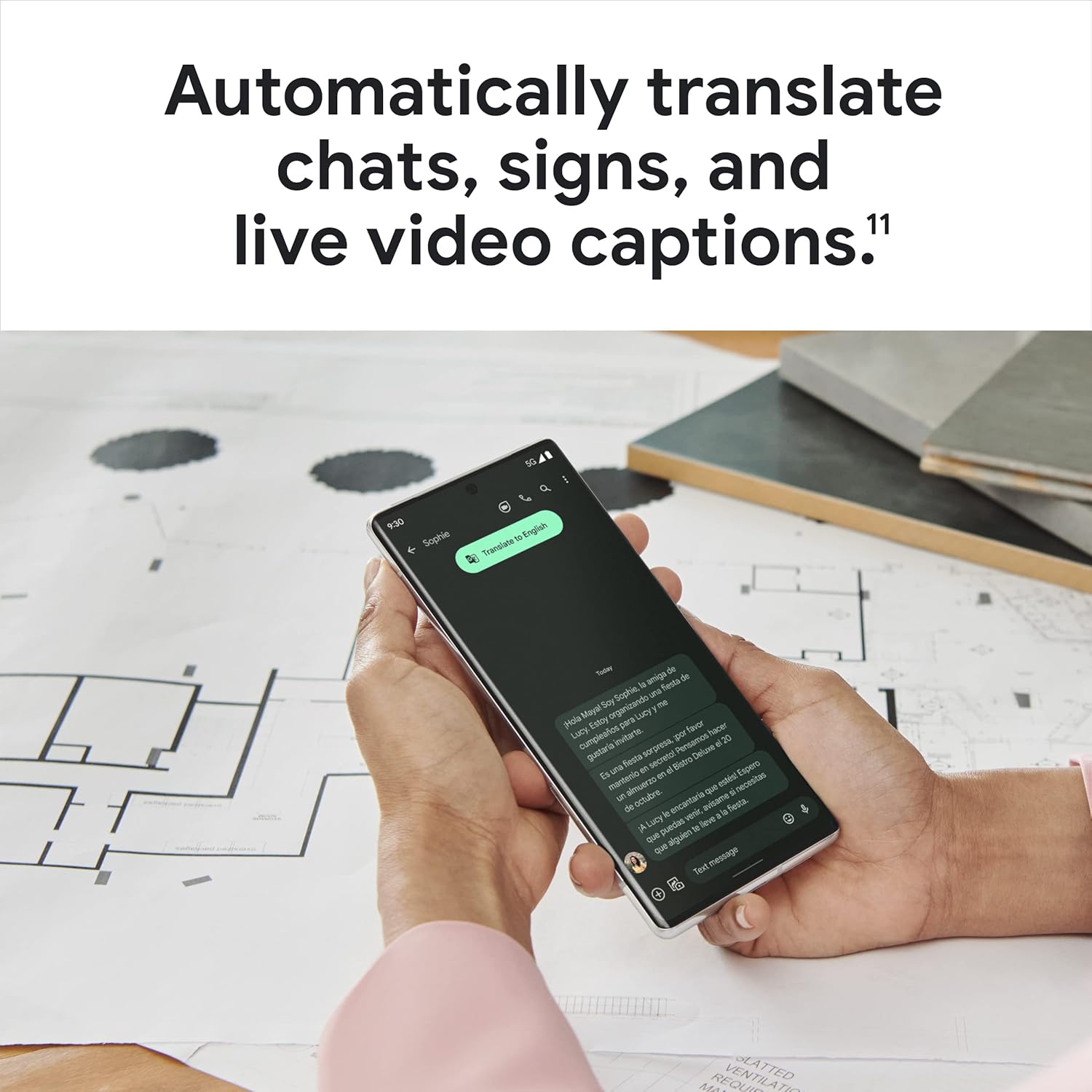
Figure 3.7: A user holding the Pixel 6 Pro, which displays a live translation of text on its screen, demonstrating the device's automatic translation capabilities for chats, signs, and live video captions.
3.8 نښلول
The Pixel 6 Pro supports various connectivity options for seamless integration with other devices and services:
- USB: د چارج کولو او ډیټا لیږد لپاره.
- وای فای: د بېسیم انټرنیټ لاسرسي لپاره.
- بلوتوث: د بېسیم لوازمو د نښلولو لپاره.
- NFC: د تماس پرته تادیاتو او چټکې جوړې لپاره.
4. ساتنه
4.1 عمومي پاملرنه
- Keep your device away from extreme temperatures, direct sunlight, and excessive moisture.
- Avoid dropping the phone or exposing it to strong impacts.
- Use a screen protector and a protective case to minimize damage from drops and scratches.
۳.۲ ستاسو د آلې پاکول
To clean your Pixel 6 Pro:
- د پاکولو دمخه وسیله بند کړئ.
- د سکرین او بدن د نرمۍ سره د پاکولو لپاره یو نرم، لینټ نه لرونکی ټوکر (د مثال په توګه، مایکرو فایبر ټوکر) وکاروئ.
- د سختو داغونو لپاره، لږ څهampد اوبو یا سکرین کلینر سره ټوکر په ځانګړي ډول د برقیاتو لپاره ډیزاین شوی. د سخت کیمیاوي موادو یا خړوبونکي موادو څخه ډډه وکړئ.
4.3 د سافټویر تازه معلومات
Regularly check for and install software updates. These updates often include performance improvements, new features, and critical security patches that keep your device running optimally and securely.
5. ستونزه حل کول
۷.۱ وسیله نه چالانېږي
- بیټرۍ چیک کړئ: Ensure the battery is charged. Connect the phone to a charger for at least 15-30 minutes.
- په زور بیا پیلول: د شاوخوا 30 ثانیو لپاره د بریښنا تڼۍ فشار ورکړئ او ونیسئ.
- Check Charger/Cable: Try a different charger and USB-C cable to rule out faulty accessories.
۵.۳ د شبکې د اتصال مسلې
- تلیفون بیا پیل کړئ: یو ساده بیا پیل کول ډیری وختونه د شبکې لنډمهاله ستونزې حل کولی شي.
- د الوتکې حالت بدل کړئ: Turn Airplane Mode on for a few seconds, then turn it off.
- سیم کارت چیک کړئ: ډاډ ترلاسه کړئ چې سیم کارت په سمه توګه داخل شوی.
- د شبکې تنظیمات تنظیم کړئ: Go to Settings > System > Reset options > Reset Wi-Fi, mobile & Bluetooth. Note: This will erase saved Wi-Fi passwords.
۶.۳ د اپلیکیشنونو خرابېدل یا کنګل کېدل
- Force Close App: Swipe up from the bottom of the screen, find the problematic app, and swipe it away to close.
- Clear Cache/Data: Go to Settings > Apps > See all apps, select the app, then Storage & cache > Clear cache. If the issue persists, try Clear storage (this will delete app data).
- اپلیکیشن تازه کړئ: ډاډ ترلاسه کړئ چې اپلیکیشن د ګوګل پلی سټور څخه وروستي نسخې ته تازه شوی دی.
- تلیفون بیا پیل کړئ: A full device restart can often resolve app-related issues.
۶.۳ د بیټرۍ ژر وچېدل
- Identify Usage: Go to Settings > Battery > Battery usage to see which apps are consuming the most power.
- د سکرین روښانتیا تنظیم کړئ: د سکرین روښانتیا کمه کړئ یا د تطبیق وړ روښانتیا فعاله کړئ.
- نه کارول شوي ځانګړتیاوې غیر فعال کړئ: Turn off Wi-Fi, Bluetooth, GPS, or NFC when not in use.
- د شالید اپلیکیشن تازه کول: په شاليد کې چلېدونکي ایپسونه محدود کړئ.
6. مشخصات
| فیچر | مشخصات |
|---|---|
| د محصول ابعاد | 6.45 x 2.98 x 0.35 انچه |
| د توکي وزن | 7.4 اونس |
| د توکي ماډل شمیره | GA03149 |
| عملیاتي سیسټم | Android 12.0 |
| RAM | 12 جي بي |
| د حافظې د ذخیره کولو ظرفیت | 128 جي بي |
| د سکرین اندازه | ۷۸۷ انچه |
| قرارداد | 1080 x 2340 |
| د تازه کولو نرخ | 120 Hz |
| د بیټرۍ ظرفیت | 5003 mAh |
| د تلیفون خبرې وخت | 25.5 ساعته |
| د چارج کولو وخت | ۵۹ دقیقې (د ۴۵ واټ مناسب چارجر سره) |
| بېسیم مخابراتي ټکنالوژۍ | بلوتوث، NFC، وای فای |
| د ارتباط ټیکنالوژي | بلوتوث، NFC، USB، وای فای |
| ځانګړي ځانګړتیاوې | High-Refresh-Rate Screen, Wireless Charging, Fast Charging, Powerful Camera System with Magic Eraser and Deblurring, Custom Google Tensor Processor |
| رنګ | تور تور |
| په بکس کې څه دي | Cell Phone, USB Cable |
7. تضمین او ملاتړ
For detailed warranty information and customer support, please refer to the official Google support website or the warranty card included with your purchase. Google provides comprehensive support resources, including FAQs, troubleshooting guides, and contact options for technical assistance.
Visit the official Google Support page: ملاتړ.ګوګل.com/پکسل فون


