1. پیژندنه
The Elo 4303L 43-inch Touchscreen Signage display is designed for continuous commercial use, offering interactive capabilities for various environments. This manual provides essential information for setting up, operating, maintaining, and troubleshooting your device.
کلیدي ځانګړتیاوې عبارت دي له:
- 43-inch touch screen monitor with a sleek, slim design.
- TouchPro PCAP technology supporting up to 40 touches with fast and sensitive response time.
- Anti-friction glass to minimize heat during prolonged use.
- Designed for 24/7 operation in high-traffic locations.
- Flexible installation options: landscape, portrait, and tabletop orientations.
- Touch-thru functionality for installations requiring a protective layer.
2. د خوندیتوب معلومات
Please read all safety instructions before using this product. Failure to follow these instructions may result in electric shock, fire, or damage to the device.
- وسیله باران یا رطوبت ته مه ښکاره کوئ.
- سي مه خلاصوهasinج. ټول خدمات وړ پرسونل ته راجع کړئ.
- د ښودنې شاوخوا مناسب هوا ورکول ډاډمن کړئ.
- Use only the power cord and adapters supplied by the manufacturer.
- د بریښنا په تار کې د درنو شیانو له ایښودلو څخه ډډه وکړئ.
- Disconnect the power plug from the outlet if the device will not be used for a long period.
۲. په بکس کې څه دي؟
ډاډ ترلاسه کړئ چې ټول توکي په بسته بندۍ کې شتون لري:
- 43-inch Interactive Display
- د چټک نصبولو لارښود
- HDMI 2.0 cable (A to A)
- USB cable (A to C)
- Power cables (IEC 60320-C5 NA; EU/KR; UK)
- Serial 3.5mm male to Serial DB9 female cable
- Energy label according to EU Regulation 1062/2010
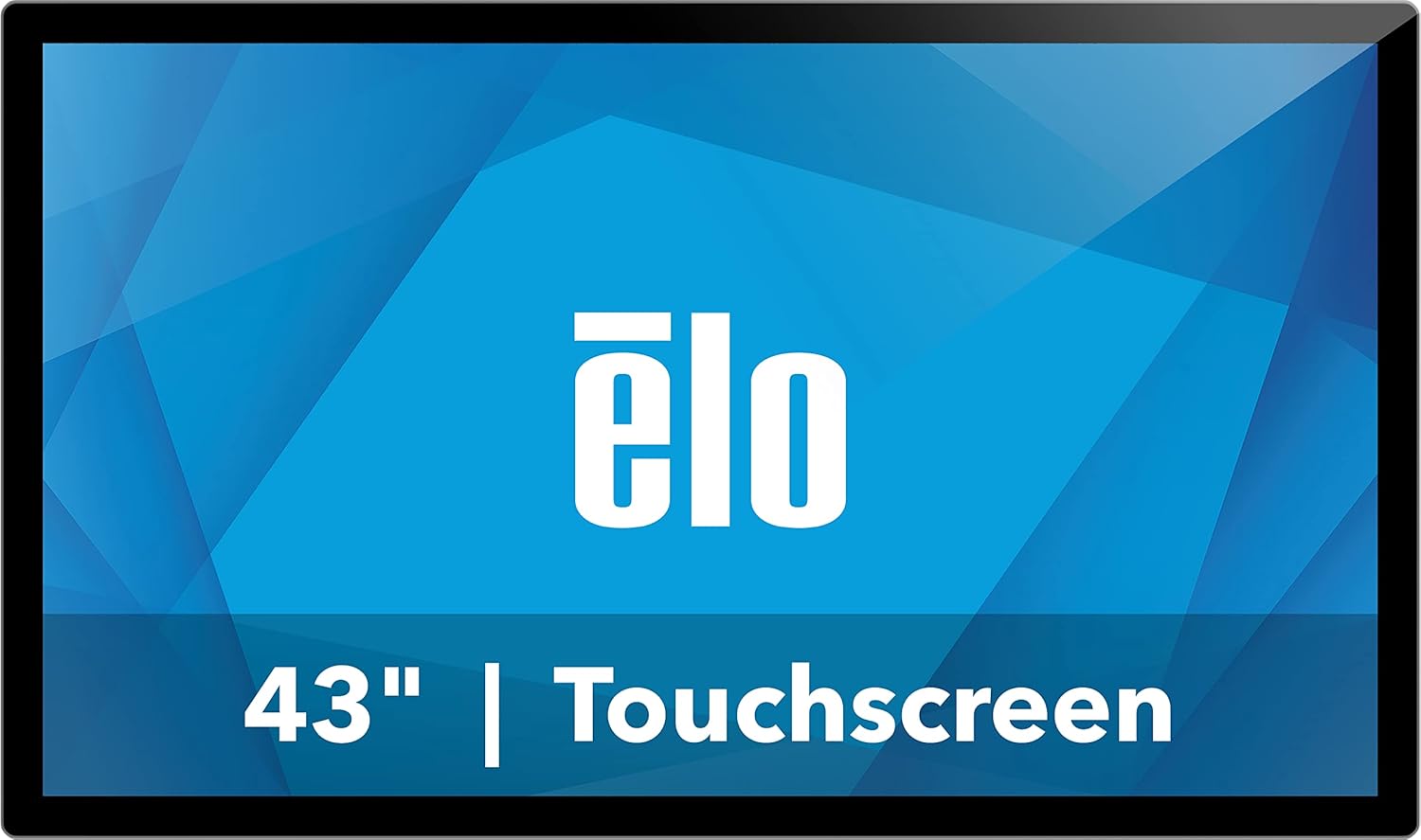
شکل 1: مخکی view of the Elo 4303L 43-inch Touchscreen Signage display.
4. ترتیب کول
4.1 فزیکي نصب کول
The Elo 4303L can be mounted in various orientations. Ensure the mounting solution is compatible with VESA standards and can support the display's weight.
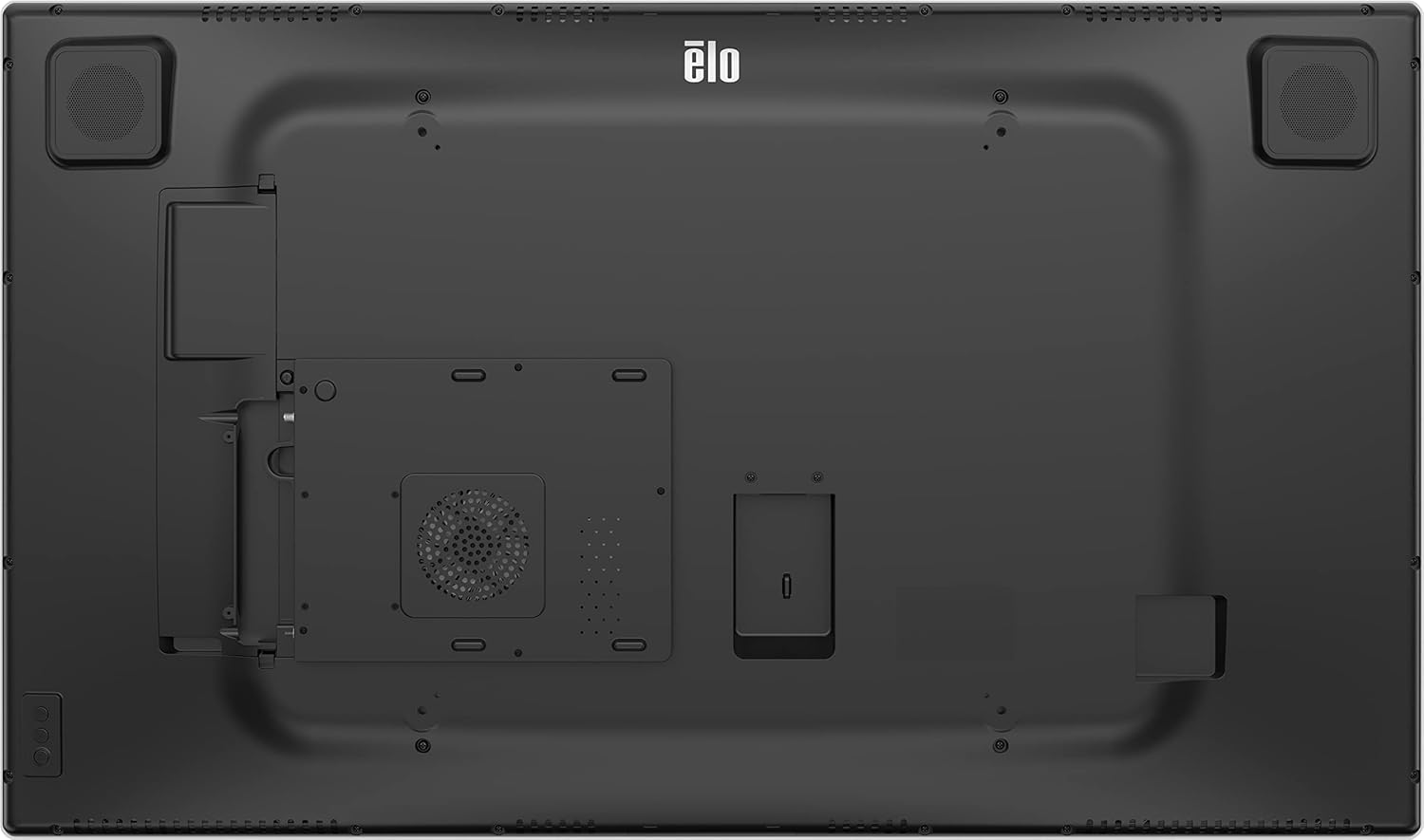
شکل 2: شاته view of the display with VESA mount points.
4.2 د کیبلونو نښلول
Connect the necessary cables for power, video, and touch functionality.
- د بریښنا پیوستون: Connect one end of the provided power cable to the display's power input and the other end to a grounded electrical outlet.
- د ویډیو اړیکه: Use the HDMI 2.0 cable to connect your video source (e.g., PC, media player) to one of the HDMI input ports on the display.
- Touch Connection: Connect the USB-A to USB-C cable from your computer's USB port to the display's USB-C port for touch functionality.
Video 1: This video demonstrates the unboxing and installation process, including connecting various cables to a similar 43-inch interactive display. It shows the rear port layout and how to connect power, video, and USB cables.
5. عملیاتي لارښوونې
۸ پاور آن/بند
Locate the power button, typically on the side or bottom bezel of the display. Press it to turn the display on or off.
۵.۳ د لمس فعالیت
The display supports up to 40 simultaneous touches. Ensure the USB touch cable is connected to your computer for touch input to function.
Video 2: This video illustrates the multi-touch capabilities and interactive whiteboard features of a similar touchscreen display, demonstrating smooth and responsive touch input.
۳.۳ د شبکې اتصال
If the display has built-in smart features or requires network access, connect it via Ethernet or Wi-Fi. Refer to the on-screen settings for network configuration.
۵.۶ د سکرین عکس العمل/کاسټینګ
The display may support screen mirroring from compatible devices. Consult the display's software interface for available casting options.
Video 3: This video demonstrates wireless screen mirroring functionality, showing how to connect a mobile device to a touchscreen display for content sharing.
6. ساتنه
6.1 د نندارې پاکول
To clean the display, first power it off and disconnect the power cord. Use a soft, lint-free cloth lightly dampened with a non-abrasive, ammonia-free glass cleaner. Do not spray cleaner directly onto the screen.
6.2 عمومي پاملرنه
Avoid exposing the display to extreme temperatures or humidity. Do not block ventilation openings. Handle the display with care to prevent physical damage.
7. ستونزه حل کول
۱ برېښنا نشته
- Ensure the power cable is securely connected to both the display and the electrical outlet.
- د بل وسیلې په لګولو سره د بریښنایی آوټ لیټ کار کول تایید کړئ.
۱۱.۲ د ویډیو سیګنال نشته
- Check that the video cable (HDMI) is securely connected to both the display and the video source.
- Ensure the correct input source is selected on the display (if applicable).
- Verify the video source (e.g., PC) is powered on and functioning correctly.
7.3 Touch Functionality Not Working
- Confirm the USB touch cable is properly connected between the display and your computer.
- Restart your computer and the display.
- Check your computer's device manager for any issues with USB input devices.
8. مشخصات
| فیچر | تفصیل |
|---|---|
| د محصول ابعاد | 44.95 x 7.31 x 32.01 انچه |
| د توکي وزن | ۲.۴۵ پونډه |
| جوړونکی | Elo Touch Solutions, Inc. |
| د توکي ماډل شمیره | E720629 |
| د ولاړ سکرین نندارې اندازه | ۷۸۷ انچه |
| د اړخ نسبت | 16:9 |
| قرارداد | ۱۹۲۰ x ۱۰۸۰ (FHD ۱۰۸۰p) |
| د انځور روښانتیا | 430 نیټ |
| ټول USB پورټونه | 1 |
| د سکرین سطحې توضیحات | چمکۍ |
9. تضمین او ملاتړ
For warranty information, please refer to the documentation included with your product or visit the official Elo website. Technical support is available through the manufacturer's customer service channels.
تاسو کولی شئ اضافي معلومات او ملاتړ سرچینې په Elo Store on Amazon.


