پیژندنه
This manual provides detailed instructions for the Parsonver LW45 Smart Watch. Please read this guide thoroughly to understand the watch's functions, setup, and maintenance, ensuring optimal performance and longevity of your device.
د بسته محتويات
د کڅوړې د پرانیستلو پر مهال، ډاډ ترلاسه کړئ چې ټول توکي شتون لري:
- پارسنور LW45 سمارټ واچ
- د چارج کیبل
- د کارن لارښود
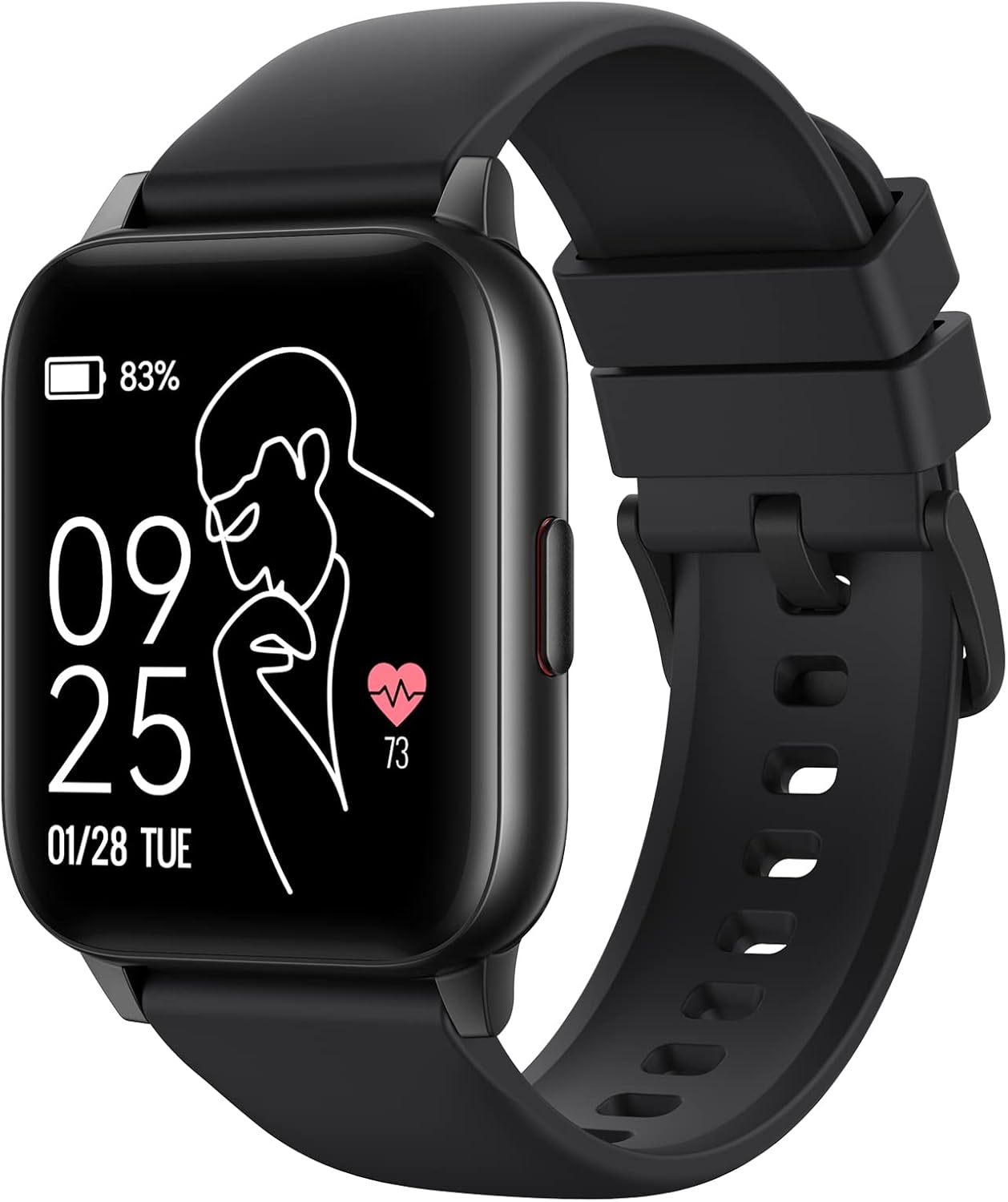
Image: The Parsonver LW45 Smart Watch, black model, displaying time and health metrics.
د تنظیم کولو لارښود
1. د وسیلې چارج کول
Before initial use, fully charge the smart watch. Connect the charging cable to the charging port on the back of the watch and to a USB power source. The watch display will indicate charging status.
۵.۲. د اپلیکیشن نصب او جوړه کول
- Download the official Parsonver app from your smartphone's app store (compatible with iOS 10.0/Android 5.0 or above).
- ډاډ ترلاسه کړئ چې ستاسو په سمارټ فون کې بلوتوټ فعال دی.
- اپلیکیشن پرانیزئ او د حساب جوړولو یا ننوتلو لپاره په سکرین کې لارښوونې تعقیب کړئ.
- Select "Add Device" or similar option within the app to search for your LW45 Smart Watch.
- په خپل سمارټ فون او ساعت دواړو کې د جوړه کولو غوښتنه تایید کړئ.
یادونه: The watch connects via Bluetooth 5.0. Maintain proximity between the watch and your smartphone for a stable connection.

Image: A smartphone displaying the Parsonver app, illustrating the device connection process.
عملیاتي لارښوونې
بنسټیز نیویګیشن
- ټچ سکرین: د مینو نیویګیټ کولو او ځانګړتیاو ته د لاسرسي لپاره کیڼ/ښي، پورته/ښکته سوائپ کړئ. د غوره کولو لپاره ټایپ کړئ.
- د غاړې تڼۍ: د کور سکرین ته د بیرته راستنیدو یا وسیله راویښولو لپاره فشار ورکړئ.
د سپورت طریقې
The LW45 Smart Watch features 16 default sports modes. Over 100 additional sports modes can be customized and added via the companion app. These include activities such as walking, running, cycling, swimming, yoga, and strength training.
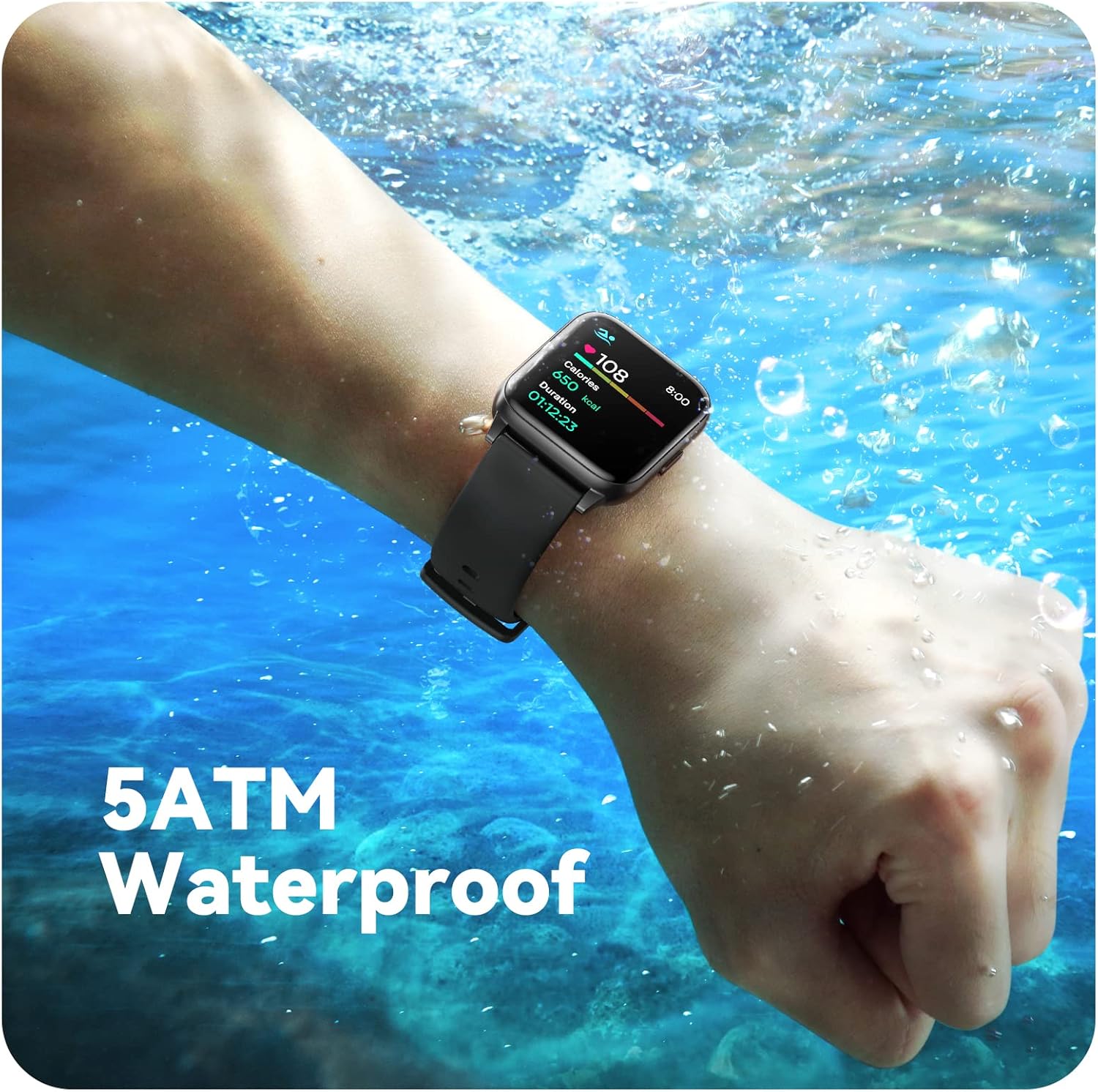
Image: A person engaged in soccer, wearing the smart watch, demonstrating its use during sports activities.

Image: A smartphone screen displaying a wide selection of sports modes within the Parsonver application.
د روغتیا څارنه
- د زړه ضربان څارنه: Provides 24/7 real-time heart rate data.
- د وینې اکسیجن څارنه: د وینې اکسیجن کچه اندازه کوي.
- د خوب تعقیب: Automatically monitors sleep patterns, including deep sleep, light sleep, and awake times (from 9:00 PM to 12:00 PM the next day).
- Hydration and Sedentary Alerts: The watch can provide reminders for hydration and prolonged inactivity.
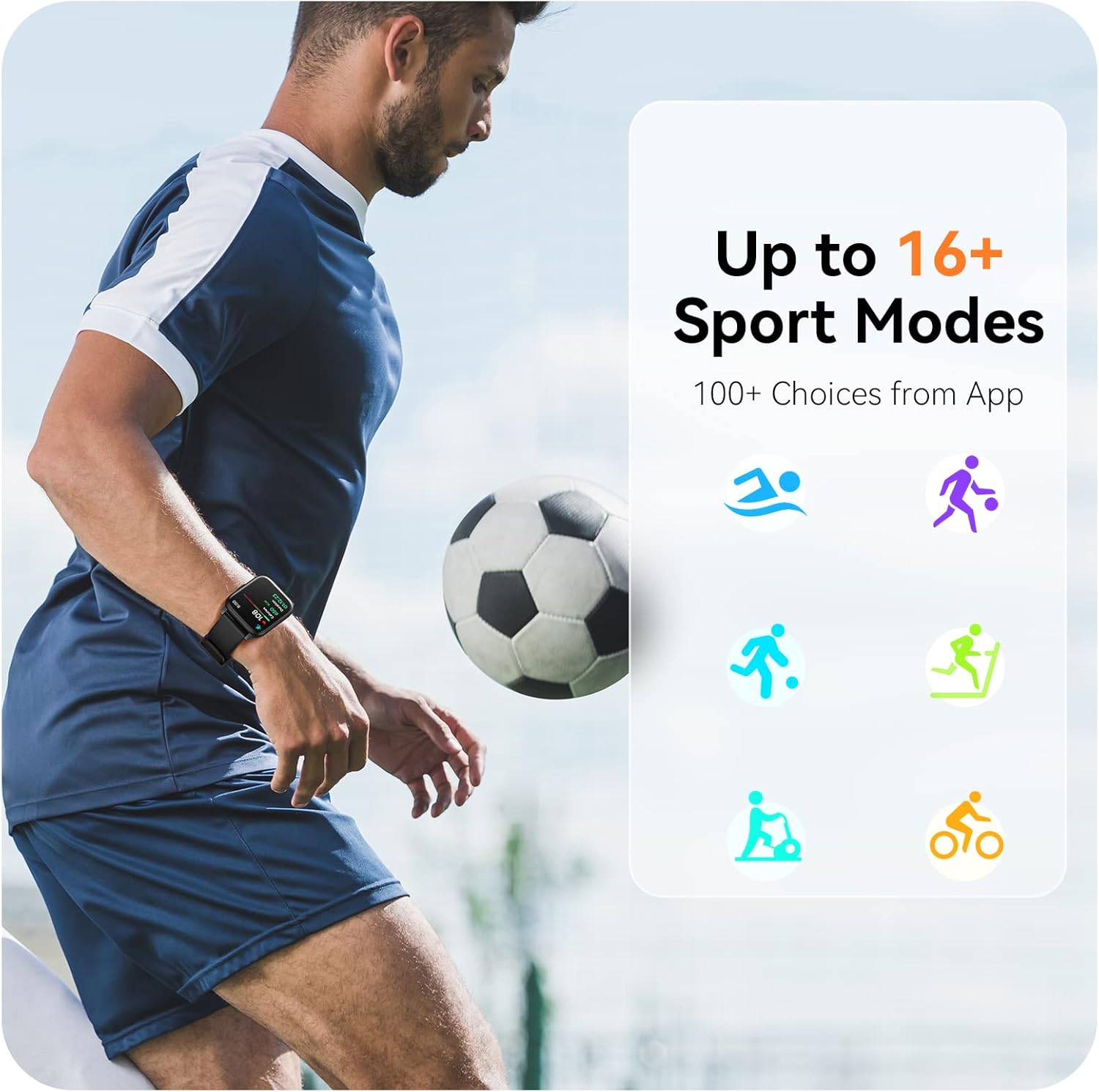
Image: A man running, with the smart watch on his wrist showing real-time fitness data.

Image: A person sleeping, with the smart watch tracking sleep and displaying data on a connected phone.
خبرتیاوې
Receive notifications for incoming calls, SMS messages, emails, and alerts from social media applications (WhatsApp, LinkedIn, Instagram, Twitter) when connected to your smartphone. You can reject calls directly from the watch, but cannot answer or reply to messages.
Image: The smart watch screen showing icons for different types of notifications.
اضافي دندې
The 1.69-inch high-definition touch screen provides access to various features:
- د هوا وړاندوینې
- د الارم ساعت
- ټایمر او سټاپ واچ
- د ریموټ کیمرې کنټرول
- د میوزیک پواسطه کنټرول
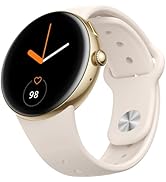
Image: The smart watch screen showing a weather forecast display.
اصلاح کول
Personalize your watch experience:
- مخونه وګورئ: Choose from a variety of pre-installed watch faces or download more via the app.
- دودیز شالیدونه: Set your own photos as watch face backgrounds through the app.
- Time and Unit Formats: Adjust time display (12/24 hour) and measurement units (Metric/Imperial, Celsius/Fahrenheit) in the app settings.
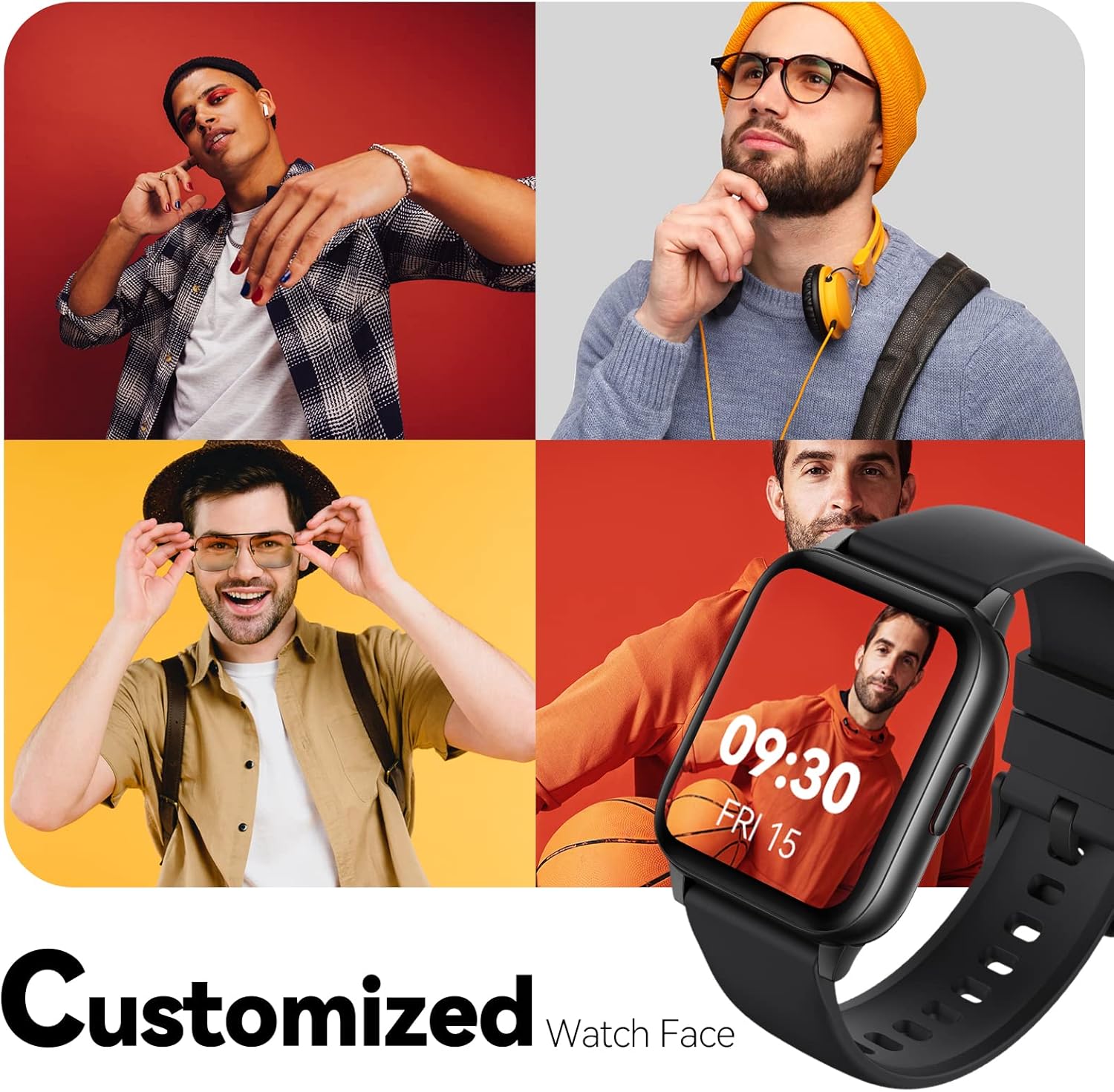
Image: Multiple watch face designs shown on the smart watch, highlighting customization.

Image: A visual guide demonstrating how to adjust time formats, units, and customize watch faces via the companion app.
د اوبو مقاومت
The Parsonver LW45 Smart Watch is rated 5ATM waterproof, meaning it is water-resistant up to 50 meters. This allows for use during swimming, showering, and in various weather conditions like rain or snow. Important: Do not press any buttons while the watch is submerged in water.

Image: The smart watch submerged in water, illustrating its 5ATM waterproof capability.
ساتنه
- پاکول: ساعت او تسمه په منظم ډول د نرم او وچ ټوکر سره پاک کړئ. د سختې خاورې لپاره، یو څه d وکاروئamp ټوکر او نرم صابون ومینځئ، بیا یې په ښه توګه ومینځئ او وچ کړئ.
- د اړیکو چارج کول: د ساعت په شا کې د چارج کولو تماسونه پاک او له کثافاتو څخه پاک وساتئ ترڅو ډاډ ترلاسه شي چې سم چارج کیږي.
- ذخیره کول: ساعت په یخ او وچ ځای کې وساتئ کله چې کارول نه وي.
- د کیمیاوي موادو څخه ډډه وکړئ: Do not expose the watch to strong chemicals, solvents, or detergents, as these can damage the materials.
د ستونزو حل کول
| مسله | احتمالي حل |
|---|---|
| ساعت نه چالانېږي او نه چارج کېږي | Ensure the charging cable is securely connected to both the watch and a working USB power source. Clean the charging contacts. Try a different USB port or adapter. |
| د سمارټ فون سره جوړه نشي کولی | Ensure Bluetooth is enabled on your phone. Restart both the watch and phone. Make sure the watch is within Bluetooth range. Check if other Bluetooth devices are interfering. Uninstall previous watch apps if present. |
| خبرتیاوې ندي ترلاسه شوي | Verify that notification permissions are enabled for the Parsonver app in your phone's settings. Ensure the watch is connected via Bluetooth. Check app settings for specific notification toggles. |
| Inaccurate step count or sleep data | Ensure the watch is worn snugly on your wrist. Calibrate the watch through the app if available. Note that some activities (like driving) might register as steps. Sleep tracking is active from 9:00 PM to 12:00 PM the next day. |
مشخصات
| فیچر | تفصیل |
|---|---|
| د ماډل نوم | LW45 |
| د سکرین اندازه | ۷۸۷ انچه |
| د اوبو مقاومت | ۵ATM (تر ۵۰ مترو پورې) |
| وزن | 40 ګرامه |
| د عملیاتي سیسټم مطابقت | iOS 10.0/Android 5.0 یا پورته |
| ارتباط | بلوتوث 5.0 |
| د بیټرۍ ظرفیت | 300 ملیونهamp ساعتونه |
| د حافظې د ذخیره کولو ظرفیت | 128 MB |
| GPS | د سمارټ فون له لارې |
| شاملې برخې | سمارټ واچ |
ملاتړ او تضمین
For technical assistance or warranty inquiries, please contact Parsonver customer service. Refer to the product packaging or the official Parsonver webد اړیکو د تازه معلوماتو لپاره سایټ.
د پیرودونکي خدمت بریښنالیک: support@parsonver.com

Image: The official Parsonver brand logo.

Image: A graphic indicating 24/7 online customer support availability.
د خوندیتوب مهم معلومات
- د ساعت جلا کولو یا ترمیم کولو هڅه مه کوئ.
- Keep the watch away from extreme temperatures.
- Consult a medical professional before starting any new exercise regimen, especially if you have pre-existing health conditions. The health monitoring features are for informational purposes and not for medical diagnosis.
- وسیله او د هغې بیټرۍ د ځایی مقرراتو سره سم له منځه یوسئ.