1. پیژندنه او وروستهview
The YOJOCK USB C Tester is a versatile digital multimeter designed for monitoring the charging status and performance of USB-C compatible devices. It provides real-time detection of various electrical parameters, making it an essential tool for digital enthusiasts and professionals.
This device features a 0.96-inch IPS high-definition LCD color screen, offering clear and comprehensive data display. With 4-bit accuracy, it ensures precise measurements for voltage, current, power, capacity, energy, equivalent impedance, and temperature.
2. د بسته محتويات

Upon opening the package, you will find the YOJOCK USB C Tester. Please inspect the device for any visible damage before use. A transparent protective film is applied to the screen; you may choose to remove it for optimal clarity.
3. تنظیم او پیوستون
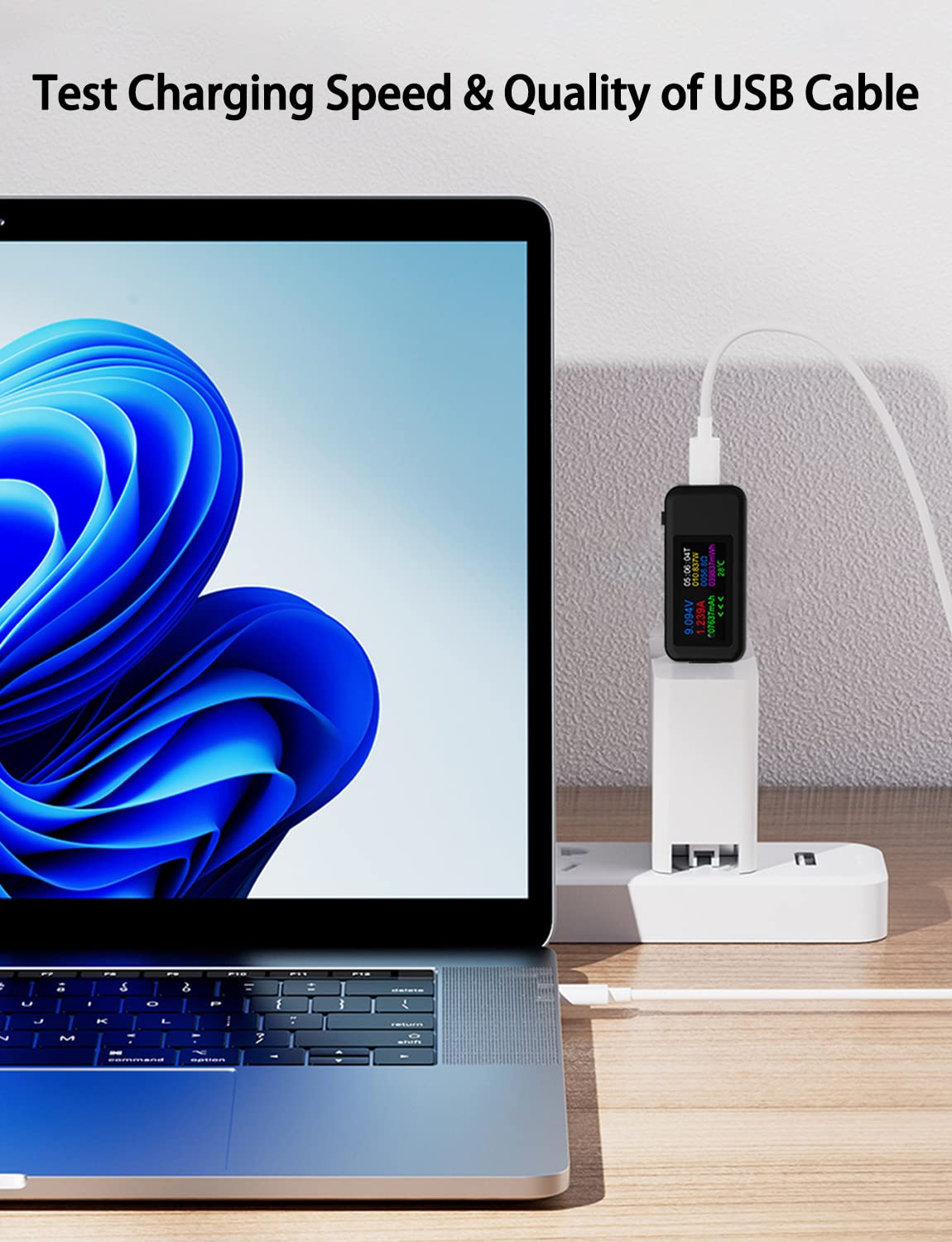
To use the YOJOCK USB C Tester, connect it inline between your power source (e.g., wall charger, power bank) and the device you wish to monitor (e.g., smartphone, laptop).


The tester is compatible with a wide range of electronic devices, including smartphones, laptops, cameras, car chargers, and power banks.
4. عملیاتي لارښوونې
4.1 د معلوماتو ښودل
The 0.96-inch IPS high-definition LCD color screen displays various parameters in real-time. The 4-bit accuracy ensures precise readings.


The screen typically shows:
- والیtage (V): The electrical potential difference.
- اوسنی (A): The flow rate of electric charge.
- ځواک (W): The rate at which electrical energy is transferred.
- ظرفیت (mAh): The total charge stored or delivered.
- Energy (mWh): The total electrical energy consumed or delivered.
- Resistor (Ω): Equivalent impedance.
- د حرارت درجه (°C): Internal temperature of the tester.
- Current Direction: Indicated by arrows.
- اوسنی وخت: Elapsed time of the measurement.
4.2 د تڼۍ دندې
The single button on the device controls various display and data functions:
- یو کلیک: Cycles through different display screens, showing various combinations of measurement data.
- دوه ځله کلیک: Rotates the displayed content, allowing for easier viewله مختلفو زاویو څخه
- اوږد فشار (3 ثانیې): Clears all accumulated capacity (mAh), energy (mWh), and time data. This is useful for starting new measurements.
4.3 Power-Off Storage
The tester includes a power-off storage function. This feature automatically saves capacity and energy data even when the mobile power source is disconnected. This allows for convenient review of past measurements and helps in assessing the capacity and energy of mobile power devices.

5. ساتنه
- عمومي پاملرنه: Keep the device dry and clean. Avoid exposure to extreme temperatures, direct sunlight, or corrosive substances.
- د تڼۍ غږ: The button on this product may produce a slight rattling sound when shaken. This is a normal characteristic designed to facilitate quick double-clicking and is not indicative of a product defect.
- د سکرین محافظت: A transparent protective film is applied to the screen. You may choose to remove it based on your preference.
6. ستونزه حل کول
- غلط لوستل: If the screen displays erratic data or incorrect readings, try disconnecting and reconnecting the tester. A long press (3 seconds) on the button to clear data may also resolve minor display issues.
- Loose Connector: To prevent the USB-C connector from becoming loose, always handle the tester carefully when plugging and unplugging. Avoid applying excessive force or strain to the ports.
- نه ښودنه: Ensure the tester is properly connected between a functioning power source and a device. The tester draws power from the connection to operate its display.
7. مشخصات
| فیچر | مشخصات |
|---|---|
| برانډ | یوجوک |
| د ماډل شمیره | YOJOCK-... |
| والیtagد اندازه کولو سلسله | ۱۰۰ وولټ - ۲۵۰ وولټ |
| د اوسني اندازه کولو سلسله | ۱۱ - ۱۴ الف |
| د ښودلو ډول | 0.96-inch IPS High-Definition LCD Color Screen |
| د اندازه کولو دقت | 4-بټ |
| د معلوماتو ذخیره کول | Power-off storage for capacity and energy data |
| ابعاد (پکیج) | 8.31 x 7.39 x 1.9 سانتي متره |
| وزن | 30 ګرامه |
| د اصلي هیواد | چین |
8. تضمین او ملاتړ
Specific warranty information for the YOJOCK USB C Tester is not provided in this manual. Please refer to the product packaging, the seller's website, or contact YOJOCK customer support directly for details regarding warranty coverage and technical assistance.
For further support or inquiries, please visit the official YOJOCK webسایټ یا خپل پرچون پلورونکي سره اړیکه ونیسئ.


