پیژندنه
This manual provides essential information for setting up, operating, maintaining, and troubleshooting your iFFALCON 43-inch 4K Ultra HD Smart LED Google TV, model iFF43U62. Please read this manual thoroughly before using your television to ensure proper functionality and safety.
په بکس کې څه دي
د خلاصولو پر مهال، ډاډ ترلاسه کړئ چې ټول لاندې توکي پکې شامل دي:
- 1 x iFFALCON 43-inch LED TV
- ۱ x د میز سر ولاړ
- 1 x د کارونکي لارښود
- 1 x تضمین کارت
- 1 x ریموټ کنټرول
- 2 x AAA بیټرۍ
چمتو کول
۲. د سټینډ نصب کول یا دیوال نصب کول
Carefully place the TV face down on a soft, flat surface to prevent screen damage. Attach the provided table-top stand using the screws, ensuring it is securely fastened. If wall mounting, follow the instructions provided with your wall mount kit (sold separately) and ensure proper ventilation around the TV.

Image: TV dimensions for stand installation or wall mounting.
2. د نښلولو وسیلې
Connect your external devices such as set-top boxes, Blu-ray players, or gaming consoles to the HDMI ports. Use the USB port for external storage devices. For wired internet, connect an Ethernet cable to the LAN port. The TV also supports in-built Wi-Fi (2.4GHz/5GHz) for wireless connectivity.

انځور: اړخ view د مختلفو ارتباطي بندرونو ښودنه.
۴. بریښنا فعاله او ابتدايي تنظیم
Plug the power cord into an electrical outlet. Press the power button on the TV or remote control. Follow the on-screen instructions to complete the initial setup, including language selection, network connection, and Google account sign-in.
ستاسو د تلویزیون چلول
1. Google TV Interface and Smart Features
Your iFFALCON TV runs on Google TV, offering a personalized experience with content recommendations. Access pre-installed apps like Netflix, Prime Video, Disney+Hotstar, and YouTube. Use Google Assistant for voice control to search for content, control smart home devices, and more.

Image: Google TV interface with streaming apps.
۴. د ښودلو ځانګړتیاوې
Experience stunning visuals with 4K Ultra HD resolution (3840 x 2160) and a 60Hz refresh rate. The TV features an A+ Grade Panel, AI Picture Engine 2.0, HDR 10 support, 4K Upscaling, Dynamic Color Enhancement, and Micro Dimming Technology for enhanced contrast and vibrant colors. The Edgeless Design provides an immersive viewتجربه
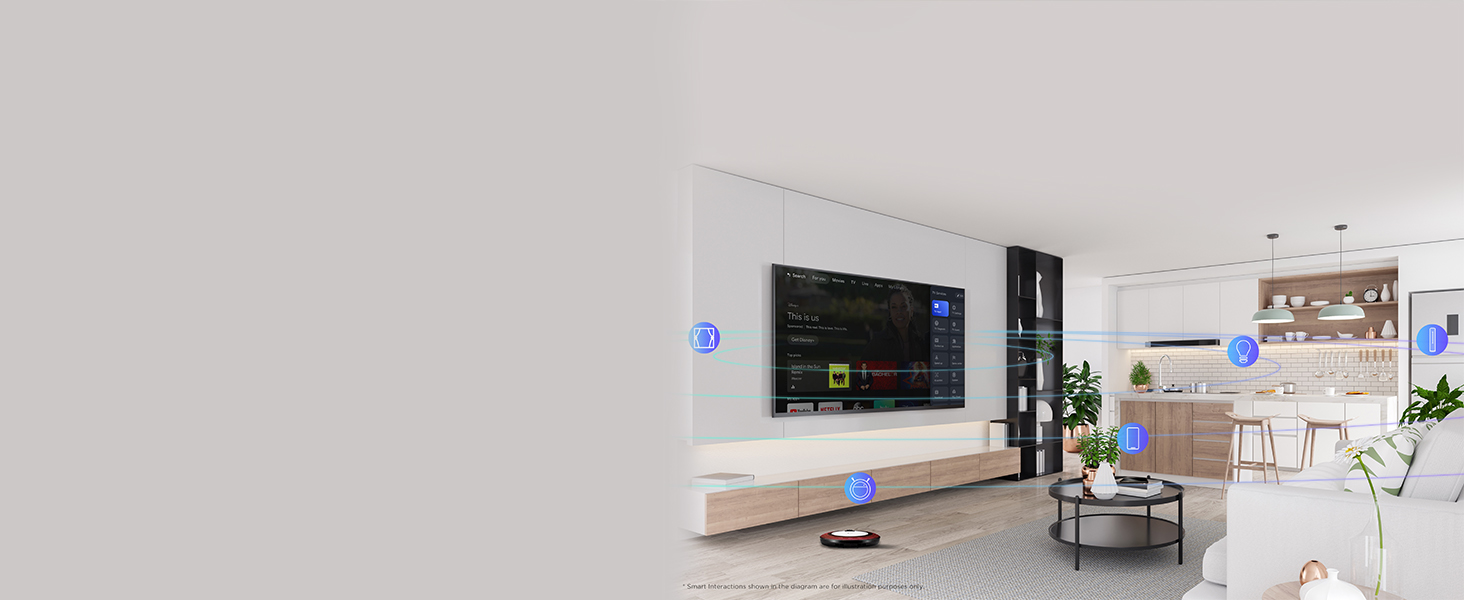
Image: 4K Ultra HD resolution detail.
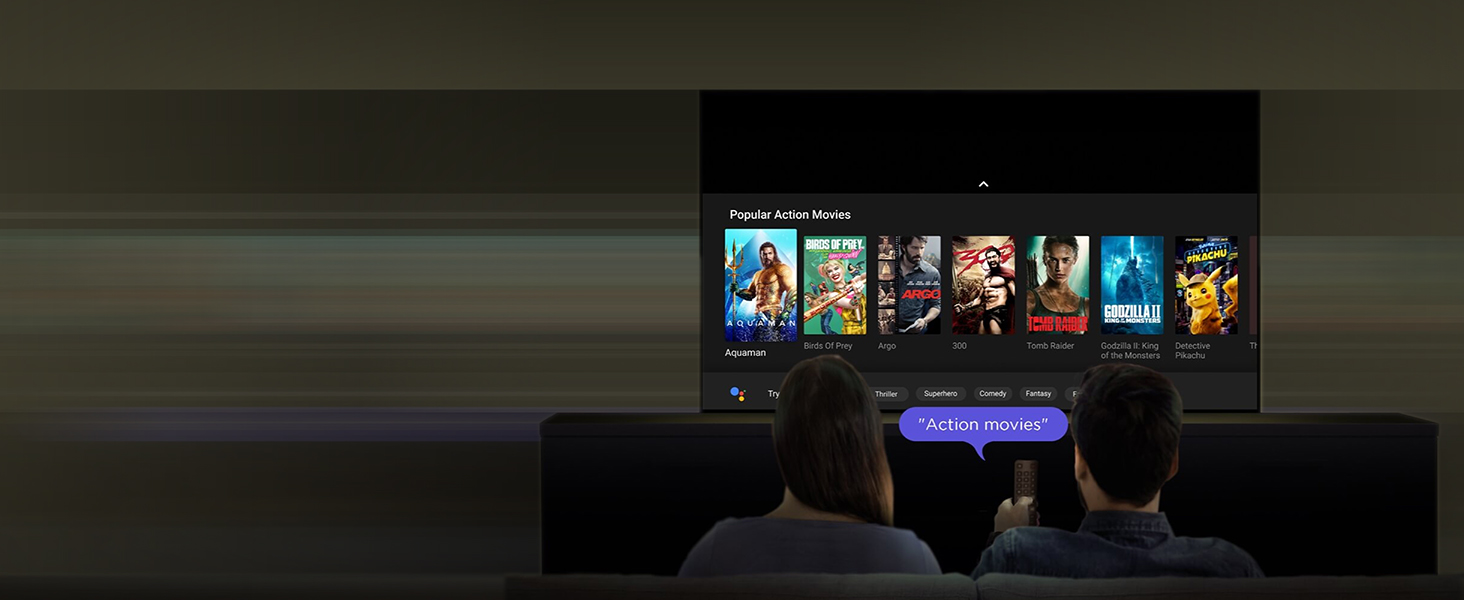
Image: HDR 10 contrast and color enhancement.
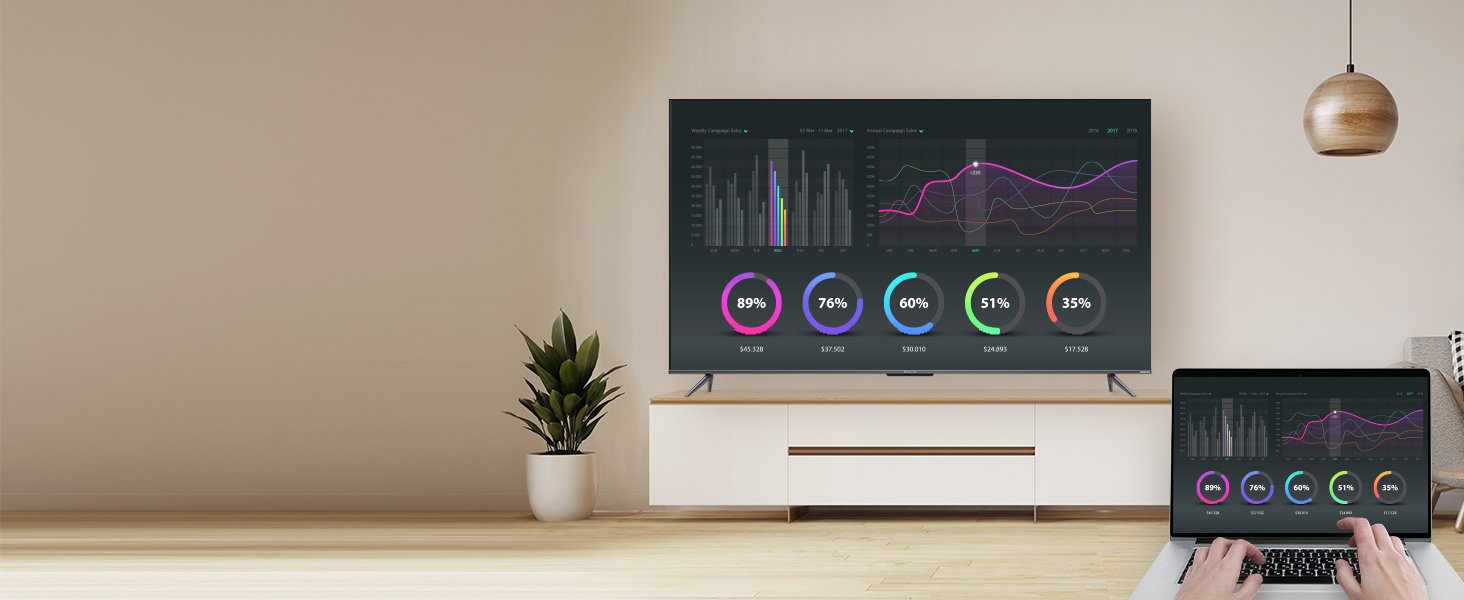
Image: Dynamic Color Enhancement.
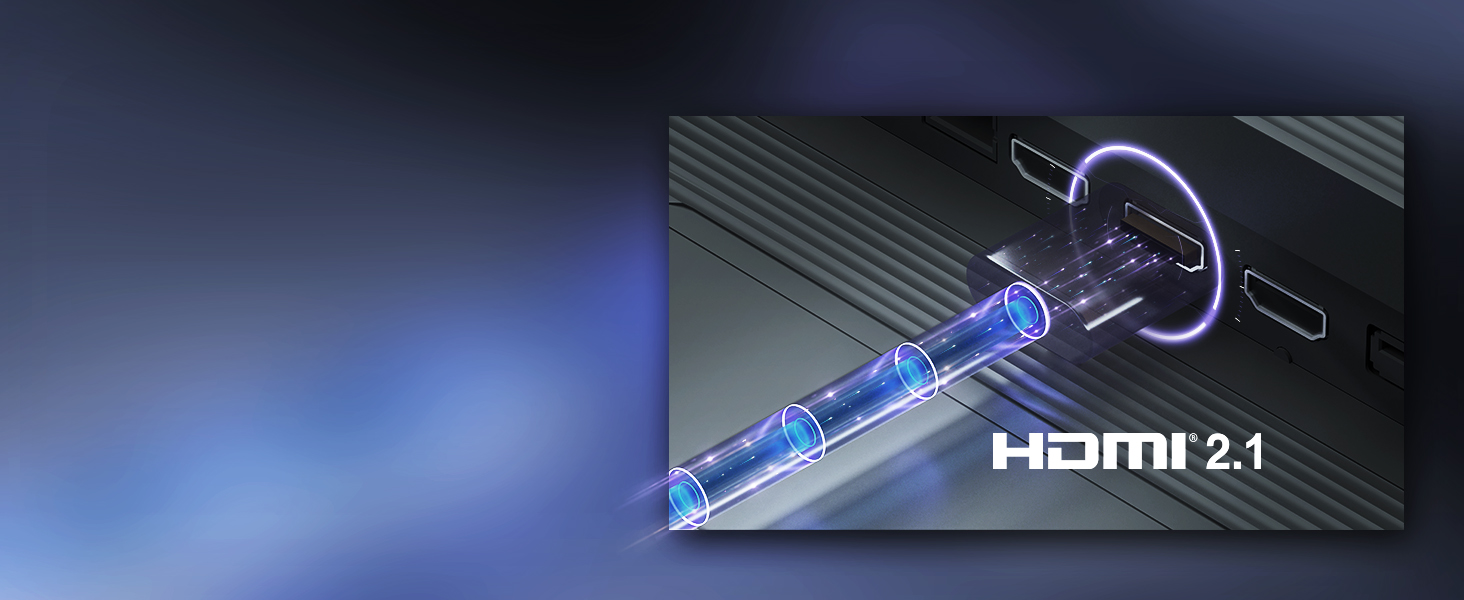
Image: Micro Dimming technology for enhanced contrast.
۴. د آډیو ځانګړتیاوې
The TV delivers powerful audio with 24 Watts output and Dolby Audio technology, providing rich, clear, and immersive sound for all your entertainment.
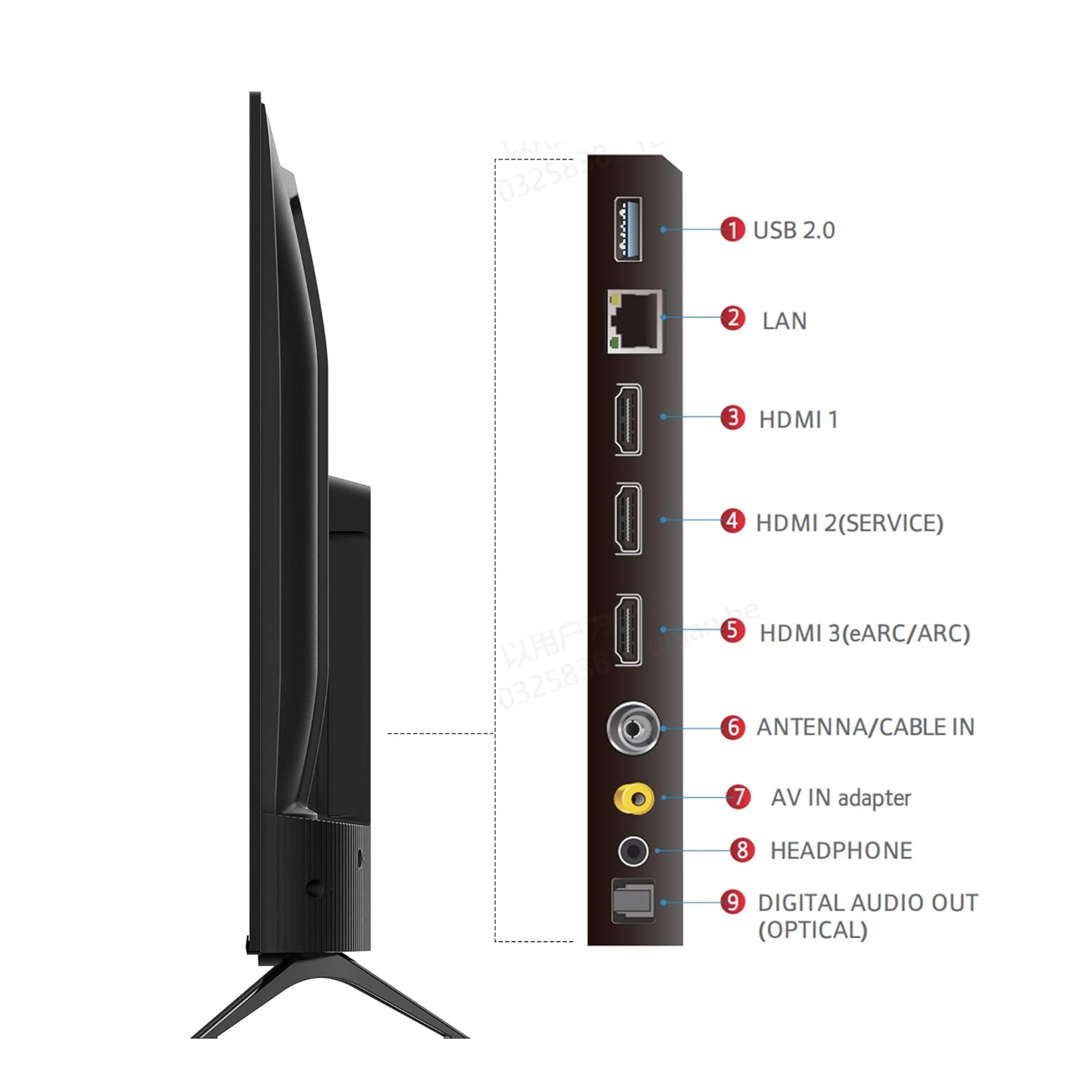
Image: Dolby Audio for immersive sound.
۳.۳. د محصول رسمي ویډیو
ویډیو: د محصول رسمي ویډیو نندارهasing the iFFALCON U62 Series 4K HDR TV features, including Dolby Audio, 4K Ultra HD resolution, Micro Dimming, Dynamic Color Enhancement, Google TV, and HDMI 2.1 connectivity.
ساتنه
۱. خپل تلویزیون پاکول
د سکرین پاکولو لپاره، په نرمۍ سره یې د نرم، لینټ نه پاک ټوکر سره پاک کړئ. د سختو نښو لپاره، یو څه لږampen the cloth with water or a screen cleaner specifically designed for TVs. Avoid using harsh chemicals, abrasive materials, or direct spraying of liquids onto the screen. For the TV body, use a soft, dry cloth.
2. عمومي پاملرنه
Keep the TV away from direct sunlight, heat sources, and excessive dust. Ensure adequate ventilation around the TV to prevent overheating. Unplug the TV during lightning storms or when it will be unused for extended periods.
د ستونزو حل کول
که تاسو په خپل تلویزیون کې ستونزې سره مخ شئ، لاندې عامې ستونزې او حل لارې وګورئ:
- ځواک نشته: Ensure the power cord is securely plugged into both the TV and the electrical outlet. Check if the outlet is working by plugging in another device. Try pressing the power button on the TV itself, not just the remote.
- انځور/غږ نشته: Verify that the correct input source is selected (e.g., HDMI 1, HDMI 2). Check all cable connections between the TV and external devices. If using a set-top box, ensure it is powered on.
- د انځور کمزوری کیفیت: Adjust picture settings (brightness, contrast, color) in the TV menu. Ensure the input source is providing a high-quality signal. For 4K content, ensure your source device and cables support 4K.
- د انټرنیټ اتصال نشته: For Wi-Fi, check your router and ensure the TV is within range. Re-enter the Wi-Fi password. For wired connection, ensure the Ethernet cable is properly connected and your router is working.
- ریموټ کنټرول کار نه کوي: په ریموټ کنټرول کې د AAA بیټرۍ بدل کړئ. ډاډ ترلاسه کړئ چې د ریموټ او د تلویزیون د IR سینسر ترمنځ هیڅ خنډ شتون نلري.
که چیرې د دې ګامونو له هڅه کولو وروسته هم ستونزه دوام ومومي، مهرباني وکړئ د پیرودونکو ملاتړ سره اړیکه ونیسئ.
مشخصات
| فیچر | مشخصات |
|---|---|
| برانډ | ایفالکون |
| ماډل | د iFF43U62 معرفي کول |
| د سکرین اندازه | 43 انچونه (108 سانتي متره) |
| قرارداد | 4K الټرا ایچ ډي (3840 x 2160) |
| د تازه کولو نرخ | 60 هرټز |
| عملیاتي سیسټم | ګوګل تلویزیون |
| RAM | 2 جي بي |
| ROM | 16 جي بي |
| پروسیسر | ۶۴-بټ کواډ کور پروسیسر |
| ارتباط | 3 HDMI Ports, 1 USB Port, Headphone Output, Wi-Fi (2.4Ghz/5GHz), Ethernet, Bluetooth |
| د غږ محصول | 24 واټ |
| آډیو ټیکنالوژي | دولبي آډیو |
| د ښودلو ځانګړتیاوې | A+ Grade Panel, 178 Degree Wide Viewing Angle, AI Picture Engine 2.0, HDR 10, 4K Upscaling, Dynamic Color Enhancement, Micro Dimming Technology, Edgeless Design |
| د محصول ابعاد (د سټینډ سره) | 95.7 x 18.5 x 61 سانتي متره |
| د توکي وزن | 6.3 کیلو ګرامه |
تضمین او ملاتړ
د تضمین معلومات
Your iFFALCON iFF43U62 TV comes with a 1 کلن تضمین د پیرود نیټې څخه د جوړونکي لخوا چمتو شوی. مهرباني وکړئ د هر ډول تضمین ادعا لپاره خپل د پیرود رسید او تضمین کارت وساتئ.
د پیرودونکي ملاتړ
For technical assistance, service requests, or any inquiries regarding your iFFALCON TV, please refer to the contact information provided on your warranty card or visit the official iFFALCON support website. Ensure you have your TV's model number (iFF43U62) and serial number ready when contacting support.


