1. پیژندنه
The MAUL Commercial Calculator MXL16 is designed for commercial use, offering a stable and resilient build with an extra-large case (20.5 x 15.5 cm) for comfortable operation. It features a large, angled 16-digit display for improved readability and large, distinctively colored buttons for quick and accurate input. This calculator combines precision and reliability for both desk and mobile use.
کلیدي ځانګړتیاوې عبارت دي له:
- 16-digit LCD display with 1 line.
- Angled display for optimal viewing.
- Solar and battery powered (LR44 battery included).
- Automatic shut-off to conserve energy.
- Comprehensive functions including tax calculation, 3-button memory, root calculation, and percentage.
- Durable plastic buttons for easy cleaning.
2. ترتیب کول
2.1 د بریښنا سرچینه
The MAUL MXL16 calculator operates using both solar power and a single LR44 battery. The solar panel provides power in well-lit environments, while the battery ensures operation when light is insufficient. An LR44 battery is included with the calculator.

شکل 2.1: لاندې view of the calculator, indicating the battery compartment.
2.2 ابتدايي استعمال
Upon first use, ensure the calculator is exposed to adequate light for solar power or that the included LR44 battery is correctly installed. The calculator features an automatic shut-off function to conserve power when not in use.

شکل 2.2: اړخ view showing the angled display for better reading.
3. عملیاتي لارښوونې
The MAUL MXL16 calculator provides a range of functions for commercial calculations. The buttons are color-coded for easier identification and faster operation.
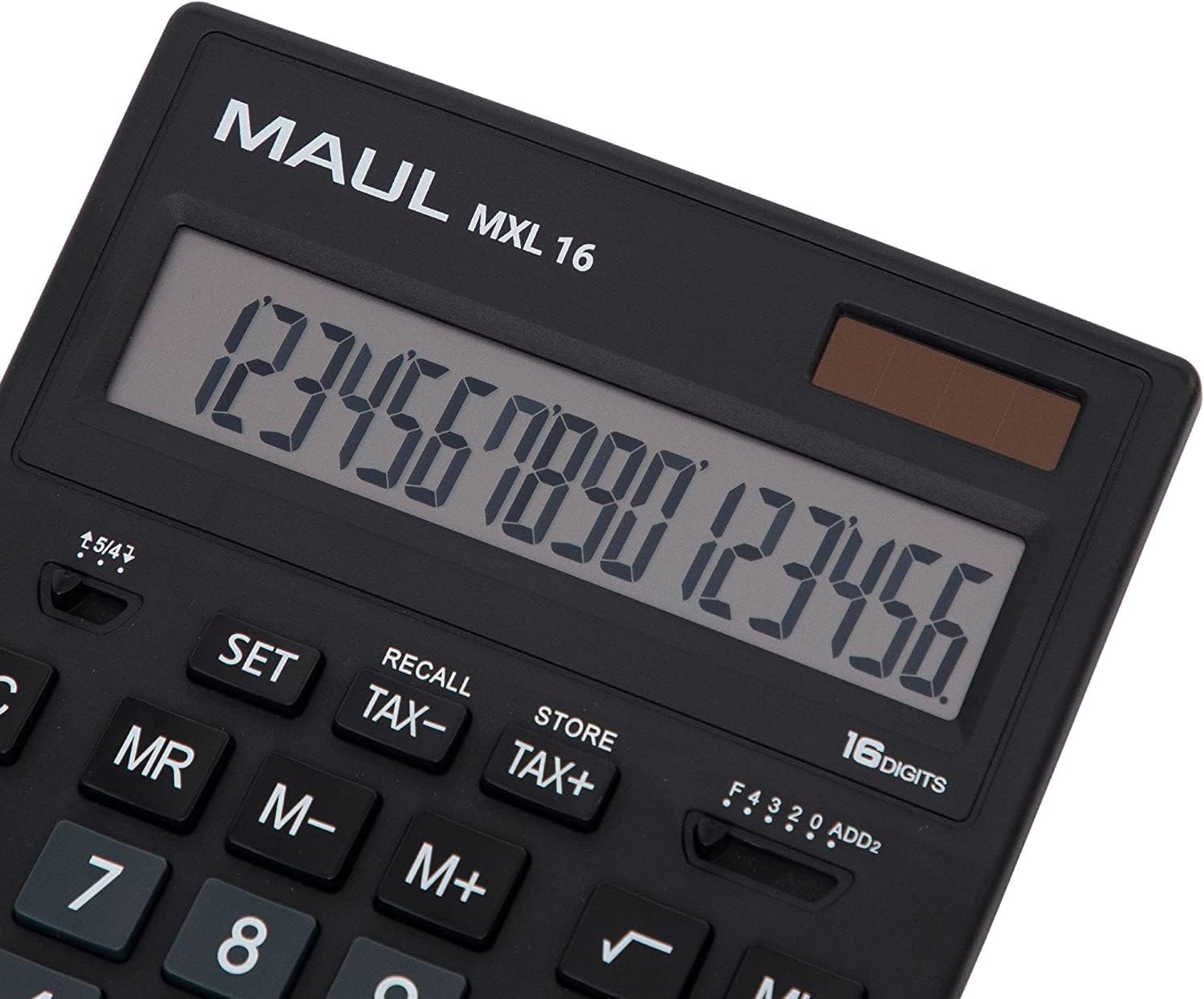
شکل 3.1: Display and key layout of the MAUL MXL16.
3.1 بنسټیز عملیات
- ON/AC: کیلکولیټر چالان کوي یا ټولې داخلې او حافظه پاکوي.
- CE/C: Clears the last entered number or the current calculation without affecting memory. Pressing twice may clear all.
- د شمېر کلیدونه (0-9): Input numerical values.
- Decimal Point (.): د لسیزې نقطې ته ننوځي.
- د حساب چلونکي (+، -، ×، ÷): اضافه، منفي، ضرب او ویش ترسره کړئ.
- مساوي (=): Displays the result of a calculation.
3.2 ځانګړې دندې
- Tax Calculation (TAX+, TAX-): Allows for easy calculation of prices with or without tax. Use the SET button to configure the tax rate.
- Memory Functions (MR, M-, M+):
- M+: ښودل شوی ارزښت حافظې ته اضافه کوي.
- م-: ښودل شوی ارزښت له حافظې څخه کموي.
- ښاغلی: Recalls the value stored in memory.
- MC: Clears the memory (often by pressing MR twice or a dedicated MC button).
- Root Calculation (√): د ښودل شوي شمیره مربع ریښه محاسبه کوي.
- پرسینtage (٪): په سلو کې ترسره کويtage محاسبه.
- د نښان بدلون (+/-): د ښودل شوي شمېرې نښه بدلوي (مثبت ته منفي، یا برعکس).
- Double Zero (00) / Triple Zero (000): For quick entry of multiple zeros.
- Comma Selector Switch: Adjusts the decimal point display.
- Automatic Rounding: Allows selection of how numbers are rounded (e.g., up, down, or standard).
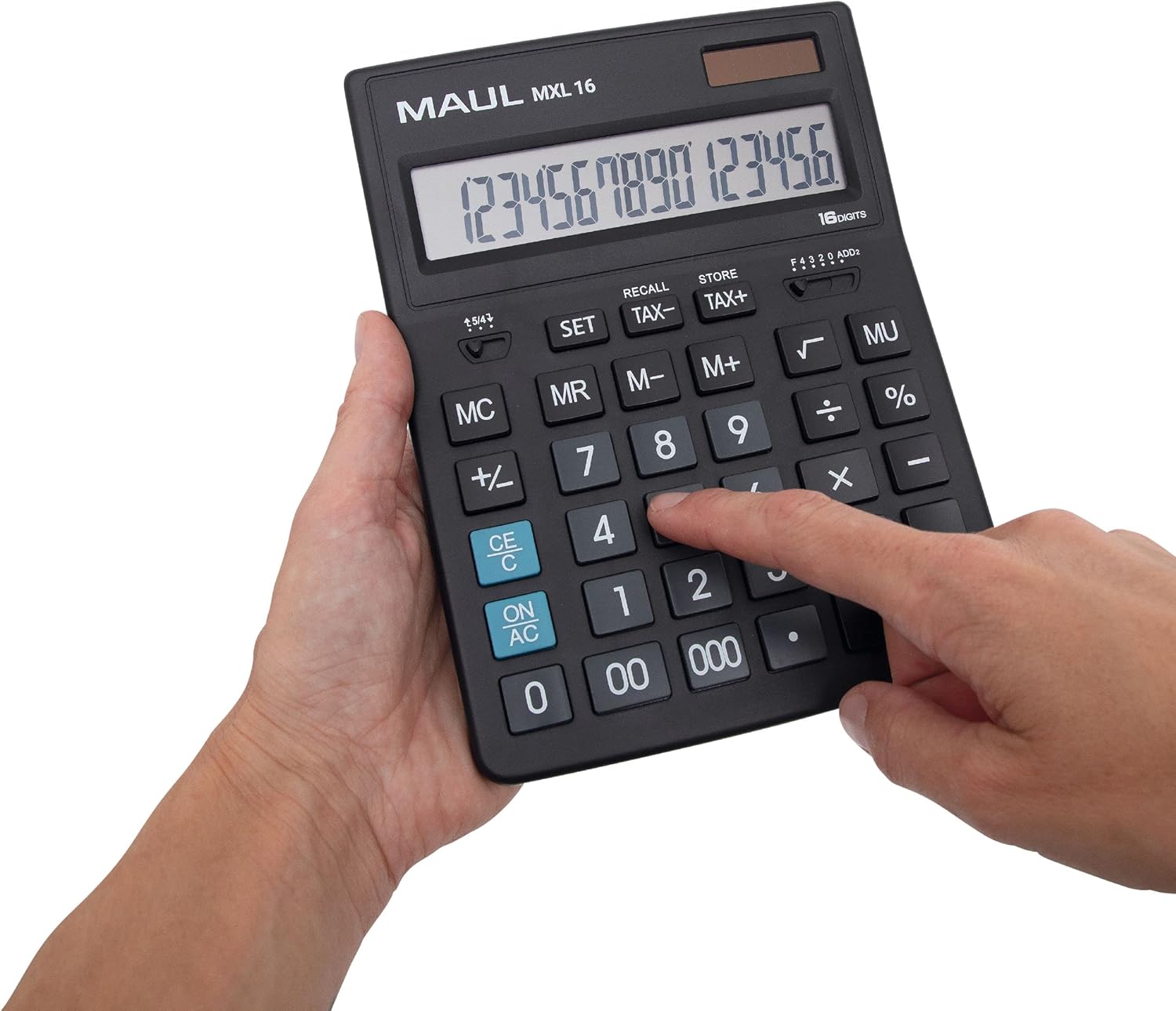
شکل 3.2: User interacting with the calculator keys.
4. ساتنه
The MAUL MXL16 calculator is designed for durability with sturdy plastic buttons that are easy to clean.
- پاکول: Use a soft, dry cloth to wipe the calculator's surface and keys. For stubborn dirt, a slightly damp د نرم صابون سره ټوکر کارول کیدی شي، ډاډ ترلاسه شي چې هیڅ مایع وسیله ته ننوځي.
- ذخیره کول: کیلکولیټر په یو سړه او وچ ځای کې وساتئ چې د مستقیم لمر وړانګو او سختې تودوخې څخه لرې وي.
- د بیټرۍ بدلول: If the display becomes dim or the calculator functions intermittently in low light, the LR44 battery may need replacement. Refer to the battery compartment on the underside of the calculator for access.
5. ستونزه حل کول
- کیلکولیټر نه چالانیږي:
- Ensure the calculator is exposed to sufficient light for solar power.
- Check if the LR44 battery is correctly installed and has sufficient charge. Replace if necessary.
- ناسم محاسبې:
- Press the ON/AC button to clear all previous entries and memory, then re-enter the calculation.
- Verify the correct input of numbers and operations.
- ښودنه تیاره یا روښانه ده:
- Ensure adequate lighting for the solar panel.
- د LR44 بیټرۍ بدله کړئ.
6. مشخصات
| د ماډل نوم | MXL16 |
| د ماډل شمیره | 7267890 |
| ښودل | 16 Digits, 1 Line LCD, Angled |
| ابعاد (L x W) | 20.5 x 15.5 سانتي متره |
| د بریښنا سرچینه | Solar and 1 x LR44 Battery (included) |
| مواد | Plastic (housing and buttons) |
| افعال | Tax calculation, 3-button memory, Root, Percent, Sign change, Automatic rounding, Double/Triple zero buttons, Comma selector switch |
| اتوماتیک بندول | هو |
7. تضمین
The MAUL Commercial Calculator MXL16 comes with a 5 کلن تضمین. مهرباني وکړئ د تضمین ادعاوو لپاره د پیرود ثبوت وساتئ. تضمین د عادي استعمال شرایطو لاندې د تولید نیمګړتیاوې پوښي.
8. ملاتړ
For further assistance, technical support, or warranty inquiries, please contact your retailer or the MAUL customer service department. Refer to the product packaging or the MAUL official webد اړیکو معلوماتو لپاره سایټ.


