پیژندنه
This manual provides essential information for setting up, operating, and maintaining your Apple iPad (10th Generation). The iPad features an all-screen design, a 10.9-inch Liquid Retina display, the powerful A14 Bionic chip, Wi-Fi 6 connectivity, and advanced cameras. It is designed for everyday tasks, creativity, and staying connected.
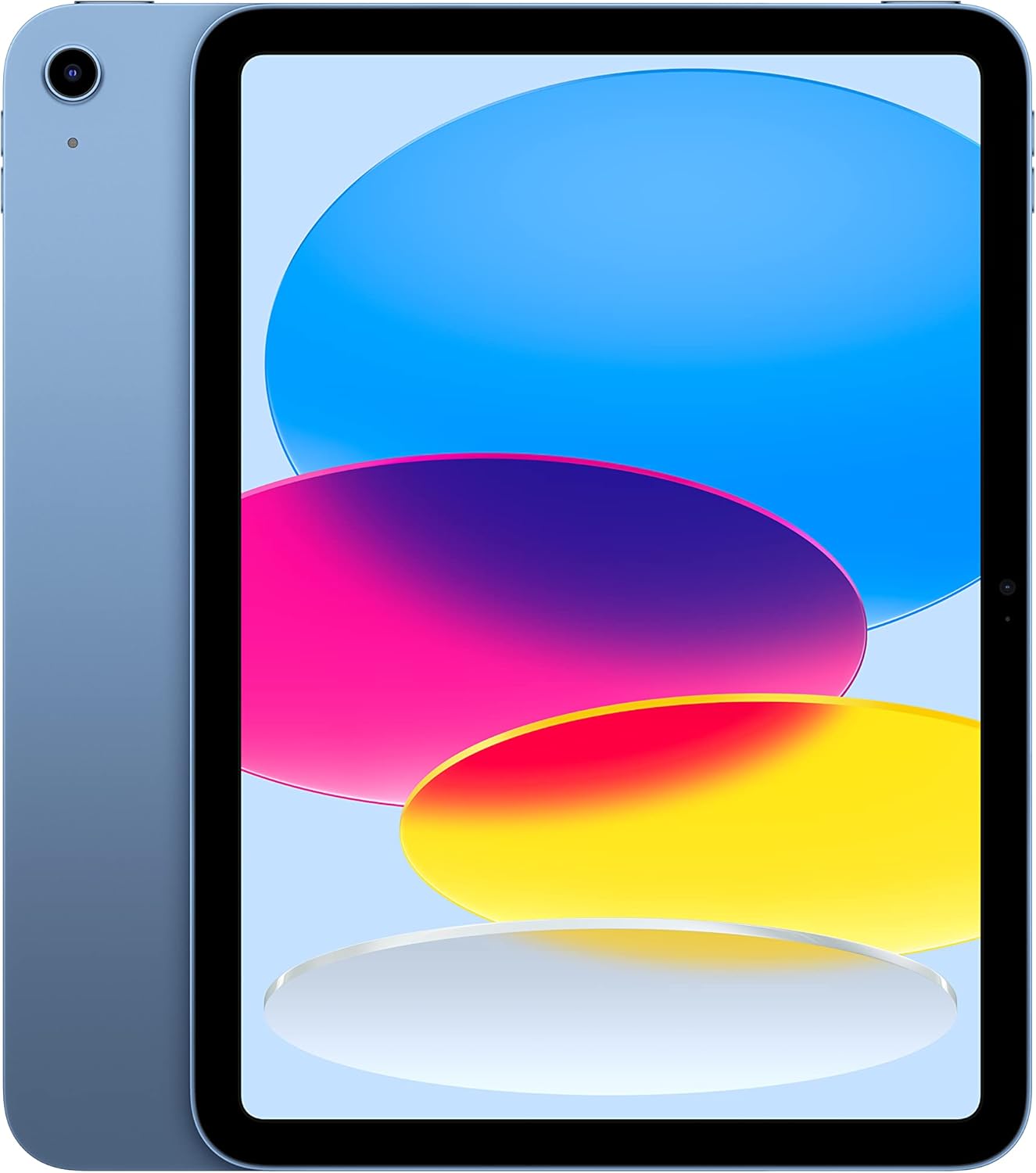
Image: The Apple iPad (10th Generation) in blue, showcasing its full-screen display and sleek design.
په بکس کې څه دي
Verify that all items are present in your iPad packaging:
- iPad (۹م نسل)
- د USB-C چارج کیبل (۱ متره)
- 20W USB-C ځواک اډیپټر

Image: A visual representation of the items included in the iPad packaging: the iPad device, a USB-C charging cable, and a 20W USB-C power adapter.
چمتو کول
- پاور آن: پورتنۍ ت buttonۍ فشار او ونیسئ تر هغه چې د آپیل لوګو څرګند نشي.
- ابتدايي ترتیب: د خپلې ژبې، سیمې د غوره کولو او د وای فای شبکې سره د وصل کیدو لپاره په سکرین کې لارښوونې تعقیب کړئ.
- د معلوماتو لیږد (اختیاري): If you have a previous iPad or iPhone, you can transfer your data during setup.
- د ایپل ID: Sign in with your Apple ID or create a new one. This is essential for downloading apps, using iCloud, and other Apple services.
- Touch ID Setup: Configure Touch ID for secure unlocking and purchases.
- چارج کول: Connect the USB-C Charge Cable to the iPad's USB-C port and the 20W USB-C Power Adapter, then plug it into a power outlet.
Operating Your iPad
ښودل
The iPad features a 10.9-inch Liquid Retina display with True Tone technology. True Tone automatically adjusts the display's color and intensity to match the ambient light, providing a more natural viewتجربه

Image: An illustration of the iPad's key features, including the 10.9-inch Liquid Retina display, Landscape Ultra Wide front camera, and the A14 Bionic chip.
ټچ ID
Touch ID is integrated into the top button of your iPad. It allows you to securely unlock your device, sign in to apps, and authorize purchases with Apple Pay using your fingerprint.
- خلاصول: Place your registered finger on the top button.
- د ایپل تادیه: Double-press the top button and then place your finger on it to authenticate a payment.
کیمرې
The iPad is equipped with advanced cameras:
- مخکینۍ کیمره: Landscape 12MP Ultra Wide camera with Center Stage and Smart HDR 3. Center Stage automatically keeps you in the frame during video calls.
- شاته کیمره: 12MP Wide camera with Smart HDR 3, capable of recording 4K video at 24, 25, 30, or 60 frames per second.
ارتباط
The iPad supports Wi-Fi 6, providing fast and reliable wireless internet access for streaming, downloading, and browsing.
فعالیت او ذخیره کول
Powered by the A14 Bionic chip with a 6-core CPU, 4-core graphics, and a 16-core Neural Engine, the iPad delivers robust performance for various applications, from immersive games to photo and video editing. It is available with 64GB or 256GB storage options.
د بیټرۍ ژوند
The iPad offers up to 10 hours of web surfing on Wi-Fi or video playback. When using cellular data (on Wi-Fi + Cellular models), battery life is up to 9 hours.
لوازم
Enhance your iPad experience with compatible accessories (sold separately):
- د اپل پنسل (لومړی نسل): Transforms your iPad into a digital canvas and note-taking device. Requires a USB-C to Apple Pencil Adapter.
- Magic Keyboard Folio: Features a two-piece design with a detachable keyboard and protective back panel that attach magnetically.

Image: The Apple iPad (10th Generation) shown with the Magic Keyboard Folio and Apple Pencil, demonstrating its versatility for productivity and creativity.
ساتنه
To ensure the longevity and optimal performance of your iPad, follow these maintenance guidelines:
- پاکول: د سکرین او بهرنۍ برخې پاکولو لپاره له نرم، لینټ څخه پاک ټوکر څخه کار واخلئ. د کثافاتو موادو یا سخت کیمیاوي موادو څخه ډډه وکړئ.
- دحرارت درجه: Operate and store your iPad within recommended temperature ranges (0° to 35° C / 32° to 95° F). Avoid extreme heat or cold.
- د سافټویر تازه معلومات: Regularly update iPadOS to the latest version to benefit from new features, security enhancements, and bug fixes. Go to Settings > General > Software Update.
- د ذخیرې مدیریت: په دوره توګه بیاview and manage your storage to free up space. Go to Settings > General > iPad Storage.
د ستونزو حل کول
If you encounter issues with your iPad, consider the following common troubleshooting steps:
- وسیله ځواب نه ورکوي: If your iPad is unresponsive, force restart it. Press and quickly release the volume up button, press and quickly release the volume down button, then press and hold the top button until the Apple logo appears.
- د وای فای اتصال مسلې:
- ډاډ ترلاسه کړئ چې وای فای په ترتیباتو کې فعال شوی دی.
- خپل وای فای روټر بیا پیل کړئ.
- شبکه هېره کړئ او بیا وصل شئ.
- د بیټرۍ ختمول: Check battery usage in Settings > Battery to identify apps consuming significant power. Adjust settings or background app refresh as needed.
- د اپلیکیشن مسلې: If an app is not working correctly, try closing and reopening it. If the problem persists, delete and reinstall the app.
For more detailed troubleshooting or persistent issues, visit the official Apple Support webسایټ یا د ایپل پیرودونکي خدماتو سره اړیکه ونیسئ.
مشخصات
| فیچر | تفصیل |
|---|---|
| د ماډل نوم | iPad (۹م نسل) |
| د توکي ماډل شمیره | MPQ93LL/A |
| ښودل | د ۱۰.۹ انچه مایع ریٹنا ډسپلې د ریښتیني ټون سره |
| د ښودلو ریزولوشن | 2360 x 1640 پکسلز |
| چپ | A14 Bionic chip (6-core CPU, 4-core graphics, 16-core Neural Engine) |
| د حافظې د ذخیره کولو ظرفیت | 256 GB (also available in 64GB) |
| شاته کیمره | 12MP Wide camera with Smart HDR 3, 4K video recording |
| مخکینۍ کیمره | Landscape 12MP Ultra Wide with Center Stage and Smart HDR 3 |
| د بیټرۍ ژوند | Up to 10 hours (Wi-Fi), Up to 9 hours (Cellular) |
| نښلونکی | USB-C |
| ابعاد (H x W x D) | 9.79 x 7.07 x 0.28 انچه (248.6 x 179.5 x 7 mm) |
| وزن | 1.05 پونډه (477 ګرامه) وای فای ماډل |
| Compatible Apple Pencil | Apple Pencil (1st generation) - requires USB-C to Apple Pencil Adapter |
| جوړونکی | اپل |
| نیټه لومړی شتون لري | د اکتوبر ۲۹، ۲۰۲۳ |
تضمین او ملاتړ
Your Apple iPad (10th Generation) is covered by Apple's standard limited warranty. For detailed information regarding warranty terms, coverage, and service options, please refer to the warranty documentation included with your product or visit the official Apple Support webسایټ
For technical assistance, troubleshooting guides, and additional resources, please visit the د ایپل ملاتړ website for iPad.
مهم یادښتونه
This manual provides general instructions. For the most up-to-date information and advanced features, always refer to the official Apple iPad User Guide available digitally on your device or Apple's webسایټ


