پیژندنه
This manual provides comprehensive instructions for the iFLYTEK Translator 2.0 easytrans 800. It covers device setup, operation, maintenance, and troubleshooting to ensure optimal performance and user experience. The iFLYTEK Translator 2.0 is designed for seamless communication across language barriers, offering advanced voice and camera translation capabilities.
د بسته محتويات
ډاډ ترلاسه کړئ چې ټول توکي په کڅوړه کې شتون لري:
- iFLYTEK Translator 2.0 easytrans 800 Device
- د USB چارج کیبل
- ګړندي لارښود
- د لارښود لارښود (دا سند)
- Lanyard/Strap

Image: The iFLYTEK Translator 2.0 easytrans 800 device, its charging cable, and documentation laid out next to the product box.
محصول پای ته ورسیدview
The iFLYTEK Translator 2.0 easytrans 800 features a compact design with a user-friendly interface.

انځور: مخکینۍ برخه view of the iFLYTEK Translator 2.0 easytrans 800 showing the screen, navigation buttons, and speaker. Rear view shows the camera lens and SOS button.
د وسیلې برخې:
- مخکینۍ تخته: Touchscreen display, navigation buttons (ABC, O, 中文), speaker.
- شا پینل: Camera lens, SOS button.
- د غاړې تڼۍ: Power button, volume controls.
- بندرونه: USB charging port, 3.5mm headphone jack.
چمتو کول
1. د وسیلې چارج کول
Before first use, fully charge the translator. Connect the provided USB cable to the device's charging port and a compatible USB power adapter (not included).
- بشپړ چارج معمولا شاوخوا ۲-۳ ساعته وخت نیسي.
- په سکرین کې د بیټرۍ شاخص به د چارج کولو حالت وښيي.
2. بریښنا کول/بندول
- د فعالولو لپاره: Press and hold the Power button (usually on the side) until the screen illuminates.
- د بریښنا بندولو لپاره: د بریښنا تڼۍ فشار ورکړئ او ونیسئ، بیا په سکرین کې "د بریښنا بند" غوره کړئ.
3. Initial Language Selection
Upon first power-on, you will be prompted to select the device's interface language. Follow the on-screen instructions.
4. د شبکې پیوستون
The iFLYTEK Translator requires an internet connection for optimal translation accuracy. Connect to a Wi-Fi network or utilize the built-in global communication feature.
- وای فای: Navigate to Settings > Wi-Fi, select your network, and enter the password.
- Global Communication: The device includes 2 years of global communication coverage in 98 countries. This feature activates automatically when a Wi-Fi connection is not available.
عملیاتي لارښوونې
The iFLYTEK Translator 2.0 easytrans 800 offers two primary translation modes: Voice Translation and Camera Translation.
1. Voice Translation (59 Languages)
This mode allows for real-time spoken language translation.
- Select the source and target languages on the device screen.
- Press and hold the designated voice input button (e.g., "ABC" for language A, "中文" for language B).
- د وسیلې په مایکروفون کې په واضح ډول خبرې وکړئ.
- Release the button. The device will process your speech and provide the translation audibly and on-screen.
The device features advanced noise reduction technology and four microphones for high accuracy even in noisy environments, with a response time of approximately 0.5 seconds.

Image: The iFLYTEK Translator 2.0 device screen showing a Japanese phrase and its translation, demonstrating voice translation functionality.
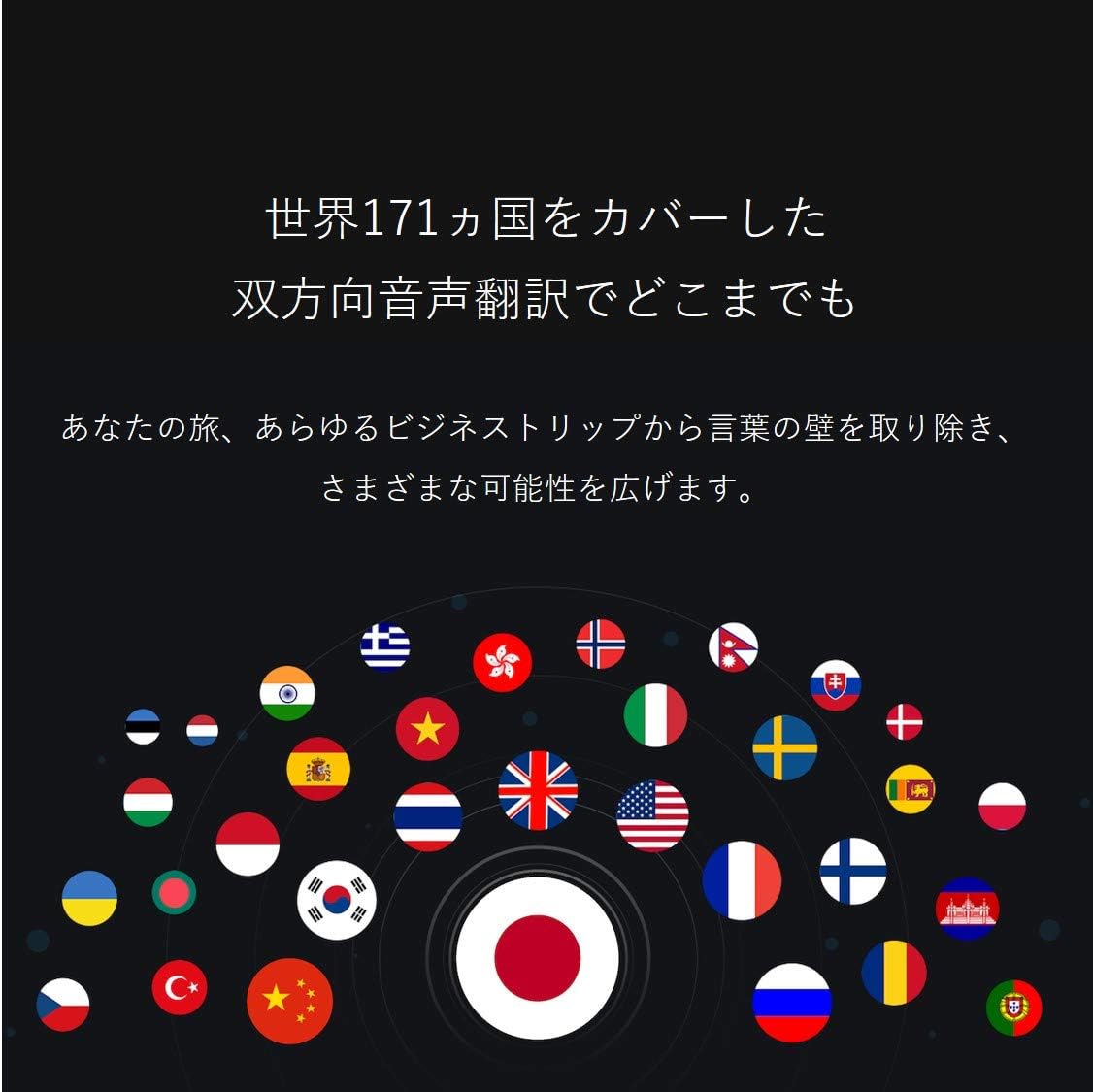
Image: A collection of national flags, symbolizing the extensive language support of the iFLYTEK Translator 2.0 across 171 countries.
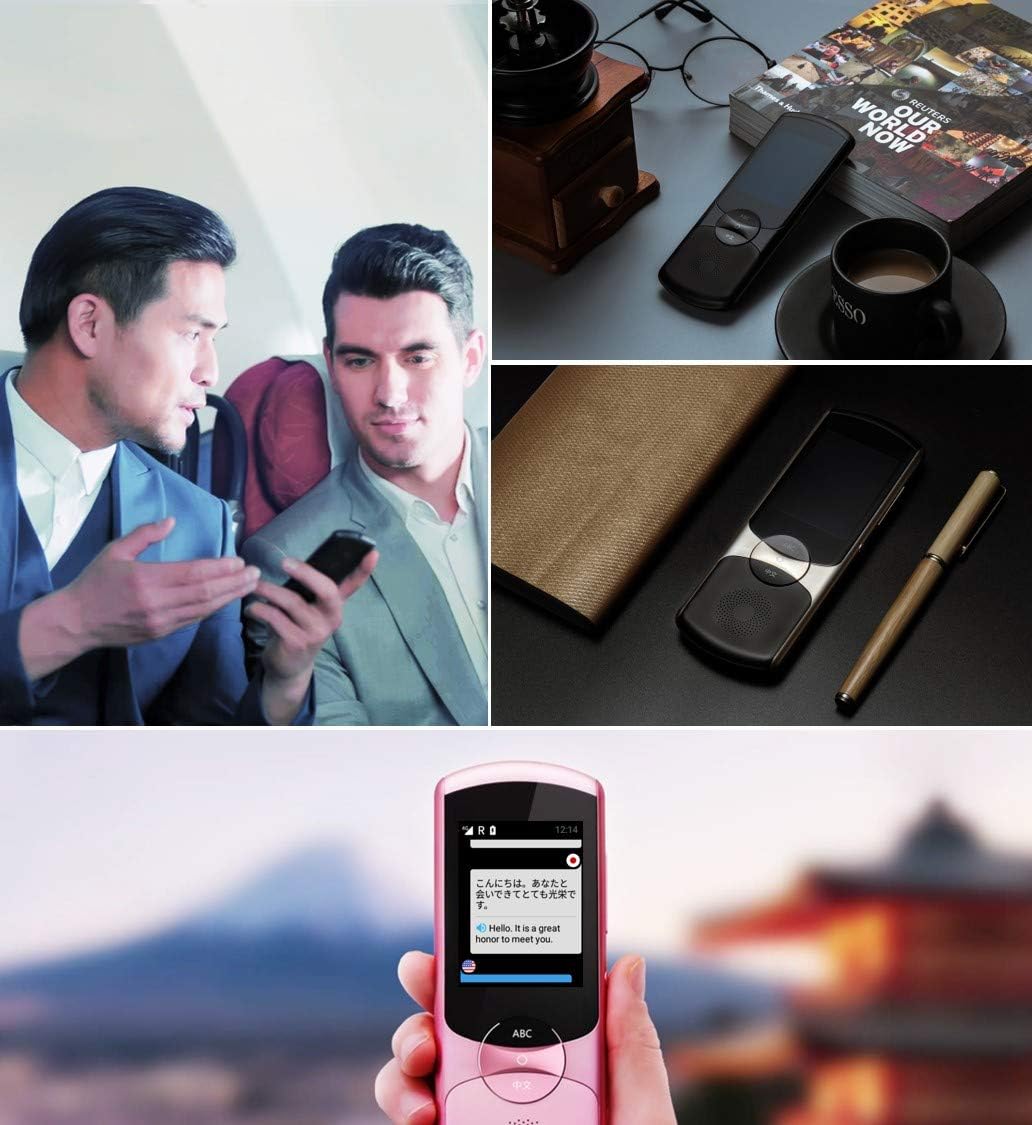
Image: A collage showing the iFLYTEK Translator 2.0 being used in different scenarios, including a business meeting and a travel setting, highlighting its versatility.
2. Camera Translation (11 Languages)
This mode translates text captured by the device's camera.
- Select Camera Translation mode from the main menu.
- Point the device's camera at the text you wish to translate (e.g., signs, menus, documents).
- Ensure the text is well-lit and within the camera's frame.
- Tap the capture button on the screen. The device will process the image and display the translated text.

Image: A user holding the iFLYTEK Translator 2.0 to translate text on a map, demonstrating the camera translation feature.
3. Pronunciation Scoring and Accent Check
The device includes an AI-powered feature to help users improve their pronunciation and check accents.
- Access the Pronunciation Scoring feature from the menu.
- Select the language for practice.
- Speak the displayed phrases or words into the microphone.
- The device will provide feedback on your pronunciation and accent.

Image: An adult and a child interacting with the iFLYTEK Translator 2.0, illustrating its use for pronunciation scoring and language learning.
ساتنه
- پاکول: د وسیلې د پاکولو لپاره نرم، وچ ټوکر وکاروئ. مایع پاکوونکي یا ایروسول مه کاروئ.
- ذخیره کول: وسیله په یخ او وچ ځای کې د مستقیم لمر وړانګو او سختې تودوخې څخه لرې وساتئ.
- د بیټرۍ پاملرنه: د بیټرۍ د ژوند اوږدولو لپاره، د بیټرۍ په مکرر ډول د بشپړ چارج کولو څخه ډډه وکړئ. وسیله په منظم ډول چارج کړئ، حتی که د اوږدې مودې لپاره نه کارول کیږي.
- د سافټویر تازه معلومات: د غوره فعالیت او نوي ځانګړتیاو ته د لاسرسي ډاډ ترلاسه کولو لپاره په دوره یي ډول د سافټویر تازه معلومات وګورئ او نصب کړئ.
د ستونزو حل کول
| ستونزه | احتمالي لامل | د حل لاره |
|---|---|---|
| وسیله فعاله نه ده. | بیټرۍ ټیټه ده؛ وسیله کنګل شوې ده. | وسیله لږترلږه د لسو دقیقو لپاره چارج کړئ. د ۱۰-۱۵ ثانیو لپاره د بریښنا تڼۍ په نیولو سره په زور سره بیا پیل کړئ. |
| Translation is inaccurate or slow. | Poor internet connection; unclear speech; incorrect language selection. | Ensure a stable Wi-Fi or cellular connection. Speak clearly and directly into the microphone. Verify that the correct source and target languages are selected. |
| Camera translation not working. | Insufficient lighting; blurry image; text too small. | Ensure adequate lighting. Hold the device steady to avoid blur. Position the device closer to the text if it's too small. |
| له سپیکر څخه غږ نه راځي. | Volume too low; speaker obstructed. | Increase the volume using the side buttons. Check if the speaker is blocked by debris. |
مشخصات
| فیچر | تفصیل |
|---|---|
| برانډ | iFLYTEK د سوداګرۍ پیل |
| د ماډل شمیره | EASYTRANS 800 |
| Voice Translation Support | 59 ژبې |
| Camera Translation Support | 11 ژبې |
| د شور کمولو ټیکنالوژي | Yes, with 4 microphones |
| نړیواله اړیکه | 2 years coverage in 98 countries |
| د غبرګون وخت | نږدې 0.5 ثانیې |
| مطابقت لرونکې وسیلې | Laptop, Personal Computer (for data transfer/updates) |
| هډوتري برسیر | 802.11 b/g/n (Wi-Fi) |
| د آډیو بڼه | WAV |
| هیډفون جیک | 3.5 ملی متره |
| د بیټرۍ ډول | 1 لیتیم آئن بیټرۍ (شامل ده) |
| د توکي وزن | 120 ګرامه |
| د سکرین اندازه | ۷۸۷ انچه |
| د بیټرۍ ژوند | تر 6 ساعتونو پورې |
| د ډیجیټل ثبت کولو وخت | 120 دقيقو |
تضمین او ملاتړ
For warranty information and technical support, please refer to the official iFLYTEK webسایټ ته مراجعه وکړئ یا د دوی د پیرودونکو خدماتو سره اړیکه ونیسئ. د تضمین ادعاوو لپاره د پیرود ثبوت په توګه د پیرود رسید وساتئ.
The device includes 2 years of global communication, which is a service feature rather than a warranty.


