پیژندنه
This manual provides detailed instructions for the setup, operation, and maintenance of your VTech CS2000 DECT Cordless Home Phone. Please read this manual thoroughly before using your new phone to ensure proper functionality and to take full advantagد هغې ځانګړتیاوې.
The VTech CS2000 is designed for home use, offering reliable long-range communication, essential call management features, and user-friendly design.

Figure 1: VTech CS2000 DECT Cordless Home Phone, showing the handset docked in its base unit.
چمتو کول
د بسته محتويات
ډاډ ترلاسه کړئ چې ټول توکي ستاسو په کڅوړه کې شتون لري:
- د VTech CS2000 هینډسیټ
- VTech CS2000 Base Unit
- د بیس یونټ لپاره د بریښنا اډاپټر
- د ټیلیفون کرښه
- Rechargeable NiMH Battery (1 included)
د بیټرۍ نصب او چارج کول
The VTech CS2000 uses a rechargeable NiMH battery. Proper installation and initial charging are crucial for optimal performance.
- د هینډسیټ شاته د بیټرۍ کڅوړه ومومئ.
- Insert the supplied NiMH battery, ensuring the polarity matches the diagram inside the compartment.
- د بیټرۍ کمپارټ پوښ په خوندي ډول وتړئ.
- هینډسیټ په بیس یونټ کې ځای په ځای کړئ. د هینډسیټ چارج کولو شاخص باید روښانه شي.
- Allow the handset to charge for at least 16 hours before initial use, even if the display indicates a full charge sooner. This ensures maximum battery capacity.
د بنسټ واحد سره نښلول
- د ټیلیفون لاین تار یوه پای د بیس یونټ په شا کې د ټیل لاین جیک سره وصل کړئ.
- د ټیلیفون لاین تار بل پای د ټیلیفون دیوال جیک سره وصل کړئ.
- Connect the small end of the power adapter to the POWER jack on the back of the base unit.
- د بریښنا اډاپټر لویه پای په معیاري بریښنایی آوټ لیټ کې ولګوئ.
- ډاډ ترلاسه کړئ چې ټولې اړیکې خوندي دي.
ستاسو د تلیفون چلول
تلیفونونه کول او ترلاسه کول
تلیفون کول:
- فشار ورکړئ خبرې button (green receiver icon) or lift the handset from the base.
- مطلوب تلیفون شمیره ډایل کړئ.
- فشار ورکړئ پای button (red receiver icon) or place the handset back on the base to end the call.
د تلیفون ترلاسه کول:
کله چې تلیفون زنګ ووهي، فشار ورکړئ خبرې button or lift the handset from the base to answer.
د لاسونو څخه پاک سپیکر تلیفون
The VTech CS2000 features a hands-free speakerphone function, allowing you to talk without holding the handset.
- د زنګ وهلو پرمهال سپیکر button (speaker icon).
- To switch back to the handset, press the خبرې بیا تڼۍ.
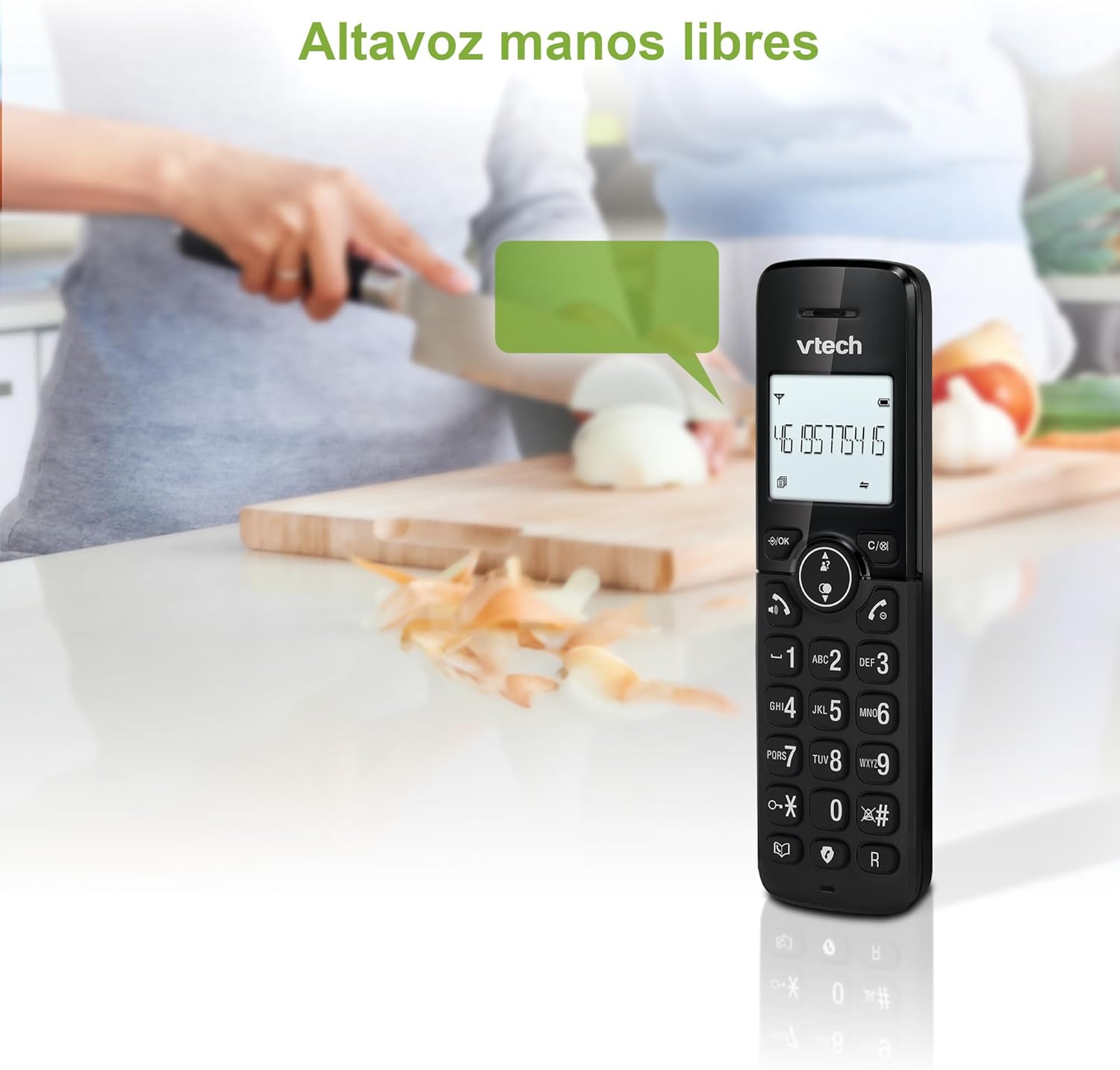
Figure 2: Using the hands-free speakerphone function.
د غږ کولو بندیز
The call blocking feature allows you to prevent unwanted calls. You can block up to 30 numbers.
- To block a number during a call, press the بلاک وکړئ تڼۍ
- To add a number to the block list manually, navigate to the Call Block menu in the phone settings.
- Follow the on-screen prompts to add or remove numbers from the block list.
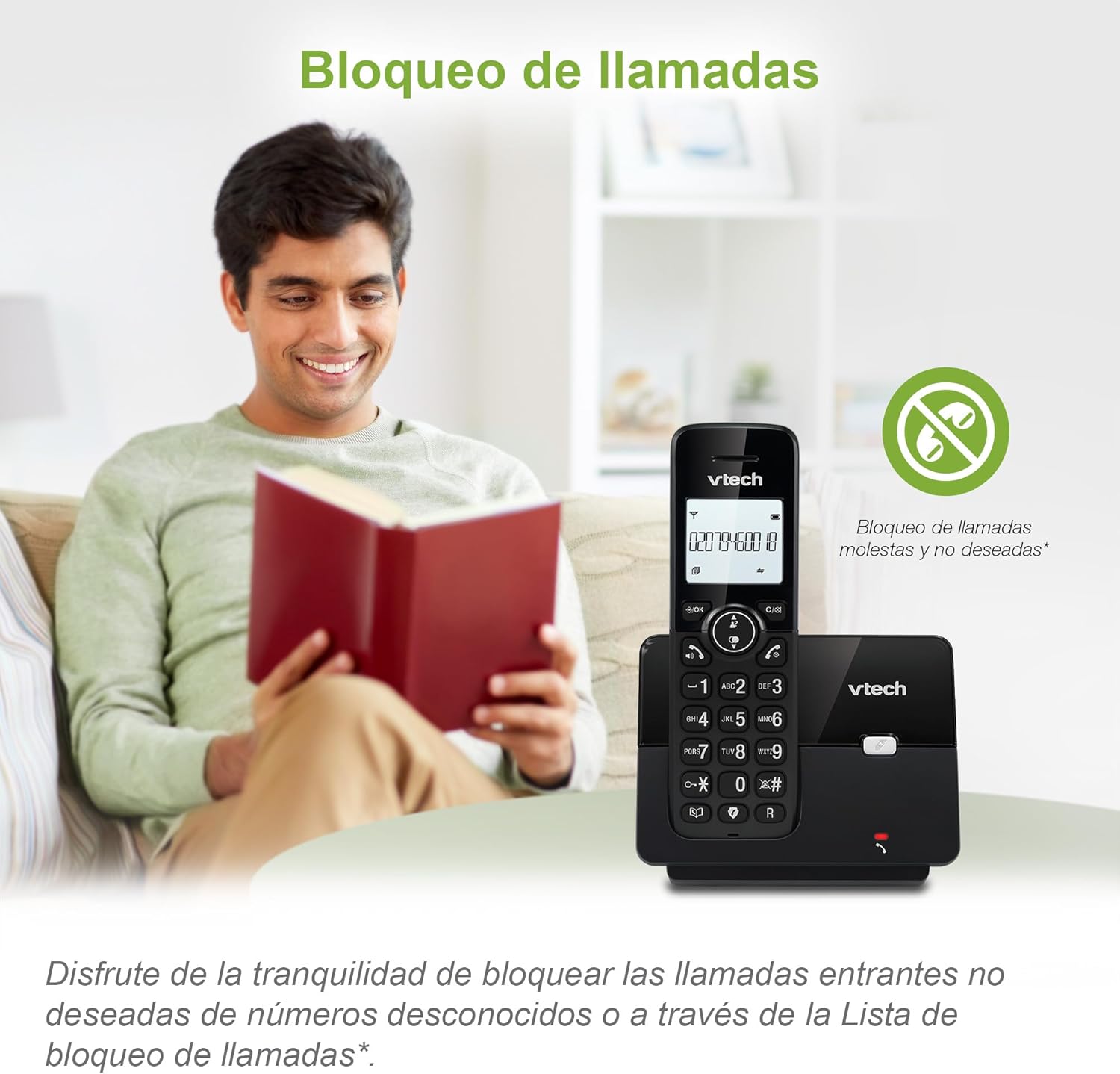
Figure 3: The call blocking feature helps manage unwanted calls.
Phonebook (Directory)
د چټک ډایل کولو لپاره په تلیفون کتاب کې تر 30 پورې نومونه او شمیرې وساتئ.
- فشار ورکړئ MENU / سمه ده تڼۍ
- Navigate to the "Phonebook" or "Directory" option.
- Select "Add New Entry" and follow the prompts to enter the name and number.
- To dial from the phonebook, press the لارښود button and scroll to the desired entry, then press خبرې.

Figure 4: Managing contacts in the phonebook.
د زنګ وهونکي ID او د تلیفون انتظار
The phone stores up to 20 caller ID records with name and number (service subscription may be required).
When a new call comes in while you are on another call, the call waiting feature alerts you (service subscription may be required).
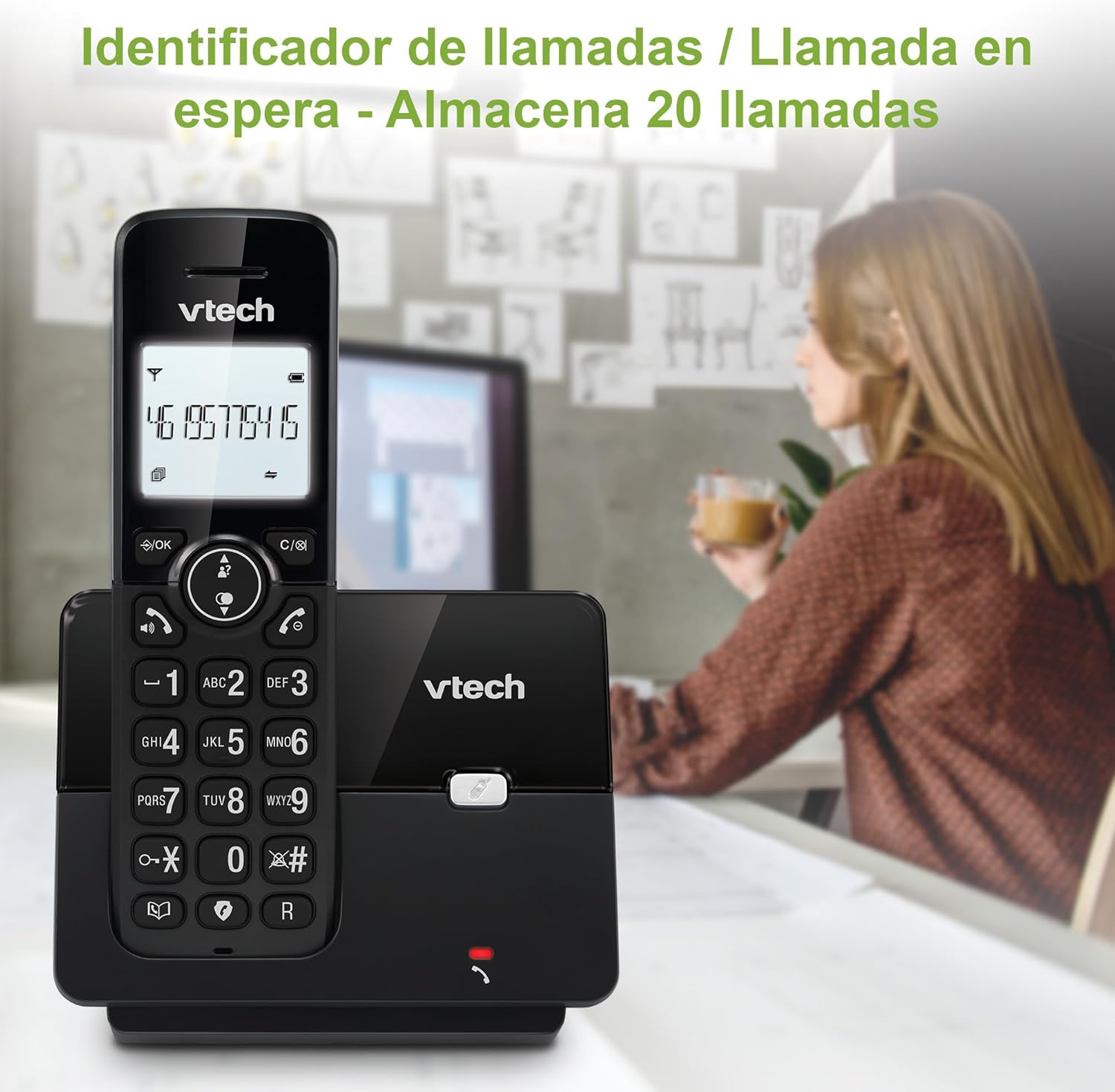
Figure 5: Caller ID display on the handset.
د بیا کتلو لیست
The phone stores the last 10 dialed numbers for quick redialing.
- فشار ورکړئ سرخیل تڼۍ
- Scroll through the list using the navigation keys.
- مطبوعاتي خبرې to redial the selected number.

Figure 6: Accessing the redial list.
د ECO حالت
The ECO mode automatically adjusts the radio frequency power based on the distance between the handset and the base unit, helping to conserve energy.
Adjusting Ring Volume and Melody
You can customize the ring volume and melody of your handset.
- فشار ورکړئ MENU / سمه ده تڼۍ
- Navigate to "Settings" or "Ring Settings".
- Select "Ring Volume" or "Ring Melody" and choose your preference.
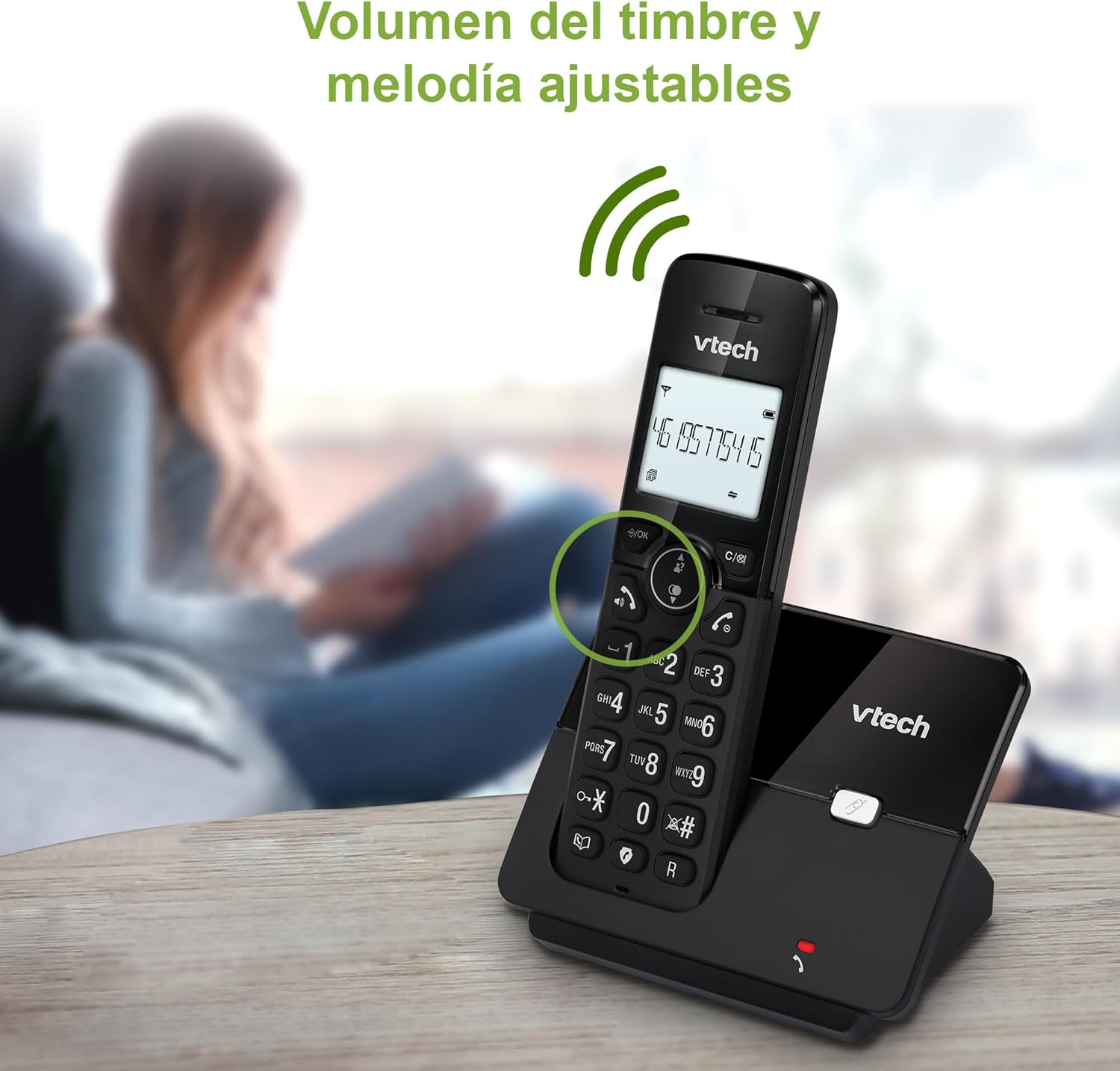
Figure 7: Adjusting ring volume and melody.
Alarm and Silence Function
The phone includes an alarm function and a silence mode for convenience.
- To set an alarm, navigate to the "Alarm" option in the menu and follow the prompts.
- To activate silence mode, typically press and hold the خاموش button or access the "Silence" option in the settings.

Figure 8: Alarm and silence functions.
د بیکلیټ ښودنه
The 1.8-inch backlit display provides clear visibility, especially in low-light conditions.

Figure 9: The 1.8-inch backlit display for clear viewing.
Long Range Capability
The VTech CS2000 utilizes DECT technology to provide a stable operating range of up to 300 meters outdoors, ensuring clear communication throughout your home and property.

Figure 10: The phone offers reliable long-range coverage.
ساتنه
پاکول
تلیفون او بیس یونټ د نرم، ډی سره پاک کړئamp ټوکر. د پاکولو سپرې یا د کثافاتو پاکوونکي مه کاروئ، ځکه چې دوی کولی شي پای یا بریښنایی اجزاو ته زیان ورسوي.
د بیټرۍ پاملرنه
- Only use the supplied rechargeable NiMH battery or an approved replacement.
- که چیرې تلیفون د اوږدې مودې لپاره ونه کارول شي، نو د لیکیدو مخنیوي لپاره بیټرۍ لرې کړئ.
- د بیټرۍ د ځایی مقرراتو سره سم په مسؤلیت سره تصفیه کړئ.
د ستونزو حل کول
If you experience issues with your VTech CS2000 phone, try the following solutions:
| ستونزه | د حل لاره |
|---|---|
| د ډایل ټون نشته. | Ensure the telephone line cord is securely connected to both the base unit and the wall jack. Check if the power adapter is properly connected and plugged into a working outlet. |
| هینډسیټ چارج نه کوي. | Ensure the handset is correctly placed on the base unit. Clean the charging contacts on both the handset and base unit with a dry cloth. Verify the power adapter is connected. |
| د غږ خراب کیفیت یا جامد. | د بنسټ واحد ته نږدې لاړ شئ. ډاډ ترلاسه کړئ چې لوی فلزي شیان یا نور بریښنایی وسایل د سیګنال سره مداخله نه کوي. د تلیفون لاین خلاصې اړیکې وګورئ. |
| زنګونه نشي وهلی یا یې ترلاسه کولی نشي. | Check if the phone line is active. Ensure the handset is registered to the base unit (refer to the full manual for registration steps if needed). Temporarily unplug the base unit's power adapter, wait a few seconds, then plug it back in. |
| د زنګ وهونکي ID نه ښودل کیږي. | ډاډ ترلاسه کړئ چې تاسو د خپل تلیفون خدمت چمتو کونکي څخه د زنګ وهونکي ID خدمت کې ګډون کړی دی. |
مشخصات
| برانډ | VTech |
| د ماډل شمیره | CS2000 |
| رنګ | تور |
| د تلیفون ډول | بې تاره DECT تلیفون |
| د سکرین اندازه | ۷۸۷ انچه |
| د بیټرۍ جوړښت | NiMH |
| د بیټرۍ شمیر | ۱ (د محصول ځانګړی - شامل دی) |
| مواد | پلاستیک |
| د بریښنا سرچینه | د بیټرۍ چلول |
| د ډایلر ډول | واحد کیپډ |
| د ځواب ورکولو سیسټم ډول | بې تاره |
| د توکي وزن | 300 ګرامه |
| څو کرښې عملیات | د لاین کرښه عملیه |
| ځانګړي ځانګړتیاوې | Cordless, Call Blocking, Hands-Free Speakerphone, Backlit Display, ECO Mode, Caller ID, Phonebook, Redial |
تضمین او ملاتړ
For warranty information and technical support, please refer to the documentation included with your purchase or visit the official VTech webسایټ. د پیرود ثبوت په توګه د پیرود رسید وساتئ.
جوړونکی: د VTECH مخابراتي شرکتونه
د اصلي هیواد: چین


