1. پیژندنه
This user manual provides comprehensive instructions for the VTech CS1551 DECT 2-Handset Cordless Phone system. It covers setup, operation, maintenance, and troubleshooting to ensure optimal performance and user experience. Please read this manual thoroughly before using your new phone system.
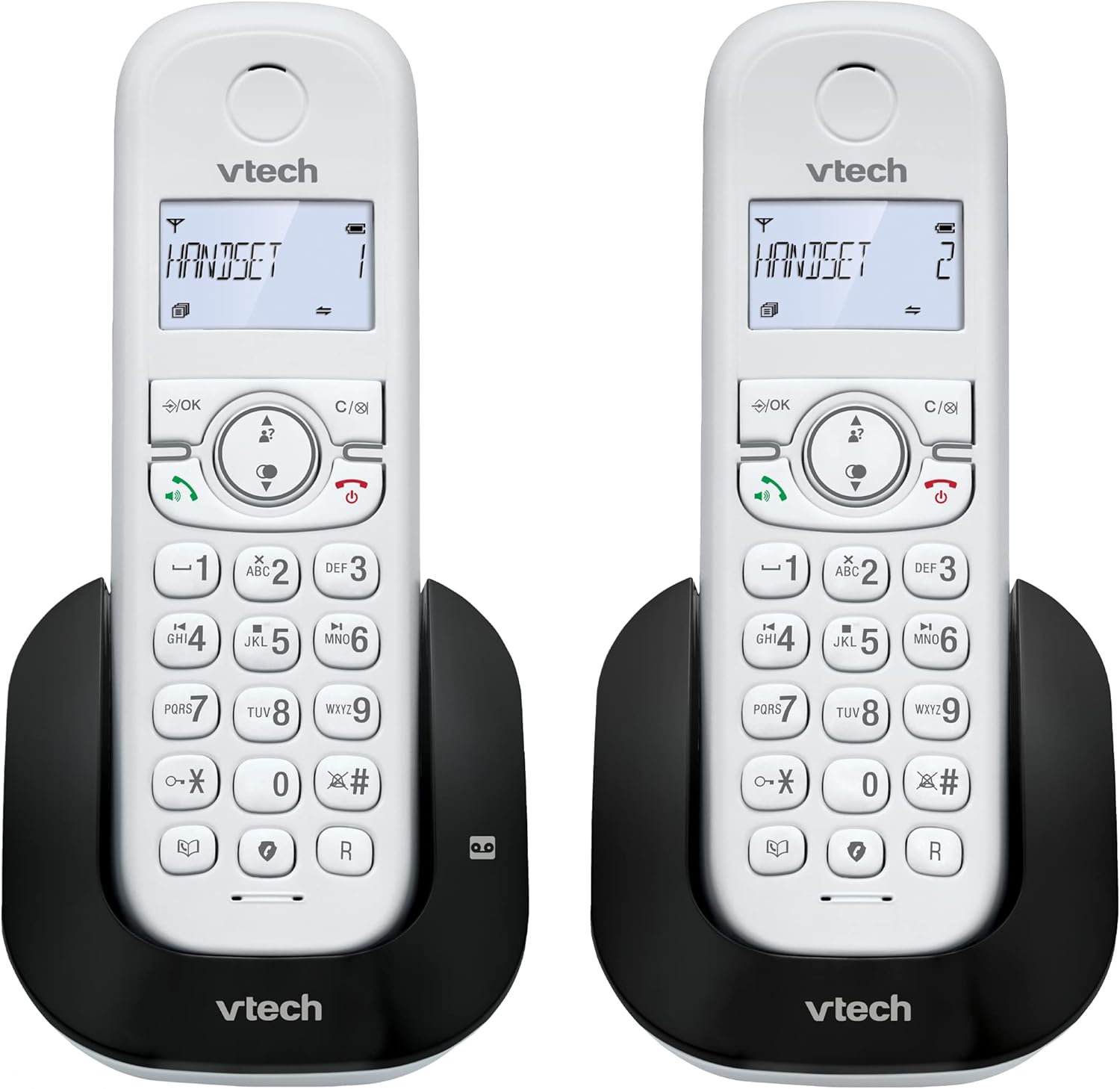
انځور 1.1: اوورview of the VTech CS1551 DECT 2-Handset Cordless Phone System.
2. د بسته محتويات
ډاډ ترلاسه کړئ چې ټول توکي ستاسو په کڅوړه کې شتون لري. که کوم توکي ورک یا زیانمن شوي وي، مهرباني وکړئ د VTech پیرودونکو ملاتړ سره اړیکه ونیسئ.
- 2 بې تاره دستګاه
- 1 د بنسټ واحد
- 1 Charger Unit
- 2 AC بریښنا اډاپټرونه
- 1 د ټیلیفون کرښه کارډ
- 2 NiMH Rechargeable Battery Packs (4 batteries total, 2 per handset)
- د کارونکي لارښود (دا لاسوند)
3. ترتیب کول
۱. د بیټرۍ نصب او چارج کول
Before initial use, install the provided NiMH rechargeable battery packs into each handset. Connect the base unit and charger unit to power outlets using the AC adapters. Place the handsets on their respective charging cradles.
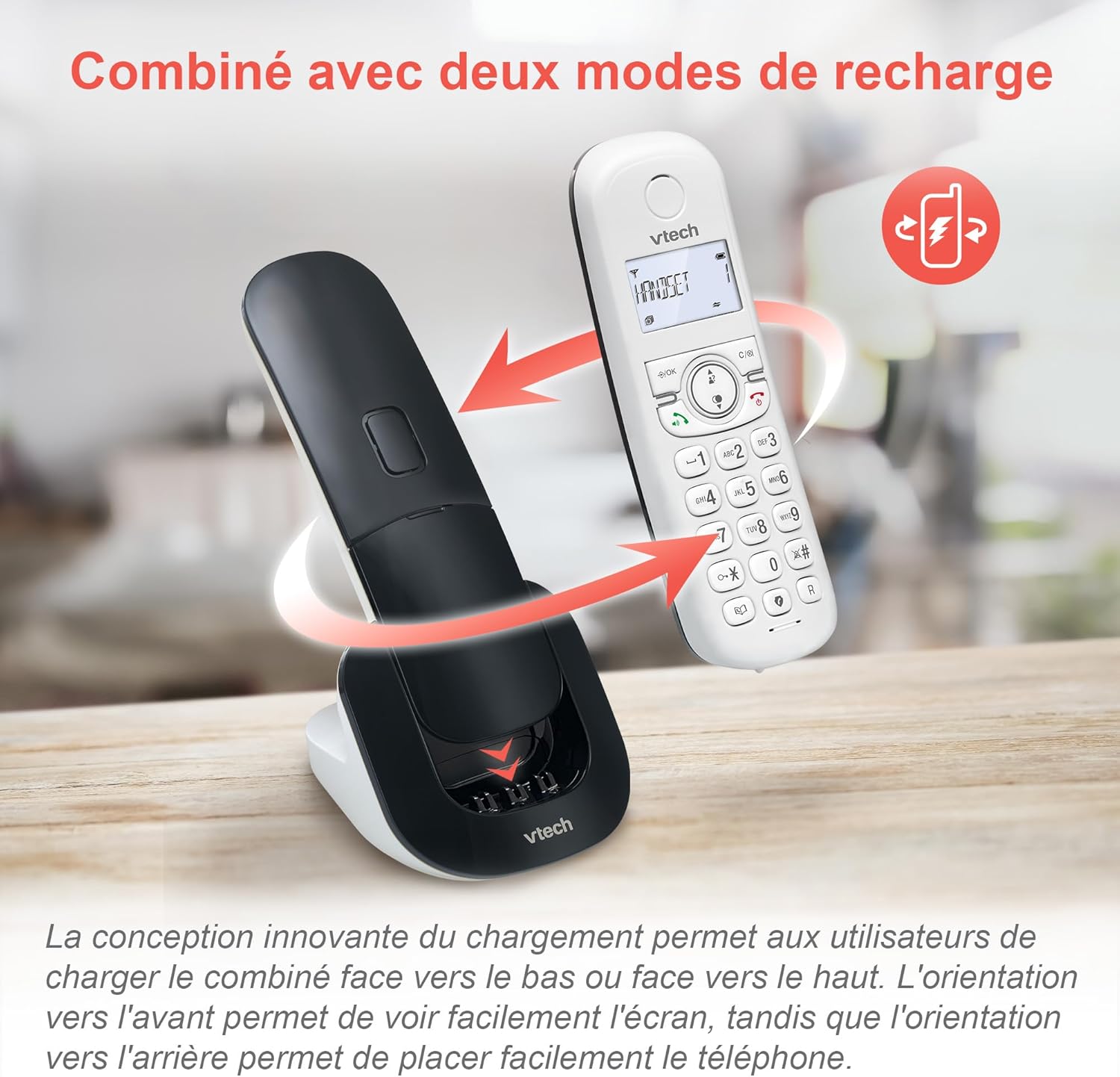
Image 3.1: The innovative dual charging design allows handsets to be charged face-up or face-down. Charging face-up allows for easy screen viewing, while face-down charging offers a compact placement.
Allow the handsets to charge for at least 12 hours before first use to ensure full battery capacity. A full charge provides up to 13 hours of talk time and 200 hours of standby time.
۱.۳. د اساس واحد سره نښلول
- د ټیلیفون لاین تار یوه پای د بیس یونټ کې د ټیل لاین جیک سره وصل کړئ.
- د ټیلیفون لاین تار بل پای د ټیلیفون دیوال جیک سره وصل کړئ.
- Plug the base unit's AC adapter into a power outlet.
4. عملیاتي لارښوونې
۵.۱. زنګونه وهل او ځواب ورکول
- د تلیفون کولو لپاره: مطبوعاتي خبرې or سپیکر، بیا شمیره ډایل کړئ.
- زنګ ته ځواب ویل: مطبوعاتي خبرې or سپیکر کله چې تلیفون زنګیږي.
- د تلیفون پای ته رسولو لپاره: مطبوعاتي پای or place the handset back on the charging cradle.
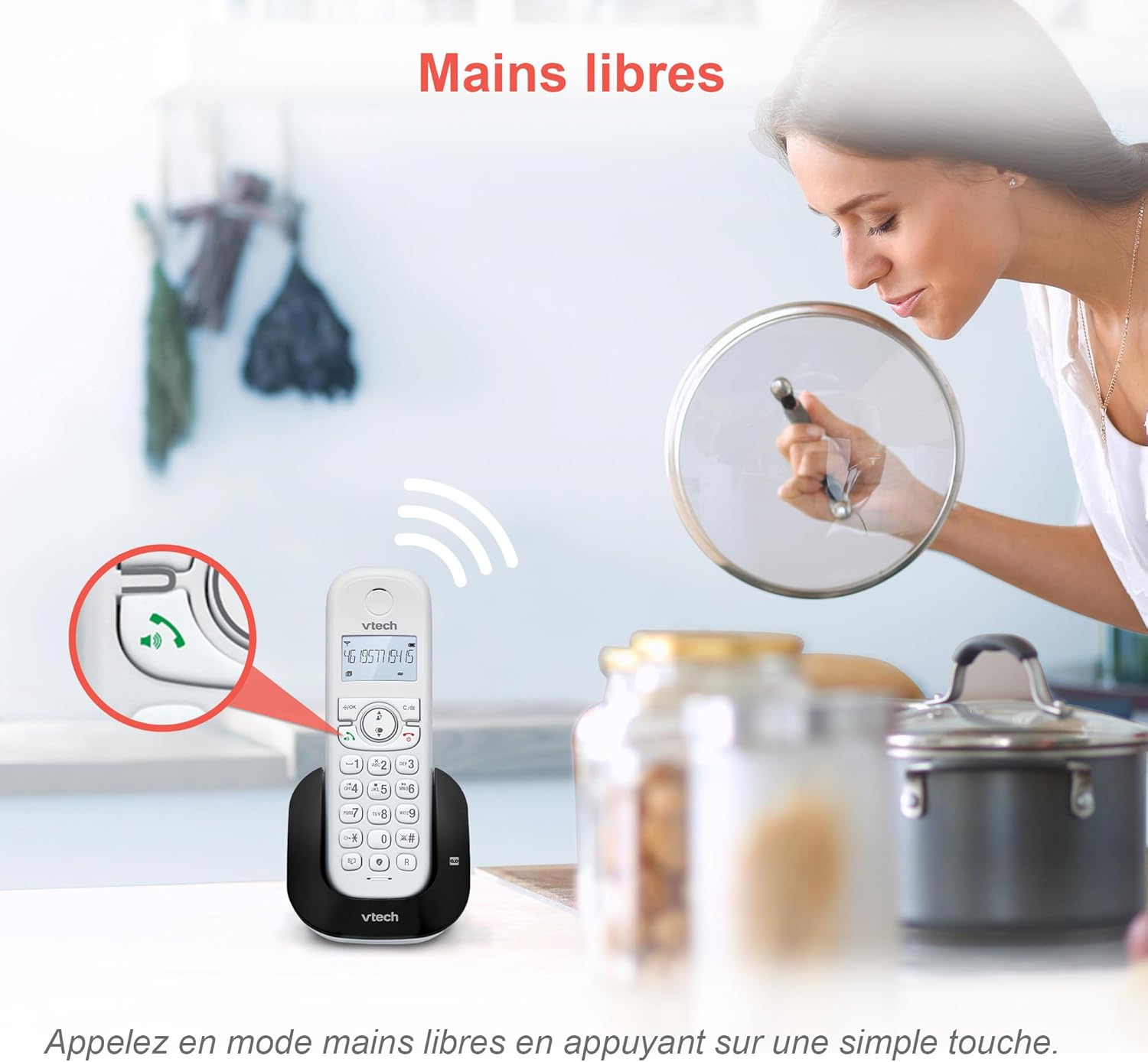
Image 4.1: The hands-free speakerphone function allows for conversations without holding the handset.
۴.۵. د ځواب ورکولو ماشین
The integrated digital answering machine records messages when you are unavailable. It offers up to 15 minutes of recording time.
- د پیغامونو د غږولو لپاره: فشار ورکړئ لوبه وکړئ په بیس یونټ یا هینډسیټ کې تڼۍ.
- To Record a Greeting: Follow the instructions in the full manual for custom greeting setup.

Image 4.2: The automatic answering machine records messages for up to 15 minutes when you cannot answer a call.
۵.۲. د زنګ وهلو بندول
The nuisance call blocker allows you to block unwanted calls. You can store up to 60 numbers in the block list.
- د شمېرې د بندولو لپاره: د زنګ وهلو پرمهال بلاک button. Alternatively, add numbers manually via the menu.

Image 4.3: The call blocker button allows you to easily add unwanted numbers to a block list, preventing future disturbances.
4.4. Caller ID / Call Waiting
The phone displays the caller's name, number, time, and date for incoming calls. It stores up to 20 caller ID records.

Image 4.4: The handset screen displays incoming caller information, including name, number, time, and date.
4.5. Three-Way Conferencing
The call transfer and intercom features allow multiple users to participate in a conversation simultaneously.

Image 4.5: Engage in three-way conference calls, allowing multiple parties to join the conversation.
5. کلیدي ځانګړتیاوې
5.1. د ECO موډ
The handset automatically adjusts radio frequency power based on its distance from the base unit. ECO DECT technology helps reduce energy consumption.
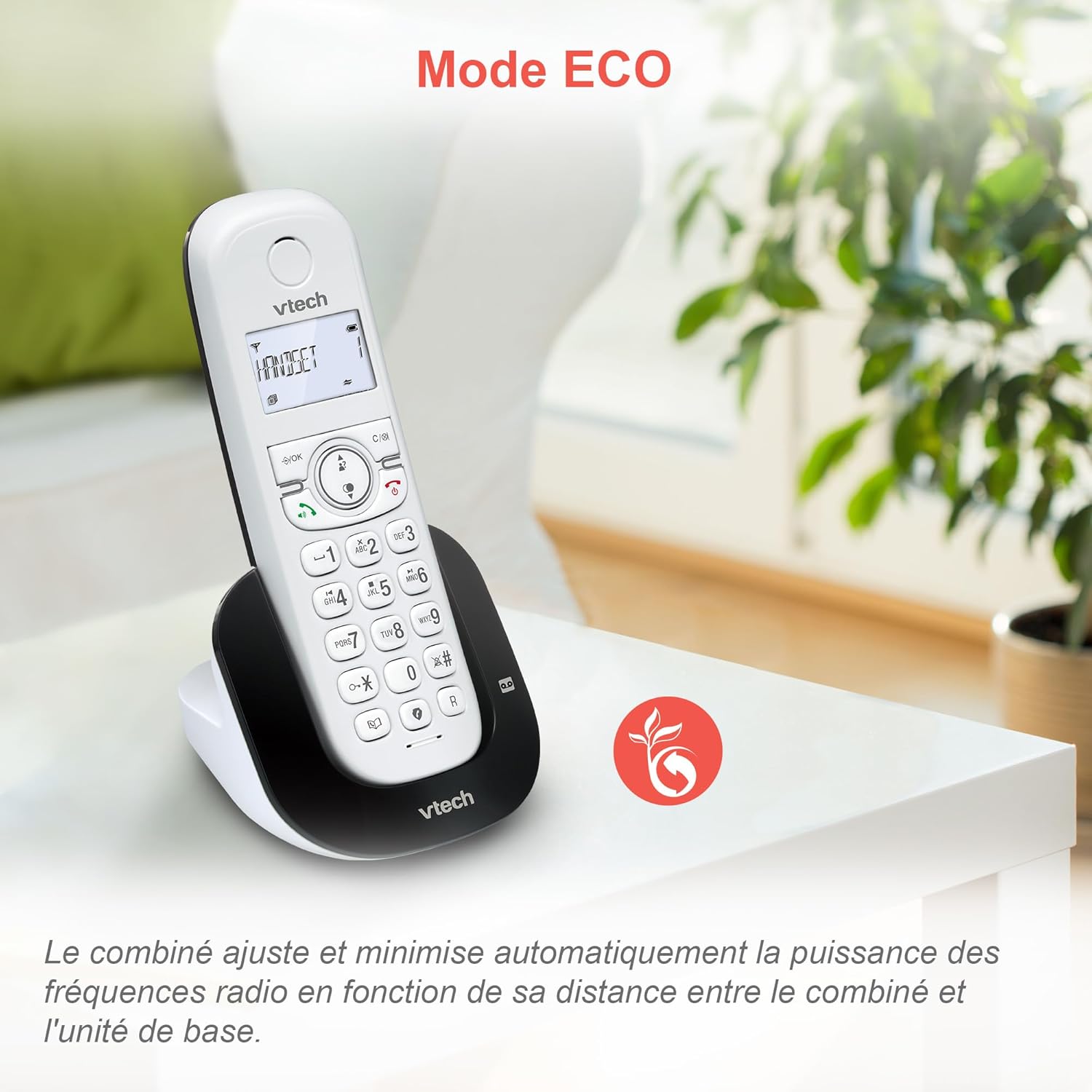
Image 5.1: The ECO mode feature automatically optimizes power usage based on handset proximity to the base unit.
5.2. Phonebook and Redial
- د تلیفون کتاب: د چټک ډایل کولو لپاره تر ۵۰ پورې نومونه او شمېرې ذخیره کړئ.
- سرخیل: Easily redial the last 10 numbers called with a single button press.
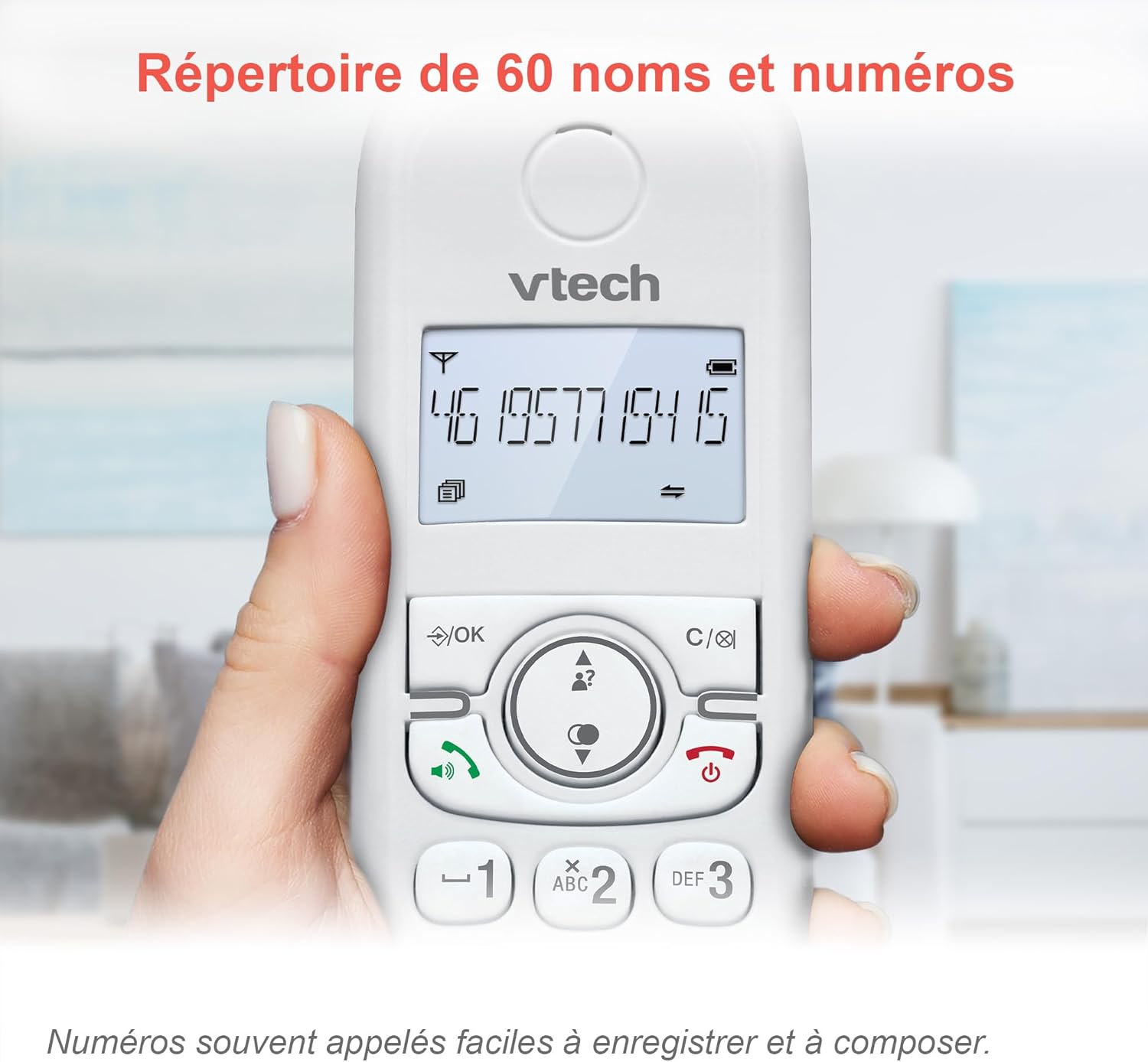
Image 5.2: The phonebook allows for easy storage and retrieval of frequently called numbers.
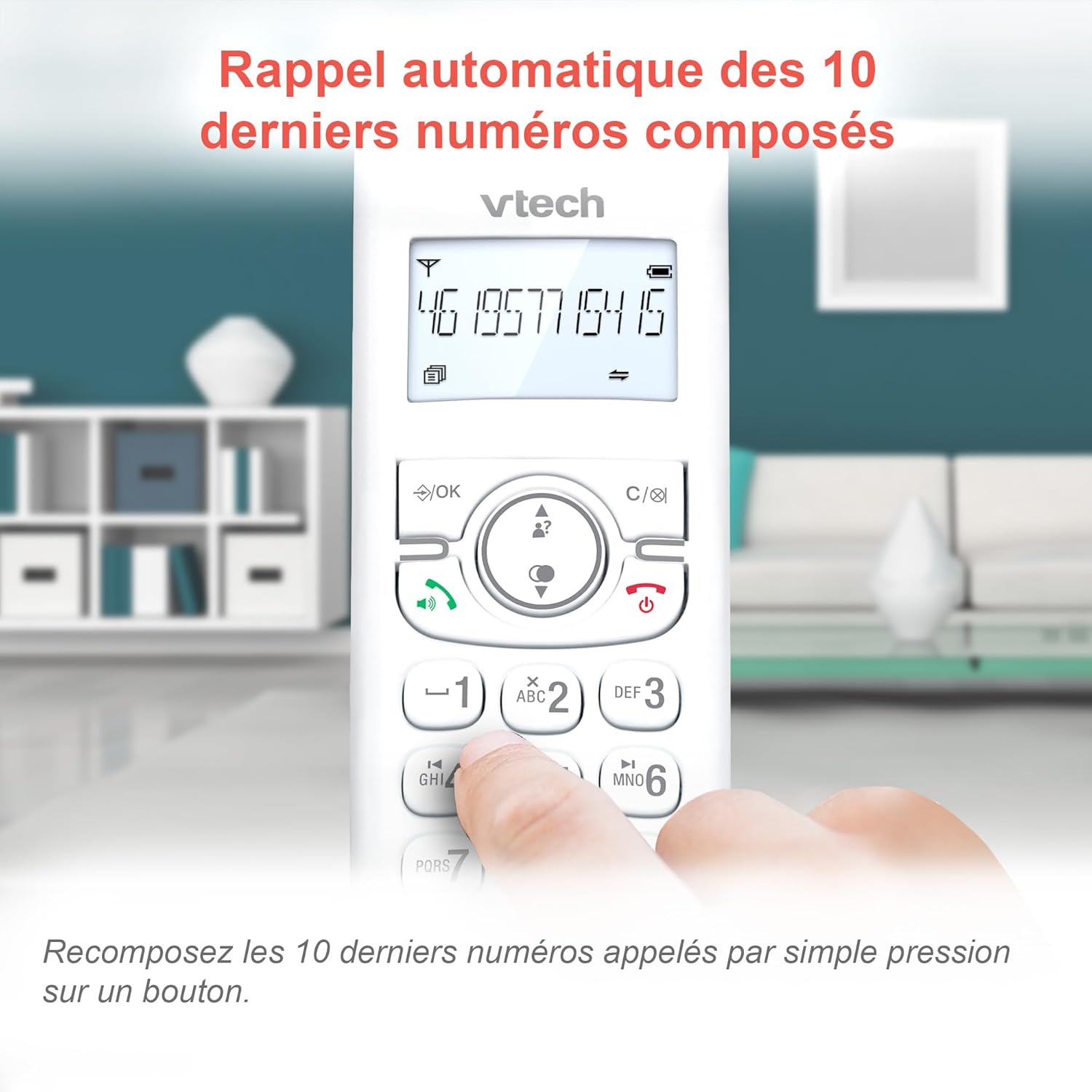
Image 5.3: Quickly redial the last 10 numbers by pressing the redial button.
5.3. Backlit Display and Keyboard
The backlit LCD display and keyboard illuminate, making it easy to view information and dial in low-light conditions.

Image 5.4: The illuminated display enhances visibility in various lighting conditions.
5.4. Adjustable Ringer Volume and Melodies
Customize your phone by adjusting the ringer volume and selecting from various melodies.

Image 5.5: Easily adjust the ringer volume and choose your preferred melody.
5.5. Alarm Function and Mute
Set convenient alarms on the handset or mute your voice during calls for privacy.

Image 5.6: Utilize the alarm function for reminders or mute your microphone during calls for privacy.
5.6. Long Reliable Range
Experience extended coverage and clear communication throughout your home.

Image 5.7: The phone system provides reliable long-range coverage for clear calls throughout your residence.
6. ساتنه
- پاکول: تلیفون او بیس یونټ د نرم، ډ سره پاک کړئamp ټوکر. د پاکولو سپرې یا سخت کیمیاوي توکي مه کاروئ.
- د بیټرۍ پاملرنه: Replace batteries when they no longer hold a charge. Use only VTech approved replacement batteries.
- ذخیره کول: If storing the phone for an extended period, remove the batteries from the handsets.
7. ستونزه حل کول
| ستونزه | د حل لاره |
|---|---|
| د ډایل ټون نشته |
|
| هینډسیټ "ټیټ بیټرۍ" ښیې |
|
| زنګونه نشي وهلی یا ترلاسه کولی نشي |
|
| ضعیف غږ کیفیت |
|
For more detailed troubleshooting, please refer to the full VTech CS1551 user manual available on the VTech support webسایټ
8. مشخصات
| فیچر | تفصیل |
|---|---|
| د ماډل شمیره | AX-F-4537 |
| برانډ | VTech |
| رنګ | سپین |
| د تلیفون ډول | بې تاره DECT |
| د لاسي صنایعو شمیر | 2 |
| د ځواب ورکولو سیسټم ډول | ډیجیټل |
| د ځواب ورکولو ماشین د ثبت وخت | 15 دقيقو |
| د زنګ وهلو بلاکر ظرفیت | تر 60 شمیرو پورې |
| د تلیفون کتاب ظرفیت | 60 نومونه او شمیرې |
| د زنګ وهونکي ID حافظه | 20 ریکارډونه |
| د خبرو وخت | تر 13 ساعتونو پورې |
| ولاړ وخت | تر 200 ساعتونو پورې |
| د بیټرۍ ډول | NiMH (4 batteries included) |
| مواد | پلاستیک |
| د توکي وزن | 499.2 ګرامه |
| اصل | چین |
9. تضمین او ملاتړ
For warranty information and customer support, please refer to the warranty card included in your product packaging or visit the official VTech webسایټ
Online resources often include FAQs, detailed user guides, and contact information for technical assistance.