پیژندنه
This manual provides essential instructions for setting up, operating, and maintaining your KALOC Fitness Tracker. Please read this guide thoroughly to ensure proper use and to maximize the device's features.
په بکس کې څه دي
د خلاصولو پر مهال، ډاډ ترلاسه کړئ چې ټول توکي شتون لري:
- KALOC Fitness Tracker (main unit)
- بانډ وګوره
- د چارج کیبل
- د کارن لارښود
چمتو کول
1. د وسیلې چارج کول
Before first use, fully charge your fitness tracker. Connect the charging cable to the charging port on the back of the device and to a USB power source. The screen will indicate charging status.

Image: The KALOC Fitness Tracker displaying a '100% Fully charged' message while connected to its charging cable.
۵.۲. د اپلیکیشن نصب او جوړه کول
To utilize all features and synchronize data, download the companion application to your smartphone. The app is compatible with Android 6.0 and iOS 12.0 or above, and requires Bluetooth 4.0.
- Scan the QR code in the quick guide or search for the app name (usually mentioned in the quick guide or packaging) in your phone's app store.
- غوښتنلیک نصب کړئ.
- Open the app and follow the on-screen instructions to create an account and pair your fitness tracker via Bluetooth. Ensure Bluetooth is enabled on your phone.
- Allow necessary permissions for the app to function correctly (e.g., location, notifications).
عملیاتي لارښوونې
ښودنه او نیویګیشن
The KALOC Fitness Tracker features a 1.58-inch AMOLED touch display. Navigate through menus and functions by swiping up, down, left, or right, and tapping to select options.

Image: The 1.58-inch AMOLED screen of the KALOC Fitness Tracker, highlighting its resolution and brightness capabilities.
بنسټیز کارونه
- وخت او نېټه: Automatically synchronizes with your paired smartphone.
- مخونه وګورئ: Customize your watch face through the companion app or directly on the device.

انځور: Examples of personalized watch faces available for the KALOC Fitness Tracker.
Health Tracking Features
The KALOC Fitness Tracker provides comprehensive health monitoring throughout the day.
- د زړه ضربان څارنه: په دوامداره توګه ستاسو د زړه ضربان تعقیبوي. View په وسیله کې د ریښتیني وخت معلومات یا په ایپ کې تفصيلي رجحانات.
- د وینې اکسیجن (SpO2) اندازه کول: ستاسو د وینې د اکسیجن د اشباع کچه اندازه کوي.
- د خوب څارنه: ستاسو د خوب نمونې تحلیل کوي، په شمول د ژور خوب، سپک خوب، او ویښیدو وختونه.
- د فشار کچه تعقیبول: Monitors your stress levels and provides insights into your mental well-being.
- Pedometer & Calorie Tracker: Records daily steps, distance covered, and estimated calories burned.

Image: The KALOC Fitness Tracker displaying 24-hour health tracking data, including heart rate, sleep, and stress.

Image: The KALOC Fitness Tracker tracking daily fitness data, including steps, distance, calories, and activity time.
د سپورت طریقې
The fitness tracker supports over 100 sports modes to accurately track your workouts. Select the appropriate mode before starting an activity for precise data collection.
- Examples include outdoor walking, running, cycling, strength training, yoga, and various ball games.
- Access sports modes from the device menu and select your desired activity.
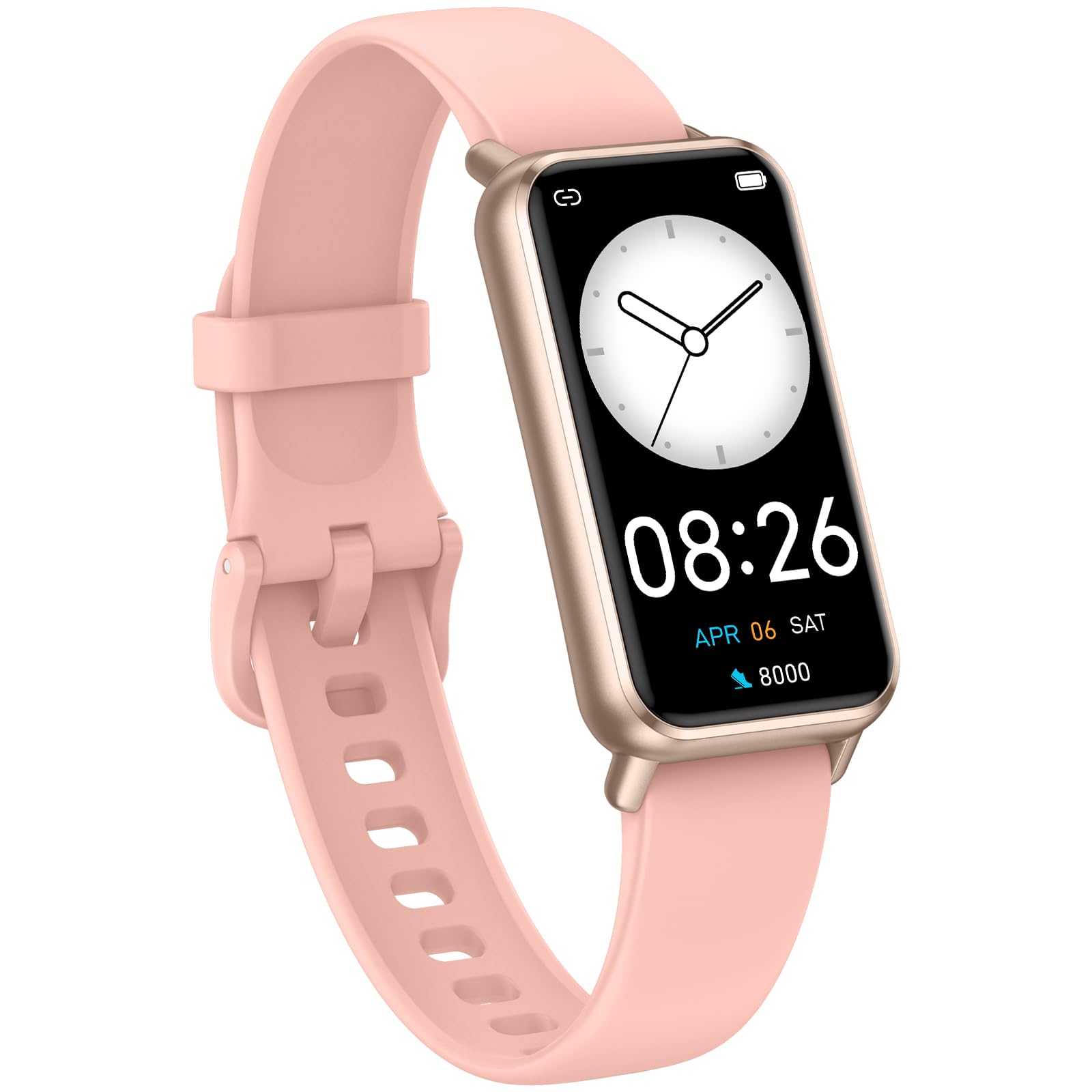
Image: The KALOC Fitness Tracker highlighting its support for over 100 sports modes.
د اوبو مقاومت
The KALOC Fitness Tracker is 50-meter waterproof, making it suitable for various water activities.
- Suitable for washing hands, showering, swimming, and shallow water activities.
- Not recommended for diving, hot water activities, or high-pressure water exposure.

Image: The KALOC Fitness Tracker demonstrating its 50-meter waterproof feature during swimming.
د بیټرۍ ژوند
The device offers an extended battery life, providing up to 14 days of typical use or 30 days of standby time on a single charge.

Image: The KALOC Fitness Tracker highlighting its 14-day battery life.
سمارټ خبرتیاوې
Receive notifications for calls, messages, and app alerts directly on your wrist when paired with your smartphone.

Image: The KALOC Fitness Tracker receiving smart notifications from various applications.
نورې دندې
The KALOC Fitness Tracker includes several additional useful features:
- د کیمرې کنټرول: د خپل تلیفون کیمره له لرې کنټرول کړئ.
- د موسیقۍ کنټرول: Manage music playback on your paired phone.
- د هوا وړاندوینه: View د هوا اوسني شرایط او وړاندوینې.
- د څښاک یادونه: د اوبو د کمښت لپاره یادونې تنظیم کړئ.
- بې ځایه یادونه: تاسو ته د غیر فعالیت مودې وروسته د حرکت کولو خبرداری درکوي.
- د الارم ساعت: Set alarms directly on your device.
- د تنفس روزنه: د فشار اداره کولو کې د مرستې لپاره د تنفس لارښود تمرینونه.

Image: The KALOC Fitness Tracker showcasing its multiple functions.
ساتنه
To ensure the longevity and optimal performance of your KALOC Fitness Tracker, follow these maintenance guidelines:
- پاکول: Regularly clean the device and strap with a soft, damp ټوکر. د سختو کیمیاوي موادو یا خړوبونکو موادو څخه ډډه وکړئ.
- چارج کول: Use only the provided charging cable. Do not expose the charging contacts to water or corrosive liquids.
- ذخیره کول: کله چې کارول نه وي، وسیله په یخ او وچ ځای کې وساتئ. د لوړې تودوخې څخه ډډه وکړئ.
- د اوبو ښکاره کول: While waterproof, it is advisable to dry the device thoroughly after exposure to water to prevent skin irritation and ensure proper sensor function.
د ستونزو حل کول
If you encounter issues with your KALOC Fitness Tracker, refer to the following common solutions:
- وسیله نه فعاله کیږي: ډاډ ترلاسه کړئ چې وسیله په بشپړه توګه چارج شوې ده. لږترلږه د 30 دقیقو لپاره یې چارجر سره وصل کړئ.
- د تلیفون سره جوړه نشي کیدی:
- ډاډ ترلاسه کړئ چې ستاسو په تلیفون کې بلوتوټ فعال دی.
- Make sure the tracker is within Bluetooth range of your phone.
- Restart both your phone and the fitness tracker.
- Check if the app has the necessary permissions.
- ناسم معلومات:
- Ensure the tracker is worn snugly on your wrist, about one finger's width from your wrist bone.
- د وسیلې په شا کې سینسرونه پاک کړئ.
- Update the device firmware via the app if available.
- خبرتیاوې ندي ترلاسه شوي:
- Verify that notifications are enabled in both the tracker's app and your phone's settings.
- ډاډ ترلاسه کړئ چې اپلیکیشن په شاليد کې روان دی.
If problems persist, consult the support section of the companion app or contact customer support.
مشخصات
| د ماډل شمیره | 529d841c-3537-4f97-bf0f-2a0c001c6b1e |
| د ښودلو اندازه | ۱.۴۳ انچه AMOLED |
| د اوبو مقاومت | 50 متره |
| د بیټرۍ ژوند | تر ۲۱ ورځو پورې (معمولي استعمال) |
| ارتباط | بلوتوث 4.0 |
| مطابقت | انډرایډ ۹.۰+ / iOS ۱۴.۰+ |
| د توکي وزن | 2.82 اونس |
| د محصول ابعاد | 6.4 x 3 x 0.7 انچه |
تضمین او ملاتړ
For warranty information and customer support, please refer to the documentation included with your purchase or visit the official KALOC webسایټ. د تضمین ادعاوو لپاره د پیرود ثبوت په توګه د پیرود رسید وساتئ.


