پیژندنه
د پیرودلو لپاره مننهasing the Present Time Flat LED Alarm Clock with Wireless Charger. This device combines a modern digital alarm clock with the convenience of wireless charging, all housed in an elegant bamboo design. Please read this manual carefully to ensure proper use and maintenance of your new device.
د خوندیتوب معلومات
د خوندي عملیاتو ډاډ ترلاسه کولو او د زیان مخنیوي لپاره، مهرباني وکړئ لاندې خوندیتوب احتیاطي تدابیر په پام کې ونیسئ:
- وسیله د اوبو، رطوبت، یا ډیرې تودوخې سره مه مخ کوئ.
- د قوي تاثیراتو سره د وسیله له مینځه وړلو یا تابع کولو څخه ډډه وکړئ.
- هڅه مه کوئ چې وسیله پخپله جلا کړئ، ترمیم کړئ یا تعدیل کړئ. ټولې خدمتونه وړ پرسونل ته راجع کړئ.
- Use only the provided power adapter or a compatible power source.
- وسیله د تودوخې سرچینو او مستقیم لمر څخه لرې وساتئ.
- د عملیاتو په جریان کې د وسیلې شاوخوا مناسب هوا ورکول ډاډمن کړئ، په ځانګړي توګه کله چې د بېسیم چارج کولو فعالیت کاروئ.
د بسته محتويات
مهرباني وکړئ وګورئ چې ټول توکي په بسته کې شتون لري:
- Present Time Flat LED Alarm Clock with Wireless Charger (Model: PTG-KA5934)
- د بریښنا اډاپټر
- د کارن لارښود
محصول پای ته ورسیدview
مخ او پورته View
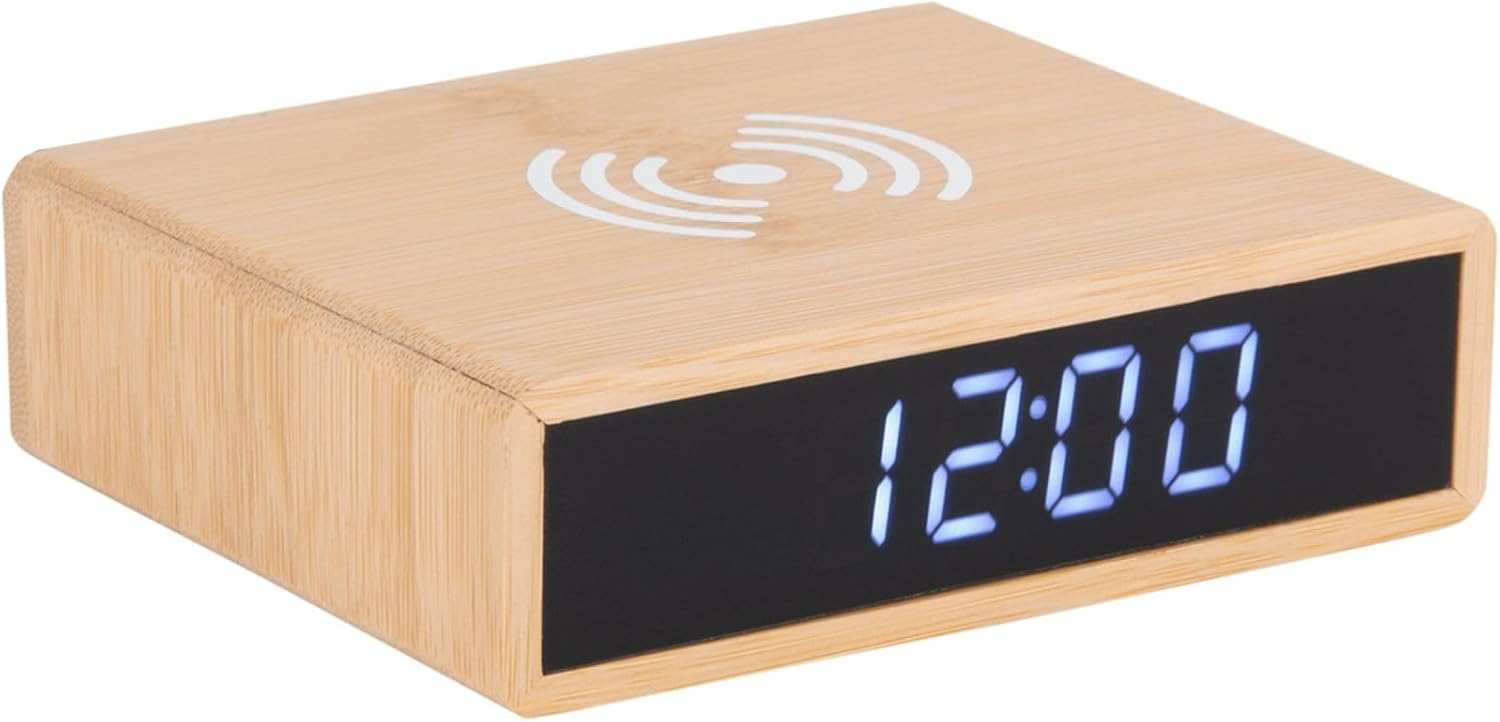
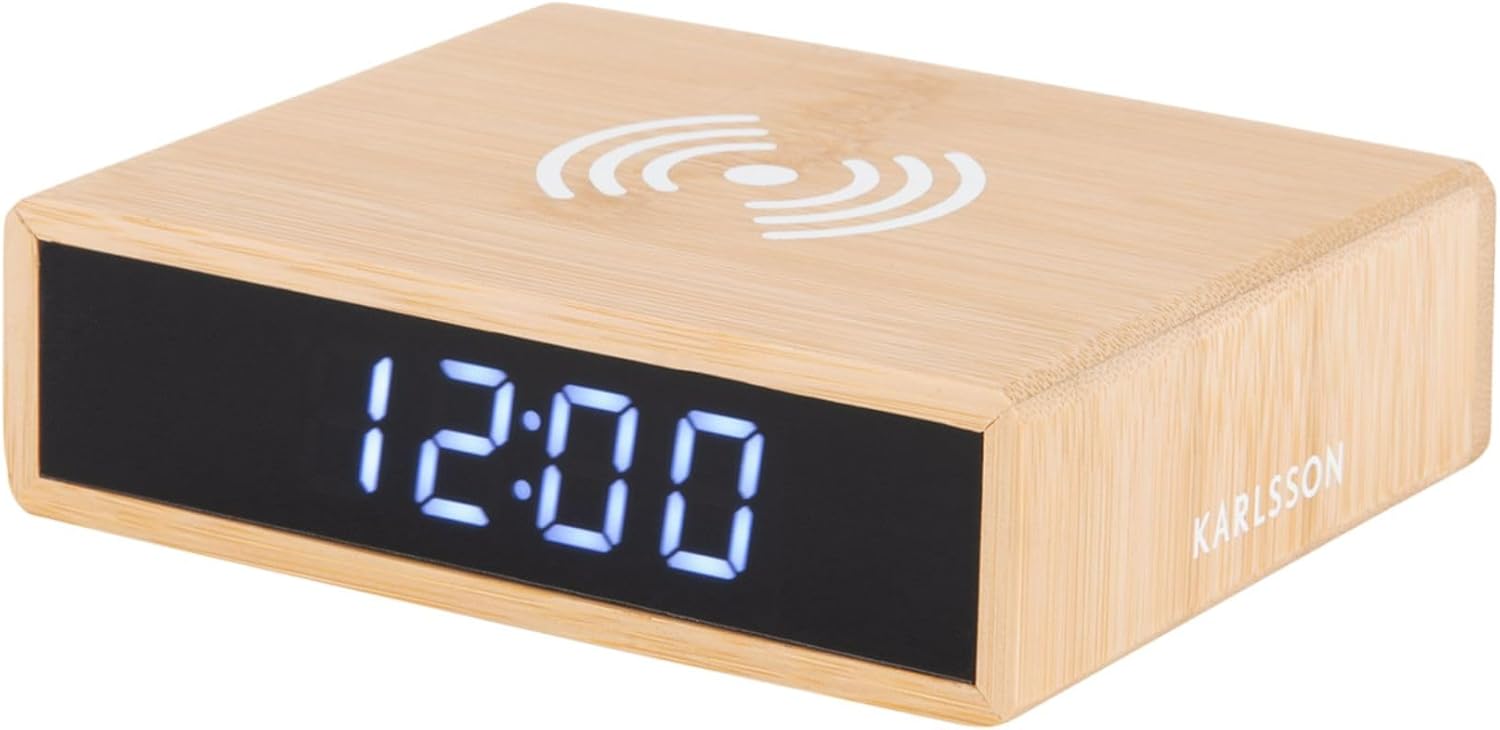
This image displays the front of the alarm clock with its clear digital LED time display and the top surface featuring the wireless charging pad symbol. The clock is made of bamboo.

This image illustrates the wireless charging functionality, showing a smartphone being placed on the top surface of the alarm clock, aligning with the charging symbol.
شاته View او کنټرولونه
شاته view of the device reveals the control panel, including buttons for setting time and alarm, a small reset pinhole, and the DC power input jack.
- د وخت ټاکلو تڼۍ: د وخت تنظیم کولو حالت ته د ننوتلو لپاره کارول کیږي.
- د الارم سیټ تڼۍ: د الارم تنظیم کولو حالت ته د ننوتلو لپاره کارول کیږي.
- پورته/ښکته تtۍ: د تنظیم کولو پرمهال ارزښتونه تنظیم کړئ.
- پنهول بیا تنظیم کړئ: For factory reset (use a thin object like a paperclip).
- په بندر کې DC: د بریښنا اډاپټر سره نښلوي.
- د بې سیم چارج کولو پیډ: Located on the top surface.
چمتو کول
1. د بریښنا پیوستون
- Connect the provided power adapter to the DC IN port on the back of the alarm clock.
- د بریښنا اډاپټر په معیاري دیوال ساکټ کې ولګوئ. د LED ښودنه به روښانه شي.
2. د وخت ټاکل
- فشار ورکړئ او ونیسئ د وخت ټاکل د ساعت په شا کې تڼۍ تر هغه وخته پورې وساتئ تر څو چې د ساعت عددونه روښانه شي.
- د کارولو Up او ښکته د ساعت تنظیم کولو لپاره تڼۍ.
- فشار ورکړئ د وخت ټاکل د ساعت تاییدولو لپاره بیا تڼۍ فشار ورکړئ او دقیقې ترتیب ته لاړ شئ. د دقیقې شمیرې به روښانه شي.
- د کارولو Up او ښکته د دقیقو تنظیم کولو لپاره تڼۍ.
- فشار ورکړئ د وخت ټاکل button one more time to save the time and exit setting mode.
3. د الارم تنظیم کول
- فشار ورکړئ او ونیسئ الارم سیټ د ساعت په شا کې تڼۍ تر هغه وخته پورې وساتئ تر څو چې د الارم ساعت عددونه فلش پیل شي.
- د کارولو Up او ښکته د الارم ساعت تنظیم کولو لپاره تڼۍ.
- فشار ورکړئ الارم سیټ button again to confirm the alarm hour and move to the alarm minute setting. The alarm minute digits will flash.
- د کارولو Up او ښکته د الارم دقیقې تنظیم کولو لپاره تڼۍ.
- فشار ورکړئ الارم سیټ button one more time to save the alarm time.
- To activate or deactivate the alarm, briefly press the الارم سیټ تڼۍ. کله چې الارم فعال وي نو د الارم آیکون به په نندارتون کې څرګند شي.
عملیاتي لارښوونې
د بې سیم چارج کولو فعالیت
The top surface of the alarm clock features a built-in wireless charging pad compatible with Qi-enabled devices.
- Place your Qi-enabled smartphone or device directly onto the wireless charging symbol on the top of the clock.
- Ensure the device is centered on the charging pad for optimal charging efficiency.
- A charging indicator (if available on your phone) will confirm that charging has begun.
- یوځل چې په بشپړ ډول چارج شي خپل وسیله لرې کړئ.
یادونه: Wireless charging may not work through thick phone cases or cases containing metal. Remove such cases if charging issues occur.
د روښانتیا سمون ښودل
The display brightness can typically be adjusted by briefly pressing one of the control buttons (often the Up/Down buttons when not in setting mode, or a dedicated brightness button if present). Refer to the specific button functions on the rear panel for your model.
Snooze فعالیت
When the alarm sounds, briefly press any button (often the large button on top or a dedicated snooze button) to activate the snooze function. The alarm will temporarily stop and sound again after a set interval (e.g., 5 or 9 minutes). To turn off the alarm completely, press and hold the Alarm Set button or the designated alarm off button.
ساتنه
- پاکول: وسیله په نرم، وچ ټوکر سره پاک کړئ. د کثافاتو پاکوونکي یا محلولونه مه کاروئ.
- ذخیره کول: که چیرې د اوږدې مودې لپاره په کارولو کې نه وي، وسیله خلاصه کړئ او په یخ او وچ ځای کې یې وساتئ.
- عمومي پاملرنه: Avoid placing heavy objects on the device or exposing it to excessive dust.
د ستونزو حل کول
| ستونزه | احتمالي لامل | د حل لاره |
|---|---|---|
| Display is off or not lighting up. | د بریښنا پیوستون نشته. | Ensure the power adapter is securely plugged into the clock and the wall outlet. |
| بېسیم چارج کار نه کوي. | Phone not Qi-enabled; phone not centered; thick case; foreign objects. | Verify phone compatibility. Reposition phone. Remove thick/metal case. Remove objects from charging pad. |
| الارم نه غږیږي. | Alarm not activated; alarm volume too low (if adjustable); incorrect time set. | Check if alarm icon is displayed. Ensure alarm time is correctly set. |
| وخت غلط دی. | وخت په سمه توګه نه دی ټاکل شوی؛ د بریښنا قطع کیدل. | Reset the time as per "Setting the Time" instructions. |
مشخصات
| برانډ | کارلسن |
| د ماډل شمیره | د PTG-KA5934 لپاره تفتیش وسپارئ، موږ به په 24 ساعتونو کې له تاسو سره اړیکه ونیسو. |
| رنګ | Wood (Bamboo) |
| مواد | بانس |
| ابعاد (L x W x H) | ۱۰ x ۱۰ x ۱۰ سانتي متره (تقریبا ۳.۹۴ x ۳.۹۴ x ۳.۹۴ انچه) |
| وزن | ۱۵۸.۷۵ ګرامه (تقریبا ۰.۳۵ پونډه) |
| د ښودلو ډول | ډیجیټل LED |
| ځانګړتیاوې | Alarm, Wireless Charging (Qi-compatible) |
| د بریښنا سرچینه | د AC/DC اډاپټر (شامل دی) |
تضمین او ملاتړ
This product is covered by a standard manufacturer's warranty. For detailed warranty information, please refer to the warranty card included in your package or contact your retailer. For technical support or service inquiries, please contact the customer service department of Karlsson or your point of purchase.
For further assistance, please visit the official Karlsson webسایټ یا د دوی پیرودونکي ملاتړ سره اړیکه ونیسئ.


