پیژندنه
Thank you for choosing the Laser TWS Earbuds. These true wireless stereo earbuds are designed to provide a high-fidelity audio experience with convenient features such as an LED battery display, intuitive tap controls, and an ergonomic design for comfortable, extended use. The included rechargeable case ensures your earbuds are always ready for use. This manual will guide you through the setup, operation, and maintenance of your new earbuds.
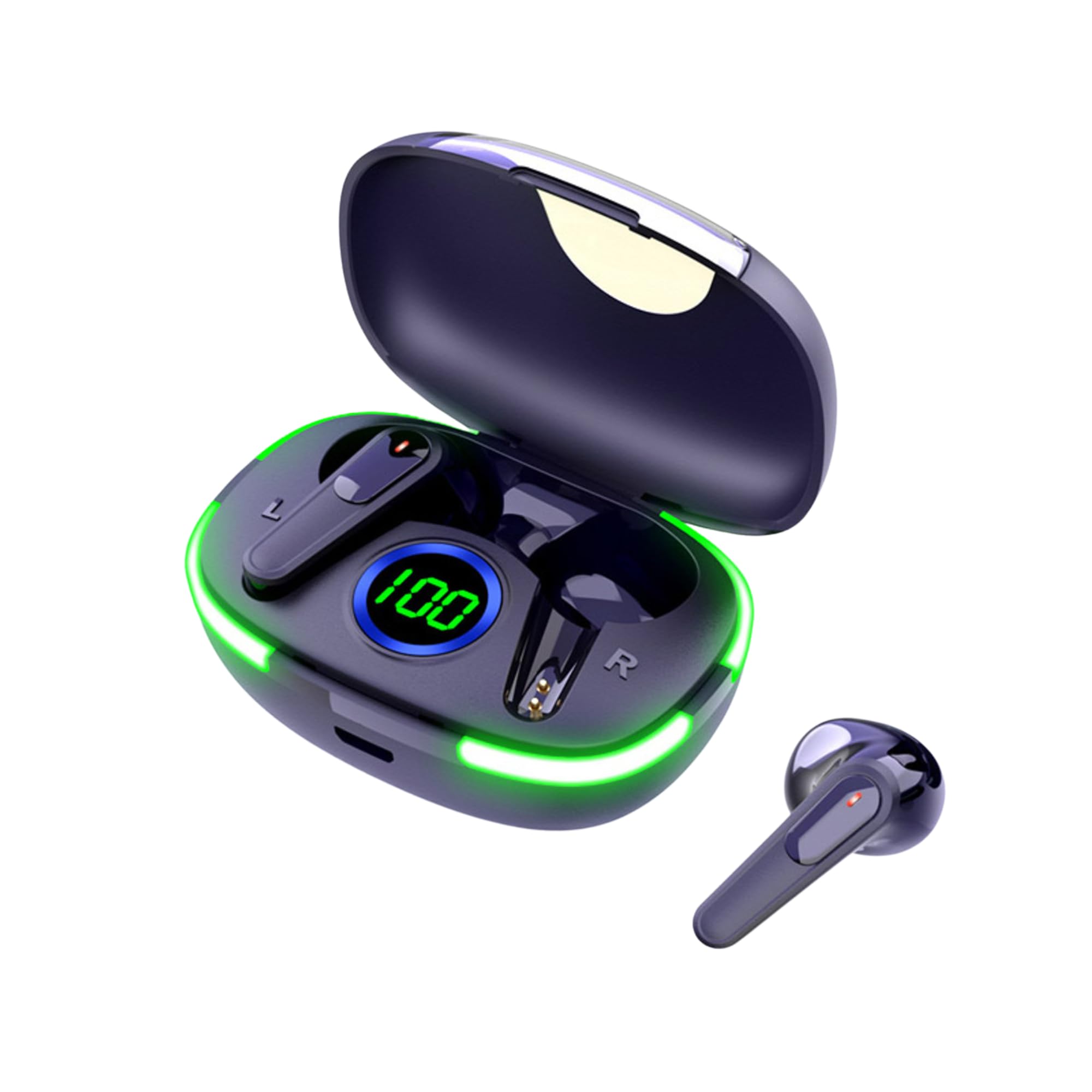
Image: The Laser TWS Earbuds, showcasing the charging case with its LED display and one earbud placed outside the case.
د بسته محتويات
ډاډ ترلاسه کړئ چې ټول توکي په کڅوړه کې شتون لري:
- 1 x Pair of Laser TWS Earbuds
- 1 x Charging Case with Battery Display
- 1 x د ډول-C چارج کیبل
- 1 x د کارونکي لارښود
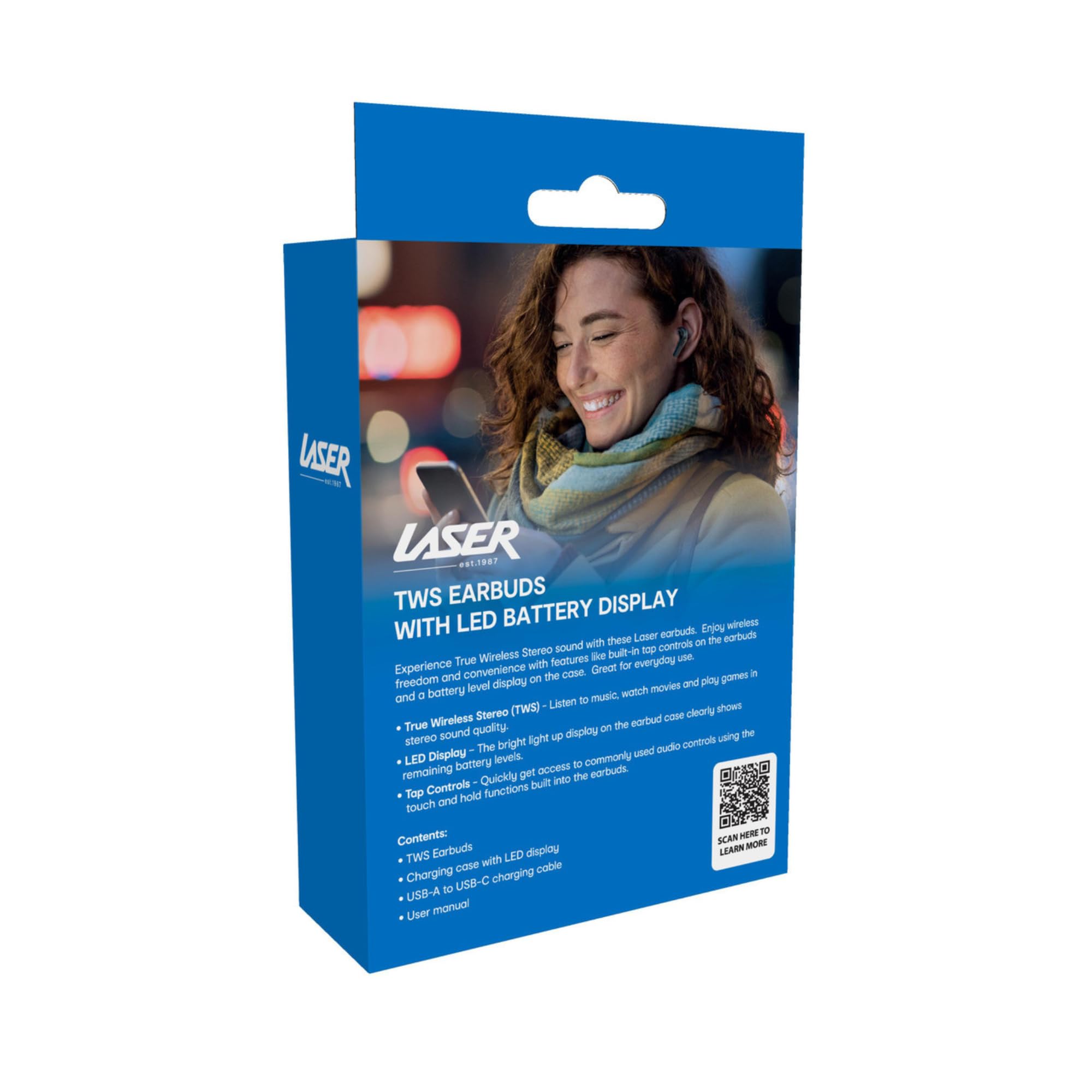
Image: The retail packaging for the Laser TWS Earbuds, indicating contents and features.
چمتو کول
۴.۱. د غوږۍ او کیس چارج کول
Before first use, fully charge the earbuds and the charging case. The LED display on the case indicates the battery level.
- ورکړل شوی ټایپ-سي چارجینګ کیبل په کیس کې د چارج کولو پورټ او د USB بریښنا سرچینې سره وصل کړئ.
- The LED display will show the charging progress. A full charge takes approximately 1 hour.
- The earbuds charge automatically when placed inside the charging case. The case can recharge the earbuds up to 3 times on a single charge.
انځور: نږدې انځور view of the charging case's LED display, showing the battery percentage, indicating the charge level.
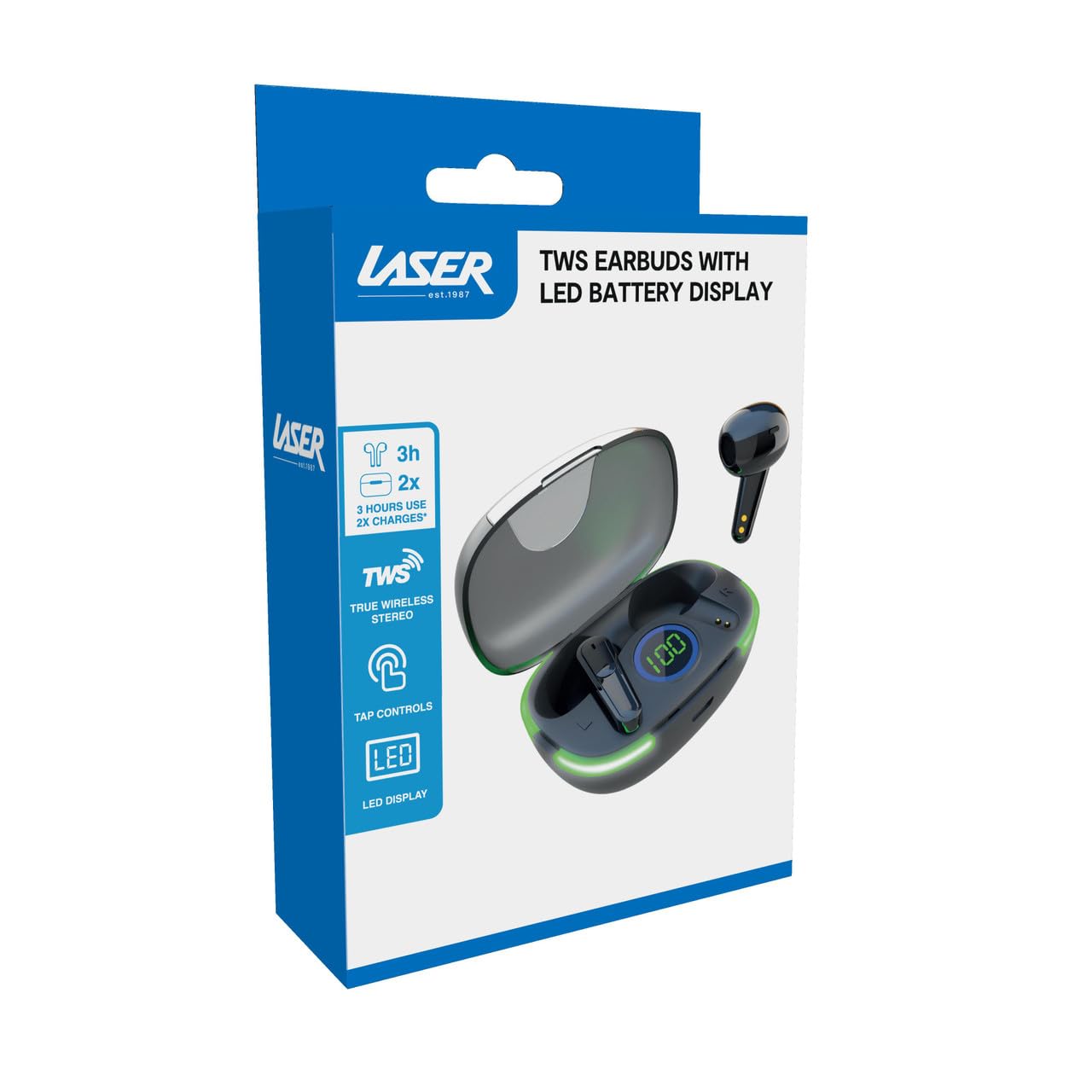
Image: Another close-up of the LED display on the charging case, highlighting the digital battery indicator.
2. د وسیلې سره جوړه کول
The earbuds use Bluetooth for wireless connectivity.
- د چارج کولو قضیه پرانیزئ. د غوږ بډونه به په اتوماتيک ډول د جوړې کولو حالت ته ننوځي.
- په خپل وسیله (سمارټ فون، ټابلیټ، لیپ ټاپ) کې، بلوتوث فعال کړئ او د نویو وسایلو لټون وکړئ.
- Select "Laser TWS Earbuds" or "EPS-LT10B-128" from the list of available devices.
- یوځل چې وصل شو، تاسو به د تایید غږ واورئ، او د غوږ بډونه به د کارولو لپاره چمتو وي.
- The earbuds support multi-device compatibility, allowing pairing with various devices.
عملیاتي لارښوونې
د غوږونو اغوستل
The earbuds are designed for ergonomic comfort and a secure fit. Gently insert each earbud into your ear canal and twist slightly to ensure a snug and comfortable position. This helps optimize sound quality and stability.
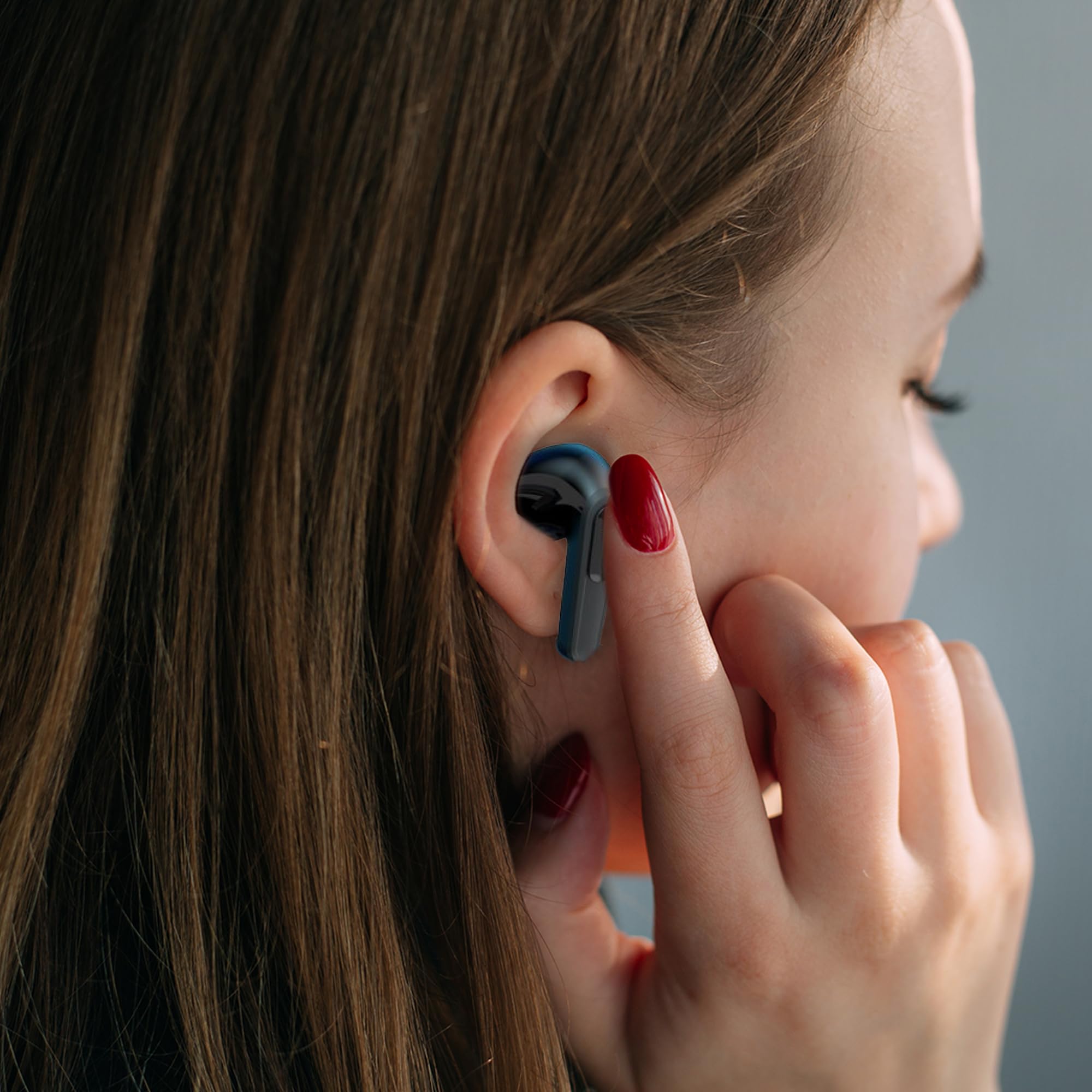
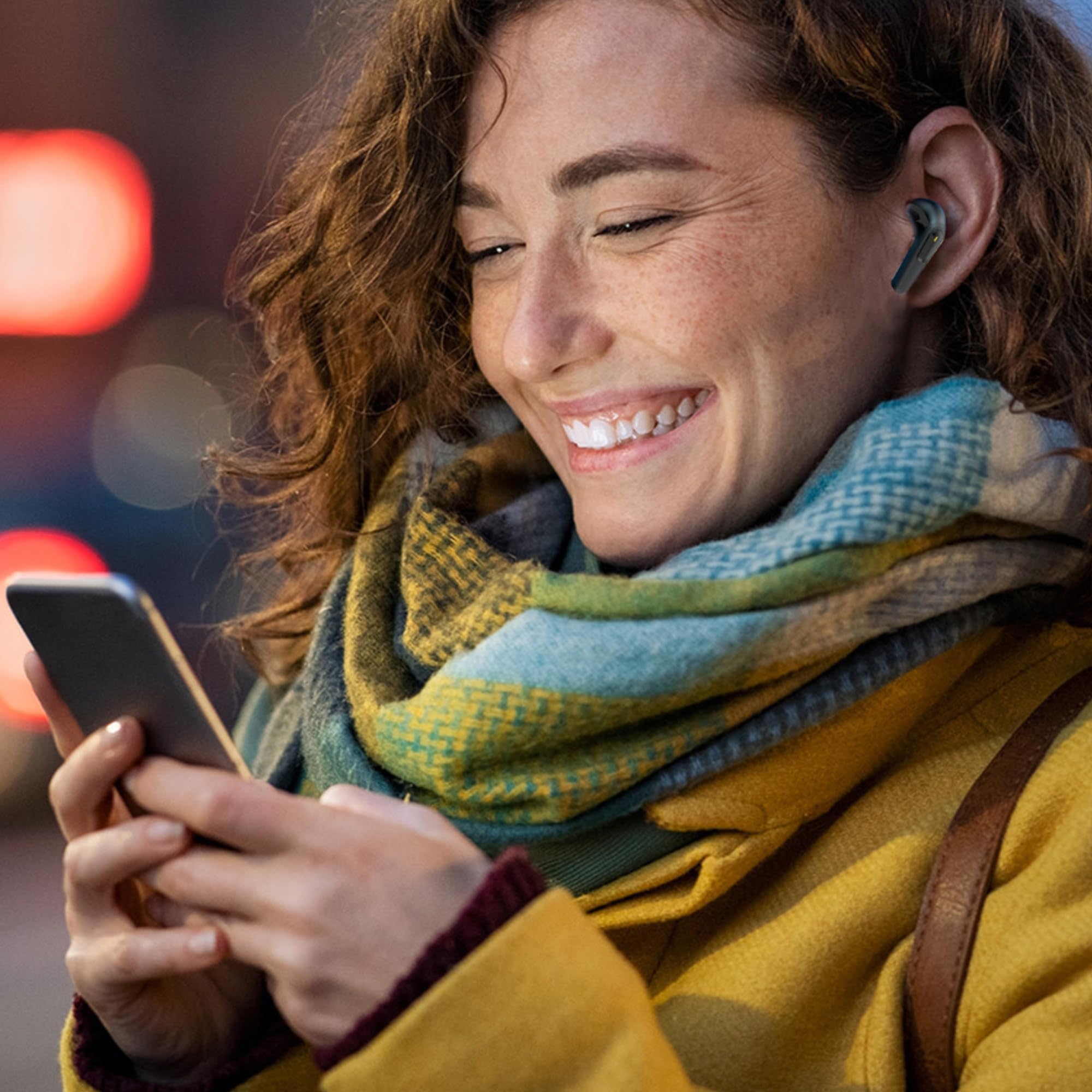
Image: A woman comfortably wearing one of the Laser TWS Earbuds while interacting with her smartphone.
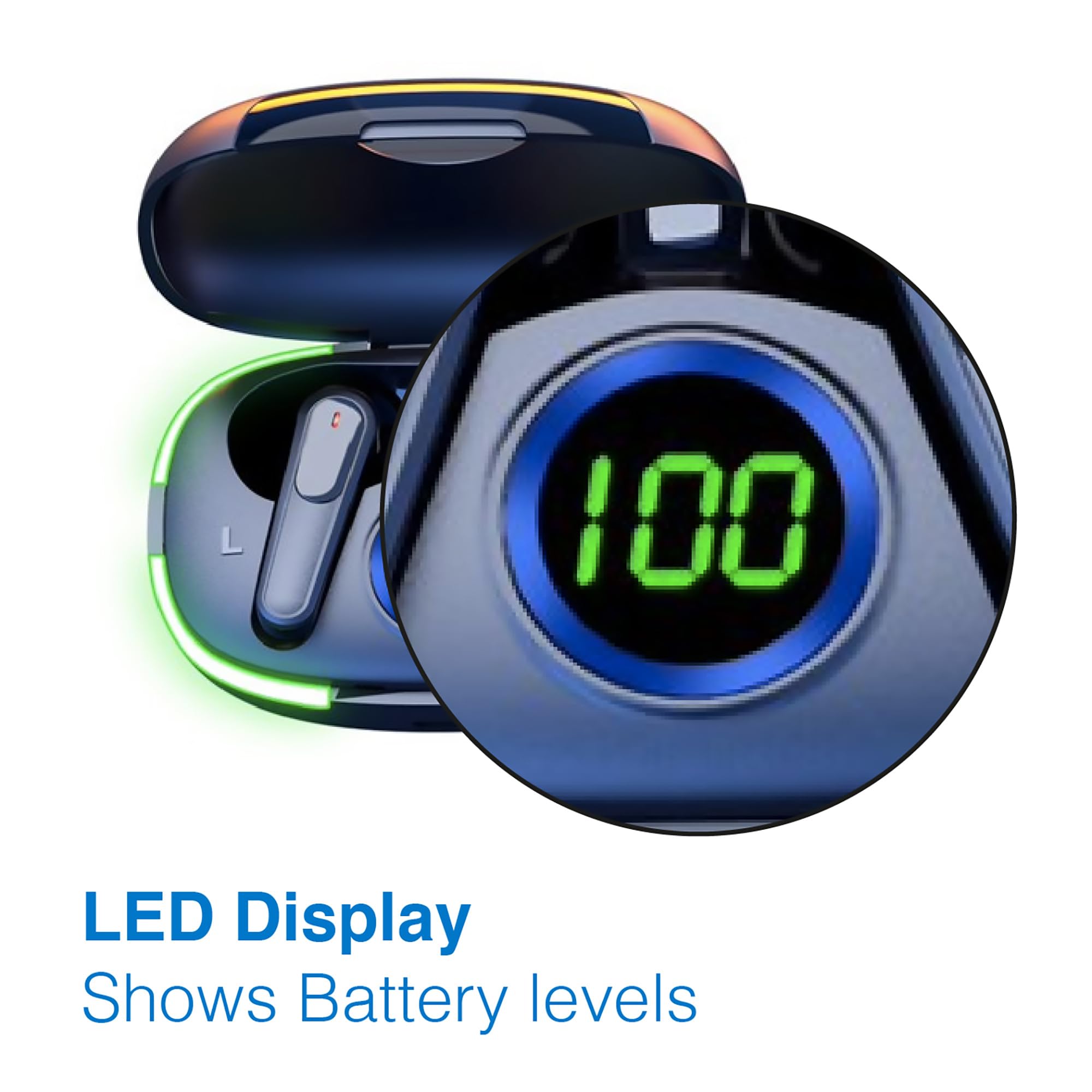
Image: A man walking outdoors, wearing a Laser TWS Earbud, demonstrating the ergonomic design for active use.
True Wireless Stereo Experience
These earbuds provide a true wireless stereo experience, delivering high-fidelity sound with clear channel separation for an immersive audio experience, whether for music, movies, or gaming.
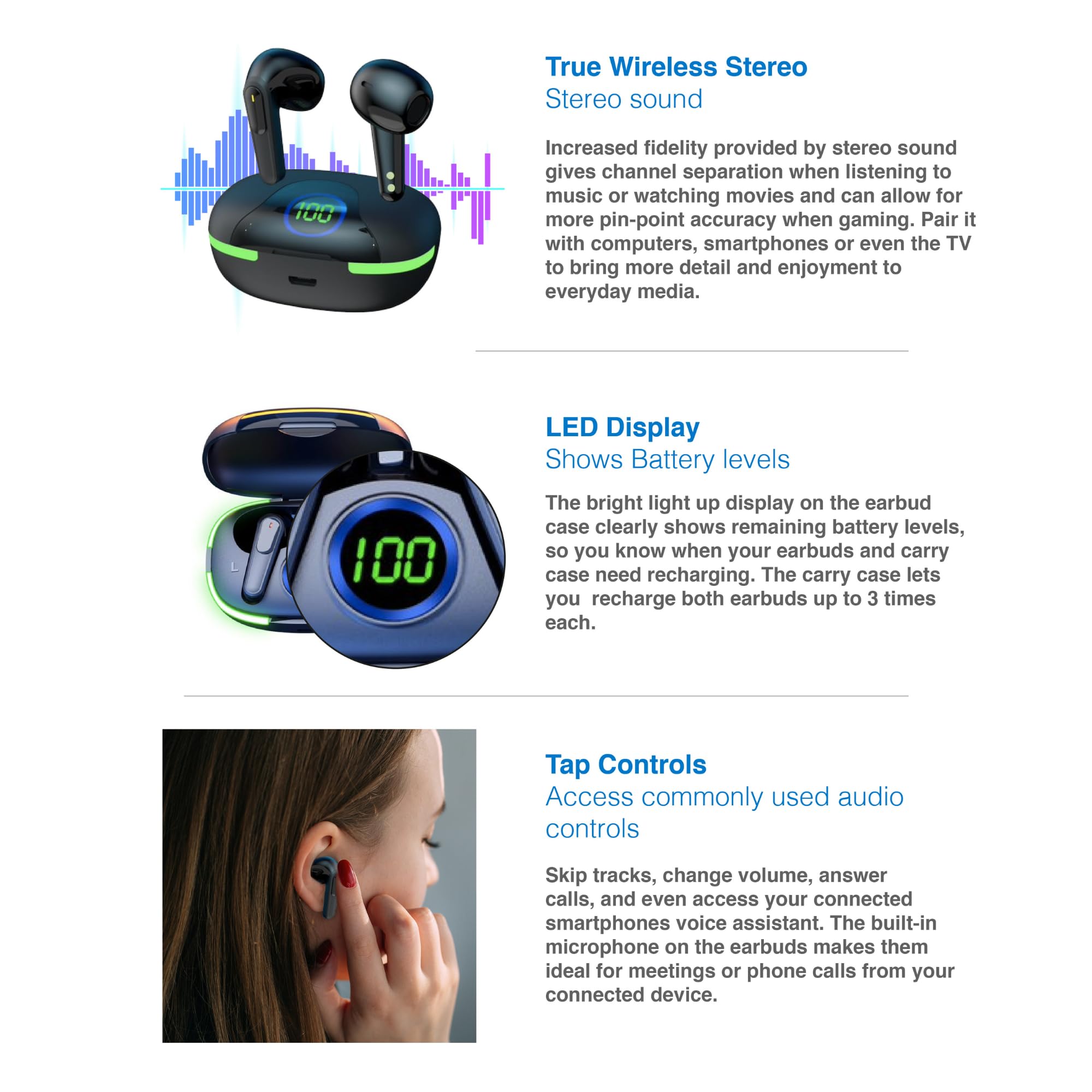
Image: A graphic representation of the True Wireless Stereo feature, showing the earbuds in their case with sound wave visualizations.
کنټرولونه ټایپ کړئ
The earbuds feature intuitive tap controls for easy management of audio playback and calls without needing to access your connected device.
| عمل | کنټرول |
|---|---|
| میوزیک پلی کړئ / بند کړئ | په هر غوږ کې یو نل |
| بله لار | په ښي غوږۍ کې دوه ځله ټایپ کړئ |
| مخکینی ټریک | په چپ غوږۍ کې دوه ځله ټایپ کړئ |
| ځواب / پای کال | په هر غوږ کې یو نل |
| زنګ رد کړئ | په دواړو غوږونو کې اوږد فشار ورکړئ |
| Activate Voice Assistant (Siri, Google Assistant, Alexa) | په دواړو غوږونو درې ځله ټایپ کړئ |

Image: A person's hand touching an earbud, illustrating the tap control functionality.
جوړ شوی مایکروفون
Each earbud includes a built-in microphone, enabling hands-free calls and meetings without needing to switch to your device.
ساتنه
- پاکول: د غوږ بډونه او د چارج کولو کیس په منظم ډول د نرم، وچ، لینټ نه پاک ټوکر سره پاک کړئ. د کثافاتو موادو یا سخت کیمیاوي موادو کارولو څخه ډډه وکړئ.
- ذخیره کول: کله چې په کارولو کې نه وي، د غوږ بډونه د چارج کولو په قضیه کې وساتئ ترڅو دوی خوندي شي او چارج یې وساتي.
- د بیټرۍ پاملرنه: د بیټرۍ د ژوند اوږدولو لپاره، د غوږونو او کیسونو په مکرر ډول په بشپړ ډول چارج کولو څخه ډډه وکړئ. په منظم ډول یې چارج کړئ، حتی که په دوامداره توګه نه وي.
- د اوبو مقاومت: These earbuds are not water resistant. Avoid exposure to water, sweat, or high humidity.
د ستونزو حل کول
| ستونزه | د حل لاره |
|---|---|
| Earbuds نه جوړیږي | Ensure earbuds are charged. Turn off and on Bluetooth on your device. Forget the device in Bluetooth settings and re-pair. Place earbuds back in case and take them out again. |
| د یو غوږ بډ څخه هیڅ غږ نشته | Check battery level of both earbuds. Re-pair the earbuds. Try resetting the earbuds (refer to manufacturer's webکه اړتیا وي، د بیا تنظیم کولو ځانګړي لارښوونو لپاره سایټ وګورئ). |
| د چارج قضیه نه چارج کول | Ensure the charging cable is securely connected. Try a different USB power source or cable. |
| Tap controls not responding | Ensure earbuds are properly seated in your ears. Clean the touch sensitive area. Re-pair the earbuds. |
If you encounter persistent issues, please refer to the official Laser support webد نورو مرستو لپاره سایټ.
مشخصات
| فیچر | تفصیل |
|---|---|
| ماډل | EPS-LT10B-128 |
| د ارتباط ټیکنالوژي | بلوتوث بې سیم |
| د شور کنټرول | د غږ جلا کول |
| د بیټرۍ ژوند (ایربډونه) | نږدې 3 ساعته |
| د چارج کولو وخت | نږدې 1 ساعت |
| د چارج کولو قضیې بیا چارج کول | تر 3 ځله پورې |
| اعظمي عملیاتي فاصله | 10 متره |
| د کنټرول ډول | د لمس کنټرول، د غږ کنټرول |
| مواد | پلاستیک |
| د توکي وزن | 30 ګرامه |
| ابعاد | ۳۲.۵ x ۲۹ x ۷۳ سانتي متره (محصول) |
| د اوبو د مقاومت کچه | د اوبو مقاومت نلري |
تضمین او ملاتړ
The Laser TWS Earbuds come with a 1 کلن تضمین د پیرود نیټې څخه. مهرباني وکړئ د تضمین ادعاوو لپاره د پیرود ثبوت وساتئ.
For further support, troubleshooting, or warranty information, please visit the official Laser webسایټ:
You may also contact Laser customer service directly for assistance.


