پیژندنه
Thank you for choosing the LEXIP Madara Design Headset. This manual provides detailed instructions for setting up, operating, and maintaining your headset. Please read this manual thoroughly before use to ensure optimal performance and longevity of your device.
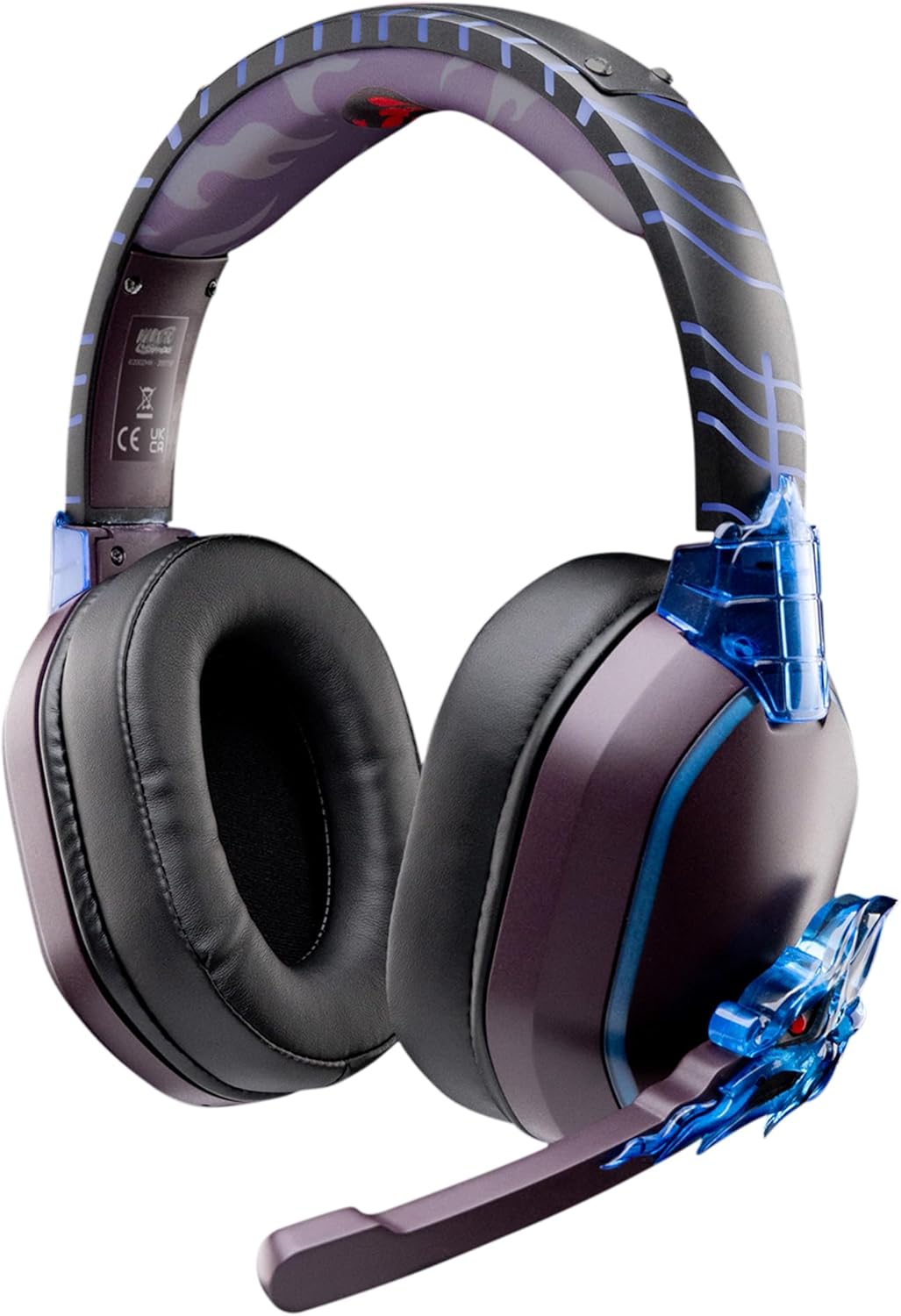
Image: The LEXIP Madara Design Headset, featuring a distinctive purple and blue color scheme with intricate design elements inspired by Madara.
د بسته محتويات
ډاډ ترلاسه کړئ چې ټول توکي په کڅوړه کې شتون لري:
- LEXIP Madara Design Headset
- د جلا کولو وړ مایکروفون
- 3.5mm آډیو کیبل
- د USB چارج کیبل
- د کارن لارښود
محصول پای ته ورسیدview
Familiarize yourself with the components and design features of your headset.

Image: Close-up of the headset's ear cup, highlighting the intricate blue dragon design element.

انځور: View of the soft earcups and adjustable headband, designed for comfort during extended use.
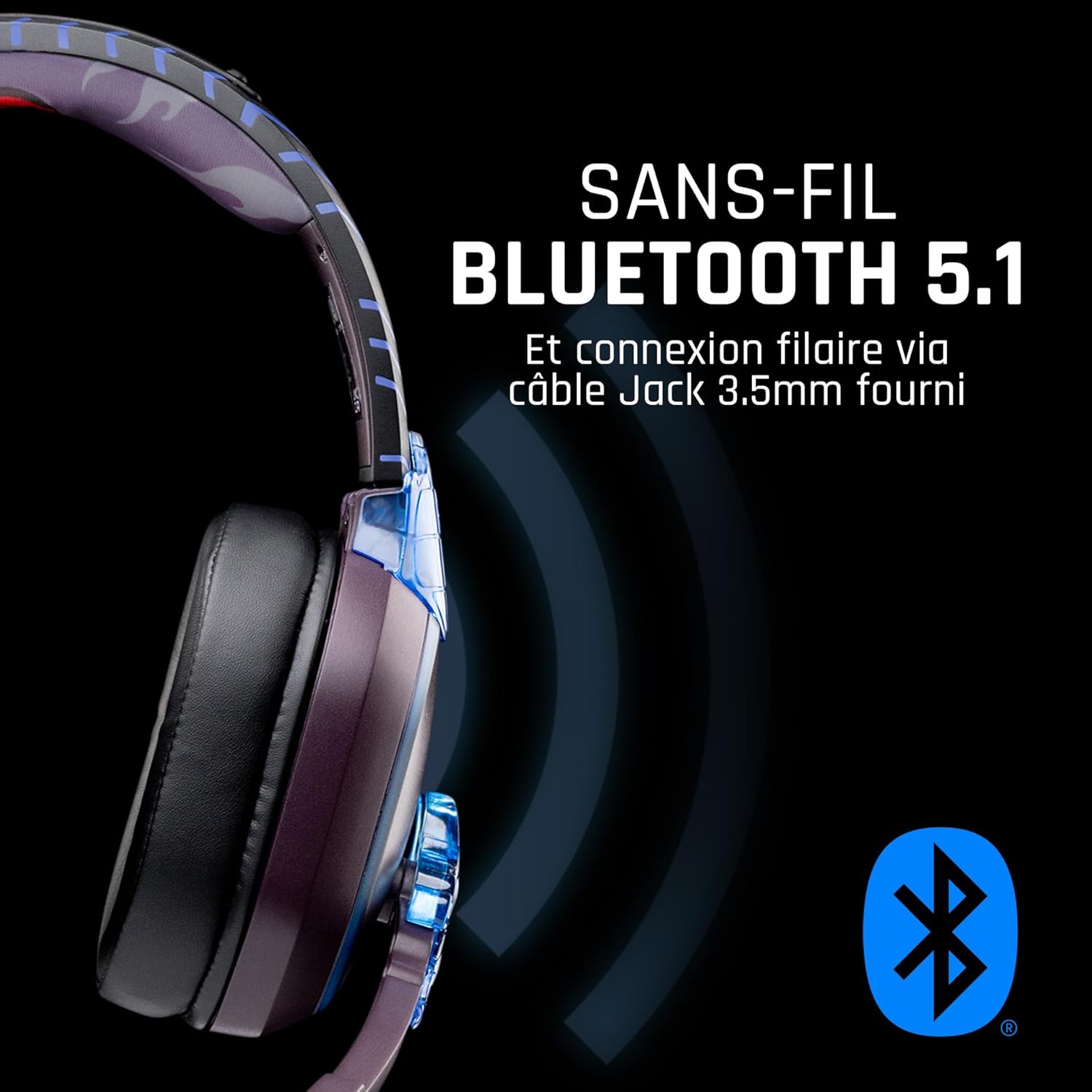
انځور: اړخ view of the headset, illustrating its wireless Bluetooth 5.1 capability and connection points.

Image: The headset displayed on a stand, alongside a matching game controller, showcasing its gaming application.
کلیدي ځانګړتیاوې:
- بېسیم بلوتوث ۵.۲: For seamless wireless audio.
- سیم نښلول: Via the included 3.5mm Jack cable.
- د لرې کولو وړ مایکروفون: For clear communication and versatility.
- د حجم کنټرول: د اسانه آډیو تنظیم لپاره مدغم کنټرولونه.
- د شور جلا کول: Passive noise reduction for an immersive experience.
- راحته ډیزاین: Adjustable headband and over-ear form factor.
چمتو کول
1. د هیډسیټ چارج کول
- Connect the USB charging cable to the charging port on the headset.
- د USB کیبل بله پای د یو مناسب USB بریښنا سرچینې سره وصل کړئ (د مثال په توګه، د کمپیوټر USB پورټ، د USB دیوال اډاپټر).
- The LED indicator on the headset will show the charging status. A full charge typically takes approximately 2-3 hours.
۲. د مایکروفون نښلول
- Locate the microphone input port on the headset, usually on the left earcup.
- Align the detachable microphone connector with the port and gently push it in until it clicks into place.
- Adjust the microphone's position for optimal voice pickup.
عملیاتي لارښوونې
1. بریښنا کول/بندول
- د فعالولو لپاره: د بریښنا تڼۍ د نږدې 3 ثانیو لپاره فشار ورکړئ او ونیسئ تر هغه چې د LED شاخص روښانه شي.
- د بریښنا بندولو لپاره: د بریښنا تڼۍ د نږدې 5 ثانیو لپاره فشار ورکړئ او ونیسئ تر هغه چې د LED شاخص بند نشي.
۳. د بلوتوټ جوړه کول (بې سیم حالت)
- ډاډ ترلاسه کړئ چې هیډسیټ بند دی.
- Press and hold the Power button for approximately 5-7 seconds until the LED indicator flashes rapidly, indicating pairing mode.
- On your device (Windows 10/11, Mac, PS5, PS4, Xbox Series X/S, Xbox One, Nintendo Switch, Android, iOS, tablets), navigate to Bluetooth settings.
- لټون available devices and select "LEXIP Madara Headset" (or similar name).
- یوځل چې جوړه شي ، د LED شاخص به فلش کول ودروي او قوي نیلي پاتې شي.
3. Wired Connection (3.5mm Jack)
- Insert one end of the 3.5mm audio cable into the headset's audio jack.
- Insert the other end into the 3.5mm audio port of your desired device.
- The headset will operate in passive wired mode, even if the power is off.
4. د حجم کنټرول
- Use the volume control dial or buttons located on the headset to adjust the audio level.
ساتنه
- پاکول: د هیډسیټ پاکولو لپاره نرم، وچ ټوکر وکاروئ. د کثافاتو پاکوونکي یا محلول مه کاروئ.
- ذخیره کول: هیډسیټ په یخ او وچ ځای کې د مستقیم لمر وړانګو او سختې تودوخې څخه لرې وساتئ.
- د بیټرۍ پاملرنه: د بیټرۍ د غوره ژوند لپاره، د هیډسیټ په مکرر ډول په بشپړ ډول چارج کولو څخه ډډه وکړئ. په منظم ډول یې چارج کړئ.
- د اوبو مقاومت: The headset is not waterproof. Avoid exposure to liquids.
د ستونزو حل کول
| ستونزه | احتمالي لامل | د حل لاره |
|---|---|---|
| د هیډسیټ څخه غږ نشته | Headset not powered on; Volume too low; Not paired/connected; Incorrect audio output selected on device. | Ensure headset is powered on and charged. Increase volume. Re-pair Bluetooth or check 3.5mm cable connection. Select headset as audio output on your device. |
| د بلوتوث له لارې جوړه نشي کېدای | Headset not in pairing mode; Device Bluetooth off; Too far from device; Interference. | Ensure headset is in pairing mode (flashing LED). Turn device Bluetooth off and on again. Move headset closer to device. Avoid strong Wi-Fi signals or other Bluetooth devices. |
| مایکروفون کار نه کوي | Microphone not properly attached; Muted on headset/device; Incorrect input selected on device. | Ensure microphone is securely attached. Check if microphone is muted. Select headset microphone as input device in your device's sound settings. |
| د بیټرۍ لنډ ژوند | Headset not fully charged; Old battery. | Ensure headset is fully charged before use. Battery performance may degrade over time. |
مشخصات
| د ماډل شمیره | د TSXLXHS0003 معرفي کول |
| برانډ | لیکسیپ |
| د ارتباط ټیکنالوژي | بېسیم (بلوتوث ۵.۴)، تار لرونکی (۳.۵ ملي میتر جک) |
| د فریکونسی رینج | ۲۰ هرټز - ۲۰،۰۰۰ هرټز |
| خنډ | 3 ohms |
| حساسیت | 116 dB |
| د شور جلا کول | غیر فعال شور کمول |
| مایکروفون | د جلا کولو وړ |
| کنټرولونه | د حجم کنټرول، ریموټ کنټرول |
| مطابقت لرونکې وسیلې | Windows 10/11, Mac, PS5, PS4, Xbox Series X/S, Xbox One, Nintendo Switch, Android, iOS, tablets |
| د فارم فکتور | Over-ear, Extra-aural |
| مواد | مخلوط توکي |
| د عمر سلسله | بالغ |
| د اوبو د مقاومت کچه | د اوبو مقاومت نلري |
| بیټرۍ | 1 non-standard battery (included) |
تضمین او ملاتړ
The LEXIP Madara Design Headset comes with a د جوړونکي دوه کلن تضمین د پیرود نیټې څخه. دا تضمین د عادي کارونې الندې د موادو او کارموندنې نیمګړتیاوې پوښي.
For warranty claims, technical support, or further assistance, please contact LEXIP customer service through their official website or the retailer where the product was purchased. Please have your proof of purchase and model number (TSXLXHS0003) ready when contacting support.
یادونه: د پرزو د شتون او سافټویر تازه معلوماتو په اړه معلومات اوس مهال شتون نلري.