Introduction to Your Echo Show 8
The Amazon Echo Show 8 (3rd Generation) is a versatile smart display designed to enhance your daily life with visual and audio interactions. It features a medium-sized screen, offering a balanced combination of display area, affordability, and performance. This device provides quick access to information like weather, news headlines, and offers an extensive set of commands through its digital assistant, Alexa.
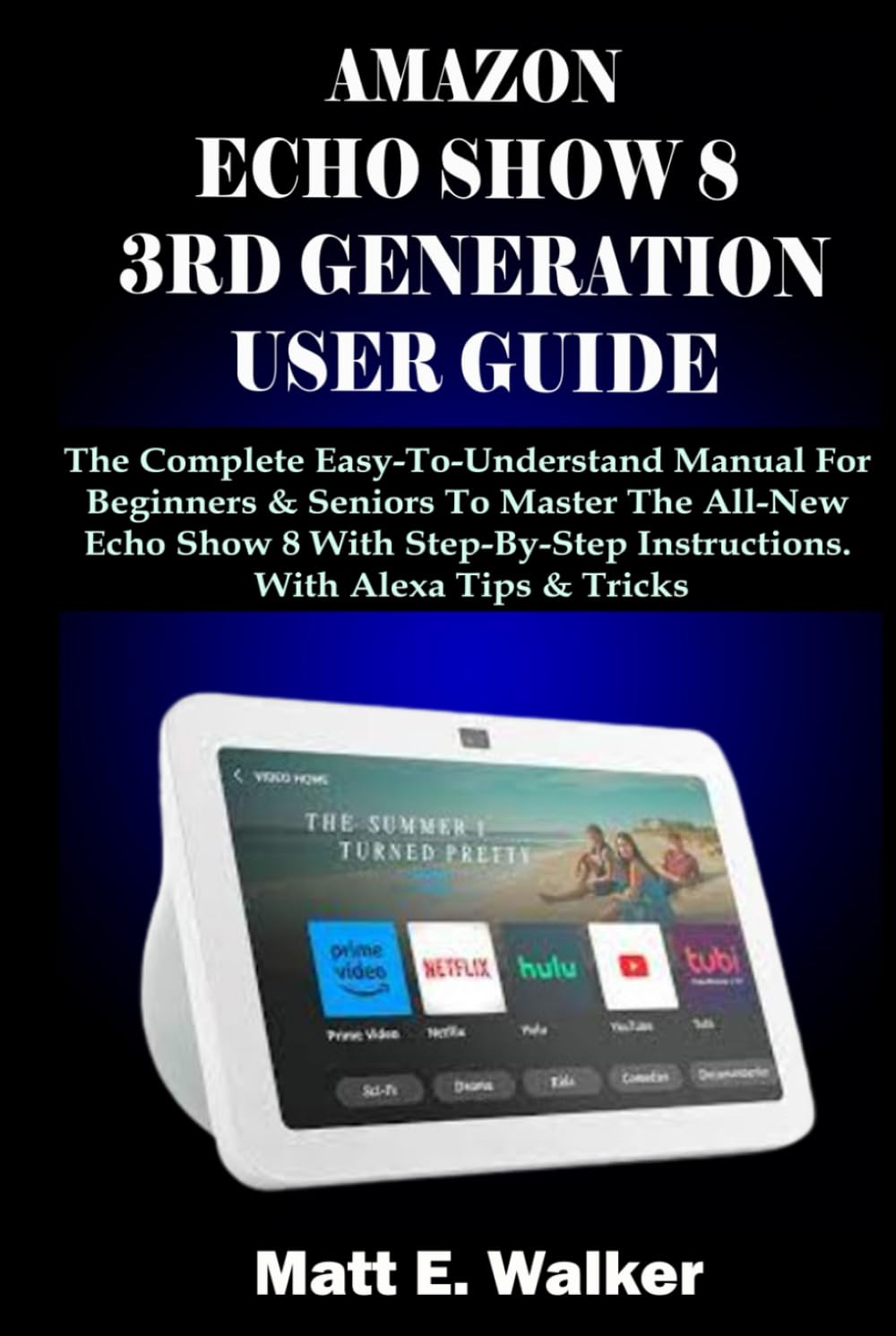
Figure 1: Amazon Echo Show 8 (3rd Generation) device.
د تنظیم کولو لارښود
Follow these steps to set up your Echo Show 8 and get started:
- د وسیلې ابتدايي ترتیب: Plug in your Echo Show 8. Follow the on-screen prompts to select your language, connect to Wi-Fi, and log in with your Amazon account.
- وائی فای سره وصل کړئ: During initial setup, select your Wi-Fi network from the list and enter the password. Ensure a stable internet connection for optimal performance.
- Connect iPhone to Alexa-Enabled Device: To link your iPhone, download the Alexa app, sign in, and follow the app's instructions to discover and connect your Echo Show 8.
- Set Up Multiple Users: In the Alexa app, navigate to Settings > Account Settings > Recognized Voices to set up Voice ID for different users, allowing personalized experiences.
- Set Up Voice ID: Enable Voice ID in the Alexa app to allow Alexa to recognize individual voices and provide tailored responses, such as personalized music playlists or calendar events.
- Set Up Reminders, Alarms, Timers, and Lists: Use voice commands like "Alexa, set a reminder for [event] at [time]" or "Alexa, add [item] to my shopping list." These can also be managed in the Alexa app.
- Set Up Printer to Work with Alexa: For compatible printers, enable the printer skill in the Alexa app and follow the instructions to link your printer for voice-activated printing.
ستاسو د ایکو شو ۸ چلول
Explore the various functionalities of your Echo Show 8:
- Enhance with Facebook Images / Digital Picture Frame: Link your Facebook account in the Alexa app to display photos or set your Echo Show 8 as a digital picture frame. Navigate to Settings > Display > Photo Display.
- Modify Alexa’s Wake Phrase: Change the wake word (e.g., "Alexa," "Echo," "Computer") in the Alexa app under Devices > Echo & Alexa > [Your Device] > Wake Word.
- Customize Alexa's Speech: Adjust Alexa's speaking rate or voice in the Alexa app under Settings > Alexa Voice.
- Change Time on Display: The time typically syncs automatically. If needed, check your device's time zone settings in the Alexa app.
- Use Night Mode: Enable Night Mode to dim the screen and reduce blue light during evening hours. Access this in Settings > Display > Night Mode.
- Use Guest Connect: Allow guests to connect to your Echo Show 8 for limited functionality without needing your Amazon account.
- Use Whisper Mode: Activate Whisper Mode in the Alexa app (Settings > Voice Responses > Whisper Mode) for Alexa to respond in a whisper when you whisper to it.
- Enable/Disable Amazon Sidewalk: Manage Amazon Sidewalk settings in the Alexa app (Settings > Account Settings > Amazon Sidewalk) to control network sharing.
- Access Alexa Energy Dashboard: Monitor and manage energy consumption of connected smart home devices via the Alexa app's Energy Dashboard.
- Use Uber and Lyft: Enable the Uber or Lyft skill in the Alexa app and link your account to request rides via voice command.
- Use Alexa Drop-In Feature: Enable Drop In in the Alexa app (Communicate > Drop In) to instantly connect with other Echo devices in your household or approved contacts.
- Make Phone Calls and Video Calls: Use the "Communicate" tab in the Alexa app to set up contacts. Then, say "Alexa, call [contact name]" or "Alexa, video call [contact name]".
- د اړیکو واردول: Import contacts from your phone to the Alexa app to facilitate calling and messaging features.
- Use Messaging Features: Send and receive messages with other Alexa users through the Alexa app or voice commands.
- Enable Skype: Link your Skype account in the Alexa app to make and receive Skype calls on your Echo Show 8.
- Get Local Information: Ask "Alexa, what's the weather?" or "Alexa, what's happening nearby?" for local updates.
- Use Amazon Flash Briefing: Customize your Flash Briefing in the Alexa app (Settings > Flash Briefing) to get quick news updates from your preferred sources.
- Shop on Amazon with Alexa Voice Shopping: د غږ پیرود فعال کړئasing in the Alexa app (Settings > Account Settings > Voice Purchasing) to order items from Amazon.
- ټنګ ټکور ته غوږ شی: Link your preferred music streaming services (e.g., Amazon Music, Spotify) in the Alexa app and use voice commands to play music.
ساتنه او د ستونزو حل کول
Keep your Echo Show 8 running smoothly and address common issues:
- Delete Alexa History and Recordings: په منظمه توګه بیاview and delete voice recordings in the Alexa app (Settings > Alexa Privacy > Review Voice History) for privacy.
- Use Alexa Guard: Enable Alexa Guard (in the Alexa app) to monitor for sounds like glass breaking or smoke alarms when you're away, sending alerts to your phone.
- عمومي ستونزې حل کول: If your device is unresponsive, try restarting it by unplugging it for a few seconds and plugging it back in. Ensure your Wi-Fi connection is stable.
- پاکول: Use a soft, lint-free cloth to clean the screen and exterior of your Echo Show 8. Avoid abrasive cleaners or sprays.
مشخصات
Typical specifications for the Amazon Echo Show 8 (3rd Generation) device:
| فیچر | تفصیل |
|---|---|
| د ښودلو اندازه | 8 انچه HD ټچ سکرین |
| کیمره | د محرمیت شټر سره د لوړ ریزولوشن کیمره |
| آډیو | سټیریو سپیکرې |
| ارتباط | وای فای، بلوتوث |
| پروسیسر | Advanced processor for faster responses |
| ابعاد (تقریبا) | ۷.۰" x ۲.۰" x ۷.۰" (۱۷۸ ملي متره x ۵۱ ملي متره x ۱۷۸ ملي متره) |
| وزن (نږدې) | 2.3 پونډ (1037g) |
Note: These specifications are typical for the Amazon Echo Show 8 (3rd Generation) and may vary slightly.
تضمین او ملاتړ
For detailed warranty information and customer support, please refer to the official Amazon website or the documentation included with your device. You can typically find support resources, FAQs, and contact options at امازون.
Always ensure you are visiting official Amazon support channels for accurate and secure assistance.


