1. پیژندنه
This manual provides detailed instructions for the installation, operation, and maintenance of your Alpine INE-W970HD Audio/Video/Navigation System and Alpine PXE-C80-88 OPTIM8 8-Channel Hi-Res DSP Amplifier. Please read this manual thoroughly before using the product to ensure proper and safe operation.
The Alpine INE-W970HD is an advanced in-dash unit compatible with Apple CarPlay and Android Auto, offering comprehensive audio, video, and navigation functionalities. The Alpine PXE-C80-88 OPTIM8 is a high-resolution digital sound processor amplifier designed to enhance your vehicle's audio system with precise sound tuning capabilities.
2. د خوندیتوب معلومات
تل د لاندې خوندیتوب احتیاطي تدابیرو ته پام وکړئ ترڅو واحد ته زیان یا زیان ونه رسیږي:
- Do not operate the system in a way that distracts you from driving.
- Ensure proper wiring and connections to avoid electrical shorts or fire hazards.
- که تاسو د کوم ګام په اړه ډاډه نه یاست، د نصبولو لپاره مسلکي سره مشوره وکړئ.
- واحد د لندبل او خورا تودوخې څخه لرې وساتئ.
3. د بسته محتويات
ډاډ ترلاسه کړئ چې ټول توکي ستاسو په کڅوړه کې شتون لري:
- Alpine INE-W970HD Audio/Video/Nav System
- Alpine PXE-C80-88 OPTIM8 8-Channel Hi-Res DSP Ampلايف
- د بریښنا زیانونه
- د نصبولو هارډویر
- GPS Antenna (for INE-W970HD)
- د USB ترویج کیبل
- د کارونکي لارښودونه (دا سند)

Image: The Alpine INE-W970HD head unit and the Alpine PXE-C80-88 DSP amplifier, showing both main components of the bundle.
4. ترتیب او نصب کول
Professional installation is highly recommended for these components. Incorrect wiring can cause damage to the units or your vehicle's electrical system.
4.1. INE-W970HD Installation
The INE-W970HD is designed for in-dash mounting. Ensure adequate space and proper ventilation.
- چمتووالی: د هر ډول بریښنایی کار پیل کولو دمخه د موټر د منفي بیټرۍ ټرمینل جلا کړئ.
- پورته کول: Securely mount the INE-W970HD into the vehicle's double-DIN opening using the provided mounting brackets.
- تارونه: Connect the main power harness, speaker wires, and other input/output cables (RCA, USB, HDMI, GPS antenna) as per the wiring diagram provided in the separate installation guide.
- د انتن پیوستون: Connect the GPS antenna and radio antenna. Position the GPS antenna in a location with a clear view د آسمان

Image: The Alpine INE-W970HD head unit displaying the Apple CarPlay interface, showing various app icons.
4.2. PXE-C80-88 OPTIM8 Installation
The PXE-C80-88 OPTIM8 should be mounted in a dry, well-ventilated area, such as under a seat or in the trunk.
- د نصبولو ځای: Choose a location that is protected from moisture and excessive heat, and allows for proper cable routing.
- د بریښنا پیوستون: Connect the power and ground wires directly to the vehicle's battery, ensuring proper fusing.
- د ننوتلو اړیکې: Connect the audio input signals from the INE-W970HD (or other source) to the PXE-C80-88. This can be done via RCA or speaker-level inputs.
- وتۍ اړیکې: Connect the speaker outputs from the PXE-C80-88 to your vehicle's speakers.

انځور: یو مفصل view of the Alpine PXE-C80-88 OPTIM8 DSP amplifier, highlighting its compact design and connection ports.
5. عملیاتي لارښوونې
5.1. INE-W970HD Basic Operation
- پاور آن/بند: د بریښنا تڼۍ (معمولا په مخکینۍ پینل کې موقعیت لري) فشار ورکړئ او ونیسئ ترڅو واحد فعال یا بند کړئ.
- د حجم کنټرول: Use the rotary encoder or on-screen controls to adjust the volume.
- د سرچینې انتخاب: Tap the "Source" icon on the touchscreen or use the physical buttons to select between Radio, USB, Bluetooth Audio, HDMI, Apple CarPlay, Android Auto, and other inputs.
- نیویگیشن: Access the built-in navigation system by tapping the "NAV" button. Enter destinations, view maps, and follow turn-by-turn directions.
- Apple CarPlay / Android Auto: Connect your compatible smartphone via USB. The system will automatically launch the respective interface, allowing access to phone functions, messaging, music, and navigation apps.

Image: The Alpine INE-W970HD head unit displaying the Android Auto interface, showing various app icons like Maps, Spotify, and YouTube Music.
5.2. PXE-C80-88 OPTIM8 Sound Tuning
The OPTIM8 offers advanced sound tuning capabilities. It can be configured via a PC application or an iOS app.
- د اپلیکیشن اړیکه: Connect your PC or iOS device to the PXE-C80-88 via USB or Bluetooth (if applicable).
- اتوماتیک ټوننګ: Utilize the "5 Minute Self-Tuning" feature for quick and optimized sound calibration. This process uses a microphone (sold separately) to analyze your vehicle's acoustics.
- لاسي لارښود: For advanced users, the PC App provides comprehensive control over equalization, crossovers, time correction, and level adjustments for each of the 8 channels.
- مخکینی مدیریت: Save and recall custom sound presets for different music genres or listening preferences.

انځور: له پورته څخه ښکته view of the Alpine PXE-C80-88 OPTIM8 DSP ampژوندی کوونکی، ښودونکیasing its sleek design and central branding.
6. ساتنه
Regular maintenance ensures the longevity and optimal performance of your Alpine system.
- د نندارې پاکول: د ټچ سکرین د پاکولو لپاره نرم، وچ ټوکر وکاروئ. د سختو داغونو لپاره، لږ څهampد اوبو یا سکرین کلینر سره ټوکر د برقیاتو لپاره ډیزاین شوی. د کثافاتو پاکوونکي مه کاروئ.
- د سافټویر تازه معلومات: Periodically check the Alpine website for firmware updates for both the INE-W970HD and PXE-C80-88. Updates can improve performance, add features, and fix bugs.
- د کیبل پیوستون: Occasionally check all cable connections to ensure they are secure and free from corrosion.
- وینټیلیشن: Ensure that the PXE-C80-88's ventilation fins are not obstructed to prevent overheating.
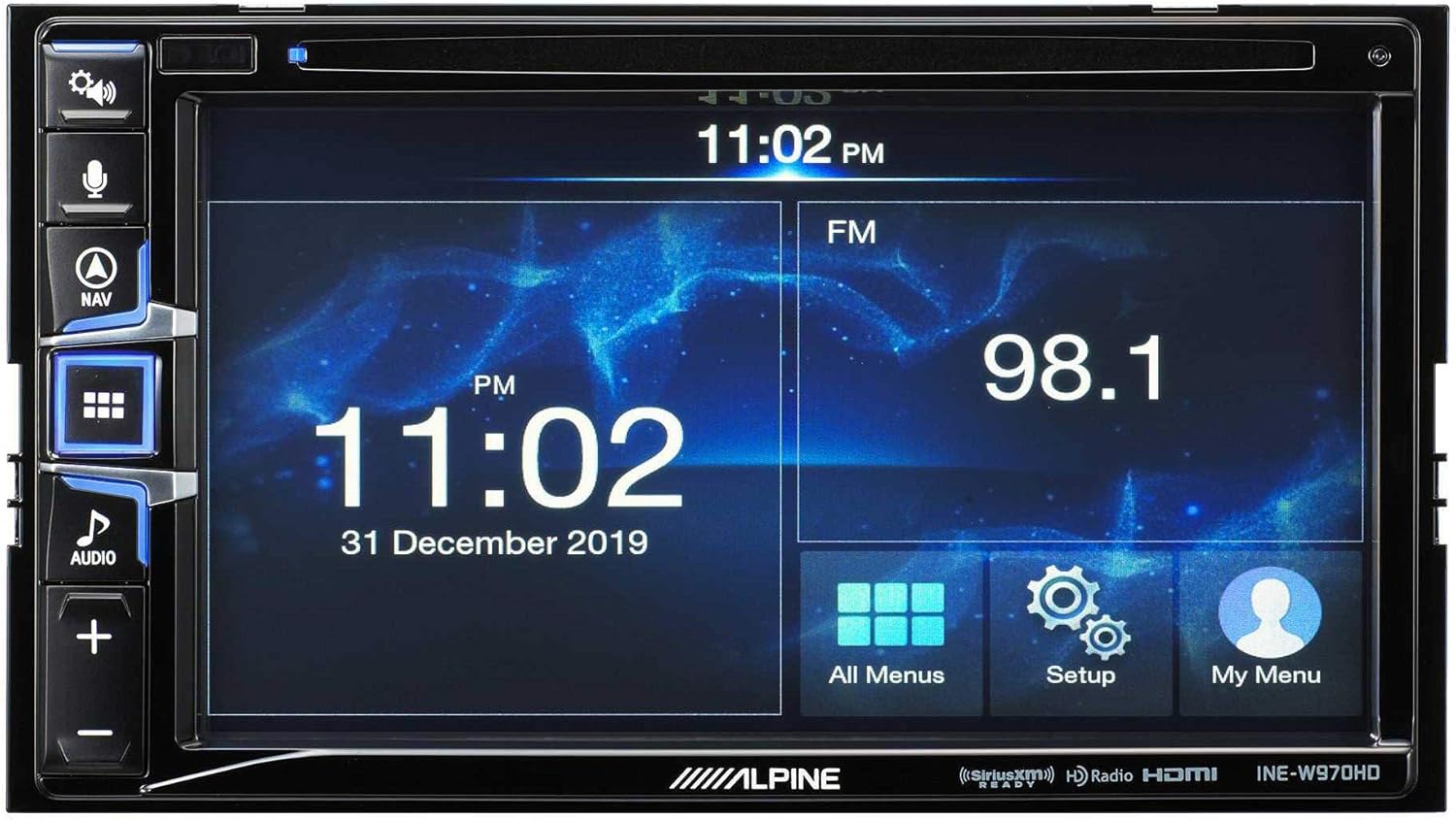
Image: The Alpine INE-W970HD head unit displaying the radio interface, showing frequency and time information.
7. ستونزه حل کول
که تاسو له ستونزو سره مخ شئ، لاندې عامې ستونزې او حل لارې وګورئ:
| ستونزه | احتمالي لامل | د حل لاره |
|---|---|---|
| هیڅ ځواک نشته | Blown fuse, loose power connection. | Check vehicle fuses and unit's inline fuse. Verify power and ground connections. |
| نه غږ | Muted, incorrect source, loose speaker wires, DSP not configured. | Check mute function. Select correct audio source. Verify speaker connections. Ensure PXE-C80-88 is properly configured via its app. |
| Navigation Not Working | GPS antenna not connected or obstructed. | ډاډ ترلاسه کړئ چې د GPS انتن په خوندي ډول وصل دی او روښانه دی view د آسمان |
| کارپلی/انډرایډ آټو نه وصل کیږي | د USB کیبل خراب دی، تلیفون مطابقت نلري، د سافټویر خرابوالی. | Try a different USB cable. Ensure your phone's OS is up to date. Restart both phone and head unit. |

Image: The Alpine INE-W970HD head unit displaying a navigation map with route information.
8. مشخصات
8.1. Alpine INE-W970HD
- ښکاره کول: ټچ سکرین
- ارتباط: USB, HDMI, Ethernet, optical audio, component video, RCA
- مطابقت: ایپل کارپلی، د Android آټو
- د آډیو محصول حالت: سټیریو، شاوخوا
- د شاوخوا غږ چینل ترتیب کول: 7.1
- د ویډیو کوډ ورکول: H.264، H.265/HEVC
8.2. Alpine PXE-C80-88 OPTIM8
- Ampد ژوند کولو چینلونه: ۶-چینل
- د بریښنا تولید: 50W x 6 @ 2Ω + 300W x 2 @ 2Ω
- پروسس کول: Hi-Res Digital Sound Processor (96kHz/24Bit)
- ه هماهن: Automatic (5-minute self-tuning) & Manual via PC/iOS App

انځور: یوه خوا view of the Alpine PXE-C80-88 OPTIM8 DSP amplifier, showing its compact profile او د ارتباط ټکي.
9. د تضمین معلومات
Alpine products are covered by a limited warranty. Please refer to the warranty card included with your product or visit the official Alpine website for detailed terms and conditions. Typically, the warranty covers defects in materials and workmanship for a specified period from the date of purchase.
د پیرود ثبوت (رسید) وساتئ ځکه چې دا به د هر ډول تضمین ادعا لپاره اړین وي.
10. د پیرودونکي ملاتړ
For technical assistance, troubleshooting beyond this manual, or warranty inquiries, please contact Alpine customer support:
- Webسایټ: لیدنه www.alpine-usa.com/support for FAQs, software downloads, and contact information.
- تلیفون: الپین ته مراجعه وکړئ webد پیرودونکو خدماتو د تلیفون شمیرو لپاره سایټ.
- مجاز پلورونکي: Your authorized Alpine dealer can also provide support and service.
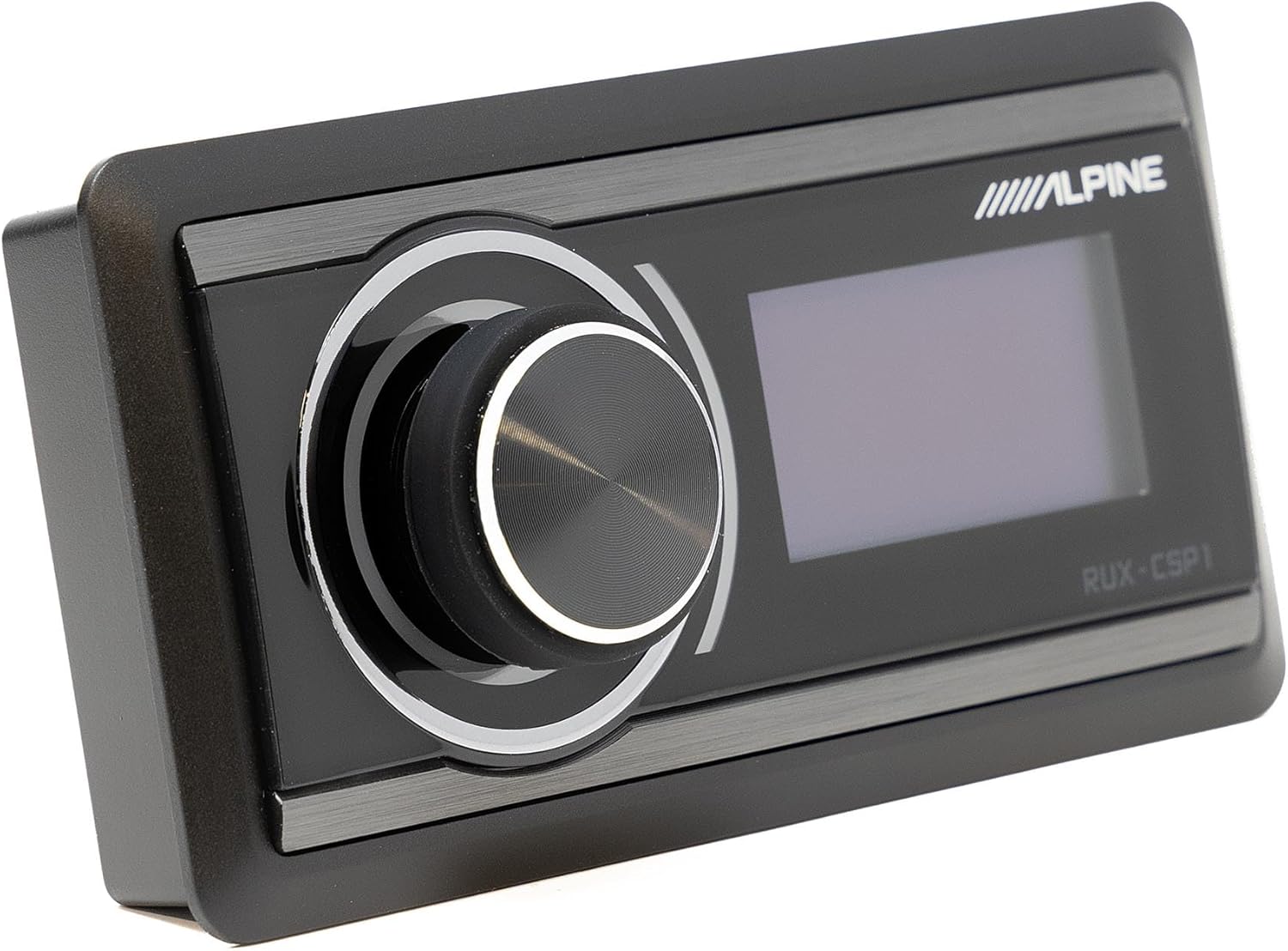
Image: The Alpine RUX-CSP1 remote control, an optional accessory for the DSP, featuring a rotary knob and display.


