1. پیژندنه
Thank you for choosing the Kinglucky K12 Mini Karaoke Machine. This portable entertainment system is designed to provide hours of fun for children, featuring dual wireless microphones, multiple voice effects, and dynamic LED lights. This manual provides essential information for safe and effective use of your new karaoke machine.
څه پکې شامل دي:
- 1 x کاراوکی سپیکر
- 2 x بې سیم مایکروفونونه
- ۱ x چارج کیبل (USB ډول-سي)
- 1 x د کارونکي لارښود
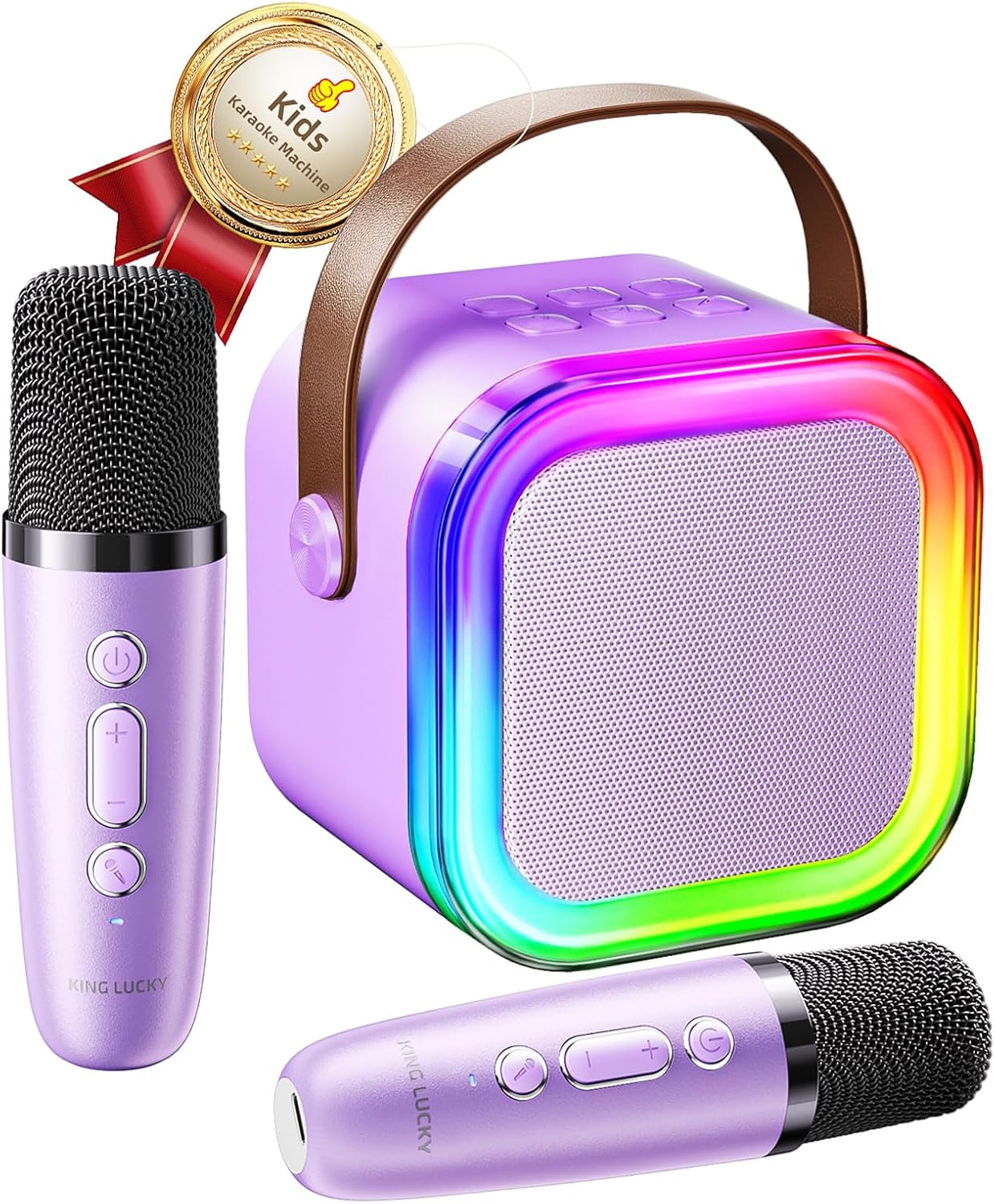
Image 1.1: Kinglucky K12 Mini Karaoke Machine with speaker and two wireless microphones.
2. د خوندیتوب معلومات
مهرباني وکړئ د وسیلې کارولو دمخه د خوندیتوب ټولې لارښوونې ولولئ او پوه شئ. دا لارښود د راتلونکي حوالې لپاره وساتئ.
- وسیله د اوبو یا ډیر رطوبت سره مه مخ کوئ.
- د سخت تودوخې څخه ډډه وکړئ.
- د کوچنیو ماشومانو له لاسرسي لرې وساتئ ترڅو د کوچنیو برخو څخه د ساه بندیدو خطرونو مخه ونیسئ.
- یوازې چمتو شوي چارجینګ کیبل وکاروئ.
- د وسیلې د جلا کولو یا ترمیم کولو هڅه مه کوئ. که ستونزې رامنځته شي نو د پیرودونکو ملاتړ سره اړیکه ونیسئ.
- د کارولو او چارج کولو پرمهال مناسب هوا ورکول ډاډمن کړئ.
3. محصول ختم شوview
د سپیکر واحد:
- Power/Volume Controls: Buttons on top for power, volume adjustment, and mode selection.
- LED څراغونه: Dynamic colorful lights around the speaker grille.
- د نښلوونې بندرونه: USB, TF card slot, USB Type-C charging port, and headphone jack located on the back.
- د پور وړ وړ لاسي: د اسانه بار وړلو لپاره مدغم لاستی.
بې سیم مایکروفونونه:
- Power/Volume Controls: Buttons for power, volume, and voice effects.
- د چارج کولو بندر: USB Type-C port at the bottom of each microphone.
- د غږ اغیزې: Includes 5 different voice-changing modes.
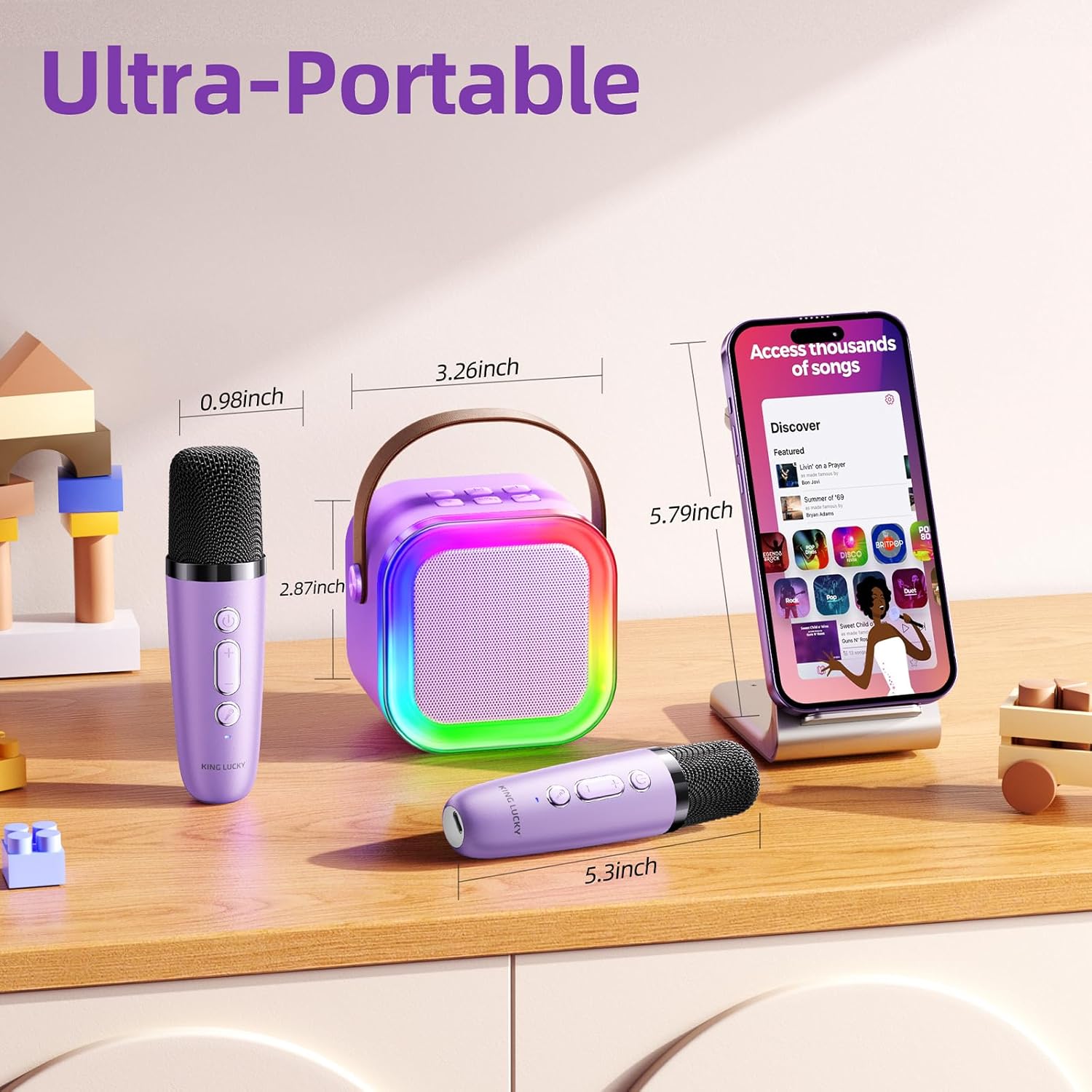
Image 3.1: The compact size and portability of the Kinglucky K12 Mini Karaoke Machine.
4. ترتیب کول
4.1 Charging the Device:
- Connect the provided USB Type-C charging cable to the charging port on the speaker unit and each microphone.
- د کیبل بل پای په یو مناسب USB بریښنا اډاپټر کې ولګوئ (شامل نه دی).
- د شاخص څراغ به د چارج کولو حالت وښيي (د مثال په توګه، د چارج کولو لپاره سور، د بشپړ چارج شوي لپاره بند/نیلي).
- Allow 2-3 hours for a full charge, providing 8-10 hours of playing time.
4.2 بلوتوټ جوړه:
- پاور آن: Press and hold the power button on the speaker unit and both microphones until they power on.
- اتوماتیک پیوستون: The microphones and speaker are pre-paired at the factory and should connect automatically. A confirmation sound will indicate successful connection.
- لاسي جوړه (که اړتیا وي): If the devices do not connect automatically, ensure both are powered on. On your smartphone or tablet, go to Bluetooth settings and select "Kinglucky K12" from the list of available devices.
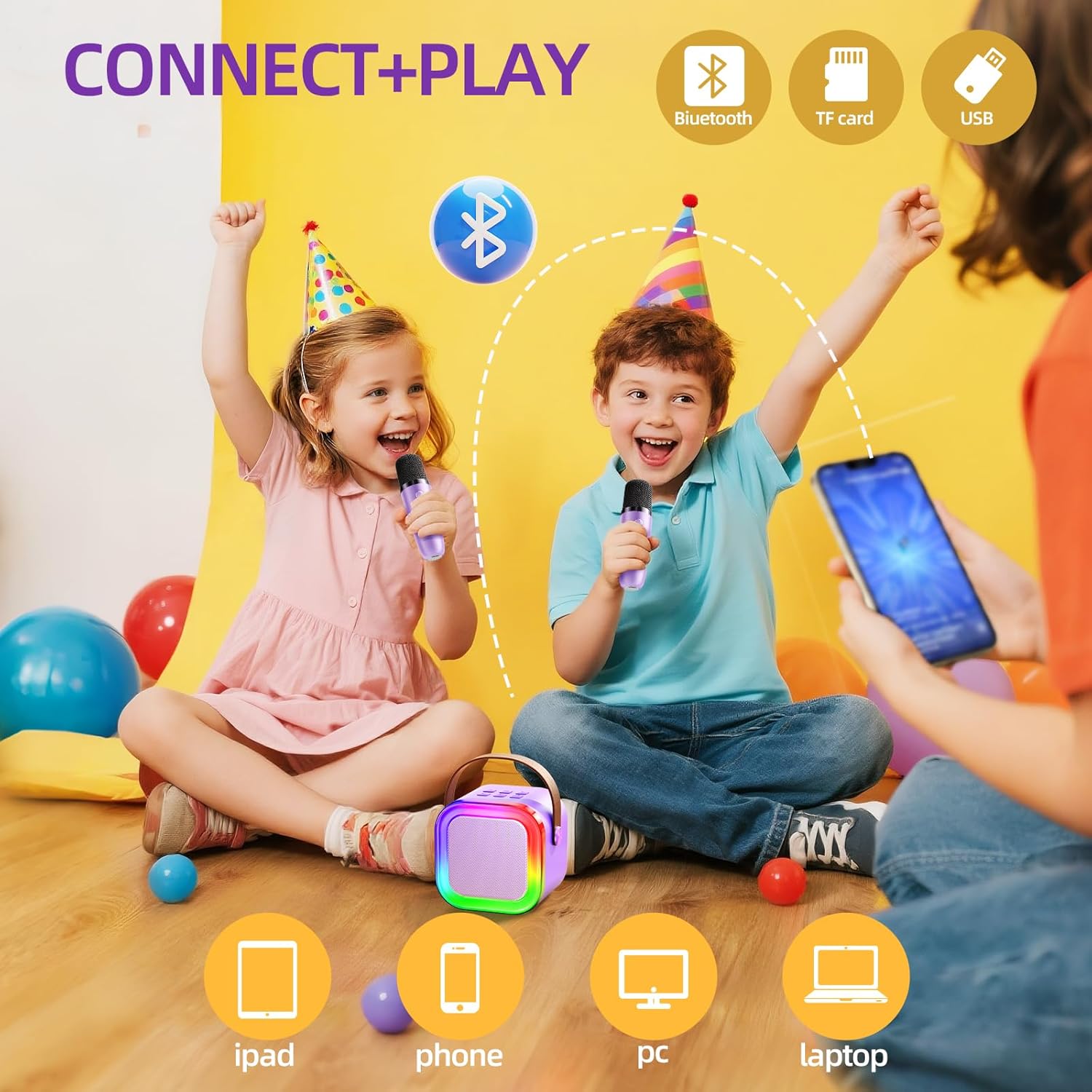
Image 4.1: Connectivity options for the Kinglucky K12 Mini Karaoke Machine.
Video 4.1: This video demonstrates the physical features and connectivity ports of the Kinglucky K12 Mini Karaoke Machine, including the USB, TF card, and charging ports, as well as the speaker's light modes.
5. عملیاتي لارښوونې
5.1 Playing Music:
- Once connected via Bluetooth, play music from your smartphone, tablet, or other Bluetooth-enabled device.
- Alternatively, insert a TF card or USB drive into the respective ports on the speaker to play stored music.
5.2 Microphone Usage:
- سندرې ویل: Speak or sing into the microphone. Your voice will be ampد سپیکر له لارې لیږدول شوی.
- د حجم کنټرول: Use the '+' and '-' buttons on the microphone to adjust its volume.
- د غږ اغیزې: Press the dedicated voice effect button on the microphone to cycle through 5 different voice modes (e.g., Chipmunk, Robot, Alien, Monster, Original).
Image 5.1: The five vocal effects available on the Kinglucky K12 Mini Karaoke Machine.
5.3 Speaker Controls:
- د حجم سمون: Use the '+' and '-' buttons on the speaker unit to control the overall music volume.
- د LED رڼا طریقې: Press the light button on the speaker to cycle through various colorful LED light patterns.
- د موډل انتخاب: Use the 'M' button to switch between Bluetooth, TF card, and USB playback modes.
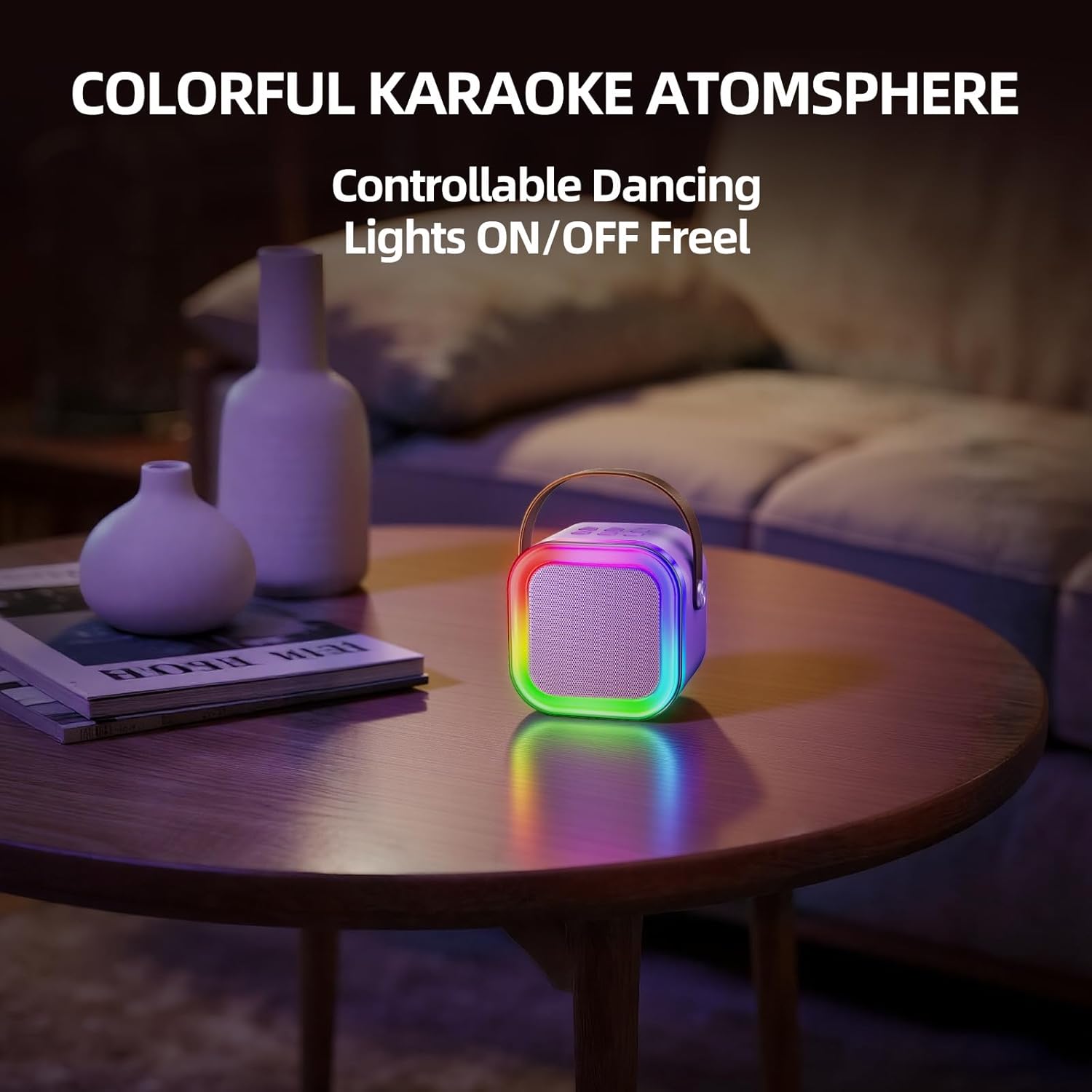
Image 5.2: The dynamic LED light show of the Kinglucky K12 Mini Karaoke Machine.
6. ساتنه
- پاکول: وسیله په نرم، وچ ټوکر سره پاک کړئ. سخت کیمیاوي مواد یا د کثافاتو پاکوونکي مه کاروئ.
- ذخیره کول: Store the karaoke machine in a cool, dry place away from direct sunlight when not in use.
- د بیټرۍ پاملرنه: To prolong battery life, fully charge the device before first use and recharge it regularly, even if not used frequently. Avoid completely draining the battery.

Image 6.1: The Kinglucky K12 Mini Karaoke Machine is designed for durability against everyday accidents.
7. ستونزه حل کول
| ستونزه | احتمالي لامل | د حل لاره |
|---|---|---|
| د سپیکر څخه هیڅ غږ نشته | Volume too low; Not connected; Battery low | Increase volume; Re-pair Bluetooth; Charge device |
| مایکروفون کار نه کوي | Microphone off; Battery low; Not paired | Turn on microphone; Charge microphone; Re-pair with speaker |
| د بلوتوث له لارې نشي نښلول کیدی | Device too far; Bluetooth off on source device; Interference | Move closer; Enable Bluetooth; Restart devices |
| د LED څراغونه کار نه کوي | Lights turned off; Battery low | Press light button; Charge speaker |
8. مشخصات
| فیچر | تفصیل |
|---|---|
| د ماډل شمیره | K12 |
| د توکي وزن | 9.9 اونس |
| د محصول ابعاد | 2.8 x 3.7 x 3.2 انچه |
| د بریښنا سرچینه | د بیټرۍ چلول |
| والیtage | 5 ولټه |
| د سپیکر شمیره | 1 |
| د نښلونکي ډول | د USB ډول C |
| مطابقت لرونکې وسیلې | Kids' Personal Video Players, Smartphone |
| ځانګړی ځانګړنه | د پورټ وړ |
9. تضمین او ملاتړ
Kinglucky offers a 180-day coverage for your karaoke machine, including free replacement for eligible issues. For any questions, concerns, or technical support, please contact Kinglucky customer service. Our 24/7 Fast Support team is ready to assist you with power issues, microphone malfunctions, charging problems, or sound issues.
For contact information, please refer to the product packaging or the official Kinglucky webسایټ


