1. پیژندنه
Thank you for choosing the DYONDER 2.4 GHz Wireless Game Controller. This manual provides detailed instructions on how to set up, operate, and maintain your new controller. Please read this manual thoroughly before use to ensure optimal performance and longevity of your device.

Image: The DYONDER 2.4 GHz Wireless Game Controller in blue, shown alongside its compact USB wireless dongle.
2. د بسته محتويات
مهرباني وکړئ تصدیق کړئ چې ټول توکي ستاسو په کڅوړه کې شتون لري:
- 1 x DYONDER 2.4 GHz Wireless Game Controller (Blue)
- 1 x 2.4 GHz USB Wireless Receiver
- 1 x د USB ډیټا کیبل
- 1 x د لارښوونې لارښود
3. محصول ختم شوview
Familiarize yourself with the various components and buttons of your DYONDER wireless controller:

Image: A detailed diagram illustrating the various buttons and ports on the DYONDER wireless controller, including the Left Joystick, Home Button, View Button, Menu Button, X/Y/A/B Buttons, Right Joystick, Share Button, Arrow Button (D-pad), RT Button, RB Button, USB Charging Port, Signal Search Button, and LT Button.
- کیڼ جویسټیک: د لارښوونې کنټرول لپاره.
- د کور تڼۍ: Access console/PC dashboard.
- View تڼۍ: Contextual menu or map.
- د مینو تڼۍ: Game menu or options.
- X/Y/A/B Buttons: د عمل تڼۍ.
- ښي جویسټیک: د کیمرې کنټرول یا هدف ټاکلو لپاره.
- د شریکولو تڼۍ: سکرین شاټونه یا ویډیو کلیپونه ونیسئ.
- Arrow Button (D-pad): لارښوونه.
- RT (Right Trigger) & LT (Left Trigger): Analog triggers for precise input.
- RB (Right Bumper) & LB (Left Bumper): Digital buttons.
- د USB چارج بندر: For connecting the data cable.
- Signal Search Button: For pairing.
4. ترتیب کول
4.1 د بیټرۍ نصب کول
The controller requires AA batteries (not included). It also supports rechargeable batteries (not included). To install:
- Open the battery compartment cover on the back of the controller.
- دوه AA بیټرۍ دننه کړئ، د سم قطبیت ډاډ ترلاسه کړئ (+/-).
- د بیټرۍ کمپارټ پوښ په خوندي ډول وتړئ.
۲.۳ ستاسو د وسیلې سره وصل کیدل
The DYONDER controller uses 2.4 GHz wireless technology for a stable connection.
- Insert the included 2.4 GHz USB wireless receiver into an available USB port on your Xbox console (Xbox One, Xbox Series X/S, Xbox One S/X) or PC (Windows 7/8/10/11).
- Turn on the controller by pressing the Home button. The controller will automatically search for the receiver.
- Once connected, the indicator light on the controller will become solid, indicating a successful pairing.
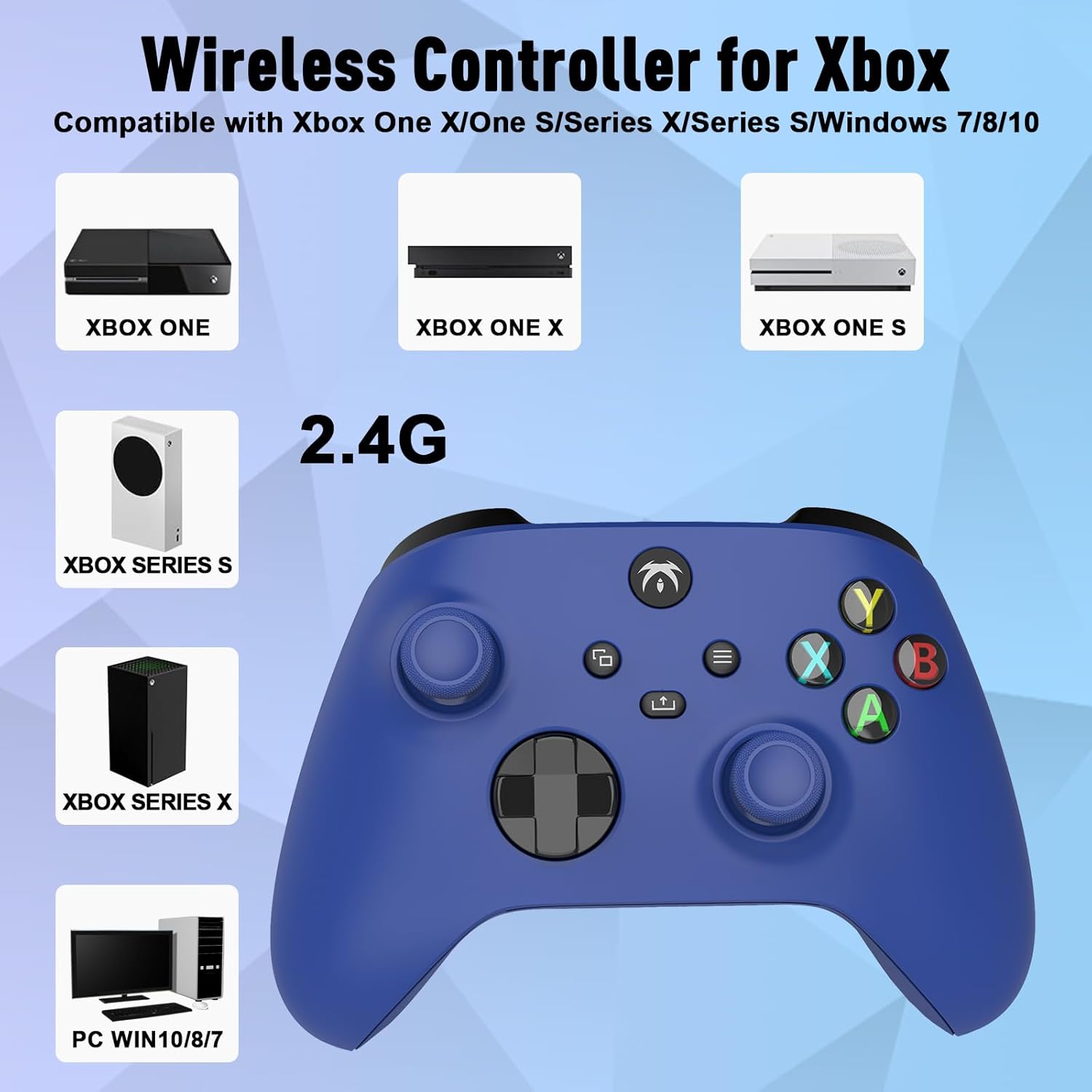
Image: An illustration demonstrating the broad compatibility of the DYONDER wireless controller with Xbox One, Xbox One X, Xbox One S, Xbox Series S, Xbox Series X, and PC (Windows 7/8/10/11) via its 2.4G wireless connection.
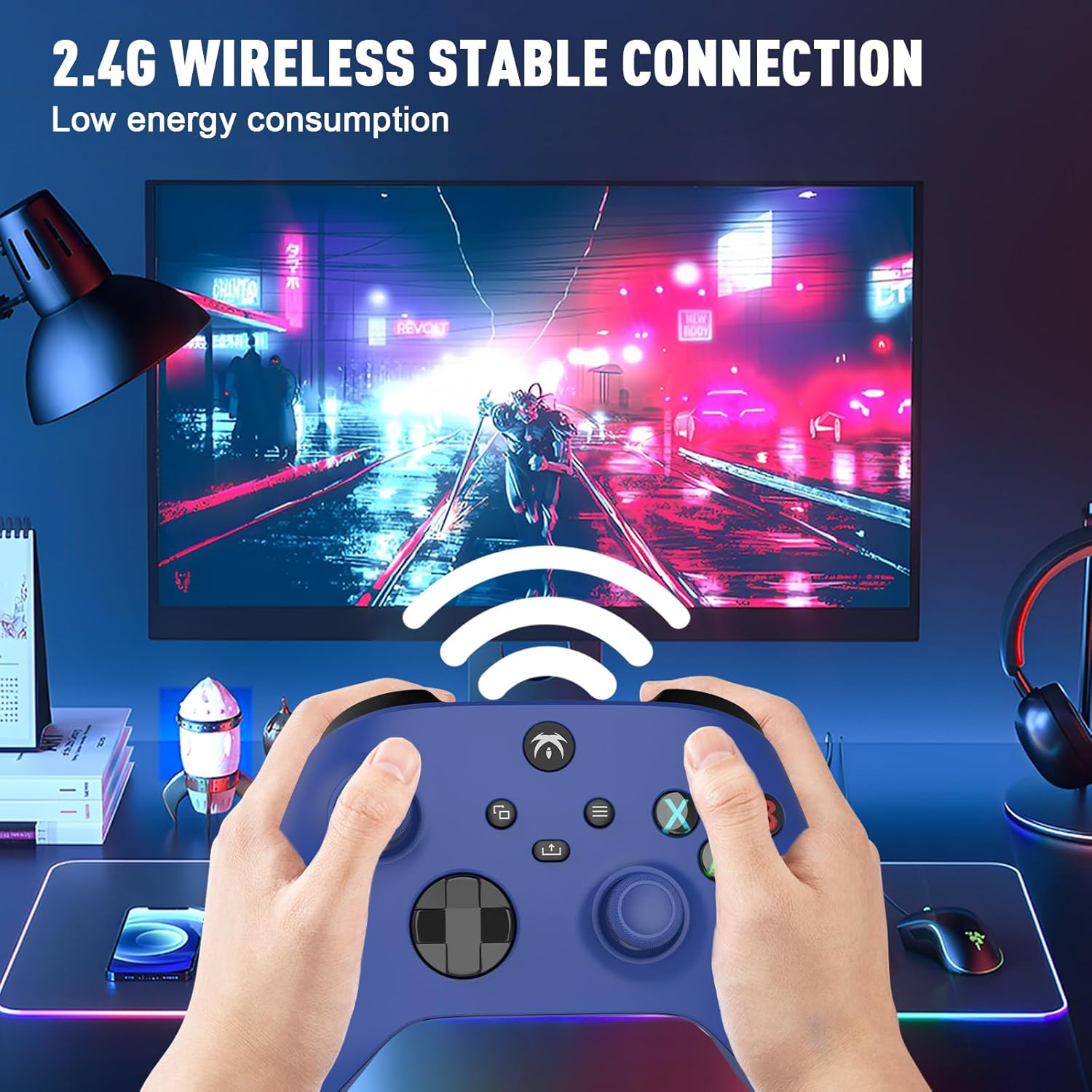
Image: A user holding the DYONDER wireless controller, demonstrating its 2.4G wireless stable connection while playing a game on a monitor, highlighting low energy consumption.
5. عملیاتي لارښوونې
5.1 مطابقت
The DYONDER wireless controller is designed for powerful compatibility with a range of gaming platforms, including:
- Xbox يو
- د ایکس بکس لړۍ X|S
- Xbox یو S / X
- Xbox Elite Controller Series
- Xbox Core
- PS3
- PC (Windows 11/10/8/7)
5.2 Hall Linear Triggers
Experience enhanced precision and control with the Hall linear triggers. These triggers provide increased sensitivity and speed control, particularly beneficial for racing games where precise acceleration and braking are crucial.
5.3 Dual Vibration Motors
The controller is equipped with dual motor vibration feedback, offering an immersive gaming experience. The motors provide varied vibration intensities and directions, enhancing realism in gameplay, such as impacts, explosions, or terrain changes.

Image: A visual representation highlighting the Dual Vibration feature for an immersive gaming experience and the Hall Trigger for precise linear control, especially in racing games.
5.4 3.5mm آډیو جیک
The integrated 3.5mm headphone jack allows you to connect your compatible audio device directly to the controller. This feature provides convenience for in-game audio and communication with other players without needing to connect to the console.

Image: The DYONDER controller featuring its 3.5mm audio jack, with a headphone cable plugged in, emphasizing direct audio connectivity.
5.5 Share Button Functionality
The dedicated Share button allows you to easily capture and share your gaming moments. Press the Share button to take screenshots or record game clips, preserving your best plays.

انځور: نږدې انځور view of the controller's central buttons, highlighting the Share button and a pop-up indicating "Game clip recorded," demonstrating its functionality.
6. ساتنه
To ensure the longevity and optimal performance of your DYONDER wireless controller, follow these maintenance guidelines:
- پاکول: د کنټرولر د پاکولو لپاره نرم، وچ ټوکر وکاروئ. د سختې خاورې لپاره، لږ څهampټوکر د اوبو سره ومینځئ. د سختو کیمیاوي موادو یا د کثافاتو پاکوونکو کارولو څخه ډډه وکړئ.
- ذخیره کول: کنټرولر په یخ او وچ ځای کې د مستقیم لمر وړانګو او سختې تودوخې څخه لرې وساتئ.
- د بیټرۍ پاملرنه: If the controller will not be used for an extended period, remove the batteries to prevent leakage and damage.
- له څاڅکو ډډه وکړئ: کنټرولر د څاڅکو او اغیزو څخه خوندي کړئ، کوم چې کولی شي داخلي برخو ته زیان ورسوي.
7. ستونزه حل کول
If you encounter issues with your DYONDER wireless controller, refer to the following common problems and solutions:
| ستونزه | احتمالي لامل | د حل لاره |
|---|---|---|
| کنټرولر نه چالانېږي. | ټیټ یا مړه بیټرۍ؛ د بیټرۍ ناسم نصب. | بیټرۍ د تازه بیټریو سره بدل کړئ، د سم قطبیت ډاډ ترلاسه کړئ. |
| Controller does not connect to console/PC. | USB receiver not properly inserted; interference; out of range. | Ensure receiver is fully inserted. Move closer to the receiver. Try a different USB port. Re-pair the controller by pressing the Signal Search button on the controller and receiver (if applicable). |
| د ننوتلو ځنډ یا پرې شوی اړیکه. | Interference from other wireless devices; low battery. | Move controller closer to receiver. Ensure no strong wireless interference sources nearby. Replace batteries. |
| وایبریشن کار نه کوي. | Vibration feature disabled in game settings; software issue. | Check in-game settings to ensure vibration is enabled. Restart the console/PC and controller. |
| تڼۍ یا جویسټیکونه بې ځوابه دي. | Dirt/debris under buttons; internal hardware issue. | Clean around buttons. If issue persists, contact customer support. |
8. مشخصات
| فیچر | تفصیل |
|---|---|
| برانډ | ډیونډر |
| د ماډل نوم | DYONDER 2.4 GHz Wireless Game Controller |
| رنګ | آبي |
| د ارتباط ټیکنالوژي | 2.4 GHz بې سیم |
| مطابقت لرونکې وسیلې | PC (Windows 7/8/10/11), Xbox One, Xbox Series X, Xbox Series S, PS3 |
| د کنټرولر ډول | د لوبې پیډ |
| د تڼیو شمیر | 17 |
| ځانګړي ځانګړتیاوې | Wireless, Dual Vibration, Hall Linear Triggers, 3.5mm Audio Jack |
| د بریښنا سرچینه | 2 x AA Batteries (not included) or Rechargeable Batteries (not included) |
9. تضمین او ملاتړ
For warranty information and customer support, please refer to the documentation provided with your purchase or contact DYONDER customer service through the retailer where the product was purchased. Please retain your proof of purchase for any warranty claims.


