پیژندنه
د پیرودلو لپاره مننهasing the ZEBRONICS Zeb-Escape 10 Wireless BT Earphone. This manual provides essential information for setting up, operating, and maintaining your device. Please read it carefully before use to ensure optimal performance and longevity of your earphones.
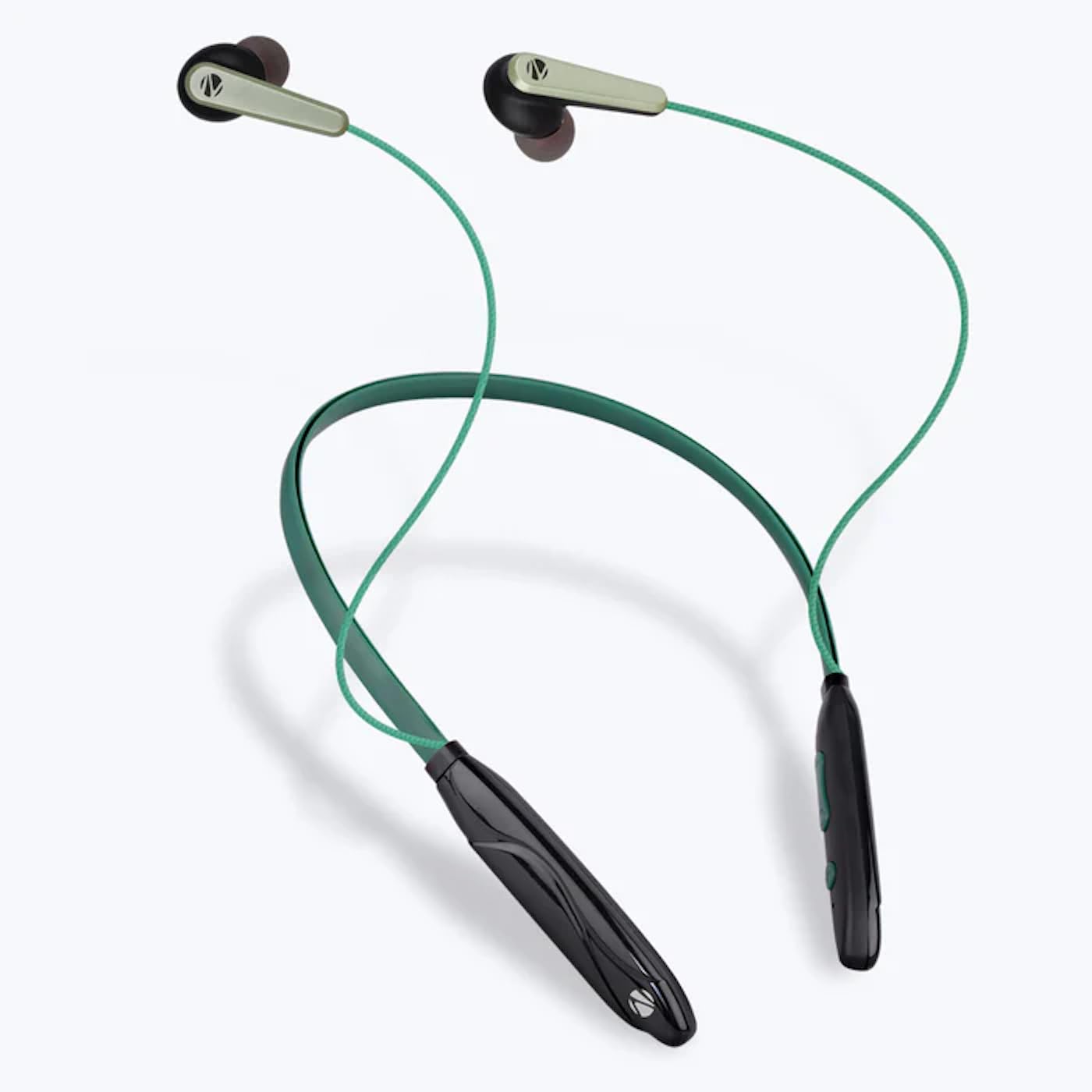
Image: The ZEBRONICS Zeb-Escape 10 Wireless BT Earphone, featuring a green and black neckband design with in-ear earbuds.
د بسته محتويات
لاندې توکي ستاسو د محصول په کڅوړه کې شامل دي:
- 1 U Neckband Earphone
- 1 U Charging Cable (Type-C)
- 1 U QR Code Guide
چمتو کول
۴.۱. د غوږۍ چارج کول
Before first use, fully charge the earphone. Use the provided Type-C charging cable to connect the earphone to a USB power source (e.g., computer USB port, wall adapter). The LED indicator will show the charging status.
- د چارج کولو وخت: نږدې 1.5 ساعته.

Image: The earphone's control module with a Type-C charging port, showing a charging cable connected.
2. د بلوتوث جوړه کول
To connect your earphone to a Bluetooth-enabled device:
- Ensure the earphone is charged and powered off.
- Press and hold the multi-function button on the earphone until the LED indicator flashes red and blue, indicating it is in pairing mode.
- په خپل وسیله (سمارټ فون، ټابلیټ، او نور) کې، بلوتوټ فعال کړئ او د شته وسایلو لټون وکړئ.
- Select "ZEB-ESCAPE 10" from the list of found devices.
- یوځل چې وصل شي، د LED شاخص به ورو ورو نیلي فلش وکړي یا بند شي، د ماډل پورې اړه لري.

Image: A smartphone display illustrating the Bluetooth pairing process, showing the earphone model 'ZEB-ESCAPE 10' as connected.
عملیاتي لارښوونې
پاور آن/بند
- پاور آن: د ملټي فنکشن تڼۍ فشار ورکړئ او ونیسئ تر هغه چې د LED شاخص روښانه شي.
- بندول: د ملټي فنکشن تڼۍ فشار ورکړئ او ونیسئ تر هغه چې د LED شاخص بند نشي.
Volume and Media Control
The earphone features integrated controls for managing audio playback and volume.
- حجم پورته کول: د '+' تڼۍ کېکاږئ.
- کموالی: د '-' تڼۍ کېکاږئ.
- پلی کول / ودرول: یو ځل د ملټي فنکشن ت buttonۍ فشار ورکړئ.
- بله لار: د '+' تڼۍ کېکاږئ او ونیسئ.
- مخکینی لار د '-' تڼۍ کېکاږئ او ونیسئ.
د تلیفون فعالیت
Manage calls directly from your earphone.
- زنګ ووهئ: یو ځل د ملټي فنکشن ت buttonۍ فشار ورکړئ.
- ټلیفون پای: د زنګ وهلو په جریان کې یو ځل د څو فعالیت تڼۍ فشار ورکړئ.
- زنګ رد کړئ: د څو فعالیت تڼۍ فشار ورکړئ او ونیسئ.
- وروستنۍ شمیره بیا ولیکئ: د څو فعالیت تڼۍ دوه ځله فشار ورکړئ.
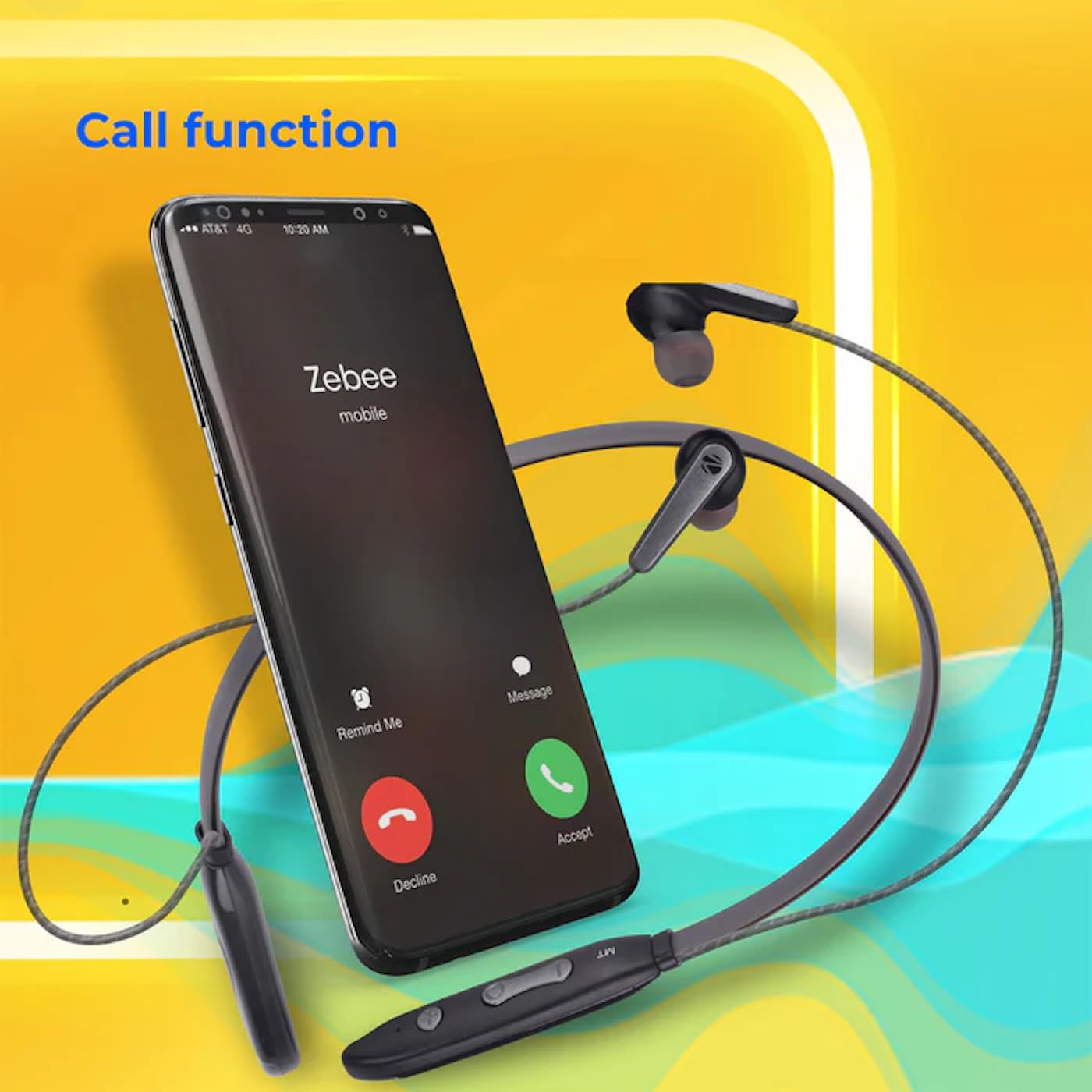
Image: A smartphone showing an incoming call interface, indicating the earphone's call handling capability.
د غږ معاون ملاتړ
Activate your device's voice assistant (e.g., Google Assistant, Siri) by triple-pressing the multi-function button.
مقناطیسي غوږ
The earpieces are magnetic, allowing them to securely attach to each other when not in use, preventing tangling and ensuring they stay in place around your neck.

انځور: یو مفصل view of an earbud, illustrating its design for a stable and comfortable fit.
ساتنه
To ensure the longevity and optimal performance of your ZEBRONICS Zeb-Escape 10 earphones, follow these maintenance guidelines:
- پاکول: د غوږونو د پاکولو لپاره نرم، وچ ټوکر وکاروئ. سخت کیمیاوي مواد یا خړوبونکي مواد مه کاروئ.
- ذخیره کول: اییرفونونه په یخ او وچ ځای کې د مستقیم لمر وړانګو او سختې تودوخې څخه لرې وساتئ.
- د اوبو مقاومت: The earphones are water resistant. Avoid submerging them in water or exposing them to heavy rain.
- چارج کول: Only use the provided charging cable or a certified Type-C cable. Avoid overcharging.
د ستونزو حل کول
If you encounter issues with your earphone, refer to the following common problems and solutions:
| ستونزه | احتمالي حل |
|---|---|
| اییرفون نه چالانیږي. | Ensure the earphone is fully charged. |
| د وسیلې سره جوړه نشي کیدی. | Ensure the earphone is in pairing mode (flashing red/blue). Turn off and on Bluetooth on your device. Move closer to the earphone. |
| غږ نشته یا ټیټ غږ. | Check volume levels on both the earphone and your connected device. Ensure the earphone is properly paired. |
| د زنګ وهلو کیفیت ستونزې. | Ensure you are within Bluetooth range. Check for obstructions between the earphone and your device. |
مشخصات
Technical specifications for the ZEBRONICS Zeb-Escape 10 Wireless BT Earphone:
| فیچر | تفصیل |
|---|---|
| د ماډل نوم | ZEB-NBI 5 |
| بلوتوث نسخه | v5.3 |
| د BT پرو ملاتړ شویfiles | HSP / HFP / A2DP / AVRCP |
| د موټر چلوونکي اندازه | 10mm |
| د سپیکر مخنیوی | 16Ω |
| د پلې بیک وخت | تر 20 ساعتونو پورې (په 50٪ حجم کې) |
| د خبرو وخت | تر 20 ساعتونو پورې |
| د چارج کولو وخت | ۸ ساعته |
| ولاړ وخت | ۸ ساعته |
| خالص وزن | 26 ګرامه |
| د کنټرول ډول | د رسنیو کنټرول، لمس |
| د اوبو د مقاومت کچه | د اوبو مقاومت |
| ځانګړي ځانګړتیاوې | Fast Charging, Foldable, Microphone Included, Sweatproof |

Image: Visual representation of the earphone's 20-hour playback capability.
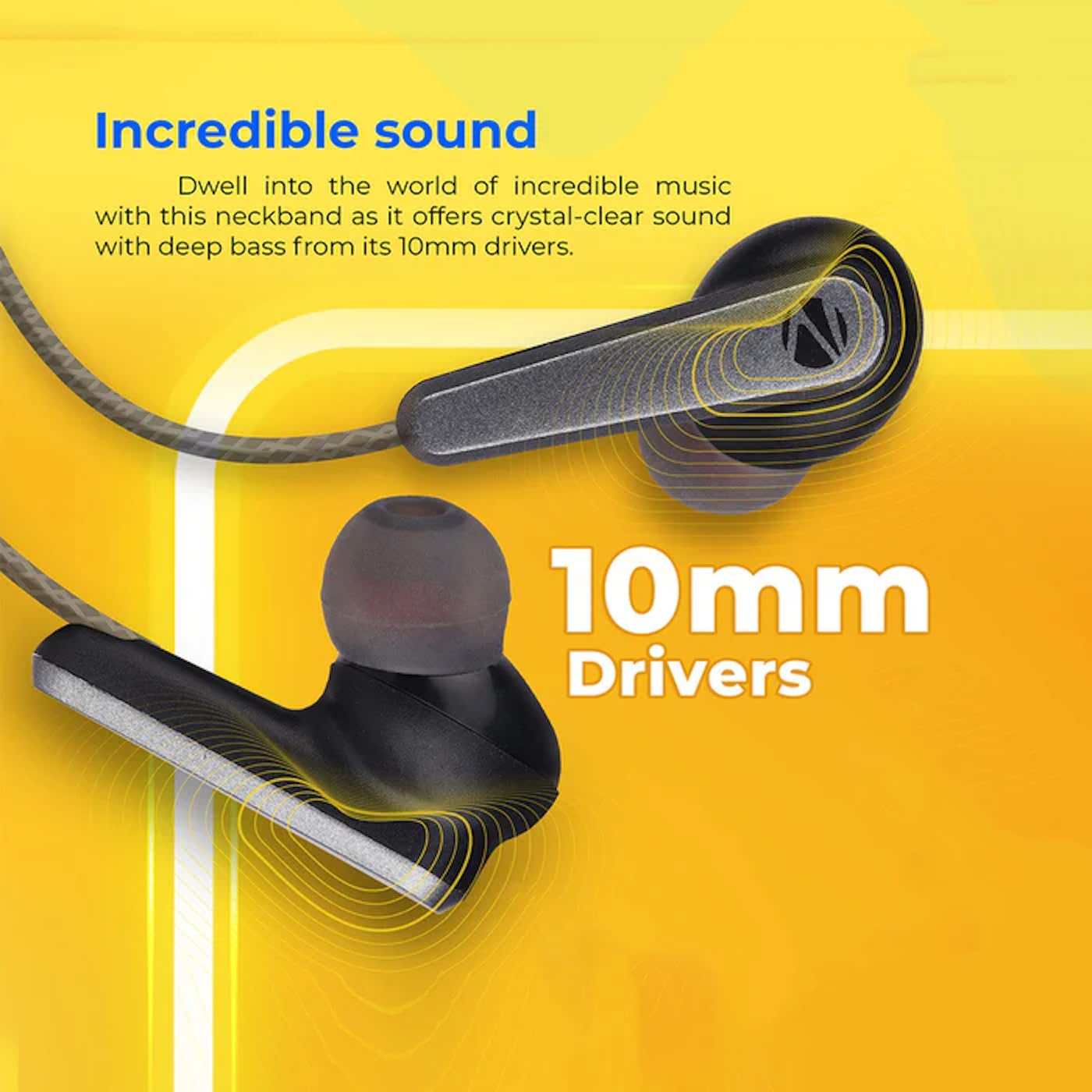
Image: A close-up of an earbud, highlighting the 10mm audio drivers responsible for sound output.
د تضمین معلومات
The ZEBRONICS Zeb-Escape 10 Wireless BT Earphone comes with a د 6 میاشتو تضمین د پیرود نیټې څخه. دا تضمین د تولید نیمګړتیاوې پوښي. مهرباني وکړئ د تضمین ادعاوو لپاره د پیرود ثبوت په توګه د پیرود رسید وساتئ. تضمین د ناوړه ګټې اخیستنې، پیښو، غیر مجاز بدلونونو، یا عادي اغوستلو او اوښکو له امله رامینځته شوي زیان پوښښ نه کوي.
د پیرودونکي ملاتړ
For further assistance, technical support, or warranty claims, please contact ZEBRONICS customer service. Refer to the QR code guide included in your package or visit the official ZEBRONICS webد تماس جزیاتو لپاره سایټ.


