1. پیژندنه
د تور غوره کولو لپاره مننهview AirBuds 10 Open Ear Headphones. These wireless earbuds are designed for comfort and situational awareness, making them ideal for sports and daily activities. This manual provides detailed instructions to help you get the most out of your device.
2. محصول ختم شوview
2.1 د بسته محتويات
- تورview AirBuds 10 Open Ear Headphones (Left and Right)
- د بې سیم چارج قضیه
- د USB چارج کولو کیبل (ډول-سي)
- د کارن لارښود
2.2 کلیدي ځانګړتیاوې
- د خلاص غوږ ډیزاین: Flexible ear hooks provide a secure and comfortable fit without entering the ear canal, allowing awareness of surroundings.
- پرمختللي آډیو: Equipped with 16.2mm dynamic drivers for a rich listening experience.
- زنګونه پاک کړئ: Dual microphones with Environmental Noise Cancellation (ENC) reduce ambient noise for clear voice transmission.
- بلوتوث 5.3: Ensures stable connection, lower power consumption, longer transmission range, and reduced latency.
- د رواني ټچ کنټرول: Manage music, calls, and volume directly from the earbuds.
- د بیټرۍ اوږد ژوند: د چارج کولو کیس سره تر 45 ساعتونو پورې د لوبې کولو ټول وخت.
- IPX7 واټر پروف: Resistant to water splashes and sweat, suitable for various activities.

شکل ۷.۱: تورview AirBuds 10 Open Ear Headphones and Charging Case.

Figure 2: The open-ear design allows for comfort and environmental awareness.
3. ترتیب کول
۴.۱ د ایربډز او کیس چارج کول
Before first use, fully charge the earbuds and the charging case. Place the earbuds into the charging case. Connect the Type-C charging cable to the charging port on the case and a power source. The charging indicator lights will show the charging status. A full charge for the earbuds takes approximately 1.5 hours. The charging case provides multiple charges, offering up to 45 hours of total playtime.
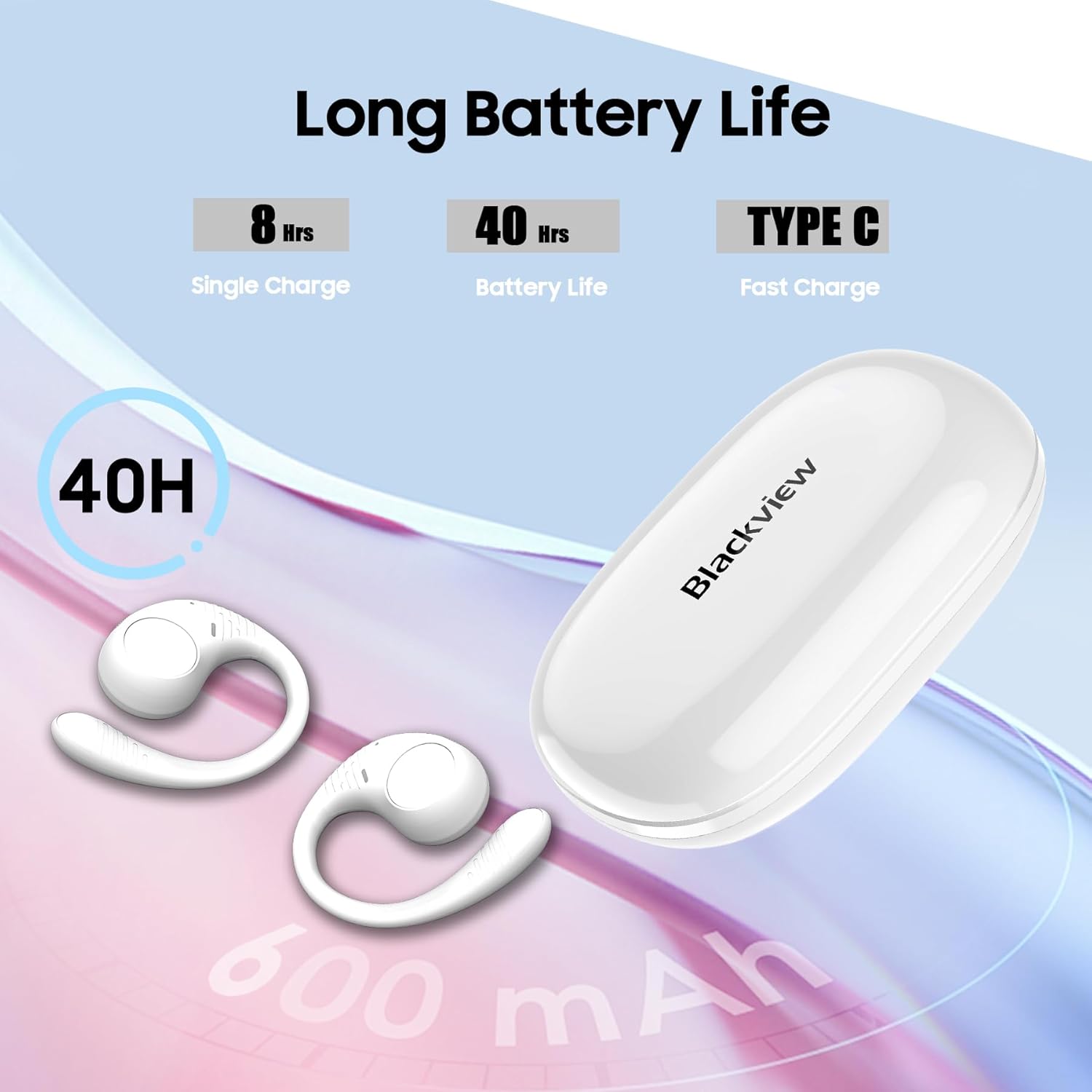
شکل ۳: د بیټرۍ ژوند او د چارج کولو معلومات.
3.2 د بلوتوټ جوړه کول
- ډاډ ترلاسه کړئ چې د غوږ بډونه چارج شوي دي.
- د چارج کولو قضیه پرانیزئ. د غوږ بډونه به په اتوماتيک ډول د جوړې کولو حالت ته ننوځي، چې د غوږ بډونو باندې د ځلیدونکي LED څراغ لخوا ښودل کیږي.
- په خپل وسیله (سمارټ فون، ټابلیټ، کمپیوټر) کې، بلوتوټ فعال کړئ او د شته وسایلو لټون وکړئ.
- "تور" غوره کړئview AirBuds 10" from the list of devices.
- Once connected, the LED indicator on the earbuds will turn off or show a steady light, and you will hear an audible confirmation.
- After the initial successful pairing, the earbuds will automatically connect to the last paired device when removed from the case.
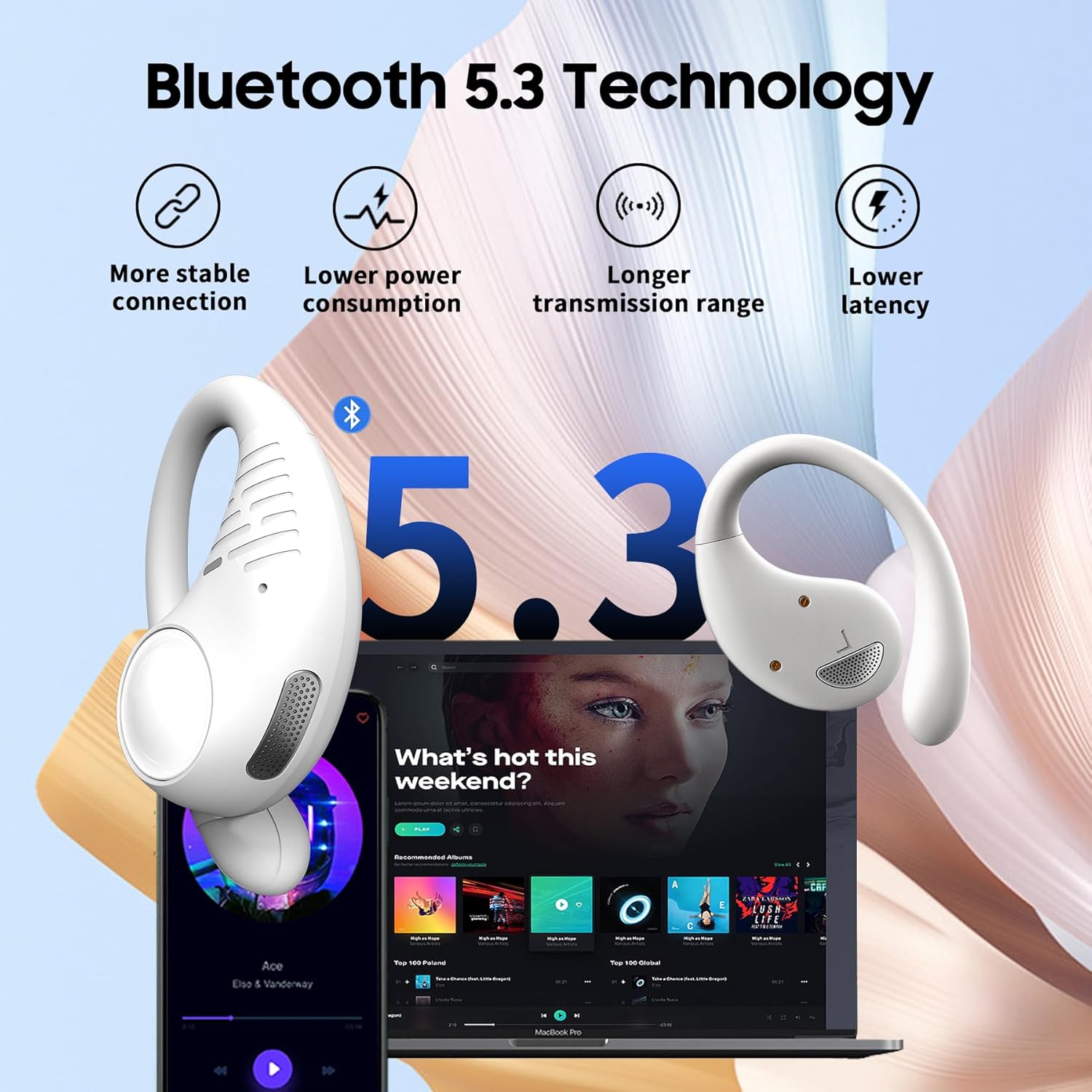
شکل ۴: د باثباته جوړې لپاره د بلوتوث ۵.۳ اتصال.
4. عملیاتي لارښوونې
۵.۱ د غوږۍ غوږوالۍ اغوستل
Gently place the earbud over your ear, ensuring the ear hook wraps securely behind your ear. Adjust for a comfortable and stable fit. The open-ear design means the earbuds rest outside your ear canal.

Figure 5: The earhook design ensures a secure fit during activities.
4.2 ټچ کنټرولونه
The AirBuds 10 feature touch-sensitive areas on each earbud for easy control of various functions:
- میوزیک چلول / بندول: Double-tap the L/R earbud.
- بله لار: Triple-tap the R earbud.
- مخکینی لار Triple-tap the L earbud.
- حجم پورته کول: Single-tap the R earbud.
- کموالی: Single-tap the L earbud.
- ځواب / پای کال: Double-tap the L/R earbud.
- زنګ رد کړئ: Press and hold the L/R earbud for 2 seconds.
- د غږ معاون (سري/ګوګل معاون) فعال کړئ: Press and hold the L/R earbud for 3 seconds.

Figure 6: Smart touch control functions.
۵.۳ د واحد ایربډ حالت
You can use either the left or right earbud independently. Simply remove one earbud from the charging case, and it will automatically connect to your device. The other earbud can remain in the case or be charged.
5. ساتنه
5.1 پاکول
Regularly clean your earbuds and charging case with a soft, dry, lint-free cloth. Avoid using abrasive materials, solvents, or spray cleaners. Do not submerge the charging case in water.
5.2 ذخیره کول
کله چې په کارولو کې نه وي، د غوږ غوږوالۍ د چارج کولو په قضیه کې وساتئ ترڅو دوی خوندي شي او ډاډ ترلاسه شي چې دوی چارج پاتې دي. په یخ او وچ ځای کې د سخت تودوخې څخه لرې وساتئ.
۵.۲ د اوبو مقاومت (IPX7)
تورview AirBuds 10 are IPX7 waterproof, meaning they can withstand splashes, rain, and sweat. They are not designed for swimming or prolonged submersion. Ensure the earbuds are dry before placing them back into the charging case to prevent damage.
6. ستونزه حل کول
| مسله | احتمالي حل |
|---|---|
| Earbuds نه جوړیږي | Ensure earbuds are charged. Turn off and on Bluetooth on your device. Forget "Blackview AirBuds 10" from your device's Bluetooth list and re-pair. Place earbuds back in case, close, then reopen to re-enter pairing mode. |
| د یو غوږ بډ څخه هیڅ غږ نشته | Check battery level of both earbuds. Try placing both earbuds back in the case, closing it, and then taking them out again. Re-pair the earbuds with your device. |
| د چارج قضیه نه چارج کول | Ensure the charging cable is securely connected to both the case and the power source. Try a different charging cable or power adapter. |
| کم حجم | Adjust volume on both your connected device and using the earbud touch controls. Due to the open-ear design, a slightly higher volume may be needed. |
| د غوږۍ غوږۍ په اسانۍ سره غورځېږي | Ensure the ear hooks are properly positioned and adjusted for a snug fit around your ears. |
7. مشخصات
| فیچر | تفصیل |
|---|---|
| د ماډل نوم | ایربډونه ۸ |
| د ارتباط ټیکنالوژي | بې سیم (بلوتوث) |
| بلوتوث نسخه | 5.3 |
| د بلوتوټ رینج | 10 متره |
| د آډیو ډرایور اندازه | 16.2 ملی متره |
| د بیټرۍ ژوند (ایربډونه) | تر اتو ساعتونو پورې (یو ځل چارج) |
| د لوبې ټول وخت (د قضیې سره) | تر 45 ساعتونو پورې |
| د چارج کولو وخت | ۶ ساعته (د غوږونو غوږۍ) |
| د اوبو د مقاومت کچه | IPX7 |
| د کنټرول ډول | ټچ کنټرول |
| مایکروفون | دوه ګونی مایکروفون د ENC سره |
| مطابقت لرونکې وسیلې | Cellphones, Tablets, Computers (Bluetooth enabled) |
| د چارج کولو قضیه بیټرۍ ظرفیت | 550 ملیونهamp ساعتونه |
| د توکي وزن | 7.8 اونس |
| UPC | 810175522166 |
8. تضمین او ملاتړ
د تضمین معلوماتو او پیرودونکو ملاتړ لپاره، مهرباني وکړئ د تضمین کارت ته مراجعه وکړئ چې ستاسو د محصول بسته بندۍ کې شامل دی یا رسمي بلیک ته مراجعه وکړئ.view website. If you encounter any issues not covered in this manual, please contact Blackview د مرستې لپاره پیرودونکي خدمت.


