1. پیژندنه
The ASMAX F1 Motorcycle Bluetooth Headset is engineered to provide a superior communication and audio experience for motorcycle riders. This advanced headset integrates cutting-edge Bluetooth 5.3 technology, robust noise reduction capabilities, and versatile group intercom functions, all designed to enhance safety and enjoyment during your rides. This manual provides comprehensive instructions for setup, operation, maintenance, and troubleshooting to ensure optimal performance of your ASMAX F1 headset.
2. د بسته محتويات
مهرباني وکړئ تصدیق کړئ چې لاندې ټول توکي ستاسو په کڅوړه کې شامل دي:
- ASMAX F1 Bluetooth Headset Unit
- Magnetic Mount Base Kit (includes adhesive and clip mounts)
- High-Fidelity Speakers
- بوم مایکروفون
- د USB چارج کیبل
- د کارونکي لارښود (دا لاسوند)

Image: Components of the ASMAX F1 headset mounting kit. This image displays the various components included in the mounting kit for the ASMAX F1 headset, such as the adhesive pads, clip mount, and the base unit with speaker/microphone connections.
3. ترتیب او نصب کول
۶.۲ د هیډسیټ چارج کول
Before first use, fully charge your ASMAX F1 headset. The headset features super fast charging, allowing a full charge in approximately 50 minutes.
- Connect the USB charging cable to the charging port on the magnetic mount base.
- د USB کیبل بل پای د یو مناسب USB بریښنا اډاپټر (شامل نه دی) یا د کمپیوټر USB پورټ سره وصل کړئ.
- Place the ASMAX F1 headset onto the magnetic mount base. Ensure the magnetic contacts align properly.
- The indicator light on the headset will show charging status (refer to LED indicator section for details).

Image: Magnetic Base & Super Fast Charging. The ASMAX F1 headset is shown magnetically connecting to its charging base, with an overlay indicating '50 Minutes Fast Charging', highlighting the convenience and speed of its power replenishment.
3.2 Mounting the Headset to Your Helmet
The ASMAX F1 headset offers both adhesive and clip-on mounting options for versatile installation on most helmet types.
- Choose your mount: Decide between the adhesive mount (for a permanent, low-profile attachment) or the clip mount (for easy removal and reattachment).
- موقعیت: Select a flat, suitable area on the left side of your helmet, ensuring it does not obstruct ventilation or visor movement.
- چپکونکی غر: Clean the helmet surface thoroughly. Peel off the protective film from the 3M VHB adhesive pad and firmly press the mount onto the helmet for at least 30 seconds. Allow 24 hours for the adhesive to cure before use.
- کلیپ مونټ: Slide the clip mount between the helmet shell and the inner padding. Ensure it is securely fastened and does not move.
- Attach the Headset: Once the mount base is secure, slide the ASMAX F1 headset unit onto the mount until it clicks into place. The magnetic connection will assist in proper alignment.

Image: ASMAX F1 Motorcycle Bluetooth Headset with magnetic mount base. The ASMAX F1 headset unit detached from its magnetic mounting base, highlighting the sleek design and the magnetic connection points. The image also shows the separate mount base and charging cable.
3.3 Installing Speakers and Microphone
- د سپیکر ځای په ځای کول: Attach the speakers inside the helmet's ear pockets using the provided hook-and-loop fasteners. Ensure they are positioned directly over your ears for optimal audio quality.
- د مایکروفون ځای پرځای کول: For full-face helmets, attach the boom microphone to the inside of the chin bar, positioning it close to your mouth. For open-face helmets, use the flexible boom to position the microphone appropriately.
- کیبلونه وصل کړئ: Plug the speaker and microphone cables into the corresponding ports on the magnetic mount base. Route the cables neatly within the helmet padding to avoid discomfort or obstruction.
4. عملیاتي لارښوونې
۸ پاور آن/بند
- پاور آن: Press and hold the Power Button for 3 seconds until the indicator light illuminates and you hear an audible prompt.
- بندول: Press and hold the Power Button for 3 seconds until the indicator light turns off and you hear an audible prompt.
4.2 Bluetooth Pairing with Smartphone
The ASMAX F1 uses Bluetooth 5.3 for stable and efficient connections.
- ډاډ ترلاسه کړئ چې هیډسیټ بند دی.
- Press and hold the Power Button for approximately 5-7 seconds until the indicator light flashes red and blue alternately, indicating pairing mode.
- په خپل سمارټ فون کې، د بلوتوث ترتیباتو ته لاړ شئ او د نویو وسایلو لټون وکړئ.
- د شته وسیلو له لیست څخه "ASMAX F1" غوره کړئ.
- Once paired, the indicator light will turn solid blue, and you will hear a confirmation tone.
۵.۲ نړیوال جوړه کول
The ASMAX F1 supports universal pairing, allowing it to connect with Bluetooth headsets from other brands.

Image: Universal Pairing. This image shows two motorcycle helmets, one with an ASMAX F1 headset, indicating its universal pairing capability with any brand of Bluetooth headset using Bluetooth 5.3 technology.
4.4 Intercom Modes (Group & Free Mode)
The ASMAX F1 supports mesh group intercom for up to 10 riders, offering both Group Mode and Free Mode.
- ګروپ حالت: For structured group communication. All participants are connected in a mesh network, allowing seamless conversation.
- وړیا حالت: Allows for more flexible, ad-hoc connections within the group.
Refer to the full user manual (digital version) for detailed instructions on initiating and managing intercom groups.

Image: 10 Riders Mesh Group Intercom. An illustrative diagram showing multiple motorcycles on a bridge, connected wirelessly via the ASMAX F1 intercom system, demonstrating its mesh group intercom capability for up to 10 riders with a range of 3-8 km.
4.5 آډیو ملټي ټاسک کول
The ASMAX F1 allows you to seamlessly switch between or layer audio sources, such as music, GPS navigation, and intercom communication.

Image: Audio Multitasking. A visual representation of the ASMAX F1 headset's audio multitasking feature, allowing simultaneous use of music playback, GPS navigation, and group intercom communication while riding.
4.6 Voice Command & Button Controls
The ASMAX F1 can be controlled via intuitive button presses or voice commands for hands-free operation. Refer to the detailed control scheme in the complete user manual for specific functions like volume adjustment, call answering, music playback, and intercom activation.
5. کلیدي ځانګړتیاوې
- پرمختللي بلوتوټ 5.3 ټیکنالوژي: Ensures stable, fast, and energy-efficient wireless connections with your devices.
- Free Mode and Group Mode Intercom: Supports communication for up to 10 riders with a unit-to-unit range of 3 km (1.8 mi) and an overall range of 8 km (5 mi) from the first to the last rider.
- Voice Command & Button Controls: Offers flexible control options for ease of use while riding.
- Magnetic Mounting & 50 Min Fast Charging: Provides convenient and secure attachment to your helmet, coupled with rapid charging capabilities.
- Software and Hardware ENC Noise Reduction: Intelligent Environmental Noise Cancellation (ENC) and Digital Signal Processing (DSP) ensure crystal clear communication even at speeds up to 160 km/h.
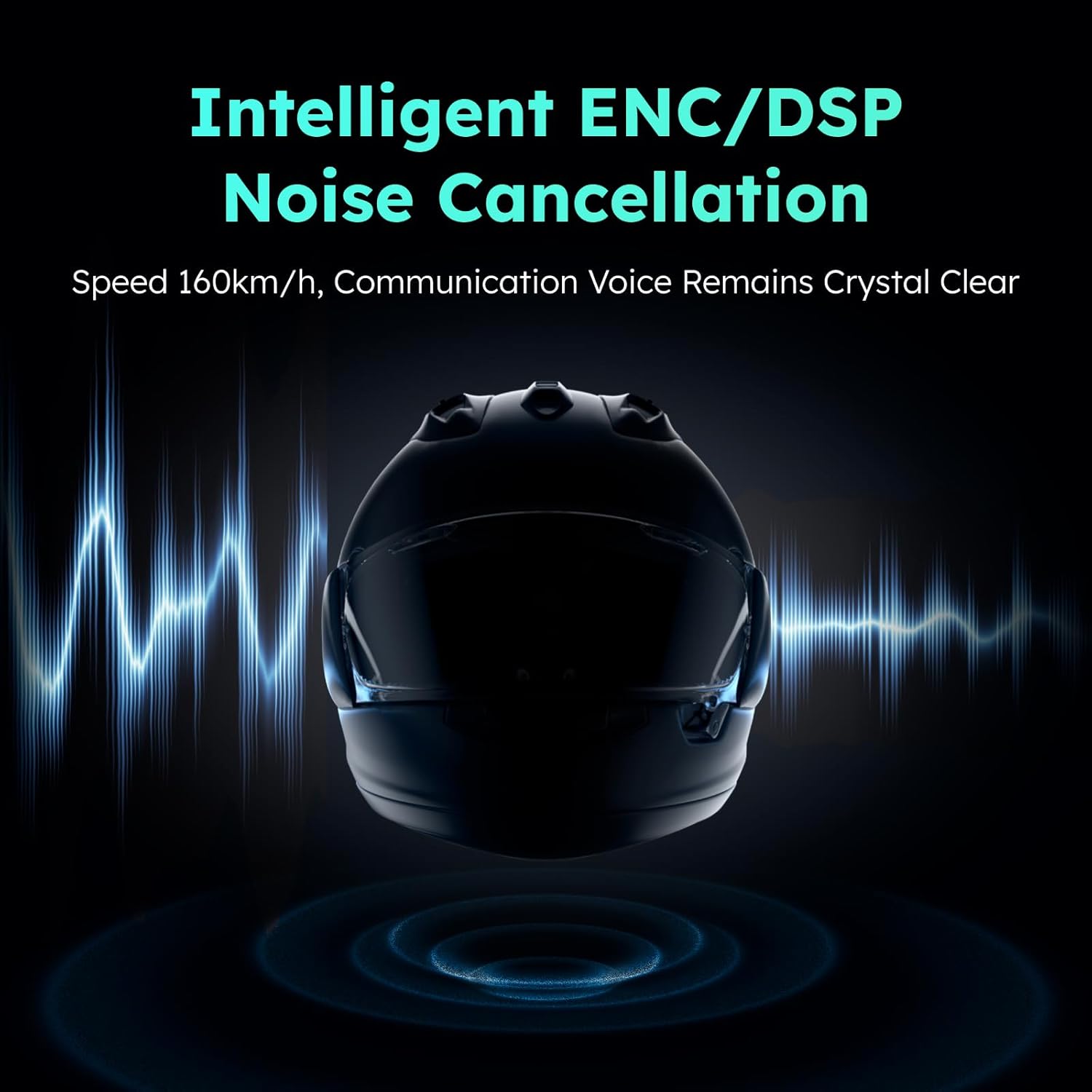
Image: Intelligent ENC/DSP Noise Cancellation. An image illustrating the Intelligent ENC/DSP Noise Cancellation feature of the ASMAX F1 headset, with sound waves around a helmet, signifying clear communication even at speeds up to 160km/h.
- IP67 واټر پروف: Designed to withstand various weather conditions, ensuring reliable performance even in rain.

Image: IP67 Waterproof. The ASMAX F1 headset is depicted partially submerged in water, with text 'IP67 Waterproof', emphasizing its durability and ability to function reliably in various weather conditions.
- Intelligent IoT Ecological APP: Enhance your experience with the ASMAX APP, offering additional convenience and control features.
6. ساتنه
Proper maintenance ensures the longevity and optimal performance of your ASMAX F1 headset.
- پاکول: یو نرم استعمال کړئ، دamp cloth to wipe the headset unit and mount base. Avoid using harsh chemicals or abrasive cleaners. Ensure the charging contacts are clean and dry.
- ذخیره کول: When not in use for extended periods, store the headset in a cool, dry place away from direct sunlight and extreme temperatures.
- د بیټرۍ پاملرنه: To preserve battery life, avoid fully discharging the battery frequently. Charge the headset regularly, even if not in use, to maintain battery health.
- د کیبل مدیریت: Ensure all cables are routed properly within the helmet to prevent pinching or damage.
7. ستونزه حل کول
If you encounter issues with your ASMAX F1 headset, try the following troubleshooting steps:
- ځواک نشته: ډاډ ترلاسه کړئ چې هیډسیټ په بشپړه توګه چارج شوی دی. د چارج کولو کیبل او د بریښنا سرچینه وګورئ.
- جوړه نشي کیدی: Ensure the headset is in pairing mode (flashing red and blue). Turn off and on your smartphone's Bluetooth. Try resetting the headset (refer to full manual for reset procedure).
- غږ نشته/ټيټ غږ: Check speaker connections. Ensure volume is turned up on both the headset and your connected device.
- د انټرکام ستونزې: Ensure all headsets are within range and properly paired for intercom communication. Check for obstacles that might interfere with the signal.
- Distorted Audio/Noise: Ensure microphone is positioned correctly and not obstructed. Check for environmental interference. The ENC/DSP noise reduction should minimize background noise.
For more complex issues or detailed troubleshooting, please refer to the complete digital user manual or contact ASMAX customer support.
8. مشخصات
| د ماډل نوم | F1 |
| برانډ | ASMAX |
| د ارتباط ټیکنالوژي | بېسیم |
| د بې سیمه مخابراتو ټیکنالوژي | بلوتوث |
| بلوتوث نسخه | 5.3 |
| د کنټرول طریقه | لمس، غږ |
| ځانګړی ځانګړنه | چټک چارج کول |
| د شور کنټرول | د فعال شور لغوه کول (ENC/DSP) |
| د اوبو د مقاومت کچه | IP67 پنروک |
| مطابقت لرونکې وسیلې | Motorcycles, Smartphones, Smart Speakers |
| جوړونکی | ASMAX |
9. تضمین او ملاتړ
ASMAX products are manufactured to the highest quality standards. Your ASMAX F1 Motorcycle Bluetooth Headset comes with a limited warranty against defects in materials and workmanship. Please retain your proof of purchase for warranty claims.
For detailed warranty information, technical support, or to purchase accessories, please visit the official ASMAX store or contact ASMAX customer service:
Please note that product specifications and features are subject to change without prior notice for improvement purposes.


