پیژندنه
The bea-fon Smartwatch 102 is designed to seamlessly integrate into your daily life, offering a blend of style and advanced functionality. Featuring a sleek rectangular design with a 1.83-inch digital display, this smartwatch provides essential health monitoring capabilities, including heart rate, blood oxygen, and sleep tracking. It is compatible with smartphones via the FitCloudPro app, ensuring seamless connectivity. Built for durability, it boasts an IP68 waterproof rating and a long-lasting battery.

شکل 1: مخکی view of the bea-fon Smartwatch 102, displaying time and health metrics.
د بسته محتويات
مهرباني وکړئ ډاډ ترلاسه کړئ چې لاندې ټول توکي ستاسو په کڅوړه کې شتون لري:
- bea-fon Smartwatch 102 (with silicone strap)
- Magnetic Charging Cable/Base
- د کارونکي لارښود (دا لاسوند)
محصول پای ته ورسیدview
The bea-fon Smartwatch 102 features a durable black silicone strap with a magnetic clasp, a rectangular display, and integrated sensors on the back for health monitoring.
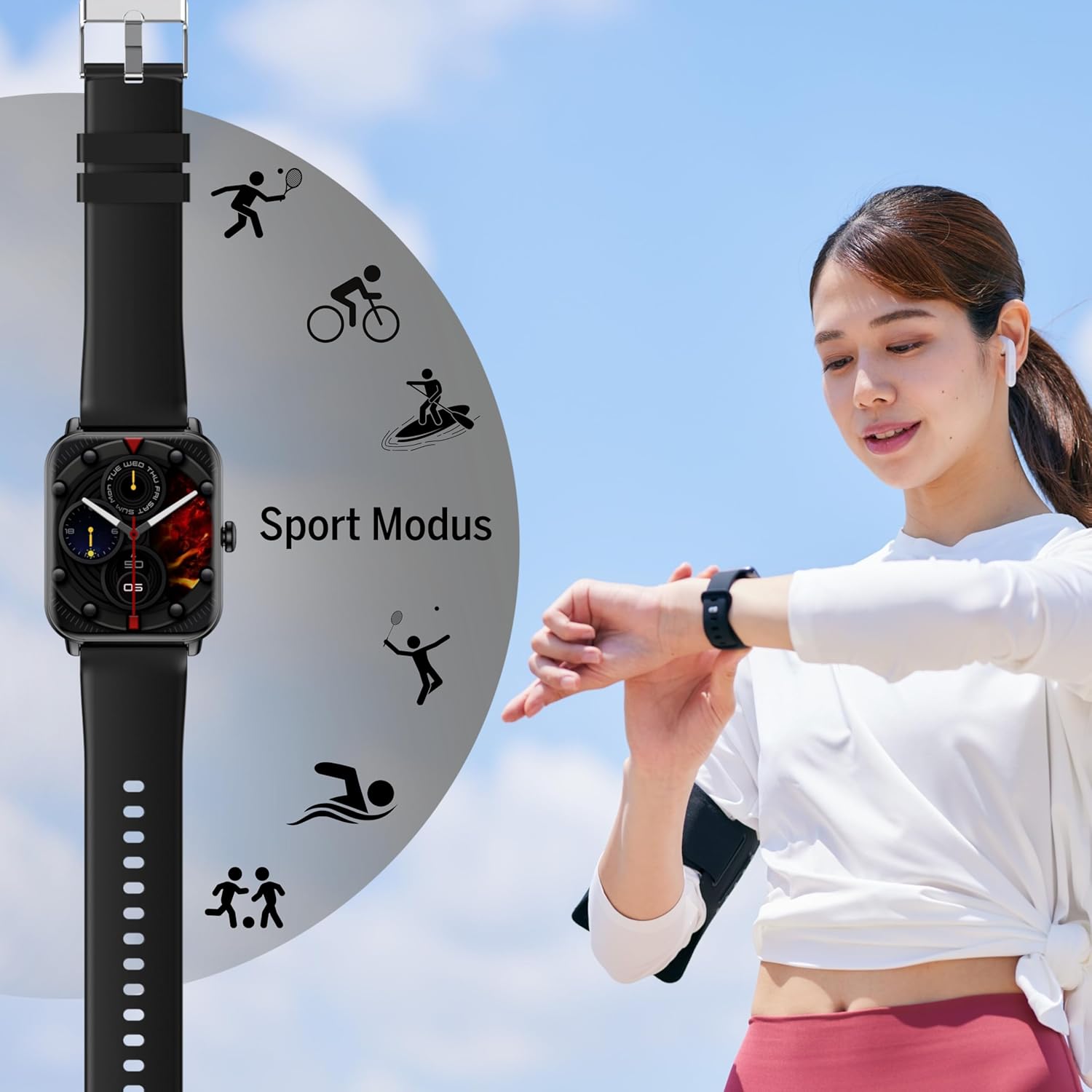
شکل 2: اړخ view of the Smartwatch 102, highlighting its sleek profile.

شکل 3: شاته view of the Smartwatch 102, showing the integrated health sensors.
کلیدي ځانګړتیاوې:
- ښکاره کول: 1.83-inch (4.64 cm) digital screen for clear visibility.
- د بیټرۍ ژوند: Up to 4-5 days of normal use with a 250mAh Li-ion battery.
- د اوبو مقاومت: IP68 rated, suitable for immersion up to 1 meter.
- روغتیا څارنه: Integrated heart rate monitor, blood oxygen sensor, and sleep tracker.
- ارتباط: Bluetooth for seamless smartphone pairing via FitCloudPro app.
- ډیزاین: Rectangular watch face with a comfortable silicone strap and magnetic clasp.
چمتو کول
1. د وسیلې چارج کول
Before first use, fully charge your bea-fon Smartwatch 102. The device comes with a magnetic charging cable/base.
- مقناطیسي چارج کیبل د USB بریښنا اډاپټر (شامل نه دی) یا د کمپیوټر USB پورټ سره وصل کړئ.
- Align the magnetic end of the cable with the charging contacts on the back of the smartwatch. The magnets will snap into place.
- The watch display will indicate charging status. A full charge takes approximately 3 hours.
2. Pairing with Your Smartphone (FitCloudPro App)
To unlock the full potential of your smartwatch, pair it with your smartphone using the FitCloudPro application.
- ډاونلوډ کړئ FitCloudPro د اپلیکیشن سټور (iOS) یا ګوګل پلی سټور (Android) څخه اپلیکیشن.
- ډاډ ترلاسه کړئ چې ستاسو په سمارټ فون کې بلوتوټ فعال دی.
- Open the FitCloudPro app and follow the on-screen instructions to create an account or log in.
- په اپلیکیشن کې، "وسیله" یا "وسیله اضافه کړئ" برخې ته لاړ شئ.
- The app will search for nearby devices. Select "Smartwatch 102" or the corresponding device ID when it appears.
- که غوښتنه وشي، په خپل سمارټ فون او سمارټ واچ دواړو کې د جوړه کولو غوښتنه تایید کړئ.
- Once paired, the app will synchronize data with your smartwatch.

Figure 4: The Smartwatch 102 demonstrating Bluetooth connectivity for smartphone pairing.
عملیاتي لارښوونې
د انٹرفیس حرکت کول
- پورته / ښکته سوائپ: د مینو او خبرتیاو له لارې سکرول وکړئ.
- کیڼ/ښي خوا ته سوپ کړئ: Access quick functions or different widgets (e.g., heart rate, steps, weather).
- ټایپ: یو توکي غوره کړئ یا یو عمل تایید کړئ.
- د غاړې تڼۍ: Press to wake the screen, return to the watch face, or access the main menu.
د روغتیا څارنې ځانګړتیاوې
The Smartwatch 102 is equipped with sensors to help you monitor your health.
- د زړه ضربان څارنه: دا ساعت په دوامداره توګه ستاسو د زړه ضربان تعقیبوي. View real-time data on the watch or detailed graphs in the FitCloudPro app.
- د وینې اکسیجن (SpO2) سینسر: Measure your blood oxygen levels. Ensure the watch is snug on your wrist for accurate readings.
- د خوب تعقیب: Wear the watch to bed to monitor your sleep patterns, including deep sleep, light sleep, and awake times. Data is synchronized with the app for analysis.
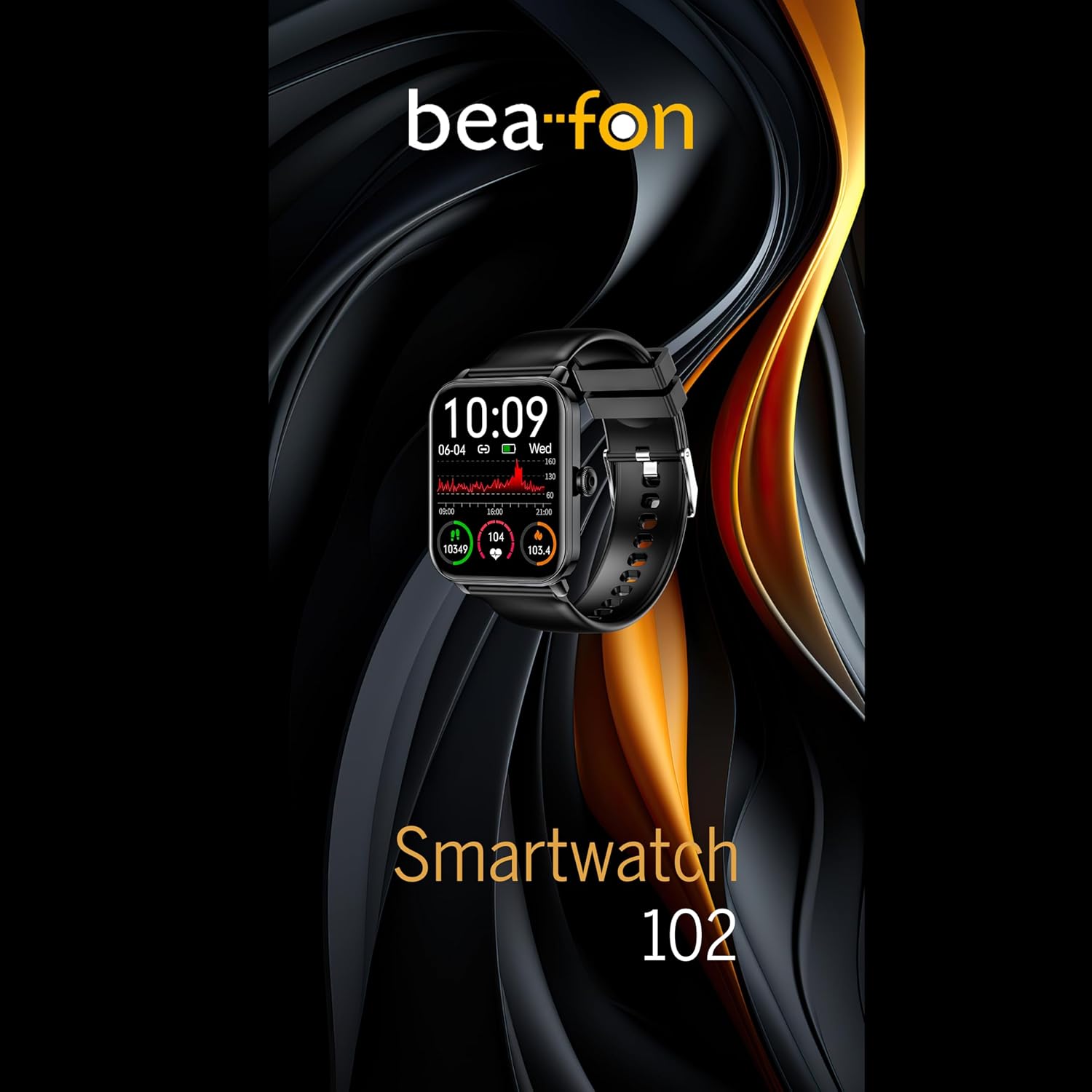
Figure 5: Visual representation of the Smartwatch 102's health monitoring capabilities, including heart rate, sleep, and blood oxygen.
د سپورت حالتونه
Track your workouts with various built-in sport modes.
- Access the "Sport" menu on your watch.
- خپل مطلوب فعالیت غوره کړئ (د مثال په توګه، منډه وهل، بایسکل چلول، لامبو وهل).
- The watch will begin tracking relevant metrics such as duration, calories burned, and heart rate.
- End your workout by following the on-screen prompts. Data will sync to the FitCloudPro app.
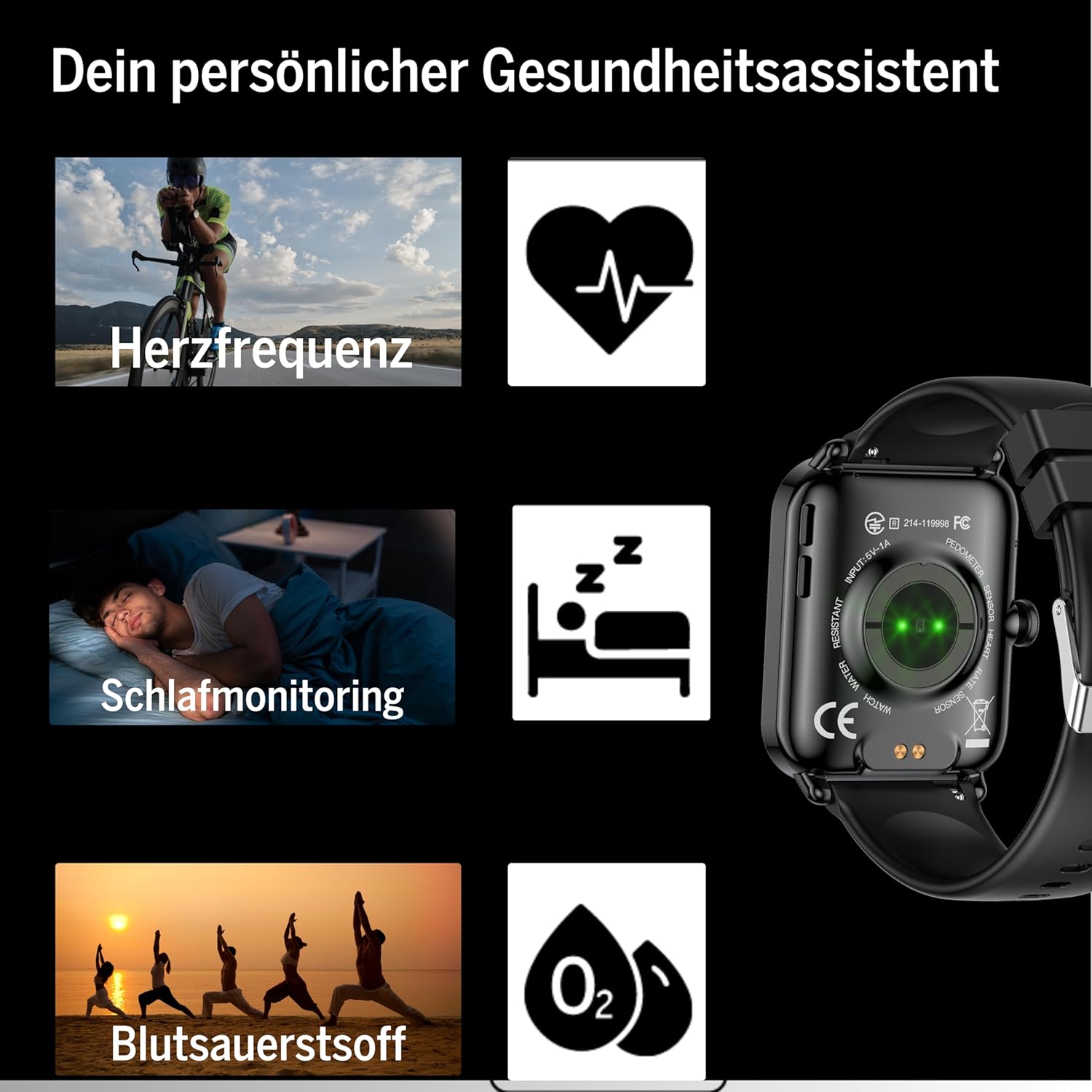
Figure 6: The Smartwatch 102 displaying various sport modes for activity tracking.
خبرتیاوې او تلیفونونه
Once paired, your smartwatch can receive notifications from your smartphone.
- Enable app notifications in the FitCloudPro app settings.
- Incoming calls and messages will be displayed on your watch. You can typically reject calls from the watch, but not answer them directly.
ساتنه
Cleaning the Smartwatch
د خپل سمارټ واچ ظاهري بڼه او فعالیت ساتلو لپاره:
- سکرین او تسمه په منظم ډول د نرم، d سره پاک کړئamp, lint-free ټوکر.
- د سختو کیمیاوي موادو، خړوبونکو پاکوونکو، یا محلولونو کارولو څخه ډډه وکړئ.
- ډاډ ترلاسه کړئ چې د چارج کولو اړیکې د چارج کولو دمخه پاکې او وچې دي.
د اوبو مقاومت (IP68)
The bea-fon Smartwatch 102 has an IP68 water resistance rating, meaning it is protected against dust ingress and can withstand immersion in water up to 1 meter for 30 minutes.
- دا د ورځني کارونې لپاره مناسب دی، لکه د لاسونو مینځل، باران، او کم لامبو وهل.
- Do not use the watch in hot water, saunas, or steam rooms, as steam can penetrate the seals.
- ساعت د لوړ سرعت اوبو یا د تودوخې ناڅاپي بدلونونو سره مخ کیدو څخه ډډه وکړئ.
- د اوبو سره د تماس وروسته، په ځانګړې توګه د مالګې اوبو سره، ساعت په تازه اوبو سره ومینځئ او په ښه توګه یې وچ کړئ.
د ستونزو حل کول
- ساعت نه چالانېږي: Ensure the watch is fully charged. Connect it to the magnetic charger and leave it for at least 30 minutes.
- د سمارټ فون سره جوړه نشي کولی:
- ډاډ ترلاسه کړئ چې ستاسو په تلیفون کې بلوتوټ فعال دی او ساعت په حد کې دی.
- خپل تلیفون او سمارټ واچ دواړه بیا پیل کړئ.
- په خپل تلیفون کې د بلوتوث کیچ پاک کړئ (که چیرې پلي شي) او بیا جوړه کولو هڅه وکړئ.
- Ensure the FitCloudPro app has necessary permissions.
- ناسم روغتیايي معلومات:
- ډاډ ترلاسه کړئ چې ساعت ستاسو په لاس کې په کلکه اغوستل شوی دی، نه ډیر خلاص او نه ډیر تنګ.
- د ساعت په شا کې سینسرونه پاک کړئ.
- د لوستلو پرمهال له ډېر حرکت څخه ډډه وکړئ.
- خبرتیاوې نه ښکاري:
- Check notification settings within the FitCloudPro app.
- Ensure your phone's notification settings allow the FitCloudPro app to display alerts.
- ډاډ ترلاسه کړئ چې ساعت د بلوتوث له لارې وصل دی.
مشخصات
| فیچر | مشخصات |
|---|---|
| برانډ | بیفون |
| ماډل | 102 |
| د ښودلو اندازه | 1.83 انچه (4.64 سانتي متره) |
| د بیټرۍ ډول | 3.7V 250mAh Li-ion rechargeable |
| د بیټرۍ ژوند | 4-5 days (normal use) |
| د چارج کولو وخت | نږدې 3 ساعته |
| د اوبو مقاومت | IP68 (تر 1 مترو پورې) |
| ارتباط | بلوتوث |
| روغتیا سینسرونه | Heart Rate, Blood Oxygen, Sleep Tracker |
| ابعاد | 16.5 x 7.3 x 3.7 cm (Package); 160 g (Product Weight) |
| د پټو موادو | سیلیکون |
| رنګ | تور |
د تضمین معلومات
Specific warranty details for the bea-fon Smartwatch 102 may vary by region and retailer. Please refer to the warranty card included with your product or contact your point of purchase for precise warranty terms and conditions. Generally, electronic devices come with a standard manufacturer's warranty covering defects in materials and workmanship under normal use.
ملاتړ
For technical support, troubleshooting assistance, or further inquiries regarding your bea-fon Smartwatch 102, please refer to the following resources:
- آنلاین سرچینې: رسمي بیفون ته مراجعه وکړئ website for FAQs, updated manuals, and support articles.
- FitCloudPro App: The app may offer an in-app support section or contact information.
- د پیرودونکو خدمت: Contact the retailer from whom you purchased the product for initial support.
کله چې د ملاتړ سره اړیکه ونیسئ، مهرباني وکړئ د خپل محصول ماډل شمیره (102) او د پیرود توضیحات چمتو ولرئ.


