پیژندنه
The Avantree NB16-Q Bluetooth 5.2 Neckband Earbuds are designed for comfortable and secure audio experiences across various devices. Featuring Qualcomm aptX Adaptive technology, these earbuds deliver clear sound and stable connections. With an extended playtime of up to 20 hours per charge, they are suitable for prolonged use with phones, smart TVs, and PCs.
په بکس کې څه دي
- Avantree NB16-Q Neckband Earbuds
- Type C Charging Cable (1.6ft / 0.5m)
- Extra Earbuds Tips (S, L)
- 2 Sets of Ear Hooks
- د کارن لارښود
محصول پای ته ورسیدview کنټرولونه
The NB16-Q earbuds feature an ergonomic neckband design for comfort and stability. Key controls are integrated for easy access to volume, playback, and call management.

Comfortable & Secure Design: The lightweight neckband ensures all-day comfort and keeps earbuds secure, reducing the risk of loss.
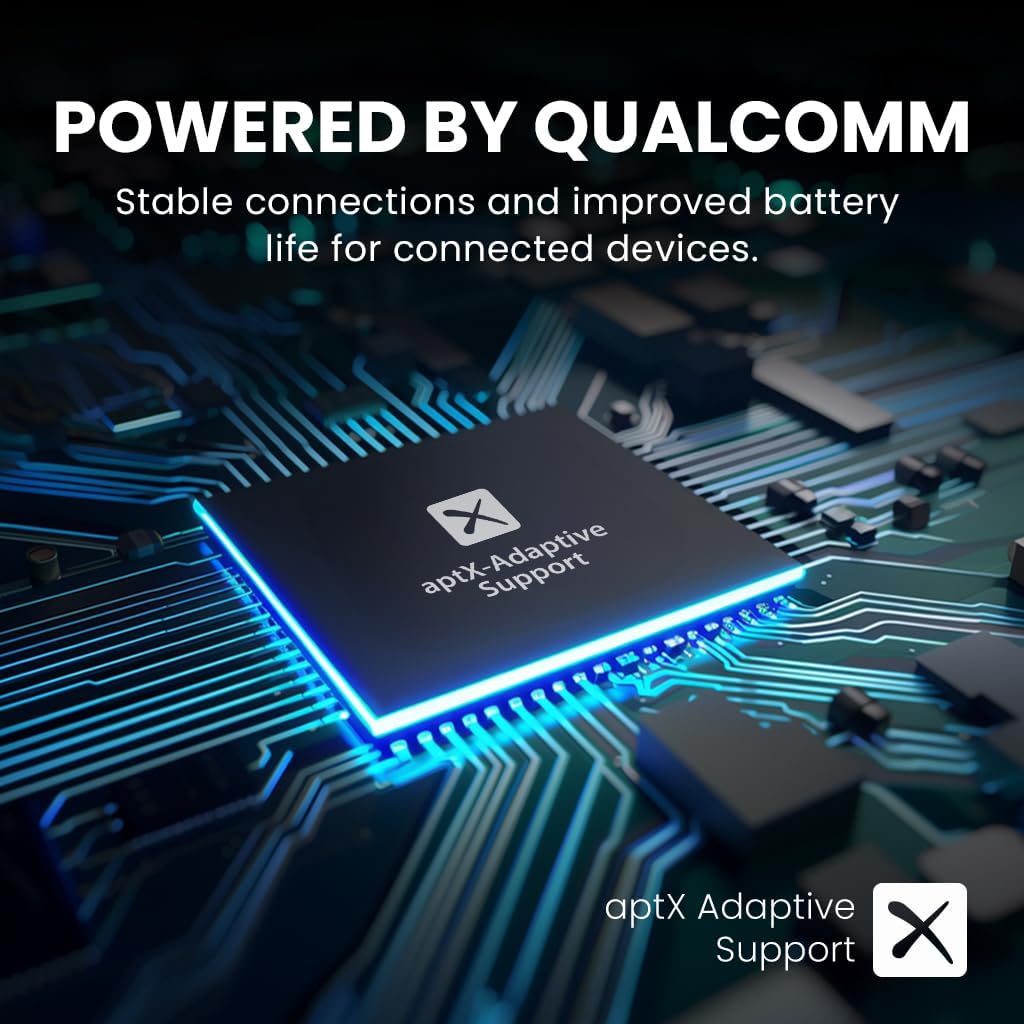
Powered by Qualcomm: Equipped with an advanced Qualcomm chipset and aptX Adaptive support for clearer sound and stable connections.

تمدید شوی د لوبې وخت: Enjoy up to 20 hours of uninterrupted audio on a single charge.

د تلویزیون پراخه مطابقت: Connect directly to Smart TVs with built-in Bluetooth or use an Avantree Bluetooth transmitter (e.g., Audikast 3 or Oasis Plus 2) for standard TVs.

Add-on Earbuds: The NB16-Q can be used as add-on earbuds for compatible Avantree transmitters like Audikast 3, 4186-Q, and 41866-Q.
جوړول او جوړه کول
To begin using your Avantree NB16-Q earbuds, ensure they are charged and then follow the pairing instructions for your desired device. The earbuds are designed for easy connection to phones, smart TVs, and PCs.
لومړنۍ جوړه کول
- Power on the NB16-Q earbuds.
- Place the earbuds in pairing mode (refer to the included user manual for specific button combinations).
- On your device (phone, smart TV, or PC), navigate to the Bluetooth settings.
- لټون and select 'Avantree NB16-Q' from the list of available devices.
- یوځل چې وصل شي، د غوږ بډونه د کارولو لپاره چمتو دي.
عملیاتي لارښوونې
The NB16-Q earbuds feature intuitive controls for managing your audio and calls. The inline remote allows for easy adjustment without needing to access your connected device.
د اړیکې مدیریت
- ځواب / پای کال: یو ځل د ملټي فنکشن ت buttonۍ فشار ورکړئ.
- زنګ رد کړئ: د 2 ثانیو لپاره د ملټي فنکشن ت buttonۍ فشار او ونیسئ.
آډیو پلې بیک
- پلی کول / ودرول: یو ځل د ملټي فنکشن ت buttonۍ فشار ورکړئ.
- حجم پورته / ښکته: د وقف شوي حجم تڼۍ وکاروئ.
- راتلونکی / مخکینی لار: Press and hold the volume up/down buttons respectively.
چارج کول
To ensure optimal performance and battery life, charge your Avantree NB16-Q earbuds regularly. A full charge provides up to 20 hours of playtime.
د چارج کولو طرزالعمل
- Locate the Type C charging port on the earbuds.
- Connect the provided Type C charging cable to the earbuds and a compatible USB power source.
- د چارج کولو شاخص څراغ به د چارج کولو پرمهال روښانه شي (معمولا سور).
- Charging takes approximately 2 hours for a full charge. The indicator light will change or turn off once charging is complete.
مطابقت
The Avantree NB16-Q earbuds offer broad compatibility for various audio sources:
- سمارټ تلوېزيونونه: Pair directly via built-in Bluetooth.
- Standard TVs: Requires an external Avantree Bluetooth transmitter (e.g., Audikast 3 or Oasis Plus 2) for connection.
- تلیفونونه او ټابلیټونه: Compatible with most Bluetooth-enabled mobile devices.
- کمپیوټرونه: Connect via built-in Bluetooth or an external Bluetooth adapter.
- Avantree Transmitters: The NB16-Q is compatible as an add-on earbud with Audikast 3, 4186-Q, and 41866-Q transmitters. It is not compatible with older versions like 4186 and 41866.
مشخصات
| فیچر | تفصیل |
|---|---|
| د ماډل نوم | NB16 |
| بلوتوث نسخه | 5.2 |
| د ارتباط ټیکنالوژي | بېسیم |
| د بې سیمه مخابراتو ټیکنالوژي | بلوتوث |
| د بیټرۍ ژوند | 20 ساعته |
| د چارج کولو وخت | 2 ساعته |
| د شور کنټرول | د غږ جلا کول |
| د آډیو ډرایور ډول | متحرک چلوونکی |
| د غوږ شکل | په غوږ کې |
| د کنټرول طریقه | لمس |
| د توکي وزن | 100 ګرامه (3.53 اونس) |
| د محصول ابعاد | 2 x 3.94 x 4 انچه |
ساتنه
To maintain the longevity and performance of your NB16-Q earbuds:
- Keep the earbuds clean and dry. Wipe with a soft, dry cloth as needed.
- د اوږدې مودې لپاره د غوږ بډونه د سختې تودوخې یا مستقیم لمر وړانګو سره مخ کیدو څخه ډډه وکړئ.
- په یخ او وچ ځای کې ذخیره کړئ کله چې نه کارول کیږي.
- Replace earbud tips as necessary for hygiene and optimal fit.
د ستونزو حل کول
If you encounter issues with your NB16-Q earbuds, try the following:
- غږ نشته: Ensure the earbuds are charged, properly paired, and the volume is turned up on both the earbuds and the connected device.
- جوړه نشي کیدی: Make sure the earbuds are in pairing mode and within range of your device. Try restarting both the earbuds and your device.
- موقتي اړیکه: Ensure there are no obstructions between the earbuds and your device. Move closer to the device.
- د چارج کولو مسلې: Verify the charging cable is securely connected and the power source is functional.
تضمین او ملاتړ
Avantree products are designed for reliability and performance. For warranty information, technical support, or any inquiries regarding your NB16-Q earbuds, please visit the official Avantree website or contact their customer service directly. The included user manual also contains detailed support contact information.


