1. پیژندنه
This manual provides essential information for the safe and efficient operation of your NexiGo PJ40 Ultra Outdoor Netflix Projector. Please read this manual thoroughly before using the projector and retain it for future reference.
2. د خوندیتوب معلومات
د پروجیکټر د زیان مخنیوي او د کارونکي خوندیتوب ډاډمن کولو لپاره لاندې خوندیتوب احتیاطي تدابیر په پام کې ونیسئ:
- د هوا د بهېدو لارې مه بندوئ. د پروجیکټر شاوخوا د هوا مناسب جریان ډاډمن کړئ.
- پروجیکټر د باران، رطوبت، یا ډیرې تودوخې سره مه مخ کوئ.
- یوازې هغه بریښنا اډاپټر وکاروئ چې د پروجیکټر سره چمتو شوی وي.
- په مستقیم ډول د پروجیکټر لینز ته د کتلو څخه ډډه وکړئ کله چې lamp روانه ده
- پروجیکټر د تودوخې سرچینو او مستقیم لمر څخه لرې وساتئ.
- د بریښنا د طوفانونو په وخت کې یا کله چې د اوږدې مودې لپاره نه کارول کیږي، د بریښنا تار قطع کړئ.
3. د بسته محتويات
ډاډ ترلاسه کړئ چې ټول توکي په کڅوړه کې شتون لري:
- NexiGo PJ40 Ultra Projector
- ریموټ کنټرول (د 2x AAA بیټرۍ سره)
- د بریښنا اډاپټر
- HDMI کیبل
- د AV کیبل
- پارچ پاکول
- Spare Air Filter
- د کارن لارښود
4. محصول ختم شوview
The NexiGo PJ40 Ultra is a high-performance projector designed for versatile entertainment. It features native 1080p resolution, 800 ANSI lumens brightness, and AI image enhancement for clear, vibrant visuals. Integrated 20W speakers provide immersive audio. The projector includes officially licensed streaming apps like Netflix, YouTube, and Prime Video, along with comprehensive connectivity options.

Figure 4.1: NexiGo PJ40 Ultra Projector with projected Netflix screen.
کلیدي ځانګړتیاوې:
- اصلي 1080p ریزولوشن: Delivers crisp images with incredible detail.
- د 800 ANSI Lumens روښانتیا: د رڼا په مختلفو شرایطو کې روښانه لیدونه وړاندې کوي.
- AI Picture Quality Enhancement: Optimizes clarity, detail, and color reproduction with HDR and HLG support.
- Officially Licensed Streaming: Pre-installed Netflix, YouTube, and Prime Video for immediate access to content.
- AI-Enhanced Surround Sound: 20W speakers with DSP decoding for immersive audio.
- د اتومات کیسټون سمون: په اتوماتيک ډول د عمودی انځور تحریف تنظیموي.
- د بې سیم سکرین عکس العمل: Supports iOS, Android, and Windows devices via 5 GHz Wi-Fi.
- د ارتباط ډیری اختیارونه: Includes 2 USB ports, 2 HDMI inputs, AV port, and 3.5mm audio jack.
5. ترتیب کول
5.1 ابتدايي پاور آن
- Connect the power adapter to the projector's power input and then to a power outlet.
- په پروجیکٹر یا ریموټ کنټرول کې د بریښنا تڼۍ فشار ورکړئ ترڅو دا فعال کړئ.
- Follow the on-screen instructions for initial language and network setup.
۴.۳ ځای پر ځای کول او د سکرین اندازه
Position the projector on a stable, flat surface. The projection distance affects the screen size. Refer to the table below for recommended distances.

Figure 5.1: Recommended Projection Distances.
| Screen Diagonal (in.) | د پروجیکشن فاصله (فټ) |
|---|---|
| 72 | 7.68 |
| 100 | 10.5 |
| 120 | 12.4 |
| 150 | 15.52 |
| 300 | 30.18 |
Note: Sizing measured by NexiGo Laboratory. Test measurements do not include the screen border size.
۴.۳ تمرکز او د کیسټون سمون
- د تمرکز سمون: Rotate the focus wheel on the projector until the image is clear.
- اتومات عمودی کیسټون: The projector features automatic vertical keystone correction. Ensure this setting is enabled in the menu for automatic adjustment.
- Manual 4D Correction: For horizontal or more precise adjustments, navigate to the manual keystone settings in the menu.
- د زوم فعالیت: Use the zoom function in the settings to shrink the screen size from 100% down to 60% without moving the projector.
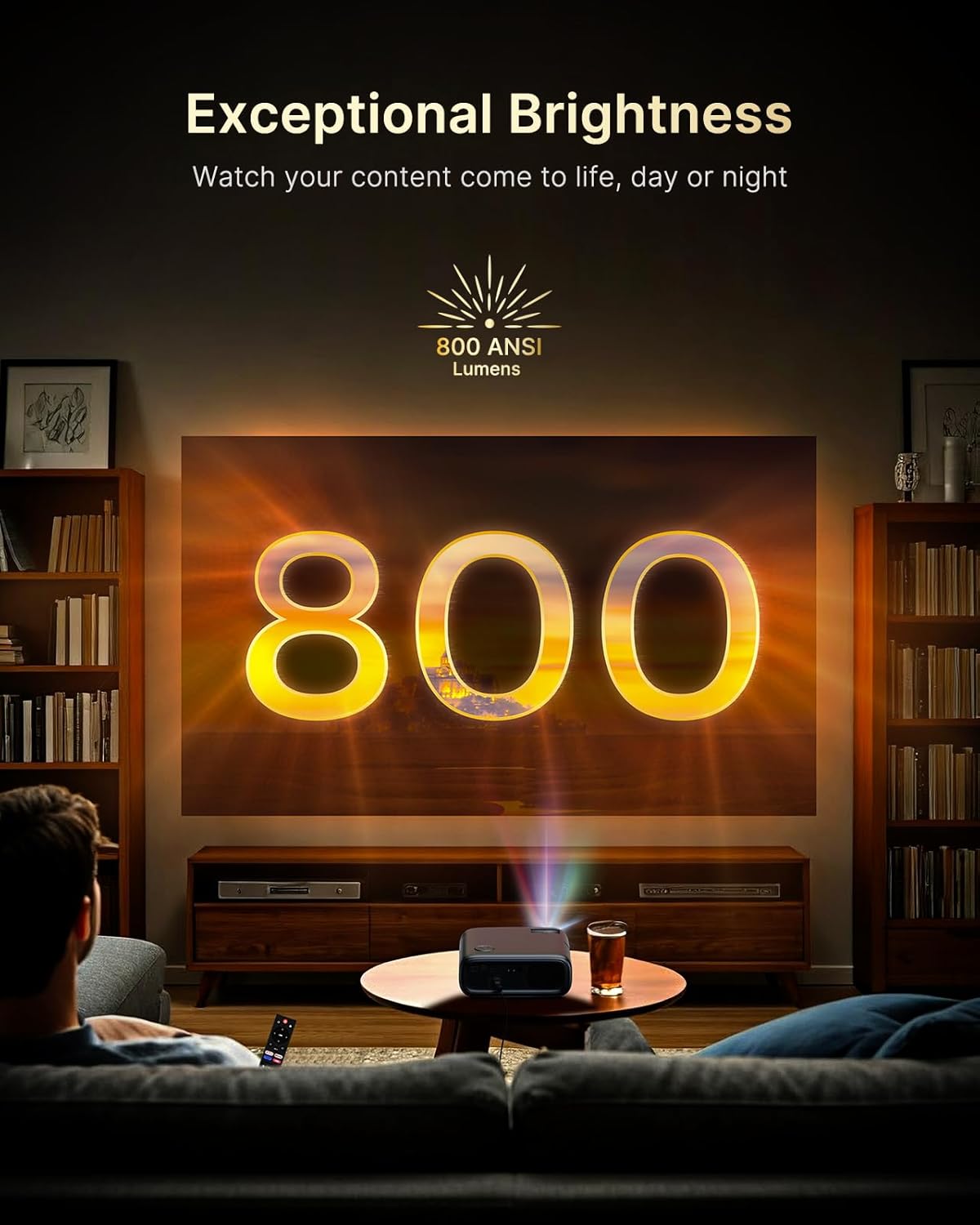
Figure 5.2: Keystone Correction and Zoom Options.
د شبکې اتصال
To access streaming services and screen mirroring, connect the projector to a Wi-Fi network:
- د 'ترتیباتو' مینو ته لاړ شئ.
- Select 'Network' or 'Wi-Fi'.
- له لیست څخه خپل مطلوب وای فای شبکه غوره کړئ او پټنوم دننه کړئ.

Figure 5.3: Dual-Band Wi-Fi Connectivity.
۲.۳ د بهرنیو وسایلو نښلول
The PJ40 Ultra offers various ports for connecting external devices:
- HDMI Ports (HDMI 1, HDMI 2): Connect gaming consoles (PS5, Nintendo Switch), TV sticks, laptops, or other HDMI-enabled devices. HDMI 1 supports ARC & CEC, HDMI 2 supports CEC.
- USB پورټونه: Connect USB flash drives or hard drives for media playback.
- AV Input Port: د شامل شوي AV کیبل په کارولو سره زاړه وسایل وصل کړئ.
- 3.5mm آډیو جیک: بهرني هیډفونونه یا سپیکرې وصل کړئ.

Figure 5.4: Connectivity Ports.
6. عملیاتي لارښوونې
۶.۱ د ریموټ کنټرول نیویګیشن
Use the included remote control to navigate the projector's interface. The remote allows you to power on/off, adjust volume, select input sources, and access settings and applications.
۴.۲ د سټریمینګ غوښتنلیکونه
The projector comes with pre-installed and officially licensed applications:
- Netflix: Access your Netflix library directly.
- یوټیوب: Browse and watch videos from YouTube.
- لومړی ویډیو: Stream content from Amazon Prime Video.
To use these apps, ensure the projector is connected to the internet and log in with your respective account credentials.

Figure 6.1: Officially Licensed Streaming Applications.
6.3 د سکرین عکس العمل
The PJ40 Ultra supports wireless screen mirroring for various devices:
- د iOS وسایل (ایر پلی): Connect your iPhone or iPad to the same Wi-Fi network as the projector and use AirPlay to mirror your screen.
- Android Devices (Screen Mirror): Use the Screen Mirroring feature on your Android device to connect wirelessly.
- Windows Devices (Windows Cast): Utilize Windows Cast functionality for screen sharing from compatible Windows computers.
Note: Due to copyright restrictions, some streaming apps (e.g., Netflix, Amazon Prime, Hulu) may not support direct screen mirroring.
6.4 د آډیو ترتیبات
The projector features built-in 20W speakers with DSP decoding for enhanced audio. You can also connect external audio devices:
- بلوتوث پیوستون Pair Bluetooth speakers or headphones for a wireless audio experience.
- 3.5mm آډیو جیک: تار لرونکي هیډفونونه یا بهرني سپیکرې وصل کړئ.

Figure 6.2: AI-Enhanced Surround Sound.
7. ساتنه
۴.۱ د لینز پاکول
Use the provided lens cleaning cloth to gently wipe the projector lens. Avoid using abrasive cleaners or materials that could scratch the lens surface.
7.2 د هوا فلټر ساتنه
The projector includes an air filter to prevent dust accumulation. Periodically check and clean the air filter to maintain optimal performance and cooling. A spare air filter is included for replacement when necessary.
7.3 عمومي پاملرنه
- Keep the projector in a clean, dry environment.
- When not in use, cover the lens with the protective cap.
- د پروجیکټر د غورځولو یا قوي اغیزو سره مخ کیدو څخه ډډه وکړئ.
8. ستونزه حل کول
عام مسایل او حل لارې:
- ځواک نشته: Ensure the power adapter is securely connected to both the projector and a working power outlet. Try a different outlet.
- نه انځور:
- وګورئ که پراجکټور فعال وي.
- Verify the input source is correctly selected (e.g., HDMI 1, HDMI 2).
- Ensure the connected device is powered on and outputting a signal.
- خړ انځور: Adjust the focus wheel on the projector until the image is sharp. Check keystone correction settings.
- غږ نشته:
- په پروجیکټر او وصل شوي سرچینې وسیله کې حجم زیات کړئ.
- Check if external speakers or headphones are properly connected or paired via Bluetooth.
- Ensure the audio output setting on the source device is correct.
- د وای فای اتصال مسلې:
- ډاډ ترلاسه کړئ چې د وای فای پټنوم په سمه توګه داخل شوی دی.
- پروجیکټر او خپل وای فای روټر بیا پیل کړئ.
- Move the projector closer to the Wi-Fi router to improve signal strength.
- Projector Randomly Powers On: Some users have reported the projector powering on from standby mode unexpectedly. If this occurs, ensure the projector is fully powered off at the main power switch or unplugged when not in use to prevent unintended operation. Check for any available firmware updates that might address this behavior.
9. مشخصات
| فیچر | مشخصات |
|---|---|
| برانډ | NexiGo |
| د ماډل شمیره | PJ40 الټرا |
| د محصول ابعاد | 11.3 x 10.78 x 4.8 انچه |
| د توکي وزن | ۲.۴۵ پونډه |
| د ښودلو ریزولوشن | ۱۹۲۰ x ۱۲۰۰ (اصلي ۱۰۸۰p) |
| روښانتیا | 800 د ANSI Lumens |
| د ارتباط ټیکنالوژي | HDMI، USB، وای فای |
| ځانګړي ځانګړتیاوې | Official Netflix-Licensed, Built-in 20W Speaker, HDMI CEC Support, Wireless Screen Mirroring, Auto Keystone, 4K Support Input |
| جوړونکی | راتلونکی INC |
| نیټه لومړی شتون لري | د ۲۰۲۴ کال د جنورۍ ۲۸ مه |
10. تضمین او ملاتړ
NexiGo is committed to customer satisfaction and provides comprehensive support for its products.
- د پیرودونکي ملاتړ: د پیرودونکو ۲۴ ساعته ملاتړ شتون لري.
- د بیرته ستنیدو / تبادلې پالیسي: Enjoy a 30-day return or exchange period.
- تخنیکي ملاتړ: ستاسو د محصول لپاره د ژوند لپاره تخنیکي ملاتړ چمتو کیږي.

Figure 10.1: NexiGo Customer Support Information.
For further assistance or to contact support, please visit the official NexiGo webسایټ ته مراجعه وکړئ یا د خپل محصول بسته بندۍ سره چمتو شوي د اړیکو معلوماتو ته مراجعه وکړئ.


