1. پیژندنه
The iFLYTEK AINOTE Air 2 is an 8.2-inch AI E Ink tablet designed for smart note-taking, document management, and enhanced productivity. It integrates advanced AI features such as real-time voice-to-text transcription, multi-language translation, and intelligent meeting summaries. The device offers a paper-like writing experience with its E Ink display and included stylus, making it suitable for various professional and academic applications.

Image 1.1: The AINOTE Air 2 tablet with its stylus, showcasing its AI-powered note-taking features.
۲. په بکس کې څه دي؟
ډاډ ترلاسه کړئ چې ټولې برخې په بسته بندۍ کې شتون لري:
- AINOTE Air 2 Main Unit
- Stylus قلم
- د چارج کولو کیبل (Type-C)
- د کارونکي لارښود (دا لاسوند)

Image 2.1: Standard accessories included with the AINOTE Air 2.
3. ترتیب کول
3.1 ابتدايي چارج کول
Before first use, fully charge your AINOTE Air 2 tablet. Connect the provided USB Type-C cable to the tablet's charging port and a compatible USB power adapter (not included). The charging indicator will illuminate.
۸ پاور آن/بند
- د فعالولو لپاره: Press and hold the power button located on the top edge of the tablet until the screen activates.
- د بریښنا بندولو لپاره: د بریښنا تڼۍ فشار ورکړئ او ونیسئ، بیا د سکرین له انتخابونو څخه 'بریښنا بند' غوره کړئ.
3.3 ابتدايي ترتیب
د لومړي ځل لپاره د بریښنا په فعالولو سره، د سکرین پرامپټس تعقیب کړئ ترڅو:
- د خپلې خوښې ژبه وټاکئ.
- د Wi-Fi شبکې سره وصل شئ.
- Set up your iFLYTEK account or log in.
- Complete any system updates.
4. عملیاتي لارښوونې
4.1 Note-Taking and Writing
The AINOTE Air 2 provides a paper-like writing experience using the included stylus. Open the 'Notes' application to begin a new note or access existing ones.
- د سټایلس کارول: The stylus is designed for precise input. It features a built-in eraser and offers 4096 levels of pressure sensitivity for a natural writing feel. No charging is required for the stylus.
- Handwriting-to-Text: Convert handwritten notes to editable text in 83 languages. Select the conversion option within the notes interface.

Image 4.1: The AINOTE Air 2 demonstrating handwritten notes and their digital transcription.

Image 4.2: Close-up of the stylus in use on the AINOTE Air 2, illustrating the immersive writing experience.
4.2 AI Note-Taking and Transcription
The tablet offers real-time voice-to-text transcription and AI-powered meeting summaries.
- Voice Transcription: Record audio during meetings or lectures. The tablet transcribes spoken words into text in 15 languages, including English, Spanish, Chinese, French, and more.
- Meeting Summaries: Utilize the AI to generate concise summaries of recorded and transcribed meetings, highlighting key points and action items.

Image 4.3: The AINOTE Air 2 displaying multi-language transcription capabilities.

انځور 4.4: اوورview of the AINOTE Air 2's extensive language support for transcription, translation, and handwriting conversion.
4.3 Reading and Display
The 8.2-inch HD E Ink screen provides a comfortable reading experience, similar to physical paper.
- د سترګو دوستانه نندارتون: The E Ink technology reduces eye strain, making it suitable for extended reading sessions.
- د تنظیم وړ رڼا: Features a dual-color temperature reading light with 24 adjustable brightness levels to customize warm/cool tones for various environments.
- لوړ ریزولوشن: A 1920x1440 resolution (293 PPI) ensures sharp text and image clarity.

Image 4.5: The AINOTE Air 2's adjustable dual-color temperature lighting for comfortable reading.
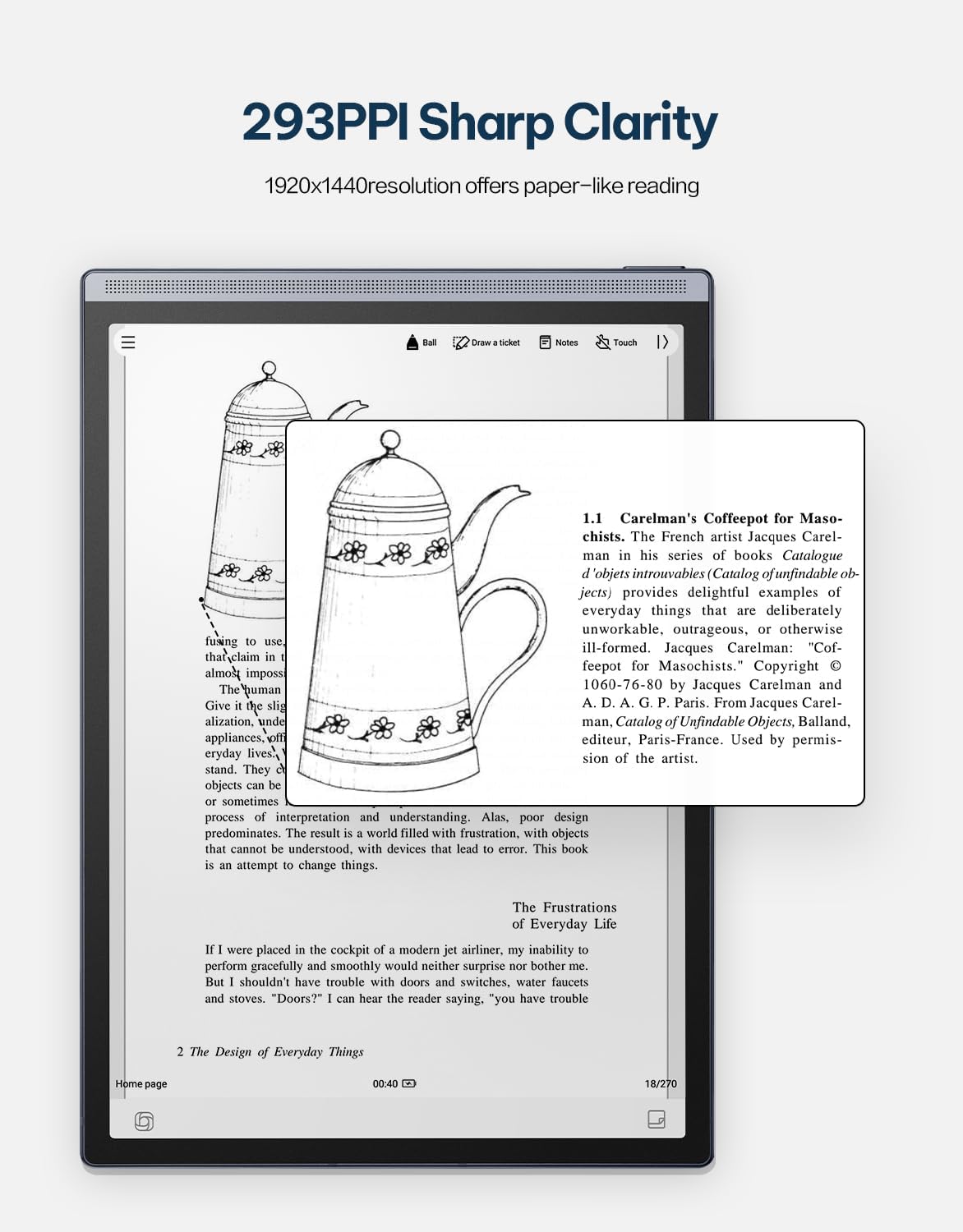
Image 4.6: The AINOTE Air 2's display quality, showing sharp text and images for reading.
4.4 Schedule Management and AI Features
The tablet integrates AI for efficient schedule management and enhanced productivity.
- سمارټ مهالویش: Mark handwritten notes with special symbols (stars, triangles, circles) using the stylus to automatically create to-dos and highlight important items, syncing them with your schedule.
- د ChatGPT ادغام: Engage in intelligent dialogues with ChatGPT for information retrieval, brainstorming, and task assistance.
- د AI ځواک لټون: Utilize semantic retrieval to quickly locate key points in meetings and documents, supporting text, voice, and handwriting search.

Image 4.7: Various productivity features of the AINOTE Air 2, including smart scheduling and cloud synchronization.

Image 4.8: The AINOTE Air 2's integration with ChatGPT for interactive assistance.
4.5 Cloud Sync and Storage
The AINOTE Air 2 supports secure cloud syncing for your notes and documents.
- OneDrive Integration: Sync your content with OneDrive for access across multiple devices and secure storage.
- ګوګل پلی: The tablet integrates with Google Play, allowing access to a wider range of applications.
5. ساتنه
5.1 د وسیلې پاکول
- د ټابلیټ سکرین او بدن په نرمۍ سره پاکولو لپاره یو نرم، لینټ نه پاک ټوکر وکاروئ.
- Do not use abrasive cleaners, alcohol, or chemical solvents, as these can damage the screen and finish.
- Ensure the device is powered off and disconnected from any power source before cleaning.
5.2 د بیټرۍ پاملرنه
- Avoid exposing the tablet to extreme temperatures (hot or cold) as this can affect battery life and performance.
- د بیټرۍ د غوره اوږد عمر لپاره، د بیټرۍ په مکرر ډول په بشپړه توګه چارج کولو څخه ډډه وکړئ.
- که چیرې وسیله د اوږدې مودې لپاره ذخیره کوئ، نو د ذخیره کولو دمخه یې شاوخوا 50٪ ته چارج کړئ.

Image 5.1: The AINOTE Air 2's USB-C port and battery capacity information.

Image 5.2: Visual representation of the AINOTE Air 2's 2600 mAh battery and its extended usage time.
6. ستونزه حل کول
6.1 عام مسایل او حلونه
| مسله | احتمالي لامل | د حل لاره |
|---|---|---|
| وسیله فعاله نه ده | د بیټرۍ ټیټوالی؛ د سیسټم خرابوالی | وسیله لږترلږه د 30 دقیقو لپاره چارج کړئ. د 10-15 ثانیو لپاره د بریښنا تڼۍ په نیولو سره جبري بیا پیل کړئ. |
| سټایلس ځواب نه ورکوي | Stylus tip worn; Software glitch | Check if the stylus tip needs replacement. Restart the tablet. Ensure the stylus is within operating range. |
| د وائی فای اتصال مسلې | Incorrect password; Router issue; Software bug | Verify Wi-Fi password. Restart your router. Restart the tablet and try connecting again. |
| ورو فعالیت/وروسته والی | ډېر زیات اپلیکېشنونه خلاص دي؛ کم ذخیره؛ زوړ سافټویر | Close unnecessary applications. Free up storage space. Check for and install system updates. |
7. مشخصات
| فیچر | تفصیل |
|---|---|
| د ماډل نوم | AINOTE Air 2 (XF-DX-B282E) |
| د سکرین اندازه | ۷۸۷ انچه |
| د ښودلو ډول | E Ink, 1920x1440 resolution (293 PPI) |
| عملیاتي سیسټم | Android |
| پروسیسر | RK3566 Quad-Core 1.8GHz |
| حافظه | 4GB LPDDR4x |
| ذخیره کول | 32GB EMMC |
| بیټرۍ | 2600 mAh (Up to 1 week daily use, 3 weeks standby) |
| ارتباط | USB 2.0 ډول-C |
| ابعاد | 7.5 x 0.2 x 5.3 inches (Ultra-slim 5mm) |
| وزن | 1.06 پونډه (230 ګرامه) |
| سټایلس | 4096 pressure sensitivity, built-in eraser, no charging required |
| روښنايي | Dual-color temperature reading light, 24 adjustable levels |

Image 7.1: Physical dimensions and weight of the portable AINOTE Air 2 tablet.

Image 7.2: Internal specifications of the AINOTE Air 2, including CPU, memory, and operating system.
8. تضمین او ملاتړ
8.1 د محصول تضمین
The iFLYTEK AINOTE Air 2 comes with a standard manufacturer's warranty. Please refer to the warranty card included in your product packaging or visit the official iFLYTEK webد تضمین د تفصيلي شرایطو او مقرراتو لپاره سایټ.
8.2 د پیرودونکي ملاتړ
For technical assistance, troubleshooting, or general inquiries, please contact iFLYTEK customer support through their official webسایټ یا ستاسو د محصول اسنادو کې چمتو شوي د اړیکو معلومات.
9. محصول ختم شوview ویډیو
د لید لید لپاره دا ویډیو وګورئview of the AINOTE Air 2 tablet's features and functionality.
Video 9.1: An official product video demonstrating the key features and usage of the AINOTE Air 2 tablet.


