Introduction to Your Google Pixel 9a
This manual provides detailed, step-by-step instructions to help you navigate your new Google Pixel 9a smartphone with ease. Designed for both first-time Pixel users and those upgrading from a previous model, this guide covers essential functions, customization options, and troubleshooting tips to ensure the best user experience.
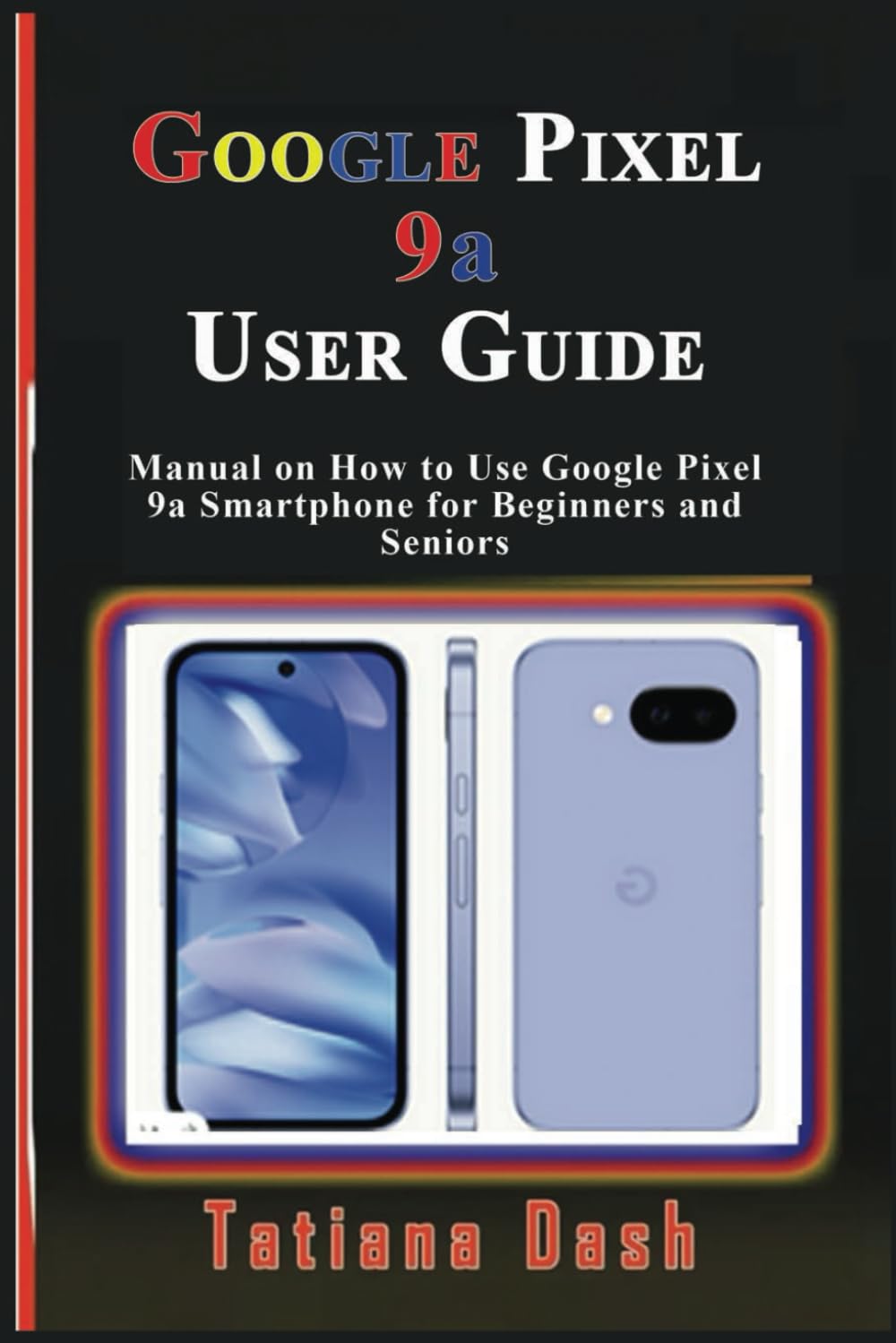
Image: Front cover of the Google Pixel 9a User Guide. This image displays the title and author of the manual.
1. د وسایلو ترتیب
Begin your Pixel 9a experience by setting up your device and configuring your network settings.
۲.۲ د وسیلې لومړنی ترتیب
- پاور آن: د بریښنا تڼۍ فشار ورکړئ او ونیسئ تر هغه چې د ګوګل لوګو څرګند شي.
- د ژبې انتخاب: له لیست څخه خپله خوښه ژبه غوره کړئ.
- وائی فای سره وصل کړئ: یو موجود وای فای شبکه غوره کړئ او که اړتیا وي نو پټنوم دننه کړئ.
- ایپس او ډاټا کاپي کړئ: د زاړه وسیلې څخه د معلوماتو لیږدولو یا د نوي په توګه تنظیم کولو لپاره په سکرین کې لارښوونې تعقیب کړئ.
- د ګوګل حساب ننوتل: خپل د ګوګل حساب اسناد دننه کړئ یا یو نوی حساب جوړ کړئ.
1.2 eSIM or SIM Card Settings
- Physical SIM: Insert your nano-SIM card into the SIM tray using the provided SIM ejector tool.
- د eSIM فعالول: ته لاړشئ ترتیبات > شبکه او انټرنیټ > سیم کارتونه and follow the instructions to add an eSIM profile.
۳. ستاسو د پکسل ۷a چلول
Familiarize yourself with the core functionalities and interface of your smartphone.
2.1 Mastering the Interface
- کور سکرین: Learn to navigate between home screens, add widgets, and organize apps.
- د نیویګیشن اشارې: د کور، شا او وروستیو ایپسونو لپاره د سویپ اشارې درک کړئ.
- ګړندي تنظیمات: Swipe down from the top of the screen to access essential settings like Wi-Fi, Bluetooth, and flashlight.
- خبرتیاوې: Manage and respond to notifications from the notification shade.
2.2 Customization Options
- وال پیپرونه: Change your home and lock screen wallpapers via Settings > Wallpaper & style. Explore AI wallpapers for unique designs.
- موضوعات: Apply different themes to alter the overall look and feel of your device.
- ویجټونه: Add widgets to your home screen for quick access to information and functions.
- د ښودلو ترتیبات: Adjust brightness, dark theme, night light, and screen timeout in ترتیبات> ښودنه.
2.3 Calls, Messages, & Contacts
- زنګ وهل: Use the Phone app to dial numbers or select contacts.
- د غږیز میل ترتیب: Configure your voicemail service through your carrier's instructions.
- Google Messages: Send and receive text messages, including RCS chats, using the Messages app.
- د اړیکو اداره کول: Add, edit, and organize contacts in the Contacts app. Sync contacts with your Google Account for backup.
2.4 Connectivity Essentials
- وای فای: له لارې د بېسیم شبکو سره وصل شئ ترتیبات> شبکه او انټرنیټ> انټرنیټ.
- د موبایل ډیټا: Enable or disable mobile data and manage data usage in ترتیبات > شبکه او انټرنیټ > سیم کارتونه.
- بلوتوث: Pair with Bluetooth devices like headphones or speakers via ترتیبات> تړل شوي وسایل.
- نږدې شریکول: شریکول files quickly with nearby Android devices.
- Personal Hotspot: Turn your Pixel 9a into a Wi-Fi hotspot to share your mobile data connection.
- USB & Bluetooth Tethering: Share your internet connection with other devices via USB cable or Bluetooth.
2.5 Google Camera & Photos
- د عکسونو اخیستل: د کیمرې ایپ خلاص کړئ او د شټر تڼۍ کلیک وکړئ.
- د کیمرې طریقې: Explore various modes such as Portrait, Night Sight, Panorama, and Video.
- ګوګل عکسونه: Automatically back up your photos and videos to Google Photos for secure storage and easy access across devices.
3. Battery & Performance Optimization
Optimize your device's battery life and overall performance.
- د بیټرۍ سیور: د بیټرۍ سیور حالت فعال کړئ په ترتیبات > بیټرۍ > د بیټرۍ سیور to extend battery life by limiting background activity.
- تطابق وړ بیټرۍ: This feature learns your usage patterns to prioritize power for apps you use most.
- د ذخیرې اداره کول: Regularly check and free up storage space via ترتیبات> ذخیره کول د غوره فعالیت ساتلو لپاره.
- ډیجیټل هوساینه: Use Digital Wellbeing features to monitor and manage your screen time and app usage.
4. Privacy & Security
Protect your personal information and secure your device.
- زما وسیله ومومئ: Set up Find My Device to locate, lock, or erase your phone remotely if it's lost or stolen.
- خوندي لټون: Ensure Safe Browsing is enabled in your browser settings to protect against malicious webسایټونه.
- د اپلیکیشن اجازه: Review and manage app permissions in ترتیبات > ایپسونه > ټول ایپسونه وګورئ > [د اپلیکیشن نوم] > اجازې.
- د محرمیت ډشبورډ: Access the Privacy Dashboard to see which apps have accessed your location, camera, or microphone recently.
5. Troubleshooting & Updates
Solutions for common issues and information on software updates.
۶.۱ عامې ستونزې او حل لارې
- د اپلیکیشن کریش: Clear app cache/data or reinstall the app.
- د نښلولو ستونزې: Toggle Wi-Fi/Bluetooth off and on, restart your device, or reset network settings.
- وسیله بې ځوابه: Perform a soft reset by holding the power button for about 30 seconds.
5.2 وسیلې بیا تنظیم کړئ
- نرم بیا تنظیم: Simply restart your phone.
- Hard Reset (Factory Data Reset): ورتګ ترتیبات> سیسټم> د بیا تنظیم کولو اختیارونه> ټول معلومات پاک کړئ (د فابریکې بیا تنظیم کول). Warning: This will erase all data on your device. Back up important information first.
5.3 د سافټویر تازه معلومات
Your Pixel 9a will receive regular software updates to improve performance, add new features, and enhance security. Check for updates in ترتیبات> سیسټم> د سیسټم تازه کول.
6. Tips, Tricks & Hidden Features
Discover advanced functionalities to enhance your Pixel 9a experience.
- چټک ټپ: Assign custom actions to a double-tap on the back of your phone.
- ورځنۍ چارې: Automate tasks based on specific conditions (e.g., turn on Wi-Fi when you arrive home).
- Hidden Pixel 9a Features: Explore unique Pixel-exclusive features for photography, AI, and more.
- Comparison to Pixel 8a: Understand the key improvements and differences if you are upgrading from a Pixel 8a.
Image: Back cover of the Google Pixel 9a User Guide. This image shows the ISBN barcode and publishing details.
ISBN-13: 979-8315618027
7. مشخصات
Key technical specifications for the Google Pixel 9a User Guide (Paperback).
| فیچر | تفصیل |
|---|---|
| ASIN | B0F2MZQW46 |
| خپرونکی | په خپلواکه توګه خپور شوی |
| د خپرولو نیټه | د مارچ 26، 2025 |
| ژبه | انګلیسي |
| د چاپ اوږدوالی | ۱۶۰ مخونه |
| ISBN-13 | 979-8315618027 |
| د توکي وزن | 5 اونس |
| ابعاد | 6 x 0.14 x 9 انچه |
۷. د تضمین او ملاتړ معلومات
Information regarding product warranty and customer support is not available in the provided data for this user manual. Please refer to the official Google Pixel 9a documentation or Google's support website for warranty details and assistance.


