1. پیژندنه
This manual provides essential information for setting up, operating, and maintaining your new Samsung 65" QLED Q7F 4K Smart TV (2025). This television features advanced Vision AI, Quantum HDR, and a Q4 AI Processor to deliver stunning 4K picture quality and intelligent performance. Please read this manual thoroughly before using your TV to ensure safe and optimal operation.
2. د خوندیتوب معلومات
د دې محصول کارولو پرمهال تل د خوندیتوب لومړني احتیاطي تدابیر تعقیب کړئ ترڅو د اور، بریښنا شاک او خلکو ته د ټپي کیدو خطر کم کړئ. دا لارښود د راتلونکي حوالې لپاره وساتئ.
- ځواک: Use only the supplied power cord. Do not overload wall outlets.
- وینټیلیشن: د تلویزیون شاوخوا مناسب هوا ورکول ډاډمن کړئ. د هوا د بهیدو لارې مه بندوئ.
- پاکول: د پاکولو دمخه تلویزیون خلاص کړئ. نرم او وچ ټوکر وکاروئ. د مایع پاکوونکو یا ایروسول پاکوونکو څخه کار مه اخلئ.
- اوبه او رطوبت: تلویزیون باران یا رطوبت ته مه ښکاره کوئ. په تلویزیون کې د مایعاتو ډک شیان مه ځای پر ځای کوئ.
- پورته کول: Follow instructions carefully when mounting the TV on a wall or stand. Ensure the mounting surface can support the TV's weight.
- ماشومان: ماشومانو ته اجازه مه ورکوئ چې په تلویزیون یا سټینډ وخیژي.
۲. په بکس کې څه دي؟
ډاډ ترلاسه کړئ چې ټولې برخې شتون لري:
- د سامسنګ QLED Q7F 4K ویژن AI سمارټ تلویزیون (2025)
- د سولارسیل ریموټ TM2560E (ریموټ کنټرول)
- د بریښنا کیبل
- د کارونکي لارښود (دا لاسوند)

Image: The Samsung QLED Q7F 4K Smart TV, its remote control, power cable, and user manual are shown as included items.
4. ترتیب کول
۱. فزیکي ترتیب
Your Samsung QLED Q7F TV can be placed on a stand or wall-mounted. Ensure the TV is placed on a stable, level surface if using the stand, or securely mounted to a wall according to the wall mount instructions (sold separately).
د سټینډ سره نښلول
Carefully place the TV screen-down on a soft, flat surface to prevent damage. Align the stand components with the designated slots on the TV and secure them using the provided screws. Ensure the stand is firmly attached before placing the TV upright.

انځور: یوه مخ view of the Samsung QLED Q7F 4K Smart TV with its stand attached, ready for placement.
دیوال نصبول
If wall-mounting, refer to the wall mount kit's instructions for proper installation. The TV supports VESA mounting standards. Ensure all cables are connected before mounting the TV to the wall.

انځور: یو اړخ پروfile of the Samsung QLED Q7F 4K Smart TV, highlighting its slim design suitable for wall mounting.
4.2. د پردیو نښلول
Connect your external devices such as Blu-ray players, gaming consoles, sound systems, and cable/satellite boxes to the TV's ports.
- HDMI بندرونه: The TV features multiple HDMI ports for high-definition audio and video. Use HDMI 3 (eARC) for soundbars or AV receivers supporting Audio Return Channel.
- USB پورټونه: د میډیا پلے بیک یا سافټویر تازه معلوماتو لپاره د USB ذخیره کولو وسایل وصل کړئ.
- LAN پورټ: For a wired internet connection. Alternatively, use Wi-Fi.

انځور: نږدې انځور view of the rear input ports on the Samsung QLED Q7F 4K Smart TV, including HDMI, USB, and LAN connections.
4.3. Initial Power On & Smart Hub Setup
After connecting the power cable and any desired devices, press the power button on the remote control to turn on the TV. Follow the on-screen instructions to complete the initial setup, including:
- د ژبې انتخاب: خپله غوره ژبه غوره کړئ.
- د شبکې پیوستون: خپل وای فای شبکې سره وصل شئ یا د تار لرونکي LAN اتصال څخه کار واخلئ.
- د سامسنګ حساب: Sign in or create a Samsung account to access Smart Hub features, apps, and services.
- د چینل سکین: که چیرې انتن کاروئ، د شته نشراتي چینلونو لپاره سکین وکړئ.
Video: An official Samsung video demonstrating the setup process for a Samsung Smart TV, including initial power-on and Smart Hub configuration.
5. ستاسو د تلویزیون چلول
5.1. د ریموټ کنټرول افعالونه
The SOLARCELL REMOTE TM2560E is designed for intuitive control of your Samsung Smart TV. It features a minimalist design with essential buttons for navigation, volume, channel, and direct access to popular streaming services.

Image: The sleek, black Samsung SOLARCELL REMOTE TM2560E remote control, featuring a solar panel on the back for charging.
۳.۲. د سمارټ هب نیویګیشن
The Smart Hub is your gateway to all the smart features of your TV. Use the remote's navigation buttons to browse apps, live TV, connected devices, and recommended content. The intuitive interface allows for quick access to your favorite entertainment.
5.3. د انځور ترتیبات
Your QLED Q7F TV offers exceptional picture quality with various settings to customize your viewتجربه:
- د QLED ښودنه: Experience over one billion authentic hues with Pantone-certified color accuracy and 100% Color Volume with Quantum Dot technology.
- کوانټم HDR: Enhances contrast and reveals hidden details in both bright and dark scenes, providing a more lifelike image.
- د Q4 AI پروسسر: Intelligently optimizes picture and sound quality, upscaling content to stunning 4K resolution regardless of the original source.
- د حرکت ایکسلرټر 60Hz: Reduces blur and judder in fast-moving scenes, ideal for sports and action content.
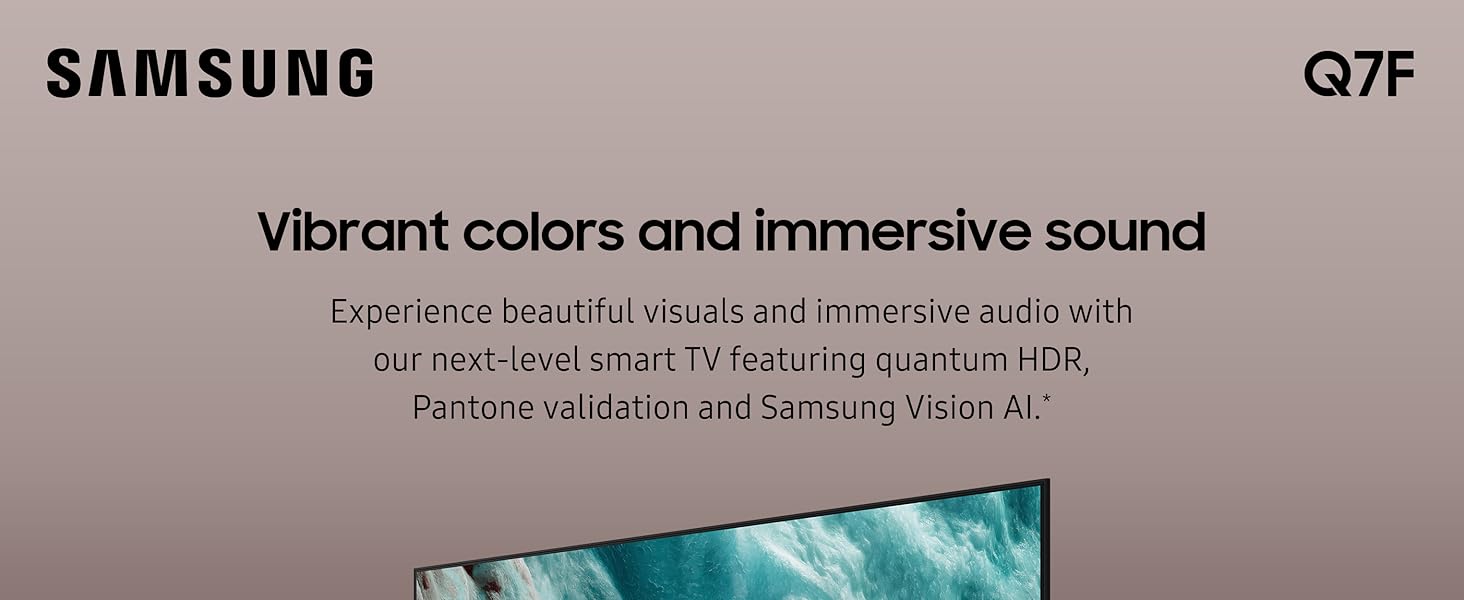
Image: The Samsung QLED Q7F 4K Smart TV showcasing its vibrant colors and immersive audio capabilities, highlighting the visual and auditory brilliance.
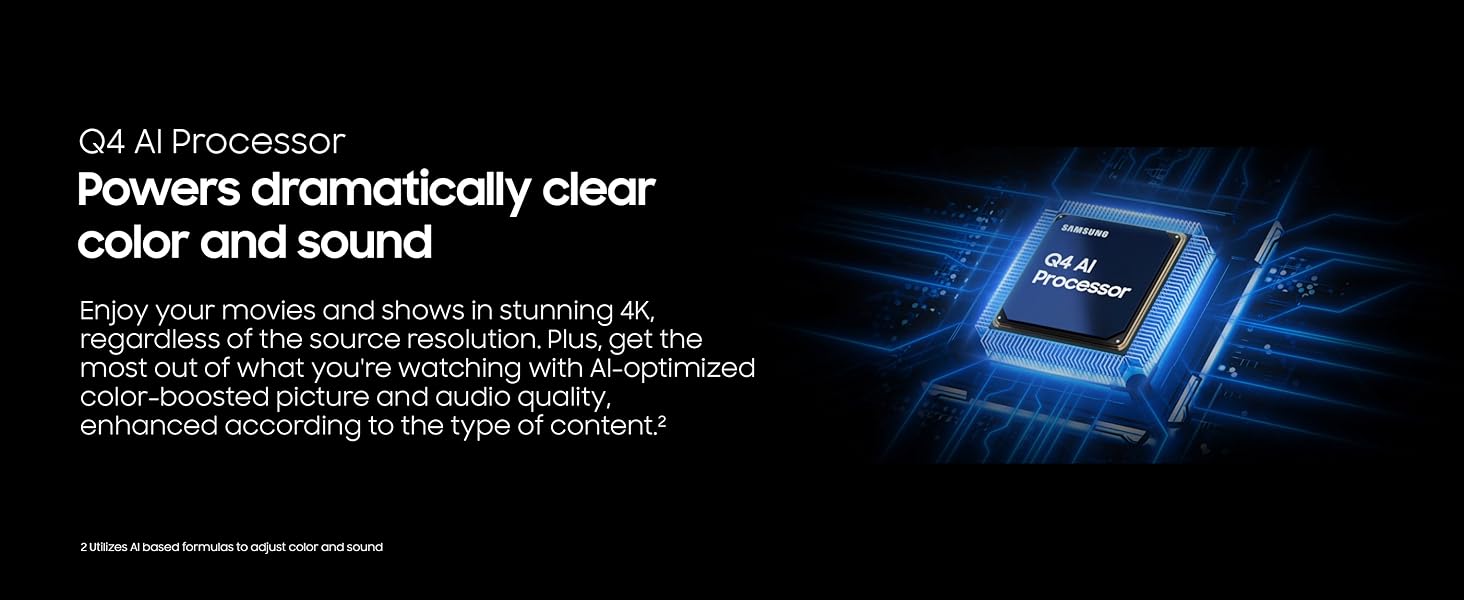
Image: The Samsung QLED Q7F 4K Smart TV demonstrating its 100% Color Volume with Quantum Dot technology, displaying over a billion true colors.
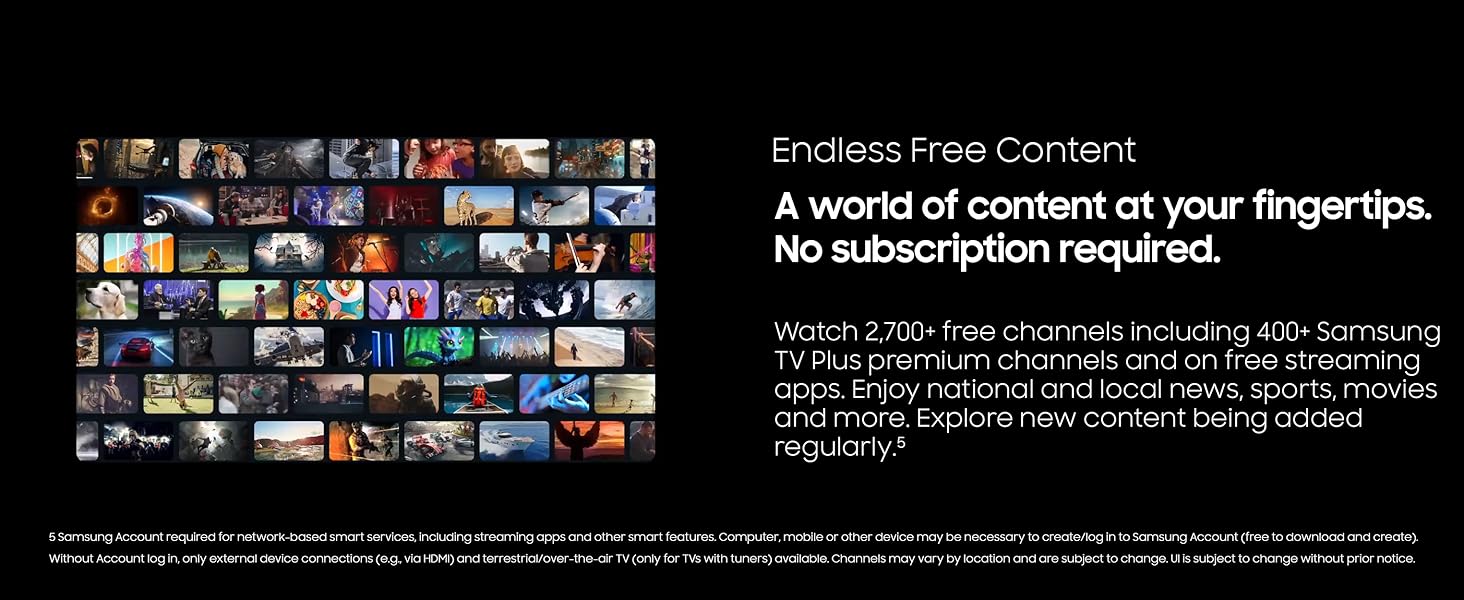
Image: The Samsung QLED Q7F 4K Smart TV illustrating Quantum HDR, which brings out deep blacks and bold contrast for detailed imagery.
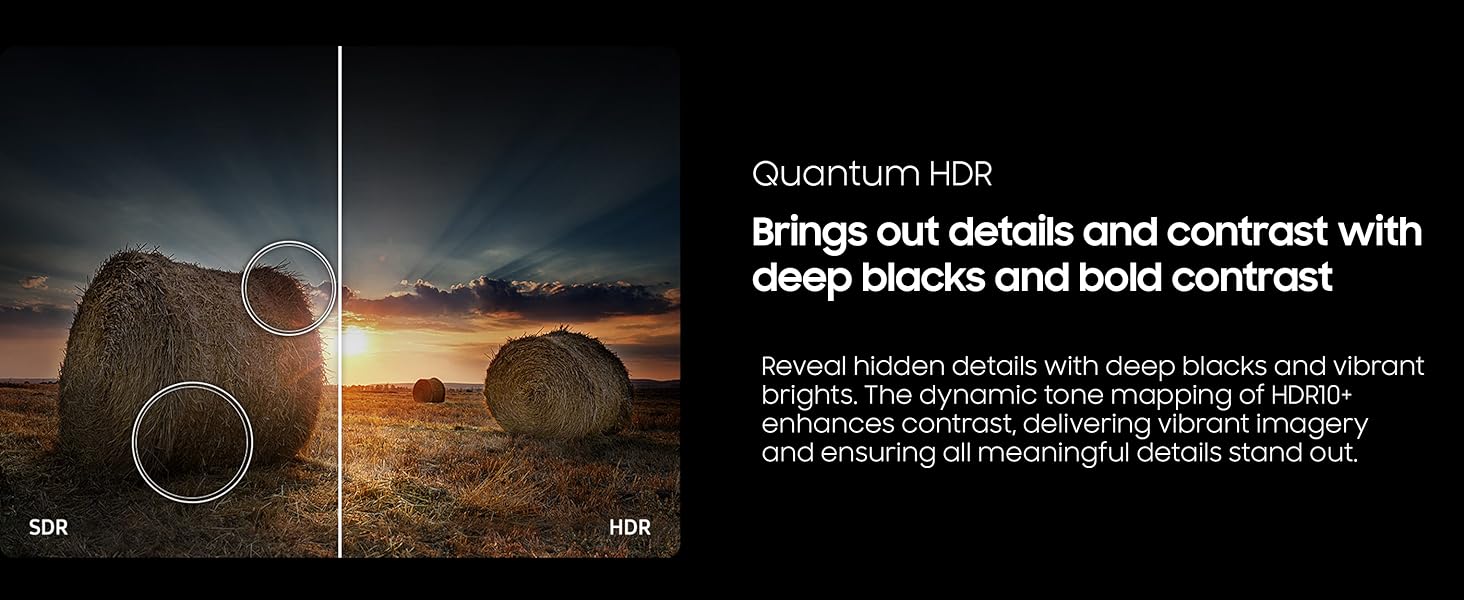
Image: The Samsung QLED Q7F 4K Smart TV highlighting its 4K Upscaling capability, which upgrades lower-resolution content to crisp 4K clarity.
5.4. د غږ تنظیمات
The TV features an advanced 3D audio system that syncs with on-screen motion. Adaptive Sound automatically adjusts audio levels for optimal listening, whether it needs to be louder or softer. For enhanced audio, consider pairing with a compatible Samsung soundbar for Q-Symphony functionality.
5.5. سمارټ ځانګړتیاوې
- Vision AI: Powers intelligent optimization of picture and sound.
- د سامسنګ ناکس امنیت: Protects your TV experience from harmful attacks, unauthorized apps, and phishing websites, safeguarding your personal information and connected IoT devices.
- بې پایه وړیا مواد: Access over 2,700 free channels, including 400+ Samsung TV Plus premium channels and free streaming apps, without a subscription.
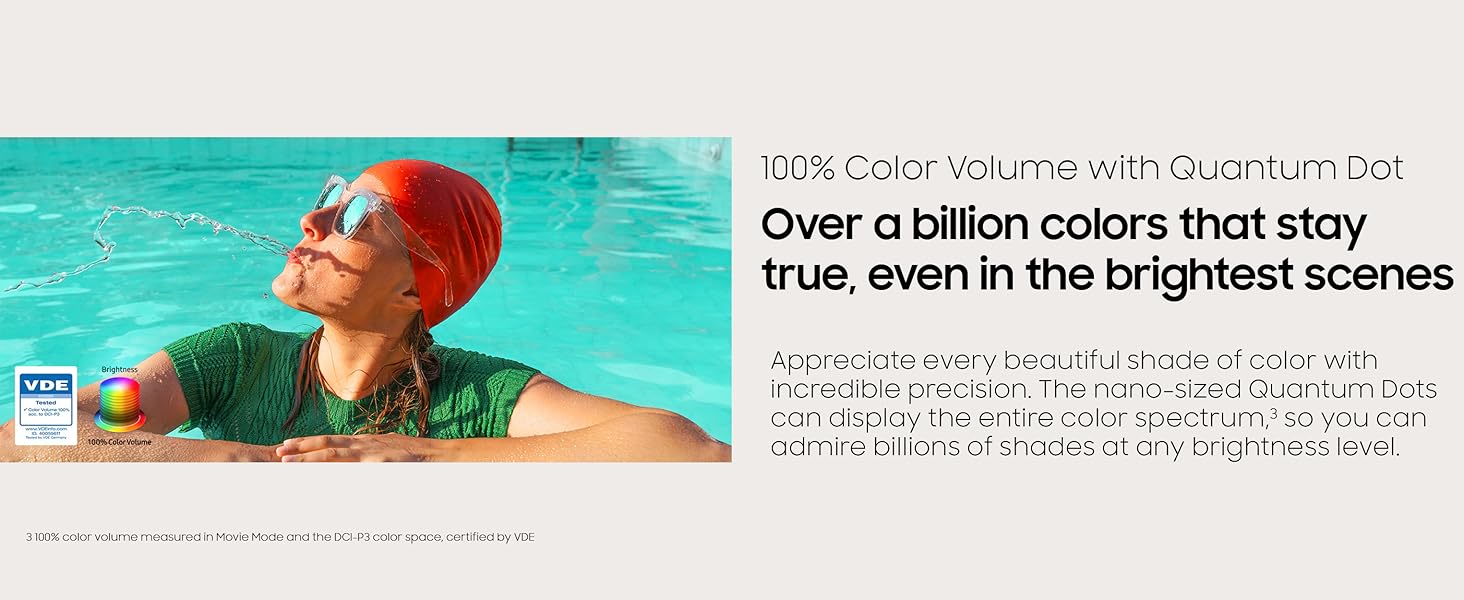
Image: The Samsung QLED Q7F 4K Smart TV highlighting its Samsung Knox Security, which provides triple-layer protection for personal data and connected devices.
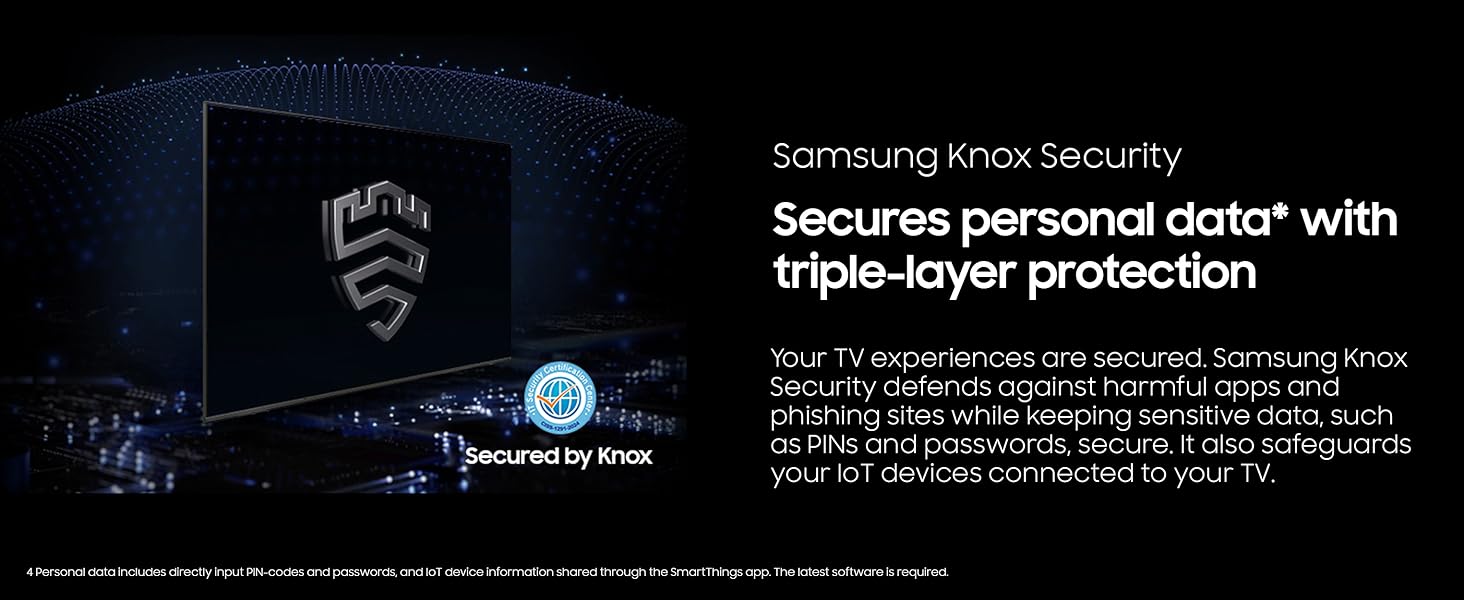
Image: The Samsung QLED Q7F 4K Smart TV showcasing its 'Endless Free Content' feature, offering a wide world of streaming content without subscription.
۵. د لوبو ځانګړتیاوې
The QLED Q7F is optimized for gaming, offering a responsive and immersive experience:
- د حرکت ایکسلرټر 60Hz: Ensures clear picture and smooth motion, reducing lag and blur during gameplay.
- کلاوډ لوبې: د کلاوډ لوبو خدماتو ته مستقیم له خپل تلویزیون څخه لاسرسی ومومئ (ګډون ممکن اړین وي).

Image: The Samsung QLED Q7F 4K Smart TV illustrating its Motion Xcelerator 60Hz feature, providing clear picture and smooth motion for games and sports.
6. ساتنه
6.1. پاکول
To clean your TV, first unplug the power cord. Use a soft, microfiber cloth to gently wipe the screen and frame. Do not use harsh chemicals, abrasive materials, or spray cleaners directly onto the TV.
6.2. د سافټویر تازه معلومات
Ensure your TV's software is always up to date for optimal performance and security. You can usually find software update options in the TV's settings menu under 'Support' or 'Software Update'. The TV may also automatically download and install updates when connected to the internet.
7. ستونزه حل کول
که تاسو په خپل تلویزیون کې ستونزې سره مخ شئ، نو لاندې اساسي ستونزې حل کولو ګامونه هڅه وکړئ:
- ځواک نشته: وګورئ چې د بریښنا تار په خوندي ډول د تلویزیون او دیوال ساکټ سره نښلول شوی دی. یو بل ساکټ هڅه وکړئ.
- انځور/غږ نشته: ډاډ ترلاسه کړئ چې د ننوتلو سمه سرچینه غوره شوې ده. د کیبل ټولې اړیکې (HDMI، او نور) د نرموالي لپاره وګورئ.
- ریموټ کار نه کوي: Ensure the remote has sufficient charge (SOLARCELL REMOTE can be charged via solar or USB-C). Point the remote directly at the TV.
- د شبکې د اتصال ستونزې: Restart your router and modem. Reconnect the TV to the Wi-Fi network in the settings menu.
- د انځور/غږ تحریف: Try adjusting picture and sound settings. If using external devices, check their settings and connections.
- د فابریکې رییس: As a last resort, you can perform a factory reset through the TV's settings menu. This will erase all personalized settings.
8. مشخصات
| فیچر | تفصیل |
|---|---|
| برانډ | سامسونگ |
| د ماډل شمیره | د E1SAMQN65Q7F معرفي کول |
| د سکرین اندازه | ۷۴.۵ انچه (۷۵ انچه ټولګي) |
| ټیکنالوژي ښکاره کول | QLED |
| قرارداد | 4K (3840 x 2160) |
| د تازه کولو نرخ | 60 Hz |
| پروسیسر | د Q4 AI پروسیسر |
| ځانګړي ځانګړتیاوې | 100% Color Volume with Quantum Dot, Vision AI, Quantum HDR, Samsung Knox Security, Motion Xcelerator 60Hz, Adaptive Sound, Cloud Gaming |
| ارتباط | Bluetooth, Wi-Fi, Multiple HDMI, USB |
| د محصول ابعاد | ۱۶"د x ۲۶"وچ x ۴۷"ح |
| د توکي وزن | 37.7 پونډه |
9. تضمین او ملاتړ
Your Samsung QLED Q7F 4K Smart TV (2025) is covered by a limited manufacturer's warranty. Please refer to the warranty card included in your product packaging for specific terms and conditions. For technical support, service, or additional information, visit the official Samsung support webسایټ یا د سامسنګ پیرودونکي خدماتو سره اړیکه ونیسئ.


