1. پیژندنه
ته ښه راغلاست Golden Tee Arcade Classics for Nintendo Switch! This collection brings the iconic arcade golf experience to your console, featuring six foundational Golden Tee titles along with two bonus arcade games: Shuffleshot and World Class Bowling. This manual provides essential information to help you set up, play, and enjoy your game.
شاملې لوبې:
- Golden Tee 3D Golf
- Golden Tee 97
- Golden Tee 98
- Golden Tee 99
- Golden Tee 2K
- Golden Tee Classic
- Shuffleshot
- World Class Bowling
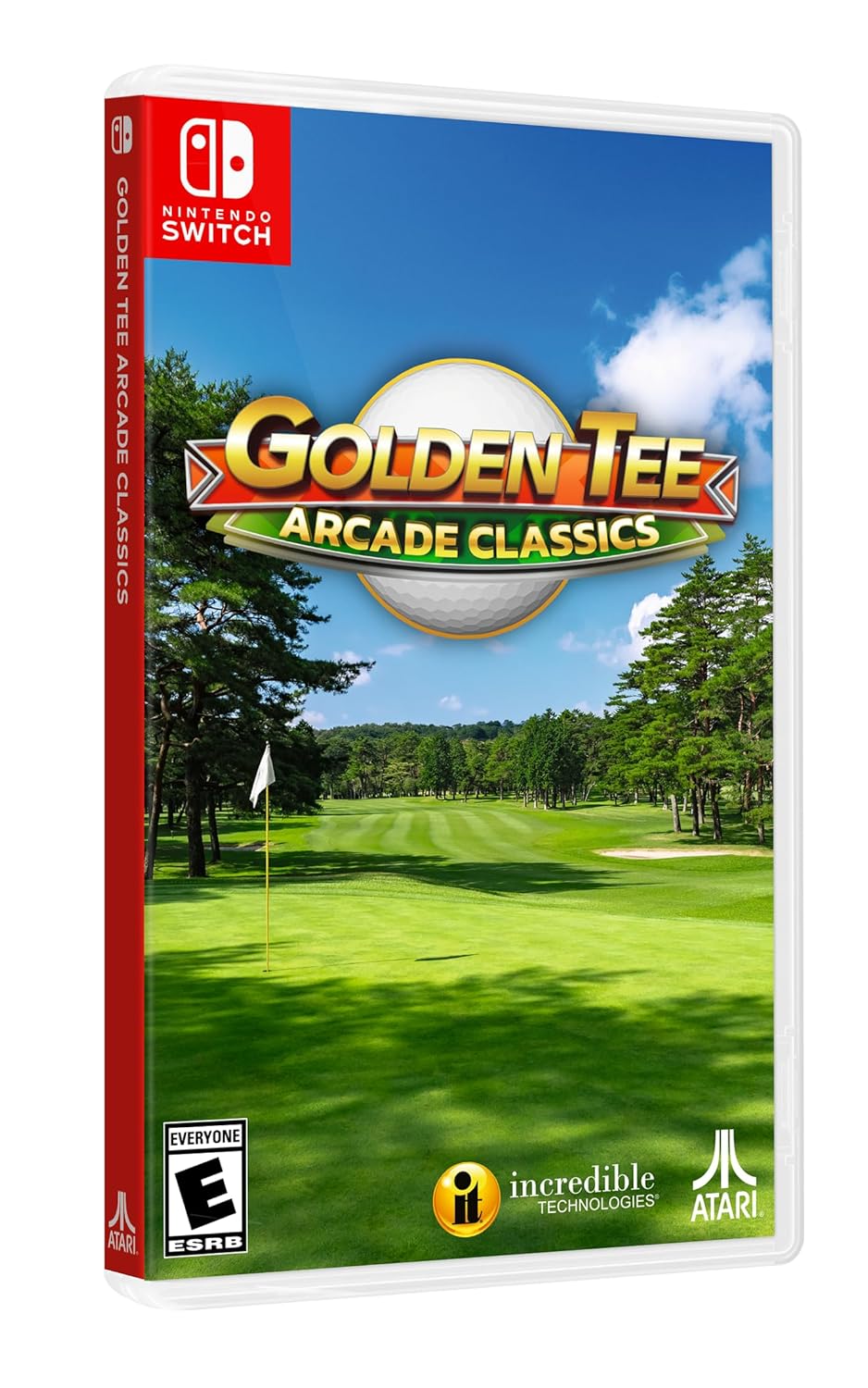
Figure 1.1: Golden Tee Arcade Classics Nintendo Switch game case.
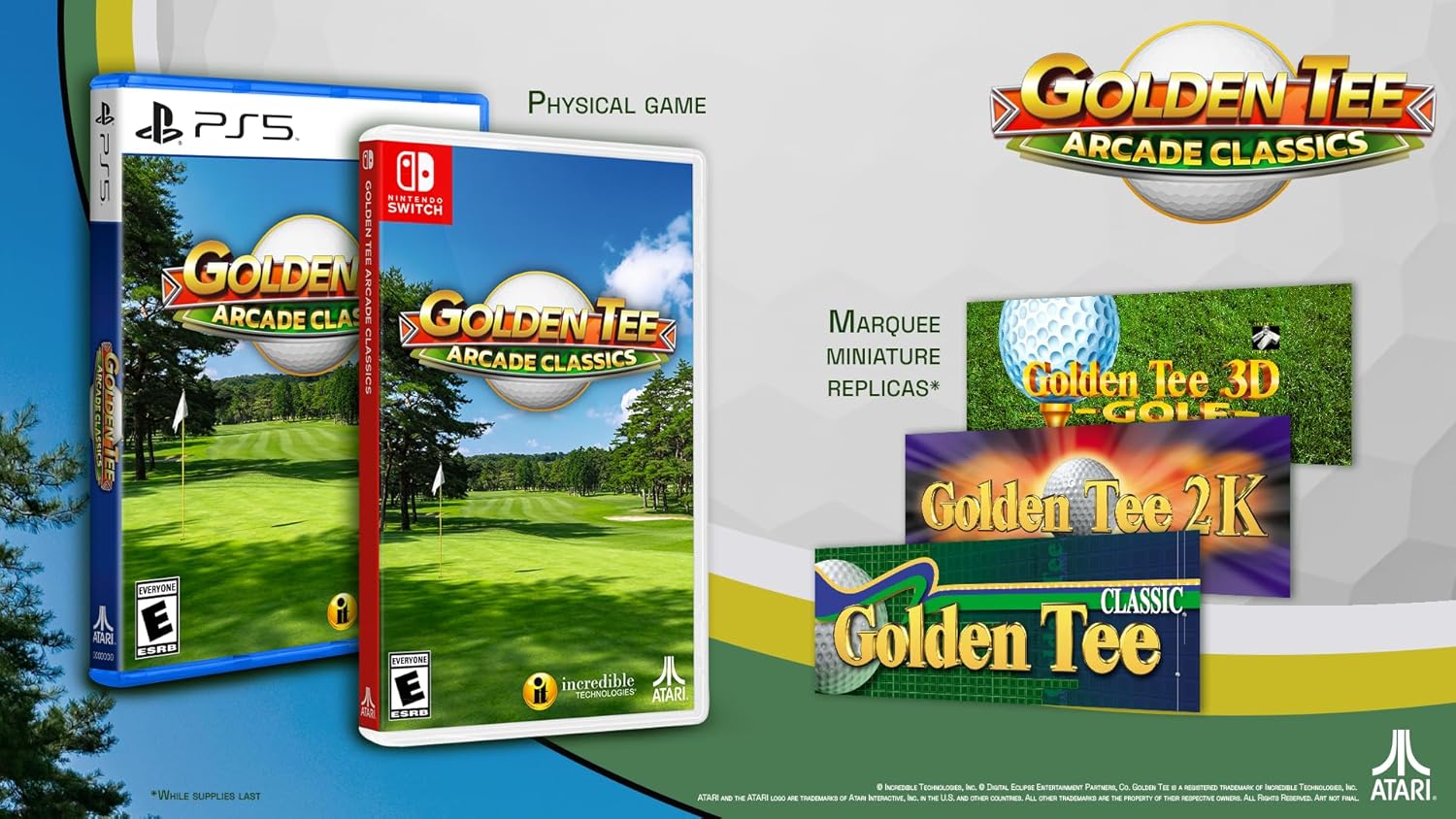
Figure 1.2: Physical edition contents, showing game cases and miniature marquee replicas.
2. ترتیب او نصب کول
Follow these steps to install and begin playing Golden Tee Arcade Classics on your Nintendo Switch console.
- د لوبې کارت داخل کړئ: Gently insert the Golden Tee Arcade Classics game card into the game card slot on your Nintendo Switch console. Ensure it clicks into place.
- لومړنی پیل: From the Nintendo Switch HOME Menu, select the Golden Tee Arcade Classics icon to launch the game.
- Software Update (if prompted): If an internet connection is available, the console may prompt you to download a software update. It is recommended to download and install any available updates for the best gameplay experience.
- Account Selection: Select the user account you wish to play with.
- لوبه پیل کړئ: Once the game loads, follow the on-screen prompts to begin playing.
۳. عملیات او لوبه
Golden Tee Arcade Classics offers various ways to play and enjoy the classic arcade experience.
3.1. کنټرولونه
The game supports multiple control schemes to accommodate different play styles:
- د لوبې پیډ: Utilize the Joy-Con controllers or a Pro Controller for traditional button and stick input.
- ټچ سکرین: In handheld mode, you can use the Nintendo Switch touchscreen for direct input, mimicking the arcade trackball experience.
- Trackball/Mouse (if supported by platform): For platforms that support external peripherals, a trackball or mouse can be used for precise control, replicating the original arcade feel.
Specific in-game control prompts will guide you through actions like swinging, putting, and navigating menus.
3.2. Core Gameplay Mechanics (Golden Tee)
The primary objective in Golden Tee is to complete each golf course with the lowest possible score. Key mechanics include:
- موټر چلول: Use a forward and backward motion (or equivalent input) to power your shot.
- ټوټه کول: Shorter, more controlled shots to get closer to the hole.
- Putting: Precise shots on the green to sink the ball into the hole.
- Wind and Terrain: Pay attention to wind direction and speed, as well as the slope of the green, to adjust your shots.
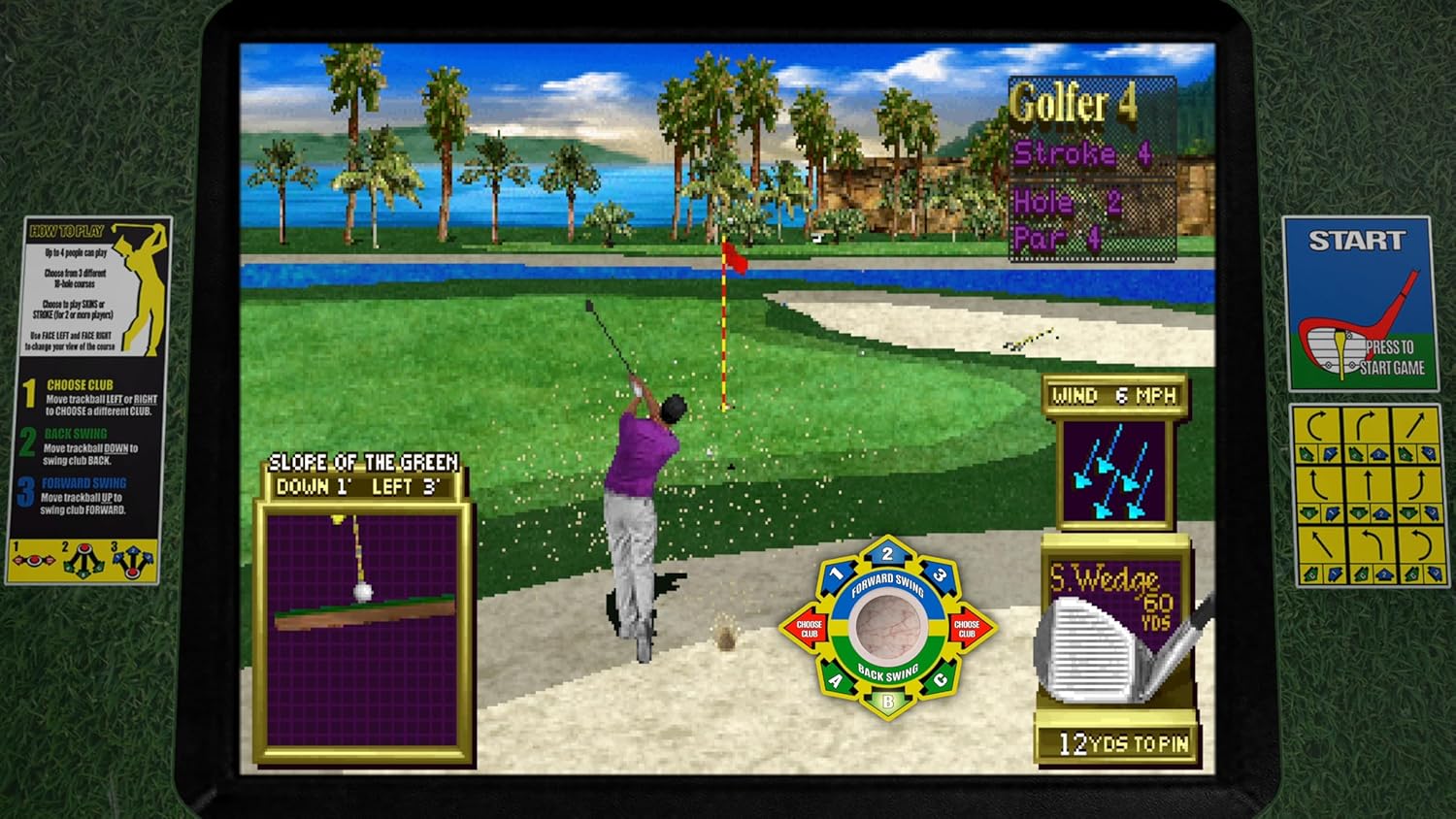
Figure 3.1: Golden Tee gameplay showing a golfer's swing setup.
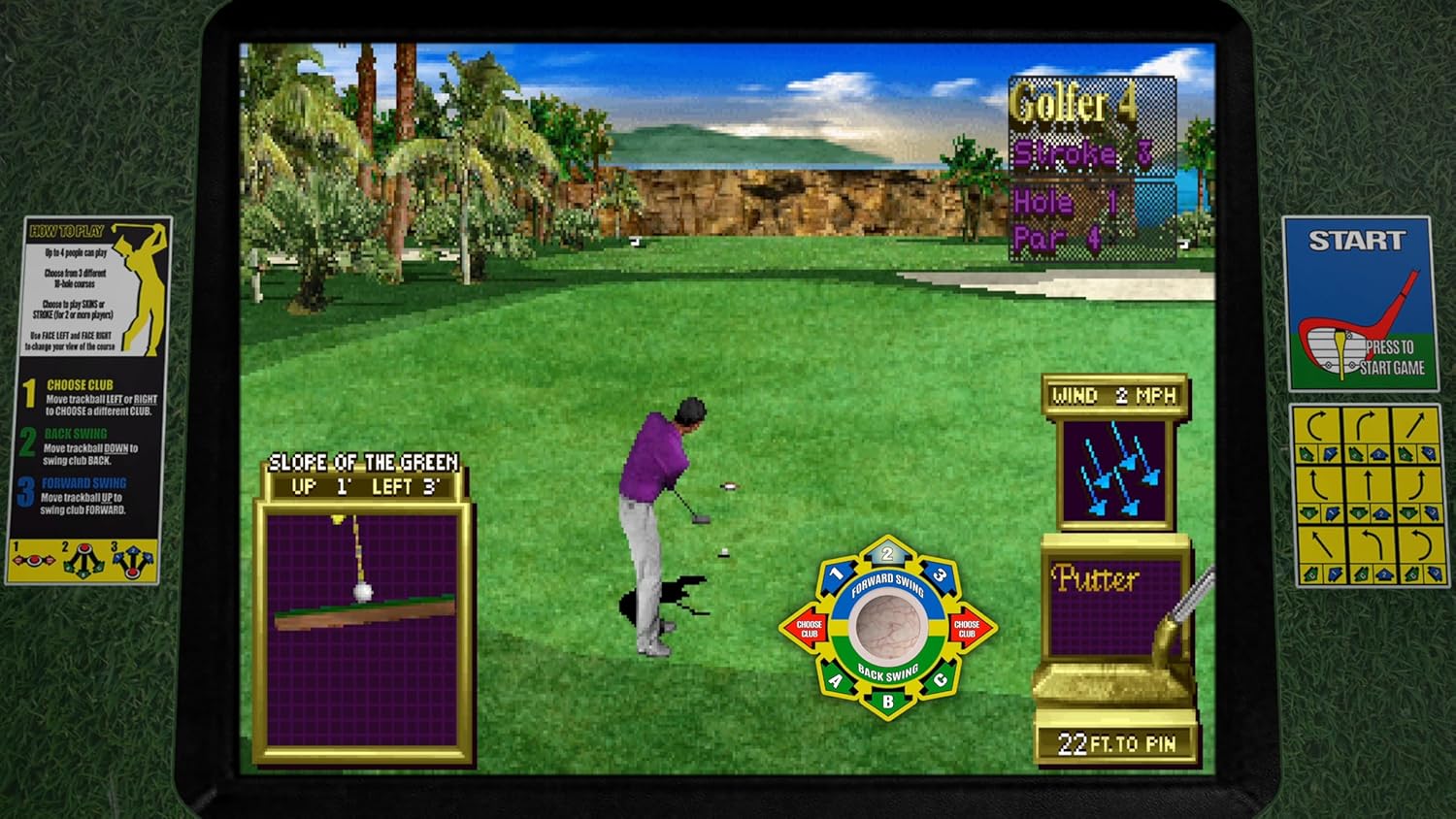
Figure 3.2: Golden Tee gameplay demonstrating putting on the green.
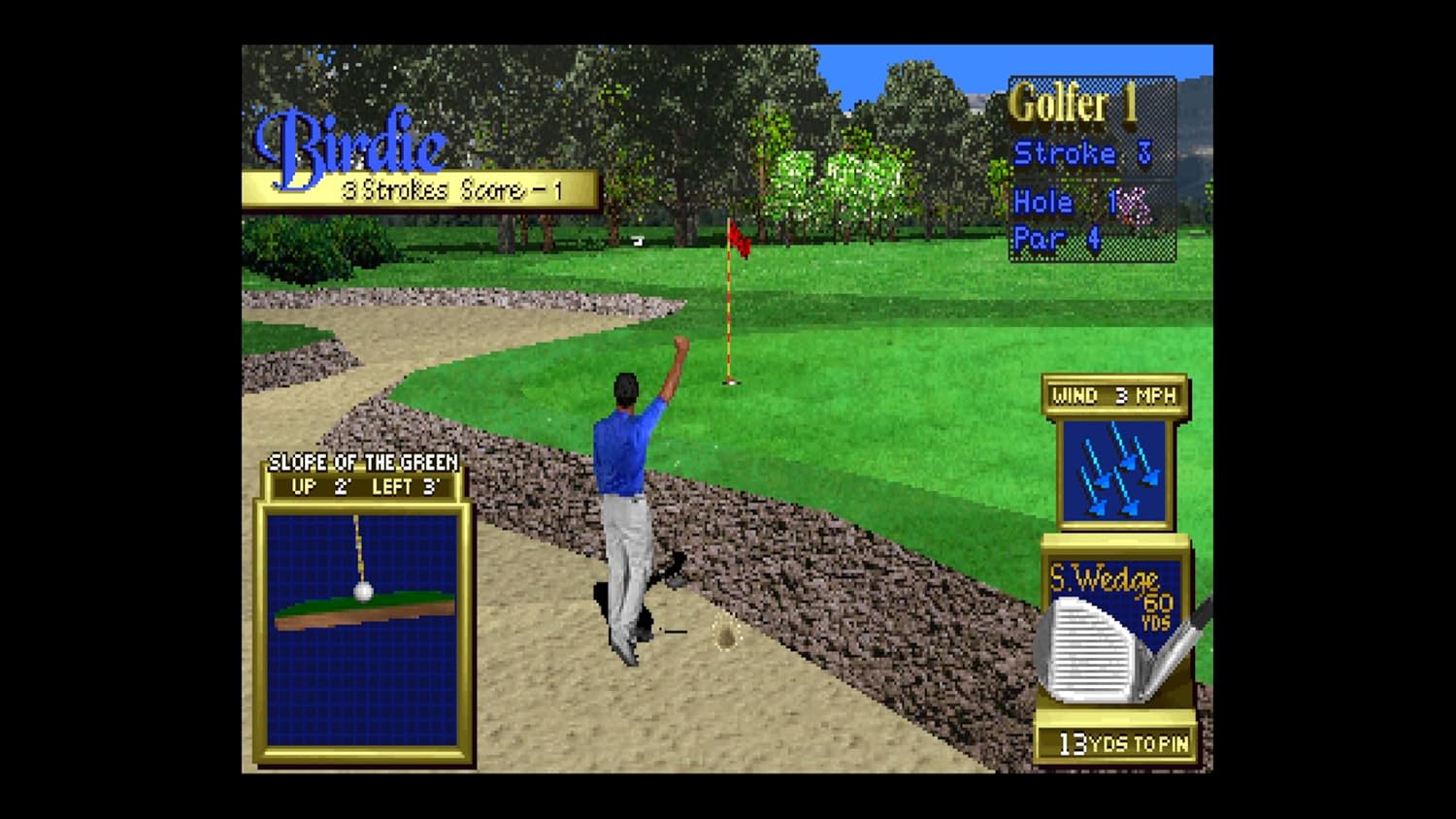
Figure 3.3: Golden Tee gameplay showing a successful shot resulting in a birdie.
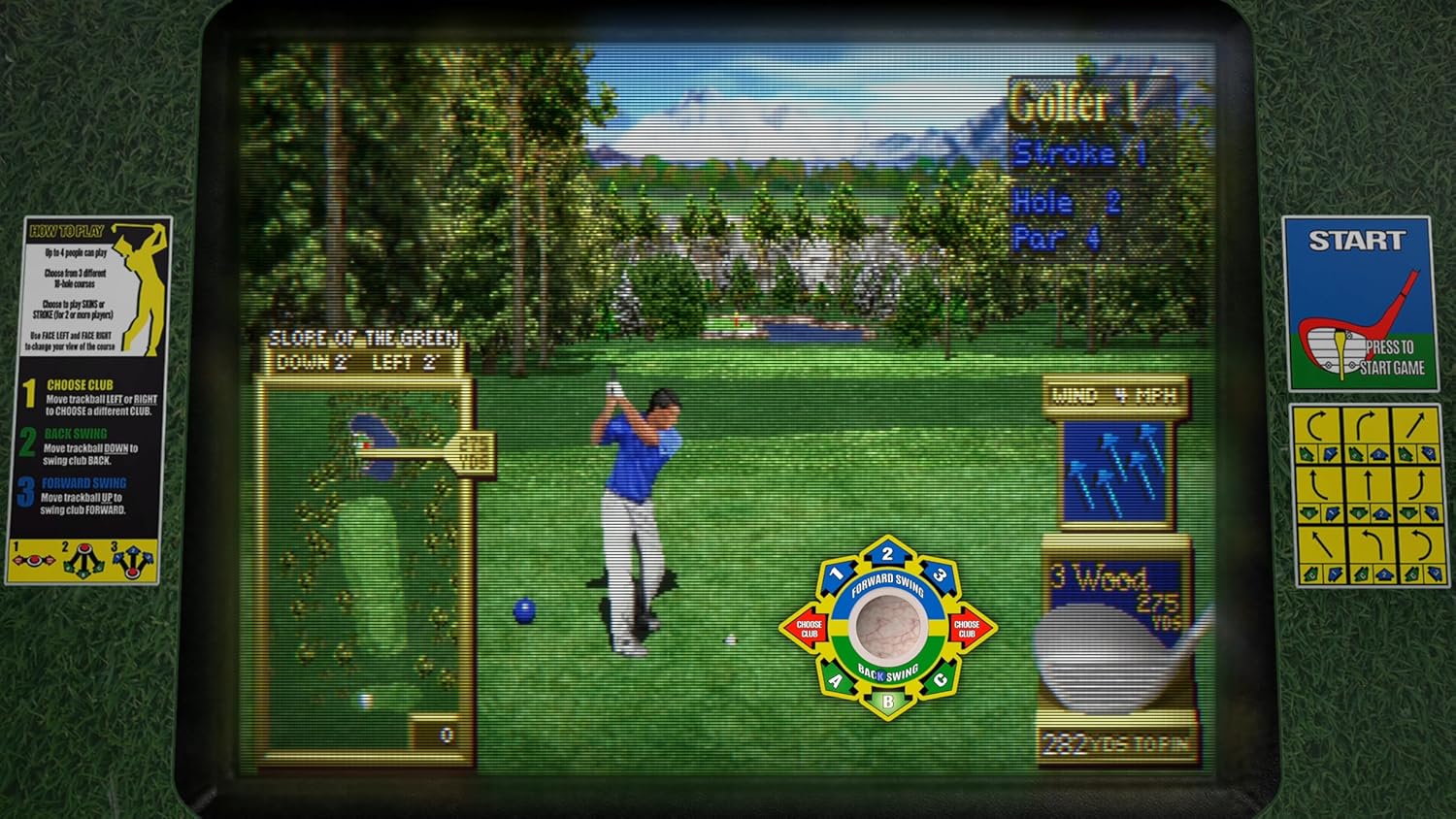
Figure 3.4: Golden Tee gameplay with a golfer executing a powerful drive.
3.3. Game Modes and Features
- د تمرین حالت: A new feature allowing players to hone their driving, chipping, and putting skills without the pressure of a full game.
- Mulligan Feature: If a shot goes awry, use a Mulligan to retry for that perfect shot.
- Turn-Based Multiplayer: Challenge up to three friends in all game modes, taking turns to compete for the best score.
- Achievements and Trophies: Unlock in-game achievements for golf, shuffleshot, and bowling as you progress.
3.4. Shuffleshot and World Class Bowling
In addition to the Golden Tee series, enjoy these two classic arcade games:
- Shuffleshot: A digital recreation of shuffleboard, requiring precision and strategy to score points by sliding pucks across a table.
- World Class Bowling: Experience classic ten-pin bowling with intuitive controls and realistic physics.
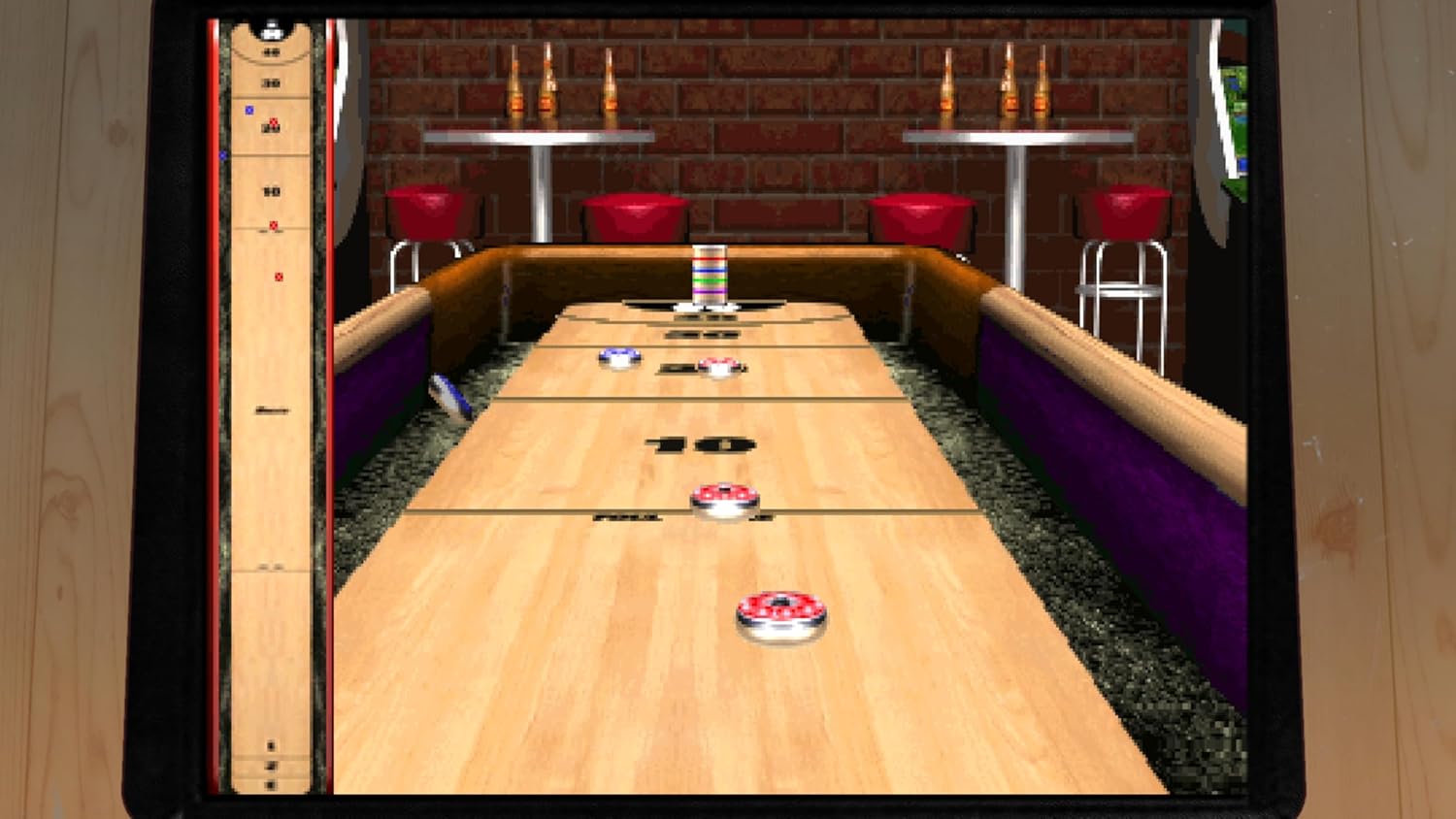
Figure 3.5: Shuffleshot gameplay screen.

Figure 3.6: World Class Bowling gameplay screen.
4. ساتنه
As a software product, Golden Tee Arcade Classics requires minimal physical maintenance. However, following these general guidelines can help ensure optimal performance:
- Keep Console Software Updated: Ensure your Nintendo Switch system software is always up to date. This can improve game compatibility and performance.
- د لوبې کارت پاملرنه: If you have the physical game card, handle it by the edges and store it in its case when not in use to prevent scratches or damage. Keep the contacts clean and free of dust.
- د ډیجیټل لوبې مدیریت: If you have the digital version, ensure sufficient storage space is available on your console or microSD card.
- د انټرنیټ پیوستون: Maintain a stable internet connection for downloading updates and accessing any online features (if applicable).
5. ستونزه حل کول
If you encounter issues while playing Golden Tee Arcade Classics, try the following solutions:
5.1. Game Not Starting or Freezing
- کنسول بیا پیل کړئ: Hold down the POWER Button for three seconds, then select "Power Options" > "Restart."
- Check Game Card/Download: For physical cards, ensure it is inserted correctly. For digital, verify the download is complete and not corrupted. Try redownloading if necessary.
- د تازه معلوماتو لپاره وګورئ: Ensure both the game and console system software are fully updated.
- کیچ پاک کړئ: Go to System Settings > System > Formatting Options > Clear Cache. This will not delete save data.
5.2. Control Issues
- Reconnect Controllers: Detach and reattach Joy-Cons, or re-pair your Pro Controller.
- Calibrate Sticks/Motion Controls: In System Settings, navigate to Controllers and Sensors to calibrate control sticks or motion controls.
- بیټرۍ چیک کړئ: Ensure your controllers have sufficient battery charge.
5.3. Audio/Video Problems
- حجم چیک کړئ: Ensure console volume is up and not muted.
- TV/Monitor Connection: If docked, check HDMI cable connection to your TV/monitor.
- لوبه بیا پیل کړئ: Sometimes simply closing and reopening the game can resolve minor glitches.
6. مشخصات
| فیچر | تفصیل |
|---|---|
| ASIN | B0FDXVHGZC |
| د خپریدو نیټه | د اکتوبر ۲۹، ۲۰۲۳ |
| د توکي ډول | ویډیو لوبه |
| ژبه | انګلیسي |
| درجه بندي | درجه بندي پاتې ده |
| د توکي وزن | 3.2 اونس |
| جوړونکی | Atari Interactive |
| لومړی شتون لري | د ۲۰۲۳ کال د جون ۱۹ |
7. تضمین او ملاتړ
For specific warranty information regarding Golden Tee Arcade Classics, please refer to the official website of the game's publisher, Atari Interactive, or the game's developer, Digital Eclipse. Warranty terms typically cover defects in the game software or physical media.
7.1. تخنیکي ملاتړ
If you encounter technical issues not covered in the troubleshooting section, or require further assistance, please visit the official support channels provided by Atari Interactive or Digital Eclipse. These resources often include FAQs, forums, and direct contact options for customer support.
For general Nintendo Switch console support, please visit the official Nintendo Support webسایټ


