1. پیژندنه
This user manual provides comprehensive instructions for the NEC VersaPro VH-1 laptop. It covers setup, operation, maintenance, and troubleshooting to ensure optimal performance and user experience. Please read this manual thoroughly before using your device.
The NEC VersaPro VH-1 is a lightweight and high-performance 12.5-inch Full HD laptop, featuring a 7th Generation Intel Core i5-7Y54 processor. It is designed for efficient web browsing, business applications, and remote work. With pre-installed Windows 11 Pro and MS Office 2019, it is ready for immediate use upon arrival.
2. محصول ختم شوview
2.1 کلیدي ځانګړتیاوې
- Lightweight & Thin Design: Weighing approximately 921g, this 12.5-inch FHD laptop is highly portable, fitting easily into a backpack for commuting, business trips, or mobile work.
- 7th Gen Intel Core i5-7Y54 Processor: Equipped with an efficient and power-saving Intel Core i5-7Y54 (up to 3.2GHz) processor, offering sufficient performance for browsing, online meetings, and Office applications. It also features quiet operation and low heat generation.
- High-Speed SSD Storage: Features an SSD for fast boot-up and smooth operation, handling large files and multiple applications without lag.
- Rich Connectivity & Type-C Expansion: په کې شامل دي Web camera, Wi-Fi, Bluetooth, HDMI, and a Type-C port for versatile connections to peripherals and external monitors. The Type-C port supports future expansion.
- Pre-installed Software: Comes with Windows 11 Pro and MS Office 2019 pre-installed, allowing immediate document creation, report preparation, and web کنفرانس
2.2 د اجزاو پیژندنه
Familiarize yourself with the various parts of your NEC VersaPro VH-1 laptop.

انځور: مختلف views of the NEC VersaPro VH-1 laptop, showing the front, back, top, and keyboard layout.

انځور: اړخ view of the laptop highlighting available ports including USB 3.0, LAN, Headphone Jack, HDMI, SD Card Slot, and Power Connector.
3. ترتیب کول
3.1 ابتدايي پاور آن
- بریښنا وصل کړئ: د AC اډاپټر د لپ ټاپ د بریښنا پورټ سره وصل کړئ او بیا د دیوال آوټ لیټ سره وصل کړئ.
- پاور آن: Open the laptop lid and press the power button. The laptop will begin the initial boot process.
- د وینډوز تنظیم کول: د وینډوز 11 پرو تنظیم بشپړولو لپاره په سکرین کې لارښوونې تعقیب کړئ، پشمول د ژبې، سیمې، شبکې اتصال، او د کارونکي حساب جوړول.
۴.۲ د سافټویر فعالول
Your laptop comes with MS Office 2019 pre-installed. Follow the prompts to activate your Office suite using your Microsoft account or product key.

Image: The laptop displaying the Windows 11 interface, with logos indicating Windows 11 Pro and MS Office 2019 are installed and ready for use.
4. عملیاتي لارښوونې
4.1 بنسټیز کارول
- کیبورډ: The laptop features a Japanese layout keyboard designed for comfortable and accurate typing.
- ټچ پیډ: Use the integrated touchpad for navigation and gestures.
- Web کمره: جوړ شوی web camera and dual microphones are ideal for remote work, online meetings, and video calls.

Image: A user engaged in a video conference call on the NEC VersaPro VH-1 laptop, demonstrating its web camera and dual microphone capabilities for remote work and online learning.
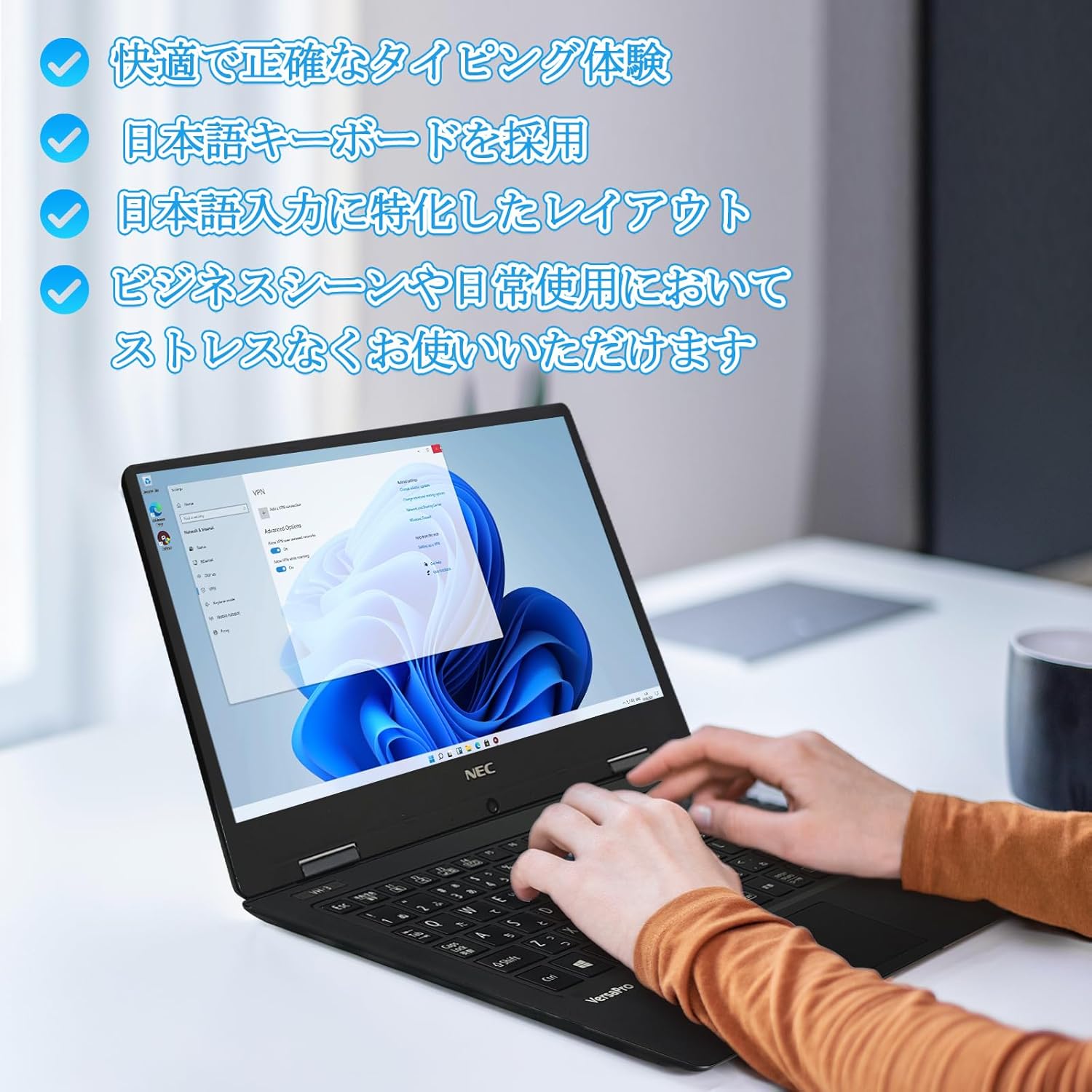
Image: Close-up of hands typing on the laptop's keyboard, illustrating the comfortable and precise typing experience provided by the Japanese layout keyboard.
4.2 نښلول
- وای فای: د انټرنیټ لاسرسي لپاره بېسیم شبکو سره وصل شئ.
- بلوتوث: Pair with Bluetooth-enabled devices such as headphones or mice.
- HDMI: د بهرنیو نندارتونونو یا پروجیکټرونو سره وصل شئ.
- ډول- C: Use the Type-C port for data transfer, charging compatible devices, or connecting to a USB-C hub for additional ports.
5. ساتنه
5.1 پاکول
- سکرین: د نرم، لینټ پاک ټوکر څخه لږ څه کار واخلئampپه اوبو یا د سکرین پاکونکي سره مینځل شوی. په مستقیم ډول په سکرین باندې مایع مه سپری کوئ.
- کیبورډ او چیسس: د سطحو د پاکولو لپاره نرم ټوکر وکاروئ. د سختې خاورې لپاره، یو څه damp ټوکر کارول کیدی شي. د سختو کیمیاوي موادو څخه ډډه وکړئ.
5.2 د بیټرۍ پاملرنه
- د بیټرۍ د ژوند اوږدولو لپاره، د سختې تودوخې څخه ډډه وکړئ.
- که چیرې لیپ ټاپ د اوږدې مودې لپاره ذخیره کوئ، ډاډ ترلاسه کړئ چې بیټرۍ شاوخوا 50-70٪ چارج شوې ده.
6. ستونزه حل کول
6.1 عام مسایل او حلونه
| مسله | احتمالي حل |
|---|---|
| لیپ ټاپ نه چالانېږي. | Ensure the AC adapter is securely connected to both the laptop and a working power outlet. Check if the power button is functioning correctly. |
| د وای فای اتصال ستونزې. | تایید کړئ چې وای فای د وینډوز ترتیباتو کې فعال شوی دی. خپل روټر او لیپ ټاپ بیا پیل کړئ. د تازه شوي شبکې ډرایورونو لپاره وګورئ. |
| بهرنۍ ښودنه ونه موندل شوه. | Ensure the HDMI cable is securely connected. Press Windows key + P to cycle through display modes. Check external display input settings. |
| ورو فعالیت. | غیر ضروري غوښتنلیکونه بند کړئ. د شالید پروسو لپاره وګورئ چې سرچینې مصرفوي. په SSD کې کافي خالي ځای ډاډمن کړئ. د مالویر لپاره د سیسټم سکین چل کړئ. |
که تاسو له هغو ستونزو سره مخ شئ چې دلته لیست شوي ندي یا نورو مرستې ته اړتیا لرئ، مهرباني وکړئ د ملاتړ برخې ته مراجعه وکړئ.
7. مشخصات
| فیچر | تفصیل |
|---|---|
| برانډ | NEC |
| د ماډل نوم | VasaPro VH-1 |
| د محصول ماډل شمیره | د VKT12 |
| د سکرین اندازه | ۷۸۷ انچه |
| قرارداد | ۱۹۲۰x۱۰۸۰ پکسلز (FHD) |
| د CPU نښه | Intel |
| د CPU ډول | Core i5 7Y54 |
| د CPU سرعت | 1.2 GHz (Max 3.2 GHz) |
| د پروسیسر شمیره | 2 |
| د RAM حافظې اندازه | 4 جي بي |
| د اعظمي حافظې ملاتړ شوی | 8 جي بي |
| د حافظې ډول | DDR3 SDRAM |
| د هارډ ډیسک اندازه | 1 TB |
| د هارډ ډیسک ډول | SSD |
| د ګرافیک کاپروسیسر | Intel HD ګرافیک 615 |
| د ګرافیک کارت توضیحات | یوځای شوی |
| عملیاتي سیسټم | وینډوز 11 پرو |
| بې سیم ډول | Bluetooth, Wi-Fi (802.11n) |
| د USB 3.0 بندرونه | 2 |
| د HDMI بندرونه | 1 |
| د آپټیکل ډرایو ډول | هیڅ نه |
| د توکي وزن | 1.5 Kilograms (Shipping Weight) |
| بیټرۍ | 1 12V battery (included), 24 Watt-hours, 4 Lithium Ion cells |
8. تضمین او ملاتړ
For warranty information and technical support, please refer to the documentation provided with your purchase or contact the retailer. Specific warranty terms may vary.


