1. پیژندنه
This manual provides essential instructions for the safe and efficient operation, maintenance, and troubleshooting of your Cecotec Conga M70 Robot Vacuum and Mop. Please read this manual thoroughly before using the device and retain it for future reference.

Image 1.1: The Cecotec Conga M70 Robot Vacuum and Mop, a versatile cleaning device.
2. د خوندیتوب لارښوونې
د اور لګېدو، برقي شاک او شخصي ټپي کېدو خطر کمولو لپاره تل د برېښنايي وسایلو کارولو پر مهال د خوندیتوب اساسي احتیاطي تدابیر تعقیب کړئ.
- د کارولو دمخه ټولې لارښوونې ولولئ.
- روبوټ په لوند چاپیریال یا اوبو ته نږدې مه چلوئ.
- ویښتان، لوڅې جامې، ګوتې او د بدن ټولې برخې د خلاصیدو او خوځنده برخو څخه لرې وساتئ.
- Do not use the robot to pick up large objects, sharp objects, or burning/smoking materials.
- Ensure the charging base is placed against a wall on a level surface.
- ماشومان وڅارئ او ډاډ ترلاسه کړئ چې دوی د وسایلو سره لوبې نه کوي.
- Only use the original power adapter and charging base provided by Cecotec.
3. د بسته محتويات
ډاډ ترلاسه کړئ چې ټولې برخې په بسته کې شتون لري:
- Cecotec Conga M70 Robot Vacuum and Mop
- پارچه
- د چارج کولو اساس
- د بریښنا اډاپټر
- Side Brushes (pre-installed or spare)
- High-Efficiency Filter (HEPA type)
- د پاکولو وسیله
- د کارن لارښود
4. محصول ختم شوview
Familiarize yourself with the main components of your Conga M70 robot.
پورته View
The top panel features control buttons and the laser navigation sensor. The laser sensor allows the robot to create an interactive map of your home for precise and customized cleaning.

Image 4.1: The Conga M70 utilizing its laser navigation system to map and clean with precision.
لاندې View
The underside includes the main brush, side brushes, driving wheels, and the water/dust tanks. The anti-tangle silicone brush is designed for effective cleaning, especially in homes with pets.

Image 4.2: Underside components of the Conga M70, including the main brush and side brushes.
5. ترتیب کول
۵.۱ د چارج کولو اساس ځای پرځای کول
Place the charging base against a wall in an open area, ensuring there are no obstacles within 1 meter to the sides and 2 meters in front. Connect the power adapter to the charging base and plug it into a power outlet.
5.2 ابتدايي چارج کول
Place the robot on the charging base. Ensure the charging contacts on the robot align with those on the base. The robot will automatically begin charging. For first-time use, charge the robot completely (approximately 4-5 hours) before operation.

Image 5.1: The robot automatically returning to its charging base to ensure continuous operation.
5.3 App Connection (Cecotec App 3.0)
- Download the 'Cecotec' app from your smartphone's app store.
- یو حساب راجستر کړئ او لاګ ان شئ.
- Follow the in-app instructions to add your Conga M70 robot. The robot supports both 2.4 GHz and 5 GHz Wi-Fi networks, and Bluetooth for quick pairing.
- Once connected, you can define, plan, and schedule cleaning tasks.
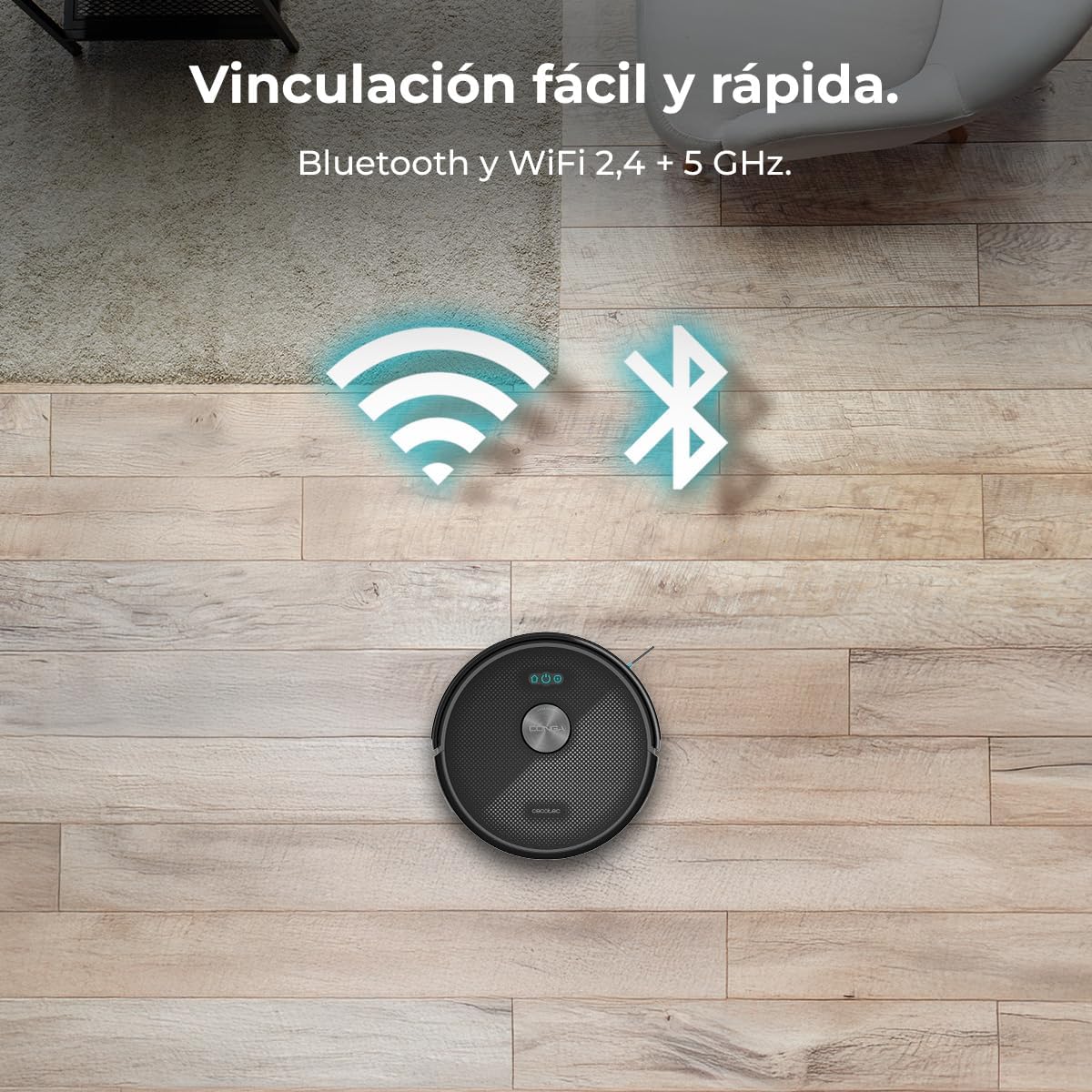
Image 5.2: The Conga M70 offers easy and fast pairing via Bluetooth and supports both 2.4 GHz and 5 GHz Wi-Fi networks.
6. عملیاتي لارښوونې
6.1 د پاکولو طریقې
The Conga M70 offers multiple cleaning modes, including vacuuming, sweeping, mopping, and scrubbing, which can be combined for comprehensive cleaning.

Image 6.1: The Conga M70 performing a complete cleaning pass, combining vacuuming, sweeping, mopping, and scrubbing.
۳.۴ سکشن ځواک
Equipped with an Ungravity motor, the robot delivers 20000 Pa of suction power, effectively removing dirt from various surfaces, including high-pile carpets.

Image 6.2: Visual representation of the Conga M70's 20000 Pa suction power, capable of lifting heavy debris.
6.3 د پاکولو فعالیت
The robot features a mopping function with three adjustable water flow levels, allowing for customized cleaning based on floor type and dirt level.

Image 6.3: The Conga M70's mopping system, illustrating three customizable water flow levels for different floor types.
6.4 App Control and Scheduling
Use the Cecotec App 3.0 to control the robot remotely, define cleaning zones, set no-go areas, and schedule cleaning times. The app provides an interactive map of your home for precise control.

Image 6.4: Controlling the Conga M70 via the Cecotec App 3.0, allowing users to define, plan, and schedule cleaning by zones.
6.5 Coverage and Battery
The 4500 mAh battery allows the robot to clean areas up to 180 m² without interruption. The Total Surface 3.0 technology ensures the robot completes its cleaning plan by returning to the charging base when needed and resuming cleaning.
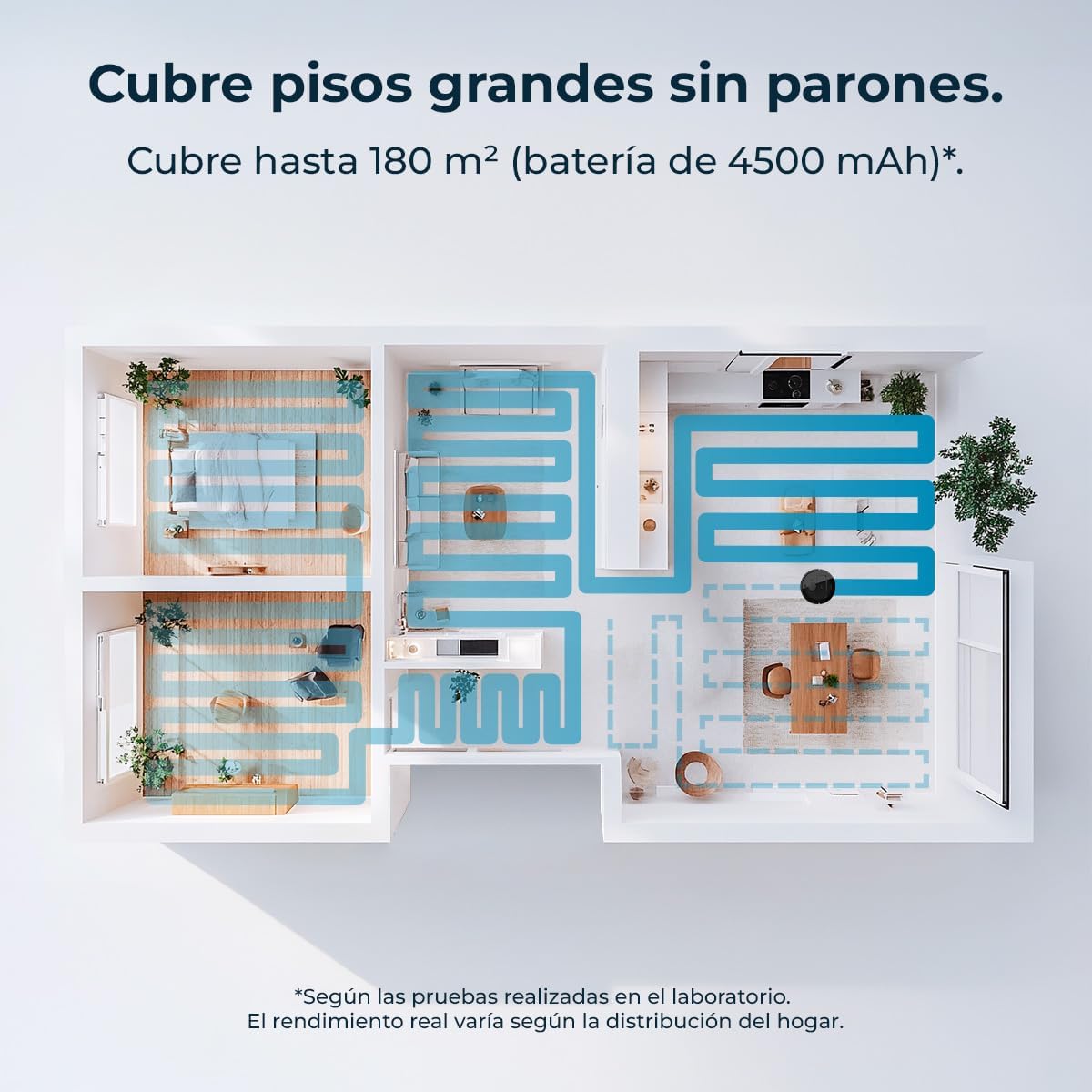
Image 6.5: An illustration of the Conga M70's cleaning coverage, capable of cleaning large areas up to 180 m².
7. ساتنه
منظم ساتنه غوره فعالیت تضمینوي او ستاسو د روبوټ عمر اوږدوي.
7.1 Dust and Water Tanks
The robot features dual tanks: a 400 ml dust tank and a 420 ml water tank. Empty the dust tank after each use and refill the water tank as needed for mopping. Clean both tanks regularly to prevent blockages and odors.

Image 7.1: The Conga M70's dual tanks for continuous cleaning without frequent emptying or refilling.
7.2 اصلي برش او اړخ برشونه
Remove and clean the main anti-tangle silicone brush regularly, especially if you have pets. Use the provided cleaning tool to remove hair and debris. Inspect side brushes for wear and replace them if damaged.

Image 7.2: The anti-tangle silicone brush of the Conga M70, designed for effective cleaning in homes with pets.
7.3 فلټرونه
Tap the HEPA filter to remove dust and debris. Do not wash the HEPA filter with water. Replace the filter every 3-6 months, depending on usage.
۴.۴ سینسرونه او د چارج کولو اړیکې
Wipe all sensors and charging contacts on the robot and charging base with a dry cloth to ensure proper function and charging.
8. ستونزه حل کول
If you encounter issues with your Conga M70, refer to the following common problems and solutions:
| ستونزه | احتمالي لامل | د حل لاره |
|---|---|---|
| روبوټ نه چالانیږي | د بیټرۍ ټیټوالی؛ د بریښنا تڼۍ نه ده فشار شوې | Charge the robot; Press and hold the power button. |
| روبوټ چارج نه کوي | د چارج کولو اړیکې خرابې دي؛ د چارج کولو اساس بریښنا نلري | Clean charging contacts; Ensure charging base is plugged in. |
| د پاکولو ضعیف فعالیت | Dust tank full; Brushes tangled; Filter clogged | Empty dust tank; Clean brushes; Clean/replace filter. |
| روبوټ ډېر ځله بندېږي | په فرش کې خنډونه؛ سینسرونه چټل دي | Clear floor of cables/small objects; Clean sensors. |
| د اپلیکیشن ارتباط مسلې | Incorrect Wi-Fi password; Router issues; Robot too far from router | Verify Wi-Fi credentials; Restart router; Move robot closer to router. |
9. مشخصات
| فیچر | مشخصات |
|---|---|
| برانډ | Cecotec |
| د ماډل نوم | Conga M70 |
| د ماډل شمیره | د A01_EU01_114518 معرفي کول |
| د نیویګیشن ډول | د لیزر نیویګیشن |
| سکشن ځواک | 20000 Pa |
| د بیټرۍ ظرفیت | 4500 mAh |
| د پوښښ ساحه | تر 180 m² پورې |
| د دوړو ټانک ظرفیت | 400 ملی لیتر |
| د اوبو د ټانک ظرفیت | 420 ملی لیتر |
| ځانګړي ځانګړتیاوې | Automatic Mopping, Anti-tangle Silicone Brush, App Control |
| ارتباط | Bluetooth, Wi-Fi (2.4 + 5 GHz) |
| والیtage | 220 ولټه |
| د فلټر ډول | HEPA |
| د محصول ابعاد | 32l x 32w x 10h cm |
| د محصول وزن | 2.11 کیلو ګرامه |
10. تضمین او ملاتړ
Your Cecotec Conga M70 Robot Vacuum and Mop comes with a standard manufacturer's warranty. For detailed warranty information, please refer to the warranty card included in your package or visit the official Cecotec webسایټ
For technical support, spare parts, or service inquiries, please contact Cecotec customer service through their official channels. Keep your purchase receipt and product model number (Conga M70, A01_EU01_114518) handy when contacting support.


