1. پیژندنه
Thank you for choosing the HTC N15 Wireless Clip-On Earbuds. These open-ear earphones are designed to provide audio while allowing you to remain aware of your surroundings. This manual provides detailed instructions for setup, operation, and maintenance to ensure optimal performance and longevity of your device.

Image 1.1: HTC N15 Wireless Clip-On Earbuds and Charging Case.
2. د بسته محتويات
مهرباني وکړئ د بکس خلاصولو پر مهال د کڅوړې محتويات وګورئ. که کوم توکي ورک یا زیانمن شوي وي، د پیرودونکو ملاتړ سره اړیکه ونیسئ.
- 1 Pair HTC N15 Clip-On Earbuds
- د چارج کولو قضیه
- 1 د USB-C چارج کیبل
- ۱ د کارونکي لارښود (دا سند)
Video 2.1: Unboxing the HTC N15 Wireless Clip-On Earbuds, showing the earbuds, charging case, and USB-C cable.
3. محصول ختم شوview
۳.۱ د ایربډ ځانګړتیاوې
- د خلاص غوږ ډیزاین: Allows awareness of surroundings.
- Clip-On Fit: Secure and comfortable for various activities.
- د ټچ کنټرول: Intuitive control for audio and calls.
- جوړ شوی مایکروفون: For clear communication.
- لږ وزن: د هر غوږ بډ وزن تقریبا ۸.۷ ګرامه دی.
- ۵۰ ملي متره ډرایور: For enhanced sound quality.
3.2 Charging Case Features
- د USB-C چارج کولو بندر: د اسانه چارج کولو لپاره.
- د بیټرۍ شاخص: LEDs show charging status and battery level.

انځور 3.1: اوورview of HTC N15 earbuds and charging case, highlighting battery life and Type-C charging port.
4. ترتیب کول
۴.۱ د ایربډز او کیس چارج کول
د لومړي ځل کارولو دمخه، د غوږ بډونه او د چارج کولو قضیه په بشپړه توګه چارج کړئ.
- غوږوالۍ د چارج کولو په قضیه کې ځای په ځای کړئ.
- د USB-C چارج کولو کیبل د کیس د چارج کولو پورټ او د بریښنا سرچینې سره وصل کړئ.
- The LED indicators on the case will illuminate to show charging status. A full charge for the case takes approximately 1.5 hours.
- د غوږۍ غوږۍ په یوه چارج کې تر 8 ساعتونو پورې پلې بیک چمتو کوي، او د چارج کولو قضیه د لوبې ټول وخت 22 ساعتونو ته غځوي.

Image 4.1: Visual representation of charging times and battery life for the HTC N15 earbuds and case.
4.2 د وسیلې سره جوړه کول
The HTC N15 earbuds use Bluetooth 6.0 for fast and stable connections.
- ډاډ ترلاسه کړئ چې د غوږ بډونه چارج شوي او د چارج کولو کیس دننه دي.
- د چارج کولو قضیه پرانیزئ. د غوږ بډونه به په اتوماتيک ډول د جوړې کولو حالت ته ننوځي، چې د LED څراغونو د چمکولو سره ښودل کیږي.
- په خپل وسیله (سمارټ فون، ټابلیټ، لیپ ټاپ) کې، د بلوتوټ ترتیباتو ته لاړ شئ او بلوتوټ فعال کړئ.
- لټون شته وسایل او له لیست څخه "HTC NE15" غوره کړئ.
- یوځل چې وصل شي، د غوږ بډ LEDs به چمکیدل ودروي، او تاسو به د تایید غږ واورئ.
که چیرې په وسیله کې بلوتوټ فعال وي، نو د غوږ بډونه به په اتوماتيک ډول د وروستي جوړه شوي وسیلې سره وصل شي کله چې له قضیې څخه لرې شي.

Image 4.2: The HTC N15 earbuds offer flexible connectivity with various devices including notebooks, TVs, desktops, watches, phones, and iPads.
۳. د اغوستلو لارښوونې
د غوره غږ او آرامۍ لپاره، ډاډ ترلاسه کړئ چې د غوږ بډونه په سمه توګه اغوستل شوي دي.
- د کیڼ (L) او ښي (R) غوږوالۍ وپیژنئ.
- Confirm the direction of the earbud, ensuring the clip is oriented to hook over the top of your ear.
- Gently clip the earbud onto the thinnest part of your ear, sliding it down until it feels secure.
- Adjust the earbud tip to align with your ear canal for the best sound experience and comfort.

Image 5.1: Step-by-step guide on how to properly wear the HTC N15 Clip-On Earbuds for a secure and comfortable fit.

Image 5.2: Illustration of the ergonomic open-ear clip design and wearing tips for optimal sound alignment.
6. عملیاتي لارښوونې
The HTC N15 earbuds feature smart touch controls for easy management of audio and calls.

Image 6.1: Diagram illustrating the touch control functions for the HTC N15 earbuds.
6.1 د میوزیک کنټرول
- پلی کول / ودرول: په هر یو ایربډ دوه ځله کلیک وکړئ.
- بله سندره: Triple-click the Right (R) earbud.
- پخوانۍ سندره: Triple-click the Left (L) earbud.
- حجم پورته کول: Click the Right (R) earbud.
- کموالی: Click the Left (L) earbud.
6.2 د تلیفون کنټرول
- ځواب / پای کال: په هر یو ایربډ کلیک وکړئ.
- زنګ رد کړئ: د 2 ثانیو لپاره هر یو ایربډ فشار ورکړئ او ونیسئ.
۵.۳ د غږ معاون او د لوبې حالت
- د غږ همکار فعاله کړئ: Hold the Left (L) earbud for 2 seconds.
- د لوبې حالت: Hold the Right (R) earbud for 2 seconds to activate low-latency mode.

Image 6.2: The HTC N15 earbuds feature a low-latency Game Mode, reducing audio delay to 40ms for an improved gaming experience.
7. ساتنه
7.1 پاکول
- په منظم ډول د غوږ بډونه او د چارج کولو کیس د نرم، وچ، لینټ نه پاک ټوکر سره پاک کړئ.
- د کثافاتو پاکوونکي، الکول، یا کیمیاوي محلولونه مه کاروئ.
- ډاډ ترلاسه کړئ چې د غوږونو او کیس دواړو چارج کولو تماسونه پاک او وچ دي.
7.2 ذخیره کول
- اییربډونه د چارج کولو په قضیه کې ذخیره کړئ کله چې کارول نه وي ترڅو د دوی ساتنه وکړي او چارج یې وساتي.
- په خورا تودوخې یا لوړ رطوبت کې د ذخیره کولو څخه ډډه وکړئ.
۳.۴ د اوبو او دوړو مقاومت
The HTC N15 earbuds are rated IP45 for water and dust resistance. This means they are protected against dust ingress and low-pressure water jets from any direction. They are suitable for workouts and light rain but should not be submerged in water.
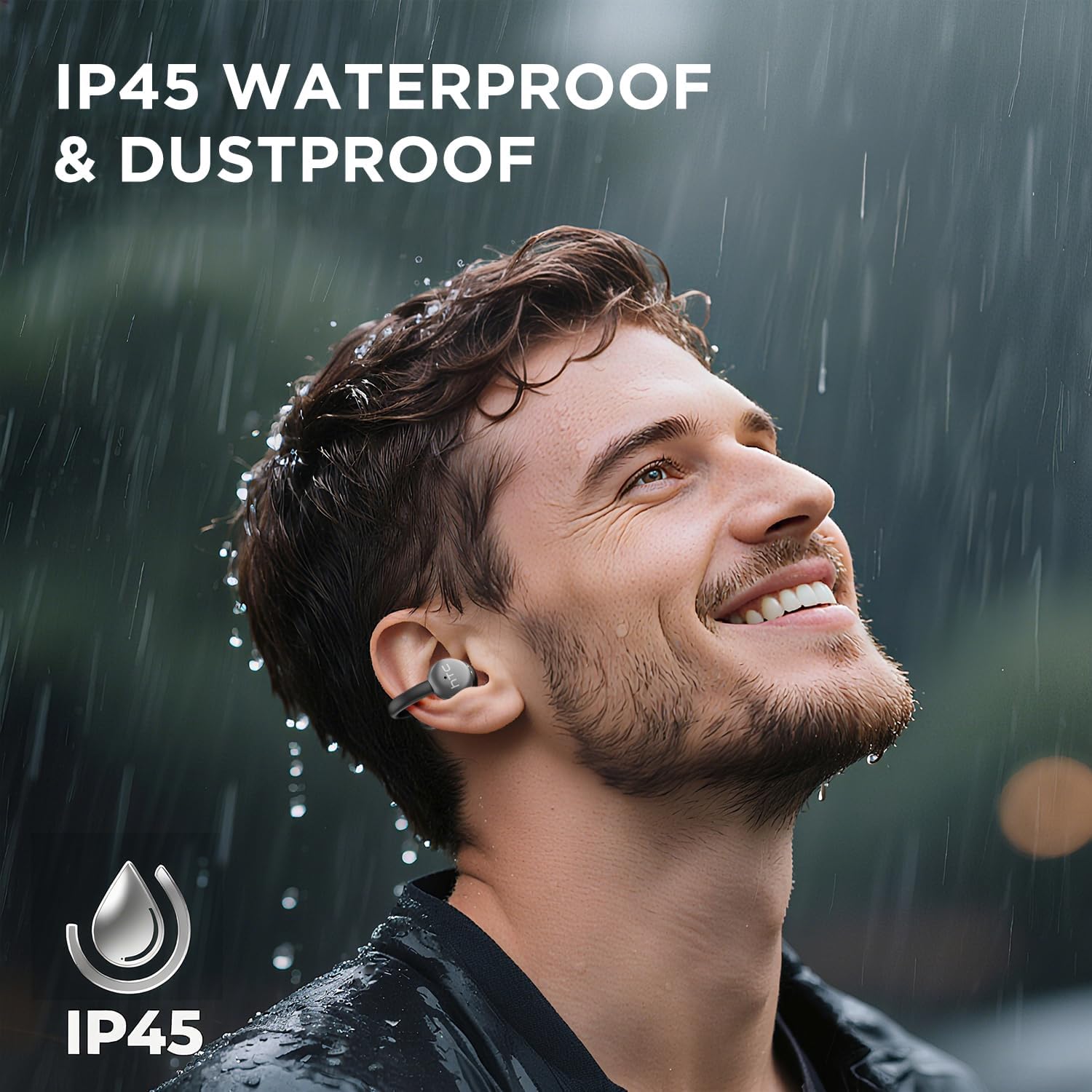
Image 7.1: The HTC N15 earbuds are IP45 rated, offering protection against dust and water splashes, making them suitable for outdoor activities.
8. ستونزه حل کول
| ستونزه | احتمالي لامل | د حل لاره |
|---|---|---|
| Earbuds نه جوړیږي | Low battery; Bluetooth off on device; Earbuds not in pairing mode; Interference. | Charge earbuds and case. Ensure Bluetooth is enabled on your device. Place earbuds in case, close, then open to re-enter pairing mode. Move closer to your device. |
| هیڅ غږ یا ضعیف غږ کیفیت نلري | Volume too low; Earbuds not properly seated; Device not connected; Dirty earbuds. | Increase device volume. Adjust earbuds for a proper fit. Reconnect earbuds to your device. Clean earbuds as per maintenance section. |
| ایربډونه چارج نه کوي | Charging cable not connected properly; Dirty charging contacts; Faulty cable/adapter. | Ensure USB-C cable is securely connected. Clean charging contacts. Try a different USB-C cable or power adapter. |
| د ټچ کنټرول غیر ځواب ویونکی دی | Earbuds not active; Moisture on touch surface; Software glitch. | Ensure earbuds are active and connected. Wipe touch surface dry. Place earbuds back in case, close, then reopen to reset. |
9. مشخصات
| فیچر | مشخصات |
|---|---|
| د ماډل نوم | د HTC NE15 |
| بلوتوث نسخه | 6.0 |
| د ارتباط ټیکنالوژي | بې سیم (بلوتوث) |
| د غوږ بډ ډول | Clip-On, Open-Ear |
| د موټر چلوونکي اندازه | 13mm |
| د کنټرول طریقه | لمس |
| مایکروفون | جوړ شوی |
| د واحد چارج لوبې وخت | تر 8 ساعتونو پورې |
| د لوبې ټول وخت (د قضیې سره) | تر 22 ساعتونو پورې |
| Case Fast Charging | نږدې 1.5 ساعته |
| د چارج کولو بندر | USB-C |
| د اوبو مقاومت | IP45 (د اوبو او دوړو په وړاندې مقاومت لرونکی) |
| د ایربود وزن | تقریبا ۶.۵ ګرامه (هر یو) |
| مطابقت لرونکې وسیلې | Smartphones, Tablets, Bluetooth-enabled Devices (iOS, Android) |
| UPC | 768649989642 |
10. تضمین او ملاتړ
HTC provides customer support for its products. If you encounter any issues or have questions not covered in this manual, please contact our support team.
- د پیرودونکي ملاتړ: ۷*۲۴ د ژوندۍ خبرې ملاتړ شتون لري. د محصول بسته بندۍ یا رسمي HTC ته مراجعه وکړئ. webد تماس جزیاتو لپاره سایټ.
- د تضمین معلومات: Please retain your proof of purchase for warranty claims. Specific warranty terms and conditions may vary by region. Refer to the warranty card included in your package or the official HTC webد تفصيلي معلوماتو لپاره سایټ.


