1. پیژندنه
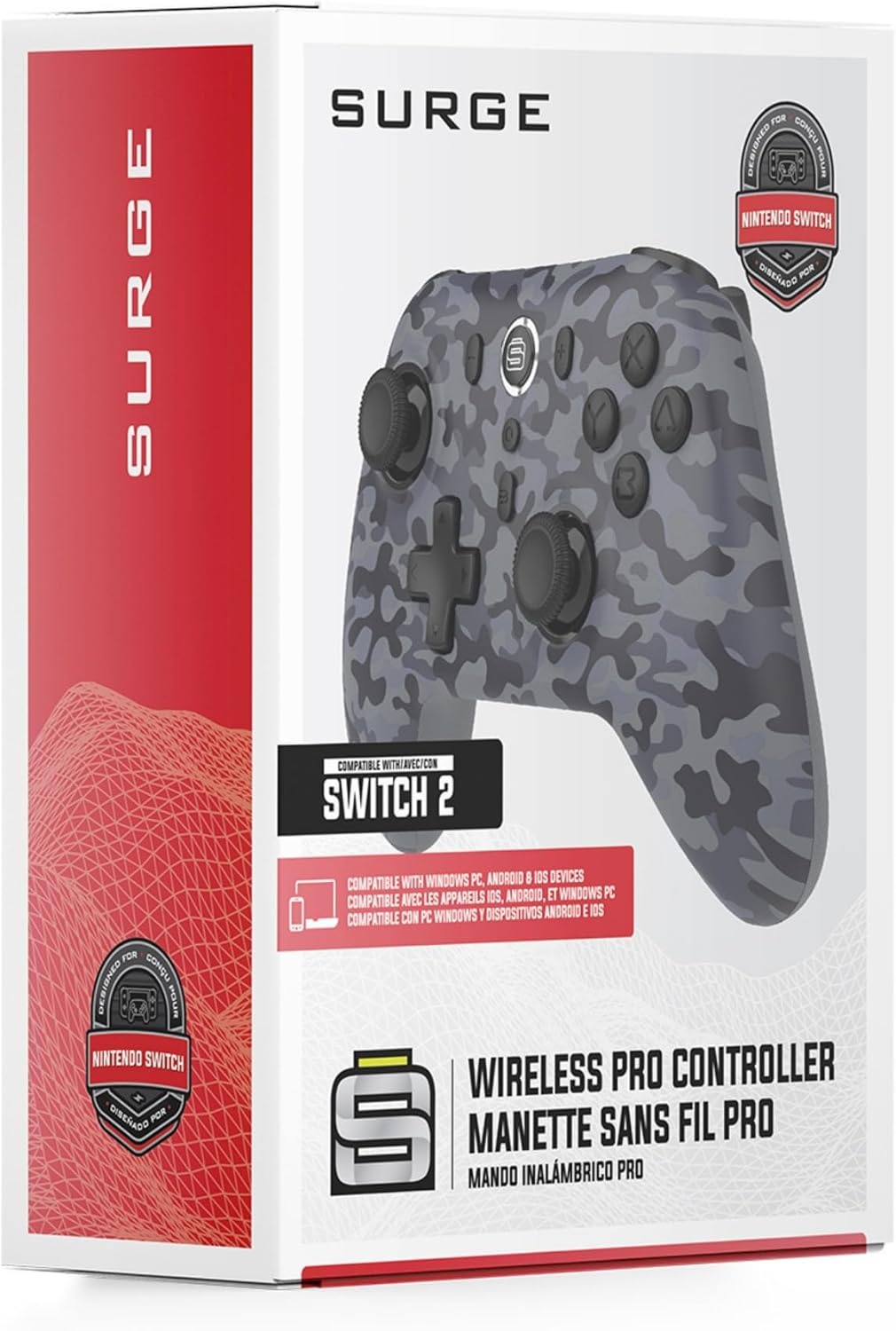
Thank you for choosing the Surge Wireless Pro Controller. This multi-platform Bluetooth controller is designed to enhance your gaming experience across various devices, including Nintendo Switch/Switch 2, Windows PC, Android, and iOS. Featuring Hall Effect sticks and triggers, adjustable turbo functionality, and customizable vibration feedback, this controller offers precision and comfort. Please read this manual thoroughly before use to ensure optimal performance and longevity of your device.
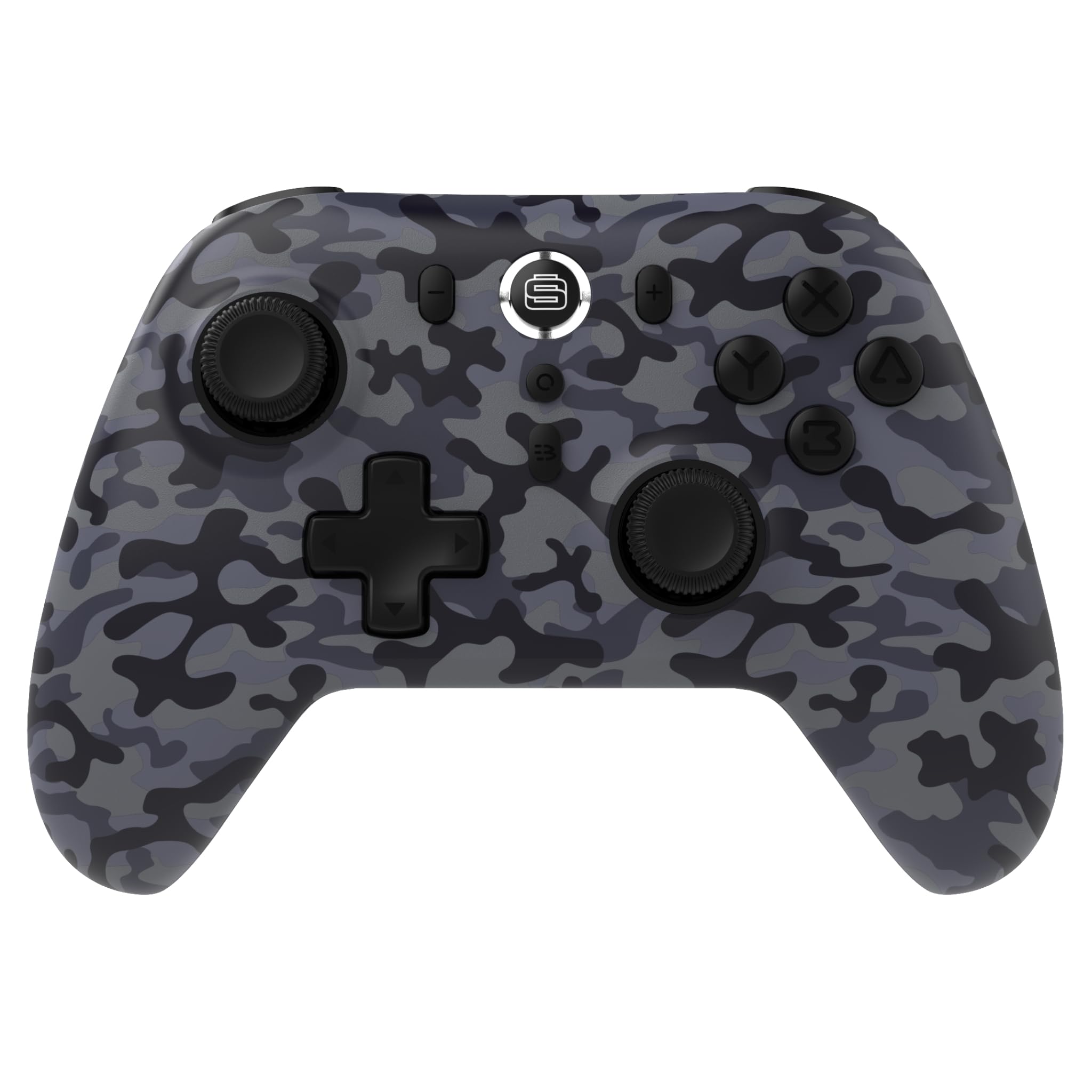
2. د محصول ب Featuresې
- د څو پلیټ فارم مطابقت: Compatible with Nintendo Switch/Switch 2 (Note: No C Button/Audio Port), Windows PC, Steam Deck, Android, and iOS devices.
- Hall Effect Thumb Sticks & Triggers: Delivers precision control and prevents stick drift, ensuring accurate input.
- د ټربو فعالیت: Offers 3 adjustable turbo levels for rapid-fire control in compatible games.
- د وایبریشن فیډبیک: Choose from 4 vibration levels for tailored haptic feedback, enhancing immersion.
- د حرکت کنټرولونه: Supports motion controls for compatible games on supported platforms.
- Console Wake Up: Ability to wake your Nintendo Switch console from sleep mode instantly (Nintendo Switch Only).
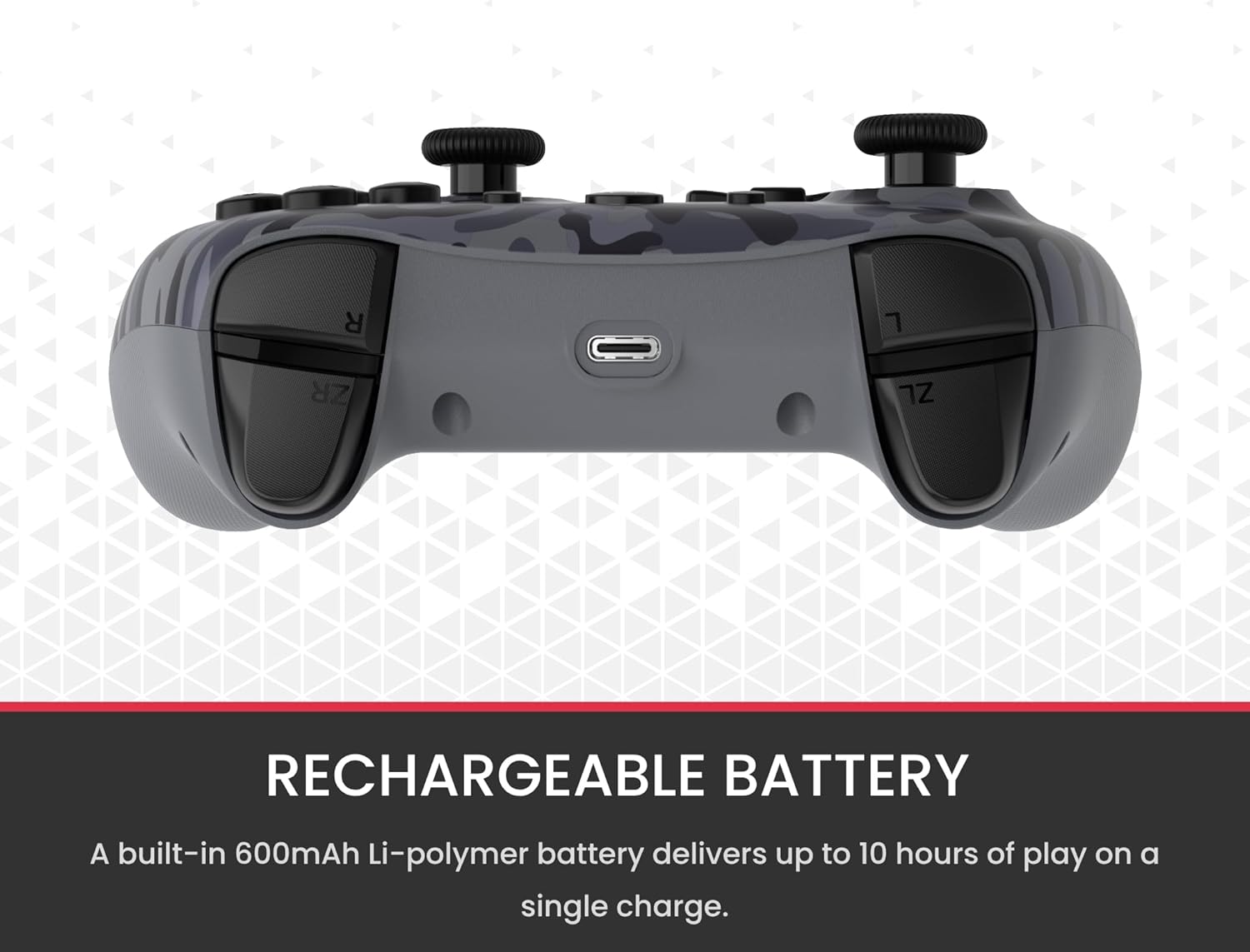
- د چارج وړ بیټرۍ: A built-in 600mAh Li-polymer battery provides up to 10 hours of gameplay on a single charge.
- د USB-C چارج کیبل: Includes a 1-meter USB-C cable for convenient recharging.

3. د بسته محتويات
مهرباني وکړئ ډاډ ترلاسه کړئ چې ټول توکي ستاسو په کڅوړه کې شتون لري:
- 1 x Surge Wireless Pro Controller (Model: SG60096)
- 1 x USB-C چارج کیبل (1 متره)
- 1 x د کارونکي لارښود
۳. تنظیم او جوړه کول
4.1. د کنټرولر چارج کول
Before first use, fully charge the controller using the provided USB-C cable. Connect the USB-C end to the controller's charging port and the USB-A end to a power source (e.g., console, PC, USB wall adapter). The LED indicators on the controller will show charging status.
4.2. Pairing with Nintendo Switch/Switch 2
- د کور مینو څخه ، غوره کړئ کنټرولونکي، بیا گرفت / نظم بدل کړئ.
- په کنټرولر کې، فشار ورکړئ او ونیسئ د جوړه کولو تڼۍ (usually a small button on the top edge or back) for a few seconds until the player LEDs begin to flash.
- یوځل جوړیږي ، د کنټرولر شمیرو سره سم د لوبغاړو LED (ونه) به پاتې شي.
- To wake the console from sleep mode, press the د کور تڼۍ په کنټرولر کې
4.3. Pairing with Windows PC
- ډاډ ترلاسه کړئ چې ستاسو کمپیوټر بلوتوث فعال کړی دی.
- په کنټرولر کې، فشار ورکړئ او ونیسئ د جوړه کولو تڼۍ تر هغه چې LEDs په چټکۍ سره فلش شي.
- ستاسو په کمپیوټر کې، لاړ شئ Bluetooth & other devices settings، بیا بلوتوټ یا نور وسیله اضافه کړئ.
- وټاکئ بلوتوث او غوره کړئ
اړوند اسناد - SG60096

د نینټینډو سویچ کارونکي لارښود لپاره د سرج سویچ پیډ پرو بې سیم کنټرولر
د نینټینډو سویچ لپاره د SURGE SwitchPad Pro Wireless Pro کنټرولر (ماډل: IX-SW055) لپاره د کارونکي لارښود. تنظیم، ځانګړتیاوې، چارج کول، همغږي کول، ستونزې حل کول، او FCC بیانونه پکې شامل دي.
د پلی سټیشن 5 ډبل سینس کنټرولرونو لپاره د سرج کویک ټایپ SG20021 کارونکي لارښود
د SURGE QuickType SG20021 بلوتوث چیټ پیډ لپاره رسمي کارونکي لارښود، د PlayStation 5 DualSense کنټرولرانو لپاره د تنظیم لارښوونې، احتیاطي تدابیر، د ساتنې لارښوونې، او د FCC اطاعت معلومات چمتو کوي.
سرج ۲۰،۰۰۰ mAh پاوربینک: چټک چارج ۴.۰ او ۲۰ واټ PD چټک چارج کول
د لوړ ظرفیت ۲۰،۰۰۰ mAh SURGE پاوربینک چې ۲۲.۵ واټ چټک چارج ۴.۰ او ۲۰ واټ USB-C PD چټک چارج لري. د مختلفو وسیلو لپاره د ډیری ان پټ/آؤټ پټ انتخابونو ملاتړ کوي.
د سرج کریډیټ کارت تړون: شرایط، فیسونه، او افشا کول
د سیلټیک بانک لخوا صادر شوي سرج کریډیټ کارت لپاره د حساب پرانیستلو مفصل افشا کول، شرایط او مقررات، فیسونه، د سود نرخونه، او د کارت لرونکي حقونه.
Kreo Surge Ultra Gaming Controller User Manual
Comprehensive user manual for the Kreo Surge Ultra gaming controller, detailing setup, features, controls, and troubleshooting for PC, mobile, and Nintendo Switch.
د شنایډر بریښنایی سرج محافظتي وسایل: محصول پای ته ورسیدview او تخنیکي معلومات
د شنایډر الیکټریک د سرج محافظتي وسایلو لړۍ وپلټئ، پشمول د ایکټي 9، ملټي 9، او ایزي 9 لړۍ. دا سند یو جامع محصول چمتو کوي پهview، تفصيلي تخنیکي مشخصات، او د مختلفو سرج محافظت حلونو لپاره د محصول شاخص.