1. پیژندنه
تور ته ښه راغلاستview Link 8 Android 15 Tablet user manual. This guide provides essential information for setting up, operating, and maintaining your device. Please read it carefully to ensure optimal performance and longevity of your tablet.
1.1 د بسته محتويات
ډاډ ترلاسه کړئ چې ټول توکي ستاسو په کڅوړه کې شتون لري:
- تورview Link 8 Tablet
- بلوتوث کیبورډ
- Stylus قلم
- د ټابلیټ قضیه
- د سکرین محافظت
- بې سیم موږک
- Charger & Type-C Cable
- وائرډ ایربډز

انځور: تورview Link 8 tablet and its included accessories: Bluetooth keyboard, stylus, tablet case, screen protector, wireless mouse, charger, Type-C cable, and wired earbuds.
2. ابتدايي ترتیب
2.1 بریښنا کول / بندول
- د فعالولو لپاره: د بریښنا تڼۍ فشار ورکړئ او ونیسئ تر هغه چې تور ويview لوګو ښکاري.
- د بریښنا بندولو لپاره: د پاور تڼۍ کېکاږئ او ونیسئ، بیا په سکرین کې د انتخابونو څخه 'پاور بند' غوره کړئ.
- د بیا پیلولو لپاره: د پاور تڼۍ کېکاږئ او ونیسئ، بیا د انتخابونو څخه 'بیا پیل کړئ' غوره کړئ.
۴.۱ د ټابلیټ چارج کول
Connect the provided Type-C cable to the tablet's charging port and the other end to the charger. Plug the charger into a power outlet. The tablet supports 18W fast charging. A full charge provides approximately 24 hours of average use.
2.3 ابتدايي ترتیب
د لومړي ځل لپاره د بریښنا په فعالولو سره، د سکرین پرامپټس تعقیب کړئ ترڅو:
- خپله ژبه وټاکئ.
- Connect to a Wi-Fi network (2.4G/5G WiFi supported).
- د خپل ګوګل حساب سره لاسلیک وکړئ یا یو نوی حساب جوړ کړئ.
- Set up security features like PIN, pattern, or password.
3. بنسټیز عملیات
3.1 Touchscreen Gestures
تورview Link 8 tablet responds to standard Android gestures:
- ټایپ: یو توکي غوره کړئ یا یو اپلیکیشن خلاص کړئ.
- اوږد پریس: د شرایطو مینو ته لاسرسی ومومئ یا عکسونه حرکت وکړئ.
- سوائپ: د سکرینونو له لارې حرکت وکړئ، لیستونه سکرول کړئ، یا خبرتیاوې رد کړئ.
- د زوم کولو لپاره پنچ: په انځورونو کې زوم ان یا آوټ کړئ او web پاڼې
3.2 Connecting Accessories (Keyboard, Mouse, Pen)
The tablet comes with a Bluetooth keyboard, wireless mouse, and stylus pen for enhanced productivity.
- بلوتوث کیبورډ/ماوس: Turn on the accessory and enable Bluetooth on your tablet (Settings > Connected devices > Bluetooth). Select the accessory from the list to pair.
- سټایلس قلم: The stylus pen is typically ready for use upon activation or may require a simple pairing process via Bluetooth if it's an active stylus. Refer to the pen's specific instructions if pairing is needed.

انځور: تورview Link 8 tablet shown with its accompanying Bluetooth keyboard, wireless mouse, and stylus pen, illustrating its versatility as a 2-in-1 device.
3.3 د کیمرې کارول
The tablet features a 16MP rear camera, a 2MP depth sensor, and a 13MP front camera. Open the Camera application to capture photos and videos.
- شاته کیمره: Ideal for high-resolution photos and document scanning.
- مخکینۍ کیمره: Optimized for video calls and selfies.
- د ژوروالي سینسر: Enhances portrait mode effects.
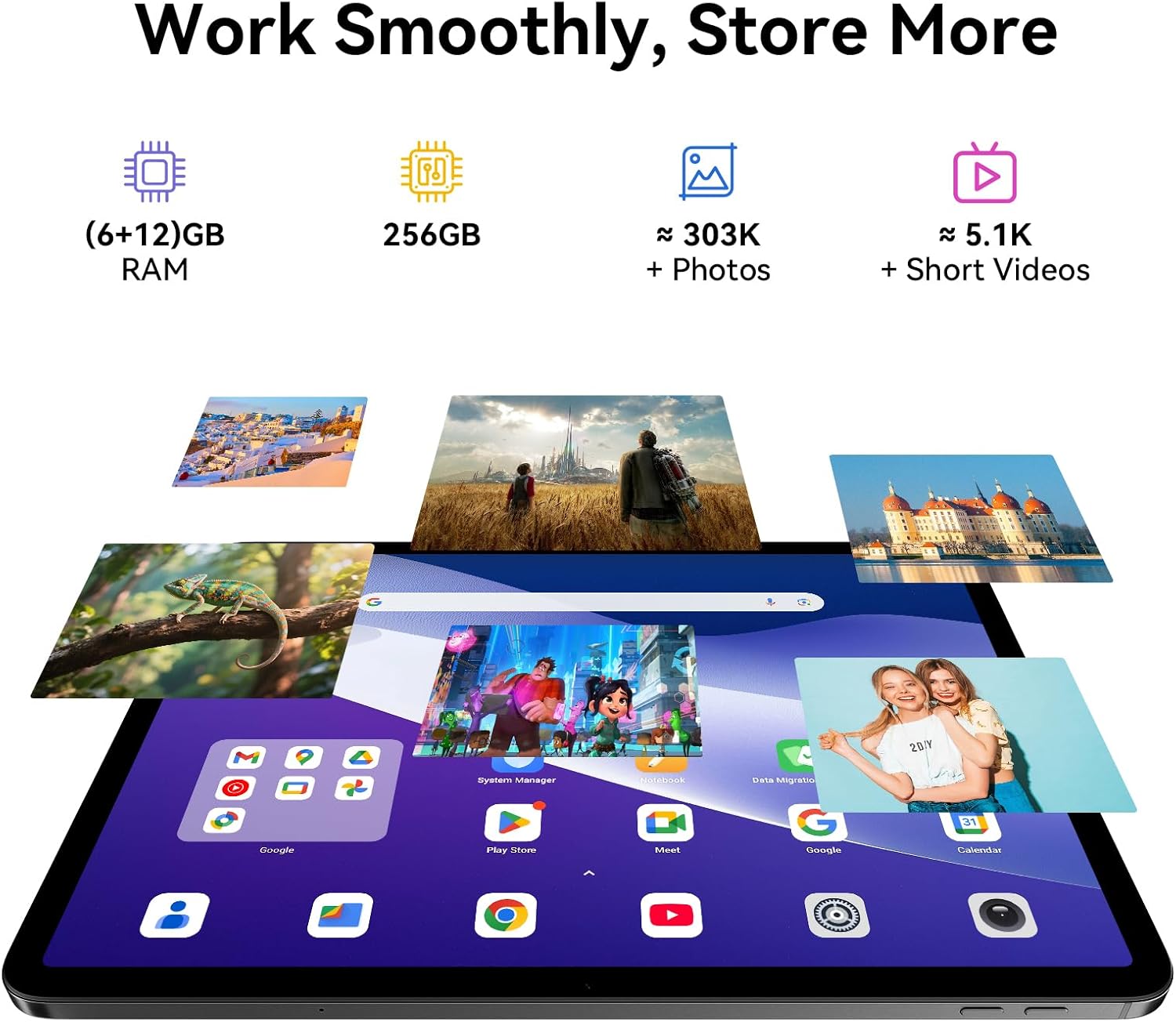
Image: A split image demonstrating the Blackview Link 8 tablet's camera capabilities, showing a person on a video call using the 13MP front camera and an illustration of the 16MP rear and 2MP depth cameras.
۵.۳ د تولید ځانګړتیاوې
- Split-Screen 2.0: Allows you to run two applications side-by-side for multitasking. Activate by long-pressing the recent apps button or dragging an app to the side of the screen.
- د WPS دفتر: Preloaded for document creation, editing, and viewing.
4. کلیدي ځانګړتیاوې
۴.۳ عمیق ښودنه
تورview Link 8 features a 12.7-inch 2K+ (2160×1600) IPS display with a 90Hz refresh rate and 300 nits brightness. It supports Widevine L1 for high-definition streaming content. Four Smart-PA speakers provide cinematic surround sound.

Image: A family watching a movie on the Blackview Link 8 tablet, illustrating its 2K+ display, Widevine L1 support, 90Hz refresh rate, and 4-speaker audio for an immersive experience.
4.2 فعالیت
Powered by the 6nm Helio G100 octa-core processor (2.2GHz), the tablet offers smooth multitasking and enhanced gaming performance. An intelligent cooling system helps maintain stable operation during intensive tasks.

Image: Hands holding the Blackview Link 8 tablet while playing a racing game, demonstrating the smooth gaming performance powered by the Helio G100 processor.
4.3 حافظه او ذخیره کول
The tablet is equipped with 6GB physical RAM, expandable with 12GB virtual RAM (total 18GB), and 256GB of internal storage (ROM). This provides ampد غوښتنلیکونو، عکسونو او ویډیوګانو لپاره ځای.
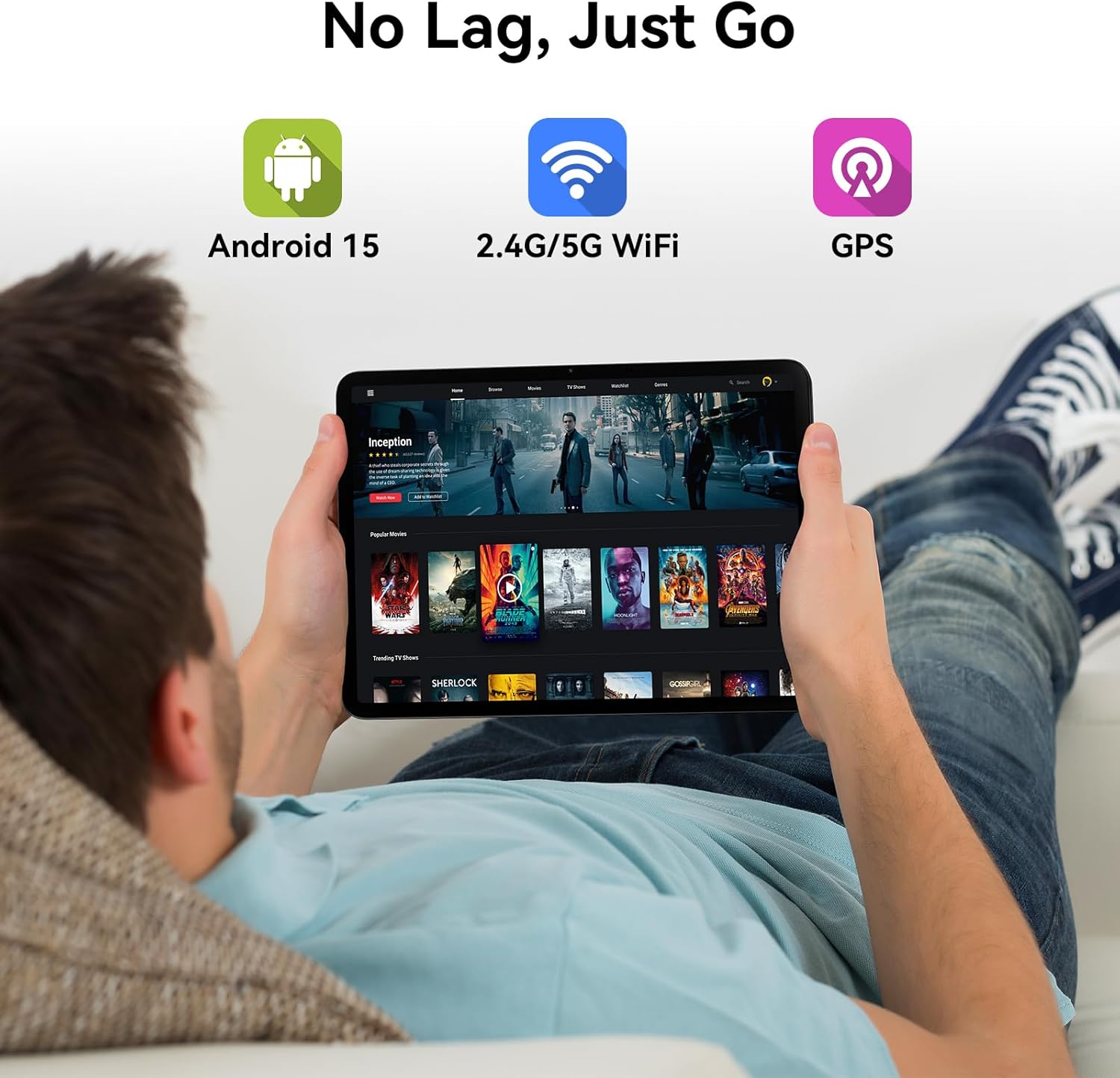
Image: Various apps and images displayed on the Blackview Link 8 tablet screen, representing smooth operation with 18GB RAM and ample 256GB storage for photos and videos.
۳.۳ عملیاتي سیسټم او نښلونه
The tablet runs on Android 15 with DokeOS_P 4.2, offering a refined user interface, enhanced privacy tools, and AI optimization. Connectivity options include dual-band 2.4G/5G WiFi, Bluetooth 5.0, and comprehensive GPS support (GPS/GLONASS/Beidou/Galileo).

Image: A person relaxing on a couch, holding the Blackview Link 8 tablet displaying streaming content, emphasizing Android 15, 5G WiFi, and GPS capabilities.
4.5 Eye-Friendly Modes
تورview Link 8 is TÜV Rheinland certified for low blue light emission. It includes dedicated modes to reduce eye strain:
- د لوستلو حالت: Adjusts the screen to a paper-like clarity.
- د شپې ر Lightا حالت: د آرامۍ لپاره نیلي رڼا کموي viewپه کم رڼا کې
- د سترګو د آرامۍ حالت: Optimizes screen settings to minimize eye fatigue.

Image: Three panels showing the Blackview Link 8 tablet in Reading Mode, Night Light Mode, and Dark Mode, with a TÜV Rheinland certified logo, highlighting its eye-friendly features.
5. ساتنه
۴.۳ ستاسو د ټابلیټ پاکول
د ټابلیټ سکرین او بدن پاکولو لپاره د نرم، لینټ نه پاک ټوکر څخه کار واخلئ. د سختو داغونو لپاره، لږ څهampټوکر د اوبو یا د سکرین پاکولو محلول سره ومینځئ. د سختو کیمیاوي موادو یا خړوبونکي موادو څخه ډډه وکړئ.
5.2 د بیټرۍ پاملرنه
- د لوړې تودوخې څخه ډډه وکړئ، کوم چې کولی شي د بیټرۍ ژوند خراب کړي.
- ټابلیټ د اوږدې مودې لپاره په بشپړه توګه خارج مه پریږدئ.
- د اوږدې مودې ذخیره کولو لپاره، بیټرۍ شاوخوا 50٪ ته چارج کړئ او وسیله بنده کړئ.
5.3 د سافټویر تازه معلومات
Regularly check for system updates (Settings > System > System update) to ensure your tablet has the latest features, security patches, and performance improvements.
6. ستونزه حل کول
که تاسو د خپل تور سره ستونزې سره مخ شئview Link 8 tablet, refer to the following common solutions:
| ستونزه | د حل لاره |
|---|---|
| ټابلیټ نه چالانېږي | Ensure the battery is charged. Connect the charger and wait a few minutes before attempting to power on again. If unresponsive, perform a force restart by holding the Power button for 10-15 seconds. |
| د وائی فای اتصال مسلې | خپل وای فای روټر او ټابلیټ بیا پیل کړئ. د ټابلیټ په ترتیباتو کې شبکه هیر کړئ او بیا وصل شئ. ډاډ ترلاسه کړئ چې تاسو د وای فای سیګنال په حد کې یاست. |
| ورو فعالیت یا د اپلیکیشن خرابیدل | Close unnecessary background apps. Clear cache for problematic apps (Settings > Apps > [App Name] > Storage > Clear cache). Restart the tablet. Ensure sufficient free storage space. |
| سکرین بې ځوابه دی | Restart the tablet. If the issue persists, ensure the screen is clean and free of debris. Remove any screen protectors that might be interfering. |
7. تخنیکي مشخصات
| فیچر | مشخصات |
|---|---|
| د ماډل نوم | لینک 8 |
| عملیاتي سیسټم | انډرایډ ۱۵ (DokeOS_P ۴.۰) |
| د سکرین اندازه | ۷۸۷ انچه |
| د سکرین ریزولوشن | 2160x1600 Pixels (2K+) |
| پروسیسر | MediaTek Helio G100 Octa-core (2.2 GHz, 6nm) |
| RAM | 6GB + 12GB Virtual RAM (18GB Total) |
| ذخیره کول | 256 جي بي |
| شاته کیمره | ۵۰ میګاپکسله اصلي + ۲ میګاپکسله ژوروالی |
| مخکینۍ کیمره | 13MP |
| د بیټرۍ ظرفیت | 8400mAh |
| چارج کول | 18W Fast Charge, OTG Support |
| بې سیم ارتباط | 802.11ac (2.4G/5G WiFi), Bluetooth 5.0 |
| نیویګیشن | GPS/GLONASS/Beidou/Galileo |
| ابعاد (LxWxH) | 8 x 11.1 x 0.33 انچه |
| د توکي وزن | ۲.۴۵ پونډه |
8. تضمین او ملاتړ
8.1 د تضمین معلومات
تورview Link 8 tablet comes with a 2 کلن تضمین. This warranty covers manufacturing defects and ensures high-quality performance. Please retain your proof of purchase for warranty claims.
8.2 د پیرودونکي ملاتړ
د تخنیکي مرستې لپاره، د دې لارښود هاخوا د ستونزو حل کول، یا د تضمین پوښتنو لپاره، مهرباني وکړئ د بلیک سره اړیکه ونیسئview customer service. Refer to the official Blackview webد ملاتړ د اړیکو د خورا وروستي معلوماتو لپاره سایټ یا ستاسو د پیرود اسناد.


