1. پیژندنه
The Baseus Inspire XP1 Adaptive Noise Cancelling Earbuds are designed to provide a high-fidelity audio experience with advanced noise cancellation capabilities. Featuring Sound by Bose technology and Dolby Spatial Audio, these earbuds offer immersive sound and clear communication. This manual provides instructions for setup, operation, and maintenance to ensure optimal performance.
2. د بسته محتويات
ډاډ ترلاسه کړئ چې ټول توکي ستاسو په کڅوړه کې شتون لري:
- Baseus Inspire XP1 Noise Cancelling Wireless Earbuds
- د چارج کولو قضیه
- د غوږونو د څپو (S/M/L اندازه)
- د USB-C چارج کیبل
- د کارن لارښود

Image: Package contents of the Baseus Inspire XP1 earbuds.
3. محصول ختم شوview
The Baseus Inspire XP1 earbuds feature a contoured in-ear fit with umbrella-shaped liquid silicone tips for comfort and noise isolation. They are equipped with a 6-mic sound sensor array for clear calls and touch-sensitive surfaces for control.

Image: Baseus Inspire XP1 Earbuds.
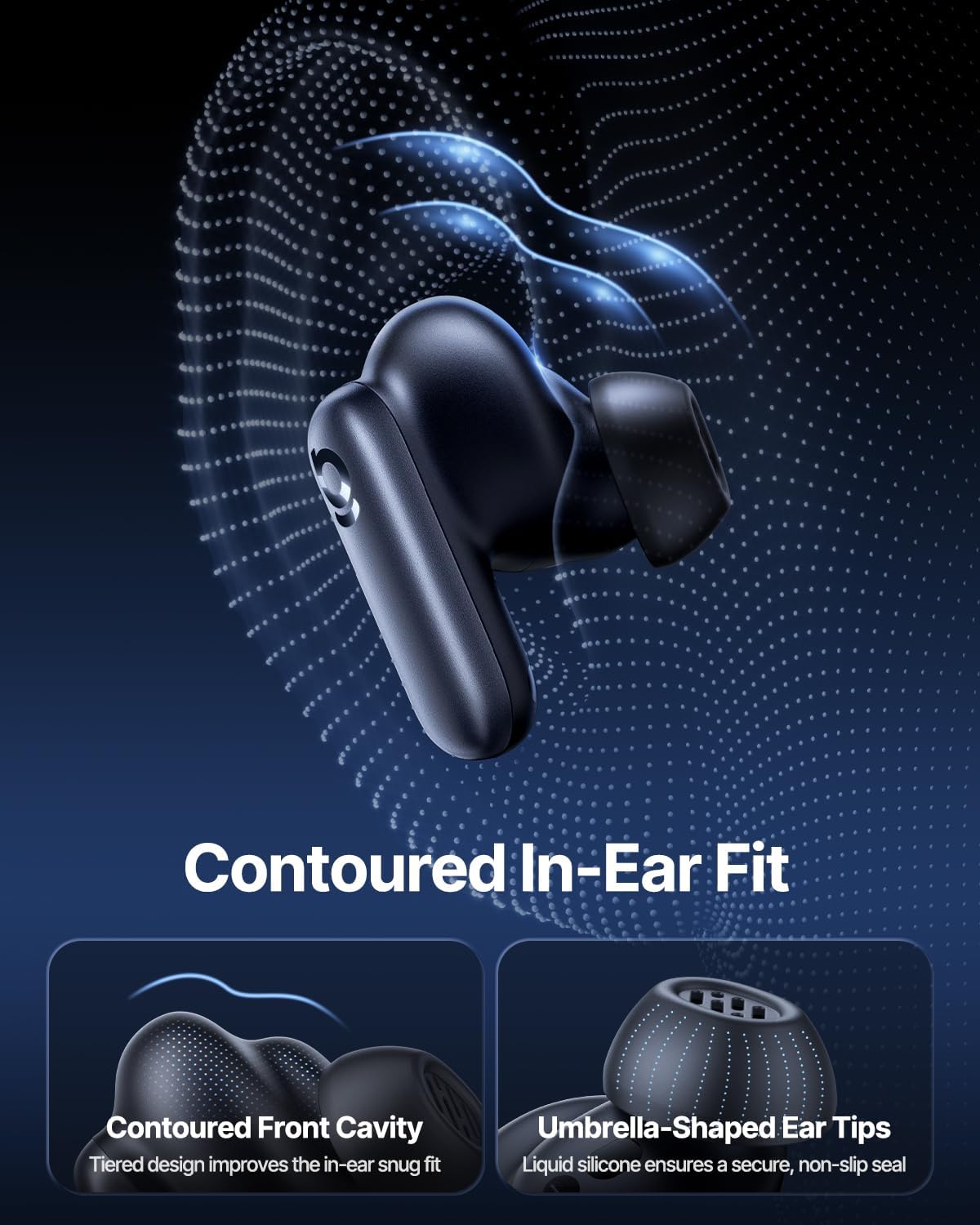
Image: Contoured In-Ear Fit and Umbrella-Shaped Ear Tips.
4. ترتیب کول
۴.۲ لومړنۍ جوړه کول
- ایربډ چارج کړئ: Place both earbuds into the charging case and close the lid. Connect the USB-C charging cable to the case and a power source. The indicator light on the case will show charging status.
- د جوړه کولو حالت فعال کړئ: Open the charging case. The earbuds will automatically enter pairing mode, indicated by a flashing light on the earbuds or case.
- د بلوتوث له لارې وصل شئ: په خپل وسیله (سمارټ فون، ټابلیټ، لیپ ټاپ) کې، د بلوتوټ ترتیباتو ته لاړ شئ او بلوتوټ فعال کړئ. لټون "Baseus Inspire XP1" in the list of available devices and select it to connect.
- تایید: Once connected, a voice prompt will confirm successful pairing, and the indicator light will turn solid or off.
۴.۳ د بیسیس اپلیکیشن نصب کول
For full functionality, including Dolby Audio, custom EQ settings, and adaptive tuning, download the official Baseus App from your device's app store (iOS App Store or Google Play Store). The app allows for personalized control of your listening experience.
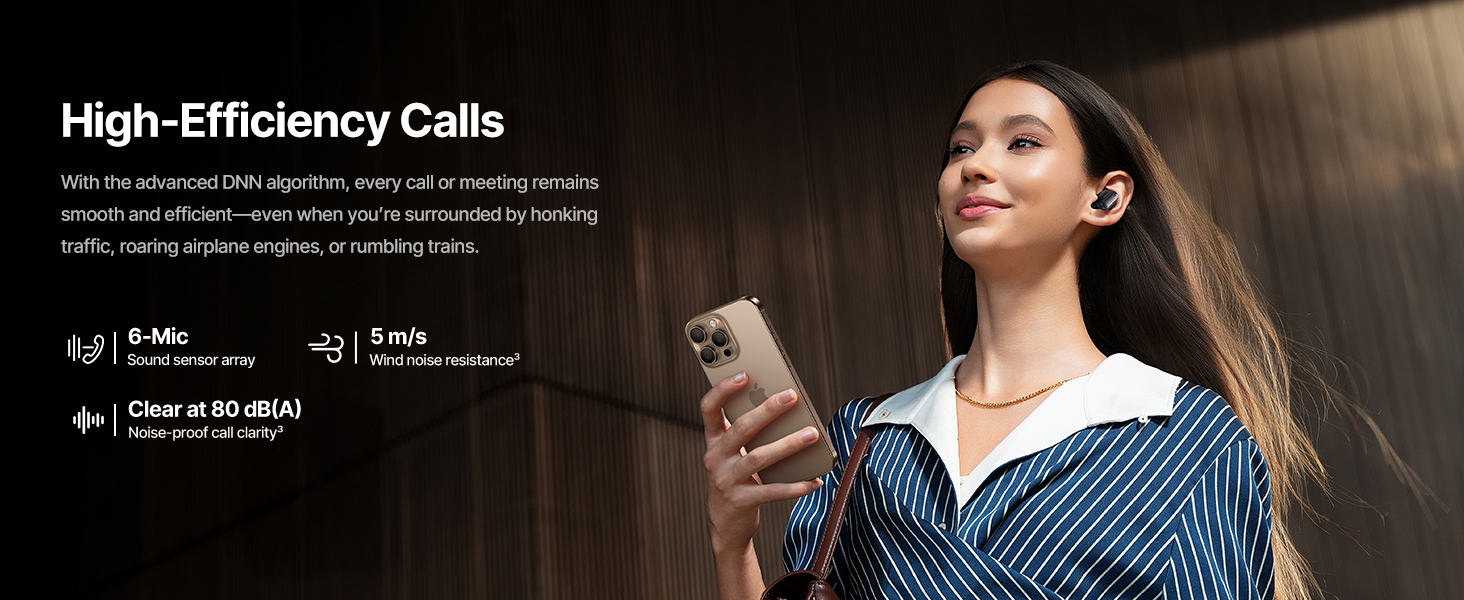
Image: Smart App Control interface.
5. عملیاتي لارښوونې
۸ پاور آن/بند
- پاور آن: Open the charging case, and the earbuds will automatically power on and attempt to connect to the last paired device.
- بندول: د غوږ بډونه بیرته د چارج کولو په بکس کې کېږدئ او پوښ یې وتړئ. دوی به په اتوماتيک ډول بریښنا بنده کړي او چارج کول به پیل کړي.
5.2 ټچ کنټرولونه
The earbuds feature touch-sensitive surfaces for various functions:
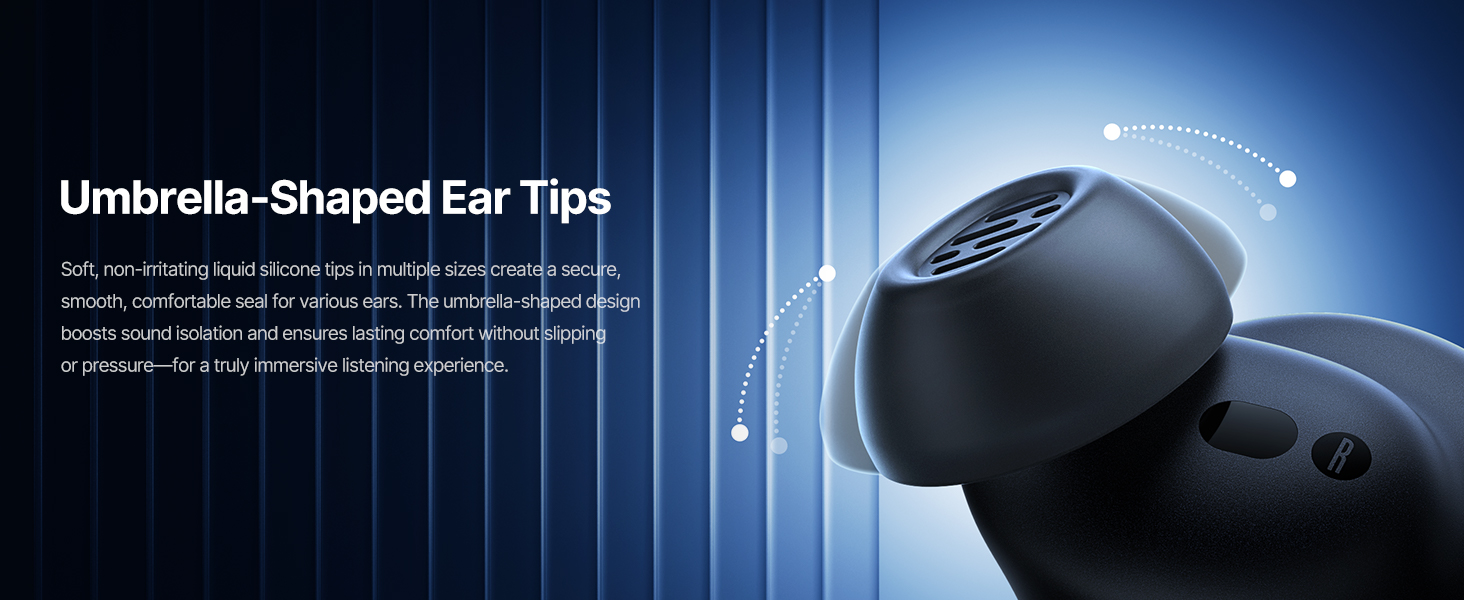
Image: Touch Control Guide.
- میوزیک چلول / بندول: په هر ایربډ دوه ځله ټایپ کړئ.
- ځواب / پای زنګونه: په هر ایربډ دوه ځله ټایپ کړئ.
- غوښتنې رد کړئ: د 1.5 ثانیو لپاره هر یو ایربډ ټپ کړئ او ونیسئ.
- د ANC/شفافیت حالت بدل کړئ: د 1.5 ثانیو لپاره هر یو ایربډ ټپ کړئ او ونیسئ.
- د غږ همکار فعاله کړئ: په هر غوږۍ کې درې ځله ټایپ کړئ.
5.3 Adaptive Noise Cancellation (ANC) and Transparency Mode
The Inspire XP1 earbuds feature Premium Adaptive ANC, which dynamically adjusts noise reduction up to -50 dB based on your environment. Transparency Mode allows you to hear your surroundings without removing the earbuds.

Image: Premium Adaptive ANC in use.
Switch between ANC and Transparency Mode by tapping and holding the touch surface for 1.5 seconds, or manage settings via the Baseus App.
5.4 High-Efficiency Clear Calls
Equipped with a 6-mic sound sensor array and AI algorithms, the earbuds provide clear calls by reducing wind noise and environmental distractions up to 80 dB(A).
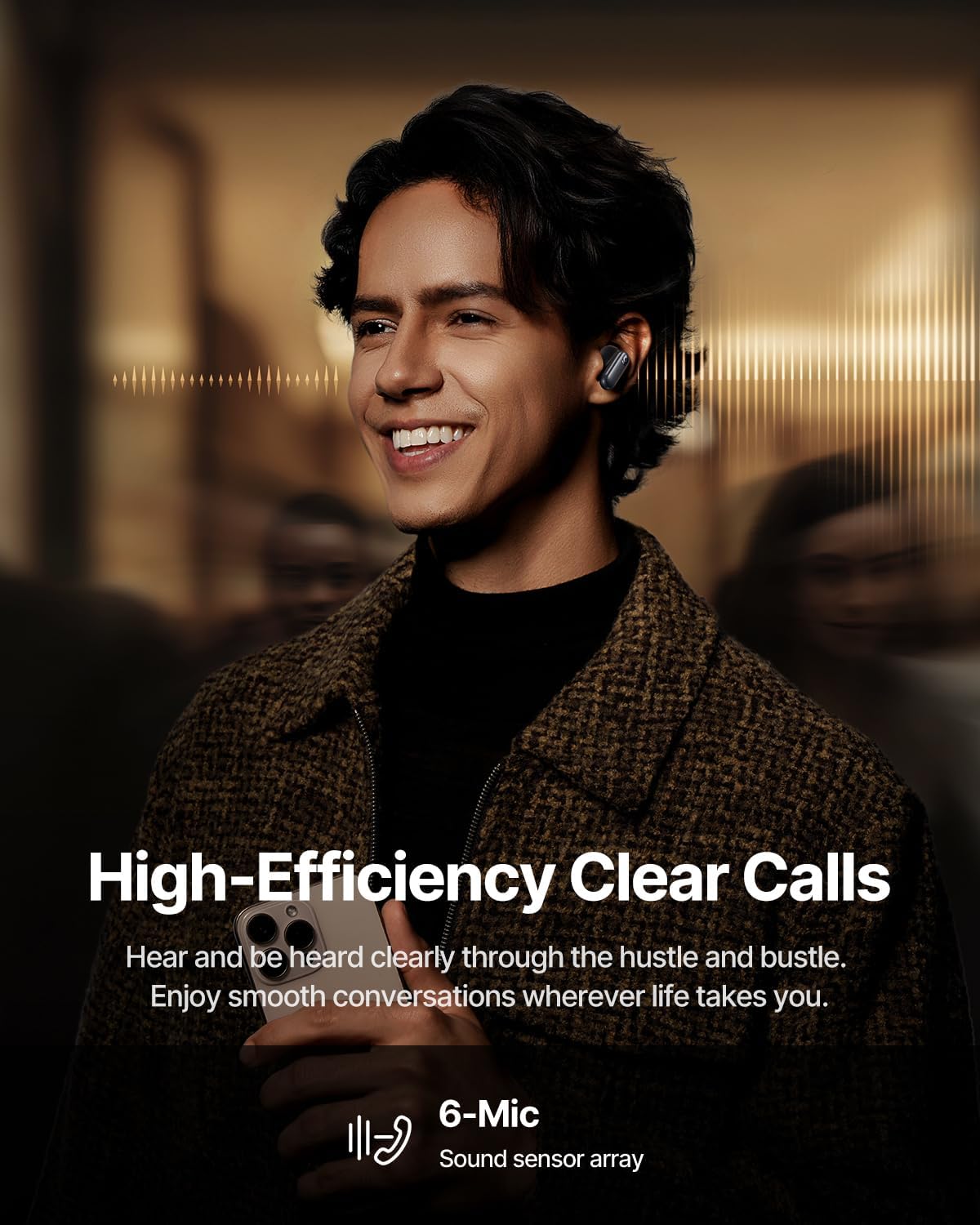
Image: High-Efficiency Clear Calls.
۵.۲ چارج کول او د بیټرۍ ژوند
The earbuds offer extended playtime with the charging case:
- ANC بند: Up to 8 hours per charge, and up to 45 hours with the charging case.
- ANC په اړه: Up to 6 hours per charge, and up to 35 hours with the charging case.
- چټک چارج: 10 minutes of charging provides approximately 2.5 hours of playback.

Image: Day-and-Night Playtime.
۵.۵ فوري څو نقطې اتصال
Utilize Baseus Smart-Connect and Bluetooth 6.1 for seamless switching between two paired devices, such as a phone and a laptop, enabling uninterrupted calls and multitasking.
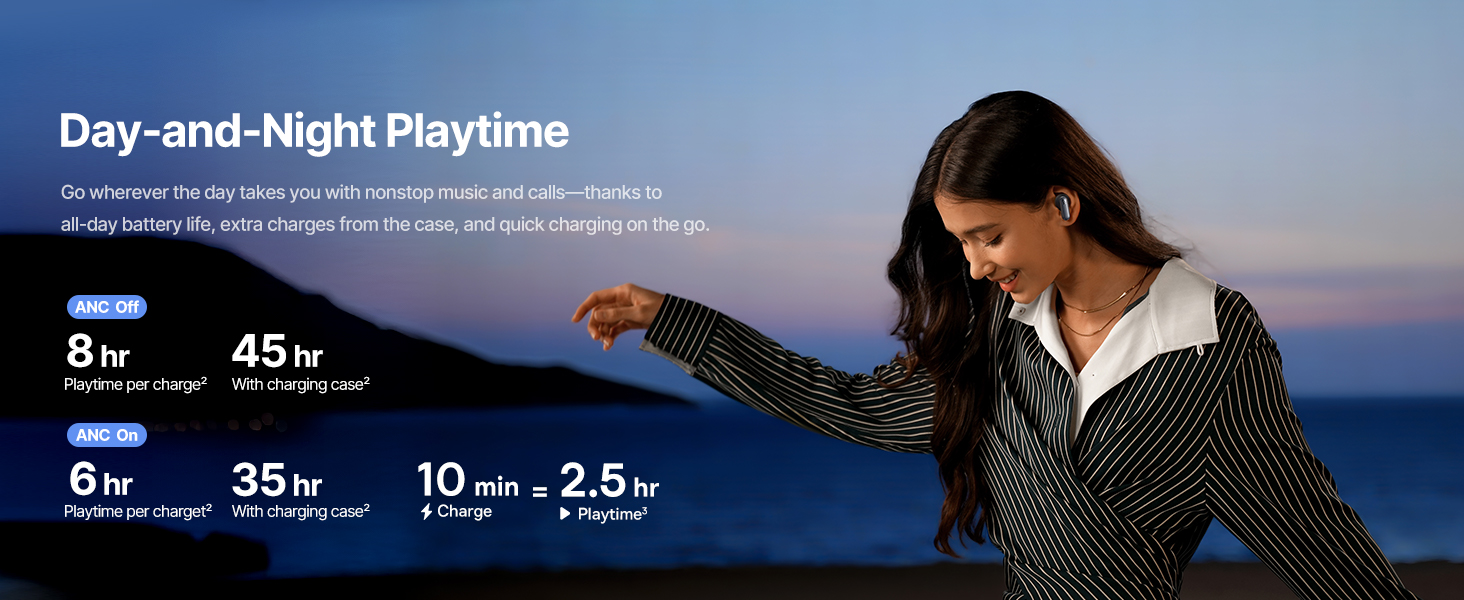
Image: Instant Multipoint Connection.
6. ساتنه
- پاکول: د غوږ بډونه او د چارج کولو کیس په منظم ډول د نرم، وچ، لینټ نه پاک ټوکر سره پاک کړئ. د کثافاتو موادو یا سخت کیمیاوي موادو څخه کار مه اخلئ.
- غوږونه: Remove and clean the silicone eartips with mild soap and water if necessary. Ensure they are completely dry before reattaching.
- د چارج کولو بندرونه: د USB-C چارج کولو پورټ له دوړو او کثافاتو څخه پاک وساتئ.
- ذخیره کول: When not in use, store the earbuds in their charging case to protect them and maintain battery life. Avoid extreme temperatures.
7. ستونزه حل کول
۵.۱ د غوږونو نه جوړېدل
- ډاډ ترلاسه کړئ چې د غوږ بډونه چارج شوي او د چارج کولو کیس پوښ خلاص دی.
- د خپل وسیله بلوتوث بند او فعال کړئ.
- وسیله په خپلو بلوتوث ترتیباتو کې هېره کړئ او د بیا جوړې کولو هڅه وکړئ.
- Try resetting the earbuds (refer to the Baseus App or Baseus support for specific reset instructions).
۵.۲ غږ نشته یا ټیټ غږ
- په خپل وسیله او ایربډ دواړو کې د غږ کچه وګورئ.
- ډاډ ترلاسه کړئ چې اییربډونه ستاسو په غوږونو کې په سمه توګه ځای پر ځای شوي دي.
- Verify that the earbuds are connected to the correct audio output on your device.
- د غوږونو د سپیکرو څخه هر ډول کثافات پاک کړئ.
7.3 د چارج کولو مسلې
- ډاډ ترلاسه کړئ چې د چارج کولو کیبل په خوندي ډول د قضیې او بریښنا سرچینې دواړو سره وصل دی.
- یو بل USB-C کیبل او د بریښنا اډاپټر هڅه وکړئ.
- د غوږونو او د قضیې دننه د چارج کولو تماسونه پاک کړئ.
8. مشخصات
Image: Product Specifications.
| د ماډل نوم | د بیسیس انسپایر XP1 |
| د ارتباط ټیکنالوژي | بلوتوث ۵.۳، بېسیم |
| د بې سیمه مخابراتو ټیکنالوژي | بلوتوث 6.1 |
| د شور کنټرول | Adaptive Noise Cancellation, Environmental Noise Cancellation |
| د آډیو ډرایور اندازه | 10 ملی متره |
| د فریکونسی رینج | ۲۰ هرټز - ۲۰،۰۰۰ هرټز |
| د بیټرۍ ژوند (ANC بند) | ۱۲ ساعته (د غوږونو بډونه)، ۲۴ ساعته (د چارج کولو کیس سره) |
| د چارج کولو بندر | USB-C |
| د کنټرول طریقه | اپلیکیشن، ټچ |
| مواد | سیلیکون |
| د توکي وزن | 7.8 اونس |
9. تضمین او ملاتړ
Baseus products are covered by a limited warranty. For detailed warranty information, product support, or to contact customer service, please visit the official Baseus webسایټ یا ستاسو په کڅوړه کې شامل تضمین کارت ته مراجعه وکړئ.
تاسو هم کولی شئ لیدنه وکړئ په ایمیزون کې د بیسوس پلورنځی د اضافي سرچینو او محصول معلوماتو لپاره.


