پیژندنه
This manual provides essential instructions for setting up, operating, and maintaining your LIGE EF21-J Smart Watch. Please read this guide thoroughly to ensure proper use and to fully utilize all features of your device. This smart watch is designed to be a versatile companion for both business and sports activities, offering advanced health monitoring, communication, and fitness tracking capabilities.
د بسته محتويات
ډاډ ترلاسه کړئ چې ټول توکي ستاسو په کڅوړه کې شتون لري:
- 1 x LIGE EF21-J Smart Watch
- ۱ x د سټینلیس سټیل تسمه
- 1 x سیلیکون پټه
- ۱ x USB مقناطیسي چارج کیبل
- 1 x د ډول-C چارج کیبل
- ۱ x لارښود لارښود (دا سند)
محصول پای ته ورسیدview
The LIGE EF21-J Smart Watch features a 1.43-inch AMOLED display, a durable metal case, and interchangeable straps to suit various occasions. It integrates advanced sensors for comprehensive health and fitness tracking.

Image: The LIGE EF21-J Smart Watch shown in different lifestyle scenarios, highlighting its adaptability for business, casual, and active use.
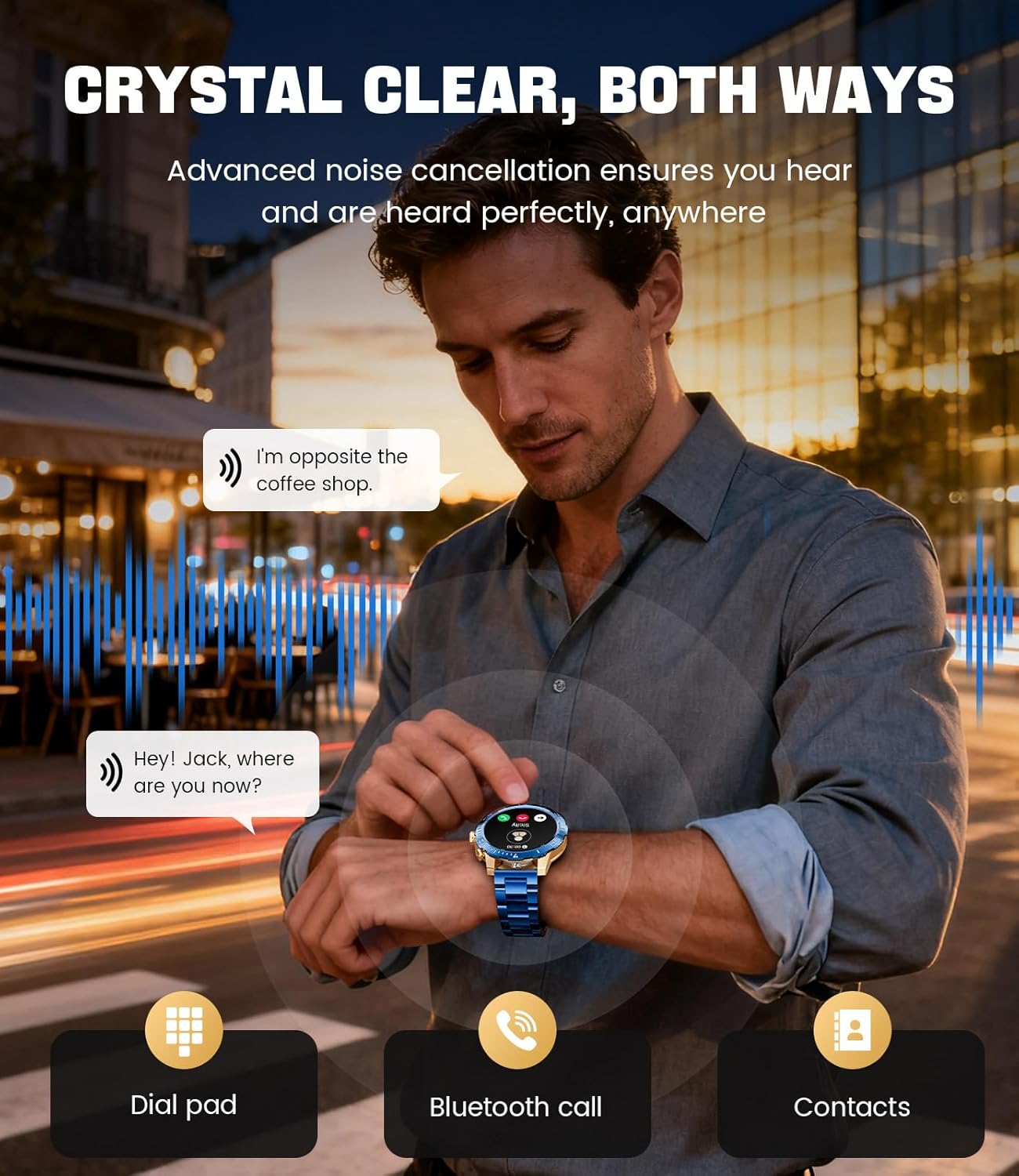
Image: A close-up of the LIGE EF21-J Smart Watch screen showing an incoming call, demonstrating its Bluetooth calling capability with clear audio.

Image: The LIGE EF21-J Smart Watch interface showing a selection of sports modes, including golf, climbing, and running, indicating its extensive activity tracking features.

Image: The LIGE EF21-J Smart Watch screen displaying heart rate, blood oxygen, and sleep data, illustrating its 24/7 health monitoring capabilities.
ویډیو: د محصول رسمي ویډیو نندارهasing the LIGE EF21-J Smart Watch's key features, including its AMOLED display, rotary encoder crown, charging capabilities, compatibility, sports modes, health monitoring, and various smart functions.
چمتو کول
۱. د سمارټ واچ چارج کول
Before first use, fully charge your LIGE EF21-J Smart Watch. The watch comes with both a USB magnetic charging cable and a Type-C charging cable for convenience.
- Connect the magnetic end of the charging cable to the charging points on the back of the watch. Ensure it snaps securely into place.
- Connect the USB or Type-C end of the cable to a compatible power adapter (not included) or a computer's USB port.
- د ساعت ښودنه به د چارج کولو حالت په ګوته کړي. بشپړ چارج معمولا شاوخوا 2-3 ساعته وخت نیسي.

Image: The LIGE EF21-J Smart Watch connected to its magnetic charging cable, illustrating the charging process and the inclusion of both USB and Type-C cable options.
2. د اپلیکیشن نصب کول
د خپل سمارټ واچ بشپړ فعالیت خلاصولو لپاره، په خپل سمارټ فون کې د ملګري اپلیکیشن ډاونلوډ او نصب کړئ.
- The LIGE EF21-J Smart Watch uses the د فټ کلاوډ پرو اپلیکیشن.
- لټون "FitCloudPro" in the Apple App Store (for iOS 12.0+ devices) or Google Play Store (for Android 8.0+ devices).
- اپلیکیشن ډاونلوډ او نصب کړئ.
3. د وسیله جوړه کول
Pair your smart watch with the FitCloudPro app via Bluetooth to synchronize data and enable smart features.
- ډاډ ترلاسه کړئ چې ستاسو په سمارټ فون کې بلوتوټ فعال دی.
- د FitCloudPro اپلیکیشن پرانیزئ او یو حساب جوړ کړئ یا ننوتل وکړئ.
- د نوي وسیله اضافه کولو لپاره د اپلیکیشن دننه لارښوونې تعقیب کړئ. اپلیکیشن به د شته وسیلو لټون وکړي.
- Select "EF21-J" or the corresponding device name from the list.
- په خپل سمارټ فون او ساعت دواړو کې د جوړه کولو غوښتنه تایید کړئ.
- یوځل چې جوړه شي، ساعت به ستاسو د تلیفون سره وخت او معلومات همغږي کړي.
عملیاتي لارښوونې
بنسټیز نیویګیشن
- ټچ سکرین: د مینو او دندو له لارې د نیویګیټ کولو لپاره کیڼ، ښي، پورته یا ښکته سوائپ کړئ. د غوره کولو لپاره ټایپ کړئ.
- Rotary Encoder Crown: د لیستونو له لارې سکرول کولو یا ترتیباتو تنظیم کولو لپاره تاج وګرځوئ. د کور سکرین ته د بیرته راستنیدو یا انتخابونو تایید لپاره تاج فشار ورکړئ.
- د غاړې تڼۍ: Typically used for quick access to sports modes or as a back button.
بلوتوث زنګ وهل
کله چې ستاسو سمارټ فون سره وصل وي، مستقیم له خپل لاس څخه زنګونه ووهئ او ترلاسه کړئ.
- ډاډ ترلاسه کړئ چې ستاسو ساعت ستاسو د تلیفون سره د بلوتوث له لارې جوړه شوې ده.
- To make a call: Access the dial pad or contacts list on your watch.
- To answer a call: When a call comes in, tap the green answer icon on the watch screen.
- To reject a call: Tap the red reject icon.
سمارټ خبرتیاوې
د زنګونو، پیغامونو او اپلیکیشن خبرتیاو لپاره خبرتیاوې په مستقیم ډول په خپل ساعت کې ترلاسه کړئ.
- Enable notification permissions for the FitCloudPro app in your phone's settings.
- Configure which app notifications you wish to receive through the FitCloudPro app.
- د ساعت مخ څخه ښکته ته واړوئ view وروستي خبرتیاوې.
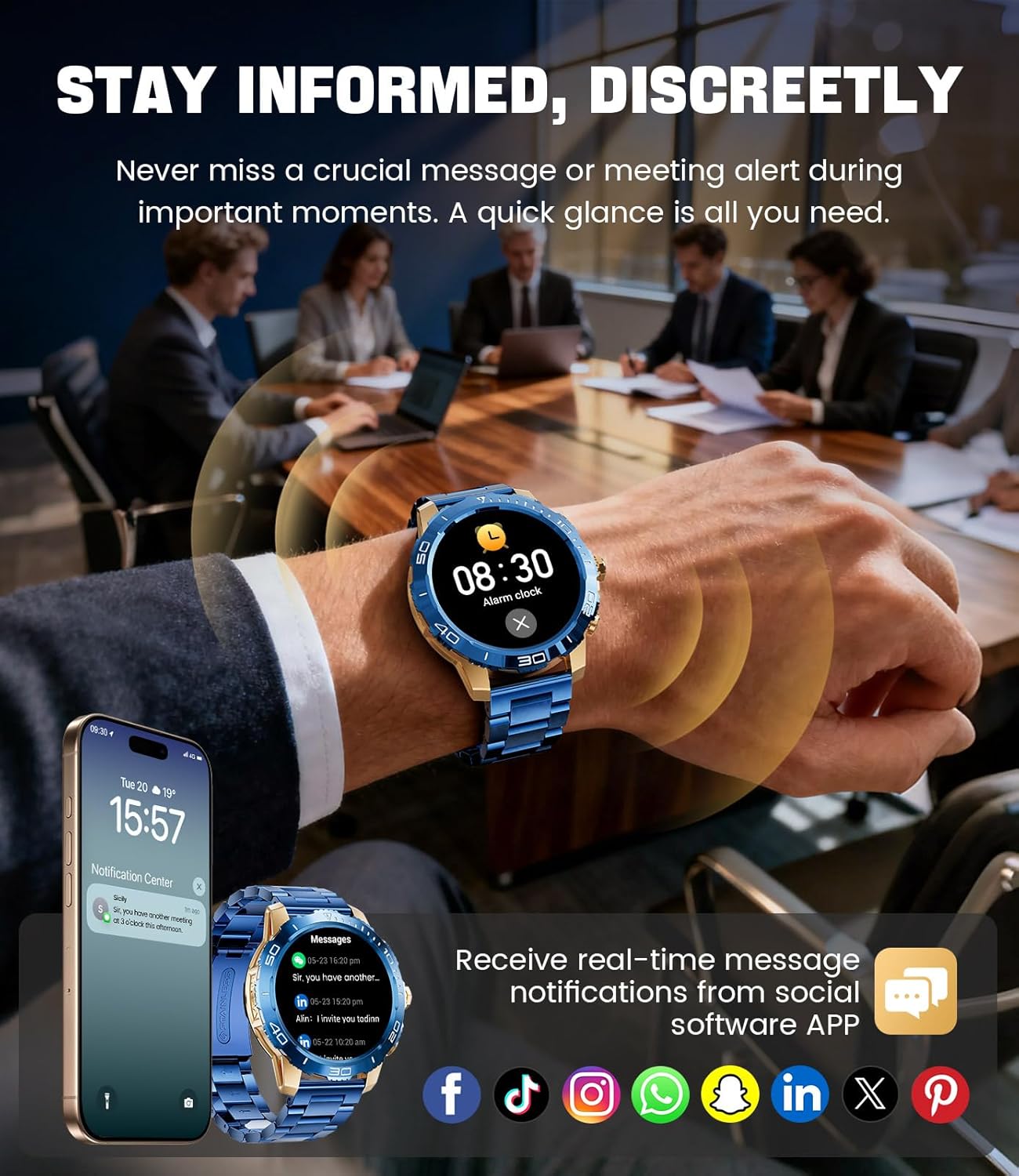
Image: The LIGE EF21-J Smart Watch screen showing incoming message notifications from various social media applications, demonstrating its ability to keep users informed discreetly.
د سپورت طریقې
The watch supports over 200 sports modes to accurately track your physical activities.
- Access the sports mode menu from the main interface.
- Select your desired activity (e.g., running, cycling, yoga, basketball).
- The watch will begin tracking metrics such as distance, steps, calories burned, and heart rate.
- End your workout by following the on-screen prompts. Data will sync to the FitCloudPro app for detailed analysis.
د روغتیا څارنه
Monitor your heart rate, blood oxygen, and sleep patterns throughout the day.
- د زړه ضربان: دا ساعت په دوامداره توګه ستاسو د زړه ضربان څاري. View real-time data on the watch or historical trends in the app.
- د وینې اکسیجن (SpO2): د خپلې وینې اکسیجن کچه د غوښتنې سره سم اندازه کړئ.
- د خوب تعقیب: Wear the watch to bed to track your sleep duration and quality. Data includes deep sleep, light sleep, and awake times.
- د فشار څارنه: The watch can also provide insights into your daily stress levels.
Important: The LIGE EF21-J Smart Watch is not a medical device. Health data provided is for reference only and should not be used for medical diagnosis or treatment. Consult a healthcare professional for any health concerns.
نورې دندې
The watch offers a variety of additional features to enhance your daily life:
- د غږ همکار: Interact with your phone's voice assistant directly from your watch.
- د موسیقۍ غږونکي کنټرول: په خپل سمارټ فون کې د موسیقۍ غږول کنټرول کړئ (غږول، بندول، ټریکونه پریښودل).
- د هوا وړاندوینه: د هوا په اړه په ریښتیني وخت کې تازه معلومات ترلاسه کړئ.
- د الارم ساعت: د ویښولو یا د کارونو د یادولو لپاره الارمونه تنظیم کړئ.
- بې ځایه یادونه: د غیر فعالیت دورې وروسته د حرکت لپاره خبرتیاوې ترلاسه کړئ.
- د اوبو څښلو یادونه: د اوبو د کمښت لپاره یادونې تنظیم کړئ.
- رڼا: Use the watch screen as a small flashlight.
- زما تلیفون ومومئ: خپل جوړه شوی سمارټ فون ومومئ.
- د پټنوم ساتنه: Enhance security with a screen lock password.

Image: The LIGE EF21-J Smart Watch interface showcasing a range of smart functions, including music control, weather, breath training, drink reminders, flashlight, and health monitoring summaries.
د بیټرۍ مدیریت
The LIGE EF21-J Smart Watch is equipped with an 800mAh battery, designed for extended use.
- عادي استعمال: Expect over 10 days of battery life with regular use.
- ولاړ وخت: The watch can last over 30 days in standby mode.
- چارج کول: Use the provided USB magnetic or Type-C charging cables. Always use a compatible 5V/1A power adapter.
- د بیټرۍ اصلاح کول: د بیټرۍ د ژوند د اوږدولو لپاره، د سکرین روښانتیا کمه کړئ، د شالید اپلیکیشن تازه کول محدود کړئ، او غیر ضروري خبرتیاوې غیر فعال کړئ.
ساتنه
- پاکول: په منظم ډول د ساعت سکرین او بدن د نرم، وچ ټوکر سره پاک کړئ. د سختې خاورې لپاره، یو څه ډamp ټوکر او په بشپړه توګه وچ کړئ.
- د اوبو مقاومت: The watch has an IP68 water resistance rating, meaning it is protected against dust and can withstand immersion in water up to 1.5 meters for up to 30 minutes. It is suitable for daily use, hand washing, and light rain. Avoid hot water, saunas, or diving, as steam and high pressure can compromise the seal.
- د پټو ساتنه: Clean silicone straps with mild soap and water. For stainless steel straps, use a soft brush and mild cleaning solution, then dry completely.
- ذخیره کول: ساعت په یخ او وچ ځای کې وساتئ کله چې کارول نه وي. د تودوخې له سختوالي څخه ډډه وکړئ.
د ستونزو حل کول
| ستونزه | د حل لاره |
|---|---|
| ساعت نه چالانېږي | ډاډ ترلاسه کړئ چې ساعت په بشپړه توګه چارج شوی دی. لږترلږه د 30 دقیقو لپاره یې چارجر سره وصل کړئ. |
| د تلیفون سره جوړه نشي کیدی |
|
| خبرتیاوې ندي ترلاسه شوي |
|
| د روغتیا ناسم معلومات | Ensure the watch is worn snugly on your wrist, about one finger's width from your wrist bone. Avoid excessive movement during measurements. Remember, this is not a medical device. |
| د بیټرۍ لنډ ژوند |
|
مشخصات
| فیچر | تفصیل |
|---|---|
| د ماډل شمیره | EF21-J |
| ښودل | 1.43-inch AMOLED, 466x466 pixels |
| د بیټرۍ ظرفیت | 800mAh لیتیم پولیمر |
| د بیټرۍ ژوند (معمولي) | 10+ ورځې |
| ولاړ وخت | 30+ ورځې |
| ارتباط | بلوتوث |
| د اوبو مقاومت | IP68 |
| د عملیاتي سیسټم مطابقت | Android 8.0+ یا iOS 12.0+ |
| د ملګری ایپ | FitCloudPro |
| د روغتیا څارنه | Heart Rate, Blood Oxygen, Sleep Tracking, Stress Monitoring |
| د سپورت طریقې | ۱۰۰+ طریقې |
| ځانګړي ځانګړتیاوې | Bluetooth Call, Voice Assistant, Music Control, Weather, Alarm, Sedentary Reminder, Drink Reminder, Flashlight, Find My Phone, Password Protection, AMOLED Always On Display |
| د توکي وزن | 7.1 اونس (201 ګرامه) |
| د کڅوړې ابعاد | 6 x 4 x 0.9 انچه (15.24 x 10.16 x 2.29 سانتي متره) |
تضمین او ملاتړ
LIGE provides customer support for your EF21-J Smart Watch. If you encounter any issues or have questions regarding your device, please contact us through the Amazon messaging system. Our professional customer service team is available to assist you.
مهرباني وکړئ د ځانګړو تضمین شرایطو او مقرراتو لپاره د پیرود اسنادو ته مراجعه وکړئ.


