1. پیژندنه
Welcome to the user manual for your new XIAOMI QLED 32" A Pro 2026 Smart TV. This guide provides essential information for setting up, operating, and maintaining your television to ensure optimal performance and enjoyment. Your new Smart TV combines advanced display technology with the intuitive Google TV platform, offering a seamless entertainment experience.
2. ترتیب کول
۱. د بکس خلاصول او د بسته بندۍ محتويات
Carefully remove the television and all accessories from the packaging. Ensure all components are present:
- XIAOMI QLED 32" A Pro 2026 Smart TV
- ریموټ کنټرول
- د بریښنا کیبل
- د تلویزیون سټینډونه (2x)
- د سټینډ اسمبلۍ لپاره پیچونه
- د کارونکي لارښود (دا لاسوند)
2.2. ولاړ مجلس
If you choose to place the TV on a surface, attach the included stands:
- د تلویزیون سکرین په نرم او فلیټ سطح کې کیږدئ ترڅو د سکریچونو مخه ونیول شي.
- هر سټینډ د تلویزیون په ښکته برخه کې د اړوندو سلاټونو سره سم کړئ.
- هر سټینډ د چمتو شوي پیچونو سره خوندي کړئ.

Image: Close-up of the TV's metallic stand, highlighting its quality construction.
2.3. دیوال لوړول
For wall mounting, use a VESA-compatible bracket (not included). Refer to the dimensions image for VESA mount specifications (100x200mm).

Image: Diagram showing the dimensions of the Xiaomi TV A Pro 32 2026, including height, width, depth, and VESA wall mount specifications (100x200mm).
2.4. د نښلولو وسیلې
خپل بهرني وسایل د تلویزیون پورټونو سره وصل کړئ:
- HDMI: Connect gaming consoles, Blu-ray players, or set-top boxes. This model features HDMI connectivity.
- USB: د USB ډرایو څخه د میډیا پلې بیک لپاره.
- شبکه (ایترنیټ): د تار لرونکي انټرنیټ اتصال لپاره.
- انتن/سپوږمکۍ: د تلویزیون سیګنالونو د خپرولو لپاره.
د تلویزیون د بریښنا کولو دمخه ډاډ ترلاسه کړئ چې ټولې اړیکې خوندي دي.
3. عملیات
3.1. بریښنا فعال/بند
Connect the power cable to the TV and a power outlet. Press the power button on the remote control or on the TV itself to turn it on or off.
۲. د ګوګل تلویزیون انٹرفیس
Your TV runs on Google TV, which organizes movies, shows, and more from your apps and subscriptions. It provides personalized recommendations and access to over 10,000 apps through Google's powerful search engine.

Image: The Google TV home screen displaying a variety of streaming applications and personalized content suggestions.
۶. د ګوګل اسسټنټ سره د غږ کنټرول
Use your voice to control your TV and smart home devices. Simply press the Google Assistant button on your remote to get started. You can ask Google Assistant to find films, stream apps, play music, and more.

Image: The Google Assistant logo and text explaining how to use voice commands to control the TV and access content.
3.4. ریموټ کنټرول
The 360° Bluetooth remote control offers convenient customization and allows you to search for content using your voice from any angle.

Image: A close-up of the TV's remote control, highlighting its Bluetooth connectivity and voice control button.
۶. ګوګل کاسټ
Easily stream movies, shows, photos, and more from your phone or tablet directly to your TV using Google Cast. This feature requires Google Cast enabled apps on your mobile device.

Image: A smartphone screen mirroring content to the television via Google Cast, displaying a vibrant landscape.
4. ځانګړتیاوې
4.1. QLED Quantum Dot Display
Experience captivating, realistic images with the QLED display, featuring a wide color gamut and precise color adjustment. It delivers vibrant, mesmerizing colors, supporting 1.07 billion colors and DCI-P3 94% color space, a standard used in Hollywood.

Image: An illustration of QLED quantum dot technology, showing layers of display components and a vibrant image on screen.
4.2. Low Blue Light for Eye Comfort
The next-generation DC dimming technology smoothly controls screen brightness and eliminates backlight flicker. The available eye comfort mode effectively reduces blue light, allowing for worry-free enjoyment of stunning visuals.

Image: A person watching the TV in a dimly lit room, illustrating the low blue light feature for eye comfort.
4.3. Dolby Audio & DTS:X
Equipped with dual high-power speakers, the TV delivers fuller treble and richer bass. Enjoy a cinematic experience at home with dynamic and crystal-clear sound certified by Dolby Audio & DTS:X.

Image: The TV screen displaying a wave, with sound waves emanating from the bottom, illustrating Dolby Audio and DTS:X features.
4.4. Full-Screen Display
The TV features an ultra-high screen-to-body ratio with almost invisible borders, providing a more immersive experience when watching films and gaming.

Image: A comparison of a standard TV screen with a full-screen display, highlighting the minimal bezels for an immersive view.
4.5. Leading Performance
With a powerful quad-core processor, 1.5GB of RAM, and 8GB of storage, you can enjoy smooth performance and easily download applications.

انځور: یو مفصل view of the TV's internal processor and memory components, illustrating its leading performance capabilities.
4.6. بې سیم ارتباط
The TV supports Bluetooth 5.0 and Dual-band Wi-Fi for seamless wireless connections to your devices and network.
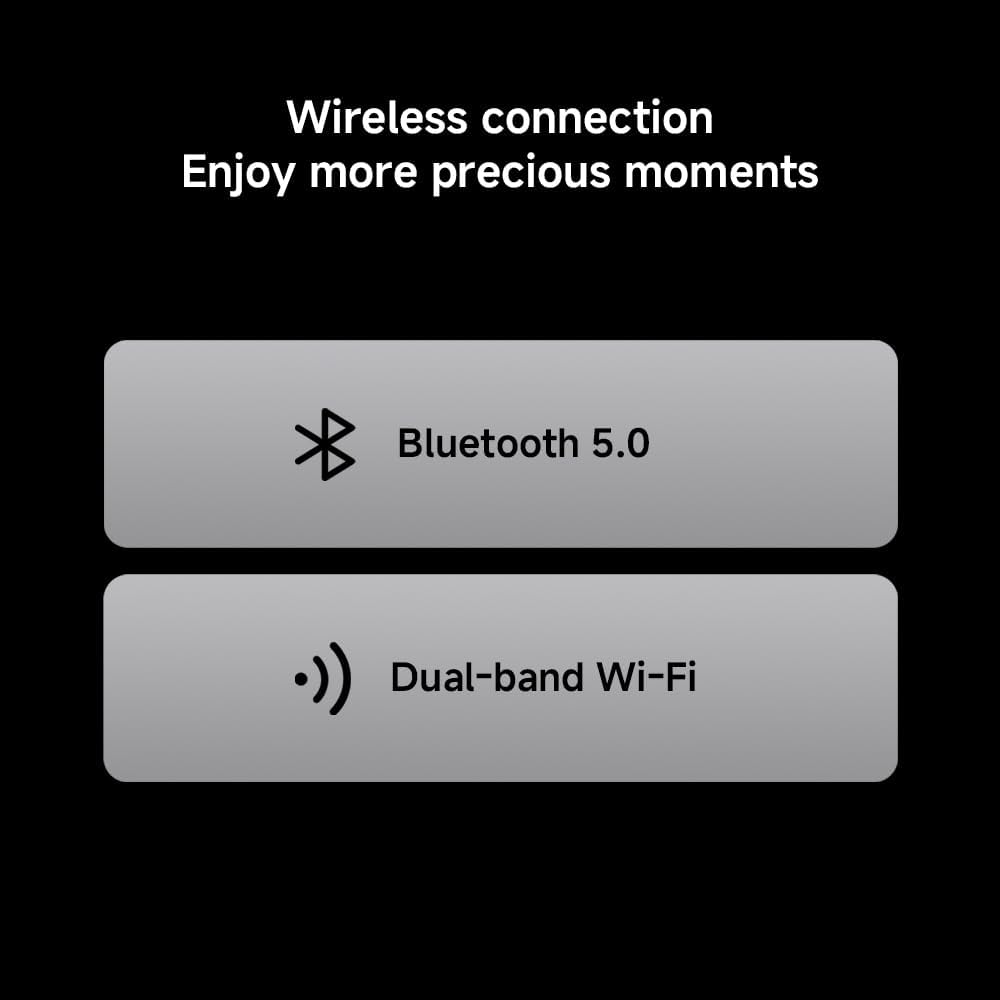
Image: Icons representing Bluetooth 5.0 and Dual-band Wi-Fi, indicating the TV's wireless connectivity options.
4.7. Metallic Design
The TV features an exquisite metal finish and craftsmanship, adding a touch of sophistication to your home decor.
Image: Two close-up shots showcasing the TV's metallic stand and slim side profile, emphasizing its quality design.
5. مشخصات
| فیچر | تفصیل |
|---|---|
| برانډ | XIAOMI |
| د ماډل شمیره | 6941948705524 |
| د سکرین اندازه | ۷۸۷ انچه |
| ټیکنالوژي ښکاره کول | QLED |
| قرارداد | 1366 x 768 پکسلز (HD) Note: While marketed as '4K', the official product information sheet specifies HD resolution. |
| د تازه کولو نرخ | 60 Hz |
| عملیاتي سیسټم | ګوګل تلویزیون |
| آډیو ټیکنالوژي | ډولبي آډیو، ډي ټي ایس: ایکس |
| ارتباط | HDMI, USB, Ethernet, Bluetooth 5.0, Dual-band Wi-Fi |
| ابعاد (LxWxH) | 120 x 2 x 120 سانتي متره |
| وزن | 6 کیلو ګرامه |
| د انرژي موثریت درجه | F |
| د EPREL راجستریشن | 2194746 |

Image: Official Product Information Sheet detailing technical specifications and energy efficiency.

Image: The EU Energy Efficiency Label for the Xiaomi TV, showing its rating and power consumption.
6. ساتنه
۱. د تلویزیون پاکول
د سکرین پاکولو لپاره، په نرمۍ سره یې د نرم، لینټ نه پاک ټوکر سره پاک کړئ. د سختو نښو لپاره، په نرمۍ سرهampen the cloth with water or a screen-cleaning solution. Avoid using harsh chemicals or abrasive materials. Clean the TV's exterior with a soft, dry cloth.
6.2. د سافټویر تازه معلومات
ستاسو تلویزیون ممکن د فعالیت ښه کولو او نوي ځانګړتیاو اضافه کولو لپاره اتوماتیک سافټویر تازه معلومات ترلاسه کړي. ډاډ ترلاسه کړئ چې ستاسو تلویزیون د دې تازه معلوماتو ترلاسه کولو لپاره انټرنیټ سره وصل دی. تاسو کولی شئ په لاسي ډول د تلویزیون د ترتیباتو مینو کې د تازه معلوماتو لپاره هم وګورئ.
7. ستونزه حل کول
| ستونزه | د حل لاره |
|---|---|
| هیڅ ځواک نشته | Check if the power cable is securely connected to the TV and the power outlet. Ensure the power outlet is functional. |
| انځور/غږ نشته | ډاډ ترلاسه کړئ چې د ننوتلو سمه سرچینه غوره شوې ده. د کیبل ټولې اړیکې (HDMI، انټینا، او نور) د نرموالي یا زیان لپاره وګورئ. |
| ریموټ کنټرول کار نه کوي | په ریموټ کنټرول کې بیټرۍ بدل کړئ. ډاډ ترلاسه کړئ چې د ریموټ او تلویزیون ترمنځ هیڅ خنډ شتون نلري. |
| د شبکې د اتصال ستونزې | Restart your router and modem. Check Wi-Fi settings on the TV or ensure the Ethernet cable is properly connected. |
| ورو فعالیت | Close unused applications. Clear cache and data from apps in the TV settings. Consider uninstalling rarely used apps to free up storage. |
8. تضمین
Your XIAOMI QLED 32" A Pro 2026 Smart TV comes with a standard manufacturer's warranty. Please refer to the warranty card included in your product packaging or visit the official Xiaomi webد تضمین پوښښ او خدماتو په اړه د مفصلو شرایطو او مقرراتو لپاره سایټ.
9. ملاتړ
د نورو مرستو، تخنیکي ملاتړ، یا اضافي سرچینو ته د لاسرسي لپاره، مهرباني وکړئ د Xiaomi رسمي ملاتړ ته مراجعه وکړئ. website or contact their customer service. You can also find more product information via the EPREL database using the registration number: 2194746.
۳.۳. د محصول رسمي ویډیو
Video: An official product video from Xiaomi showcasing the features of the Xiaomi TV F Pro 32 2026, including its design, display, and smart functionalities.


