1. پیژندنه
Thank you for choosing the GOBOULT Mustang Thunder Bluetooth Headphones. This manual will guide you through the features, setup, and operation of your new headphones, ensuring an optimal audio experience. Please read these instructions carefully before use.

Image 1.1: GOBOULT Mustang Thunder Bluetooth Headphones in Silver Black.
2. د بسته محتويات
ډاډ ترلاسه کړئ چې ټول توکي ستاسو په کڅوړه کې شتون لري:
- GOBOULT Mustang Thunder Bluetooth Headphones
- د USB ډول - سي چارج کیبل
- ۳.۵ ملي میتره آډیو کیبل (د تار لرونکي اتصال لپاره)
- د کارن لارښود
3. محصول ختم شوview
Familiarize yourself with the main components and controls of your headphones.

Image 3.1: Illustration of tactile controls and AI Voice Assistant feature on the headphone.
کلیدي ځانګړتیاوې:
- 40mm Bass Drivers: For powerful and immersive sound.
- Zen ENC Mic: Environmental Noise Cancellation for clear calls.
- بلوتوث v5.4: Stable and low-latency wireless connectivity.
- ټایپ-سي چټک چارج کول: Efficient power replenishment.
- د لوبې 70 ساعته وخت: د اوږدې مودې کارونې لپاره د بیټرۍ ژوند اوږد شوی.
- 4 EQ Sound Modes: Customizable audio profiles (Rock, Pop, Vocal, Bass).
- 3 Brightness LED Modes: Adjustable LED lighting on the earcups.
۱. تنظیم او لومړنی کارول
۳.۱ د هیډفونونو چارج کول
د لومړي ځل کارولو دمخه، خپل هیډفونونه په بشپړه توګه چارج کړئ.
- د USB ډول-C چارج کولو کیبل د هیډفونونو د چارج کولو پورټ سره وصل کړئ.
- د کیبل بل پای د USB بریښنا اډاپټر (شامل نه دی) یا د کمپیوټر USB پورټ سره وصل کړئ.
- The LED indicator will show charging status. It will turn off or change color once fully charged.
A full charge provides up to 70 hours of playtime without LED lights, or 50 hours with LED lights active.
4.2 بریښنا کول / بندول
- د فعالولو لپاره: د بریښنا تڼۍ د نږدې 3 ثانیو لپاره فشار ورکړئ او ونیسئ تر هغه چې د LED شاخص روښانه شي.
- د بریښنا بندولو لپاره: د بریښنا تڼۍ د نږدې 3 ثانیو لپاره فشار ورکړئ او ونیسئ تر هغه چې د LED شاخص بند نشي.
4.3 د بلوتوټ جوړه کول
خپل هیډفونونه د بلوتوث فعال شوي وسیلې سره یوځای کړئ.
- ډاډ ترلاسه کړئ چې هیډفونونه بند دي.
- د بریښنا تڼۍ د 5-7 ثانیو لپاره فشار ورکړئ او ونیسئ تر هغه چې د LED شاخص په بدیل سره سور او نیلي روښانه شي، د جوړه کولو حالت په ګوته کوي.
- په خپل وسیله (سمارټ فون، ټابلیټ، کمپیوټر) کې، بلوتوټ فعال کړئ او د شته وسایلو لټون وکړئ.
- Select "GOBOULT Mustang Thunder" from the list of found devices.
- یوځل چې وصل شي، د LED شاخص به ورو ورو نیلي فلش وکړي یا به جامد نیلي پاتې شي.
The headphones support Bluetooth v5.4 for a stable connection up to 10 meters.
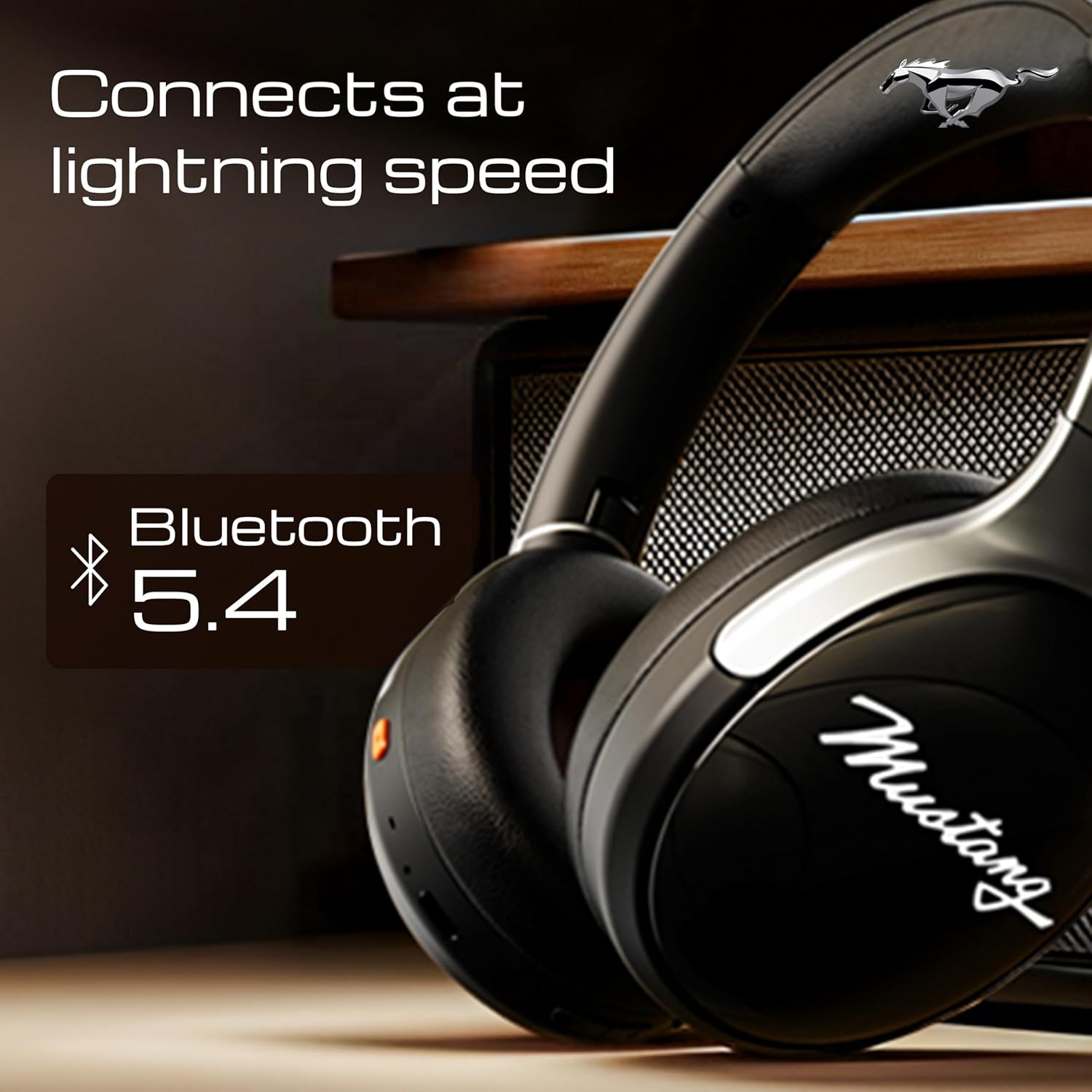
Image 4.1: Bluetooth 5.4 connectivity for fast and stable pairing.
5. عملیاتي لارښوونې
5.1 د میوزیک غږ
- پلی کول / ودرول: یوځل د ملټي فنکشن ت buttonۍ فشار ورکړئ.
- بله لار: د حجم پورته کولو تڼۍ کېکاږئ او ونیسئ.
- مخکینی لار د حجم ښکته تڼۍ فشار او وساتئ.
- حجم پورته کول: د حجم پورته کولو تڼۍ لنډ فشار ورکړئ.
- کموالی: د حجم کمولو تڼۍ لنډ فشار ورکړئ.
۶.۳ د زنګ وهلو مدیریت
The integrated Zen ENC Mic ensures clear communication.
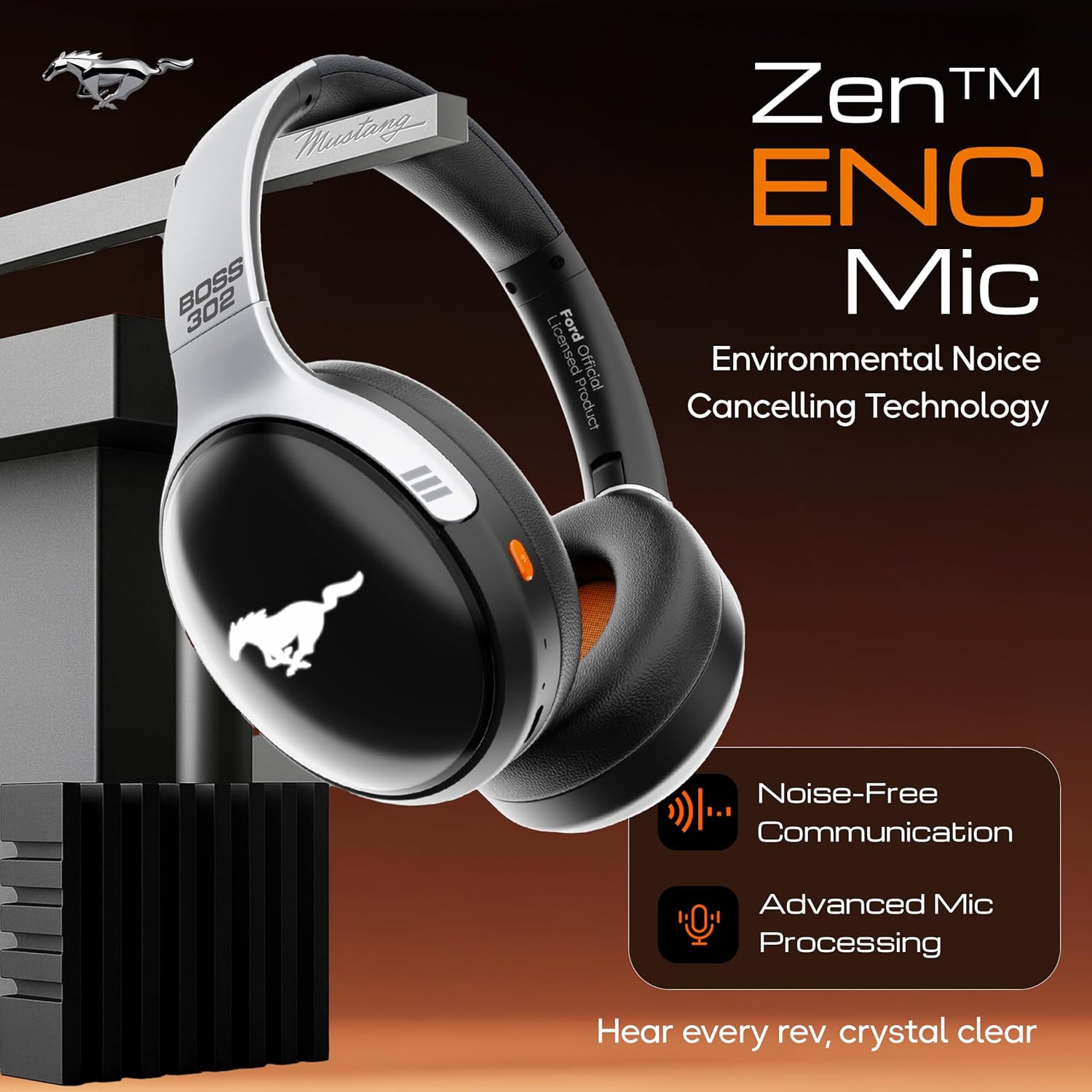
Image 5.1: Zen ENC Mic technology for noise-free communication.
- ځواب / پای کال: یوځل د ملټي فنکشن ت buttonۍ فشار ورکړئ.
- زنګ رد کړئ: د 2 ثانیو لپاره د ملټي فنکشن تڼۍ فشار او ونیسئ.
- وروستنۍ شمیره بیا ولیکئ: د ملټي فنکشن ت .ۍ دوه ځله فشار ورکړئ.
۶.۵ د مساوي غږ حالتونه
Customize your audio experience with 4 distinct EQ modes.
- بدلون موډل: Press the EQ button (refer to product diagram for location) to cycle through Rock, Pop, Vocal, and Bass modes.
د LED رڼا کولو ۳ طریقې
Activate and change the dynamic LED lights on your earcups.

Image 5.2: Dynamic LED lights and glowing Mustang emblem on the headphones.
- Activate/Change Modes: Press the LED button (refer to product diagram for location) to cycle through the 3 brightness LED modes.
۴.۴ د مصنوعي ذهانت غږ مرستیال
Access your device's voice assistant directly from the headphones.
- فعالول: Triple-press the Multi-function button to activate Google Assistant or your device's default voice assistant.
5.6 وائرډ اتصال (AUX حالت)
Use the included 3.5mm audio cable for a wired connection, conserving battery or connecting to non-Bluetooth devices.
- Plug one end of the 3.5mm audio cable into the AUX port on the headphones.
- بل پای د خپل وسیلې په 3.5 ملي میتر آډیو جیک کې ولګوئ.
- هیډفونونه به په اتوماتيک ډول AUX حالت ته لاړ شي.
6. ساتنه او پالنه
سمه پاملرنه ستاسو د هیډفونونو اوږد عمر او فعالیت تضمینوي.
- پاکول: د هیډفونونو د پاکولو لپاره نرم، وچ ټوکر وکاروئ. سخت کیمیاوي مواد یا د کثافاتو مواد مه کاروئ.
- ذخیره کول: Store the headphones in a cool, dry place, away from direct sunlight and extreme temperatures. The foldable design allows for compact storage.
- د اوبو مقاومت: The headphones are water resistant. Avoid submerging them in water or exposing them to heavy rain.
- بیټرۍ: To preserve battery life, charge the headphones at least once every three months if not in regular use.
7. ستونزه حل کول
که تاسو له ستونزو سره مخ شئ، لاندې عام حلونو ته مراجعه وکړئ:
| ستونزه | احتمالي لامل | د حل لاره |
|---|---|---|
| هیډفونونه نه چالانیږي | ټیټ بیټرۍ | د ورکړل شوي ټایپ-سي کیبل په کارولو سره هیډفونونه په بشپړ ډول چارج کړئ. |
| د وسیلې سره جوړه نشي کیدی | هیډفونونه د جوړې کولو په حالت کې ندي؛ په وسیله کې بلوتوټ بند دی؛ وسیله ډیره لرې ده | Ensure headphones are in pairing mode (flashing red/blue). Turn on Bluetooth on your device. Move device closer to headphones (within 10m). |
| د پلې بیک پرمهال هیڅ غږ نشته | غږ ډېر ټیټ دی؛ د غږ ناسمه سرچینه؛ هیډفونونه نه دي وصل شوي | Increase volume on headphones and device. Check if headphones are properly connected via Bluetooth or AUX. Ensure correct audio output is selected on your device. |
| د تلیفون کیفیت خراب دی | Environmental noise; weak Bluetooth connection | Move to a quieter environment. Ensure a stable Bluetooth connection. |
8. مشخصات
Detailed technical specifications for the GOBOULT Mustang Thunder Bluetooth Headphones:
| فیچر | مشخصات |
|---|---|
| د ماډل نوم | Airbass |
| د ارتباط ټیکنالوژي | بېسیم (بلوتوث v5.4) |
| د بلوتوټ رینج | 10 متره |
| د آډیو ډرایور اندازه | 40 ملی میتر |
| د تعدد ځواب | 20 Hz |
| حساسیت | 118 dB |
| هیډفون جیک | 3.5 ملی جیک |
| د بیټرۍ ژوند (د لوبې وخت) | Up to 70 Hours (without LEDs), 50 Hours (with LEDs) |
| د بیټرۍ جوړښت | لیتیم پولیمر |
| د چارج کولو بندر | د USB ډول-C |
| د توکي وزن | 234 ګرامه |
| د محصول ابعاد | 18 x 5 x 19.5 سانتي متره |
| د اوبو د مقاومت کچه | د اوبو مقاومت |
| د کنټرول ډول | Button Control, Google Assistant |
9. تضمین او ملاتړ
9.1 د تضمین معلومات
The GOBOULT Mustang Thunder Bluetooth Headphones come with a د جوړونکي دوه کلن تضمین from the date of purchase. This warranty covers manufacturing defects and ensures trusted performance and premium build quality.
مهرباني وکړئ د تضمین ادعاګانو لپاره د پیرود ثبوت وساتئ.
9.2 د پیرودونکي ملاتړ
For any questions, technical assistance, or warranty claims, please contact GOBOULT customer support through their official webسایټ یا پرچون پلورونکی چیرې چې محصول اخیستل شوی و.


